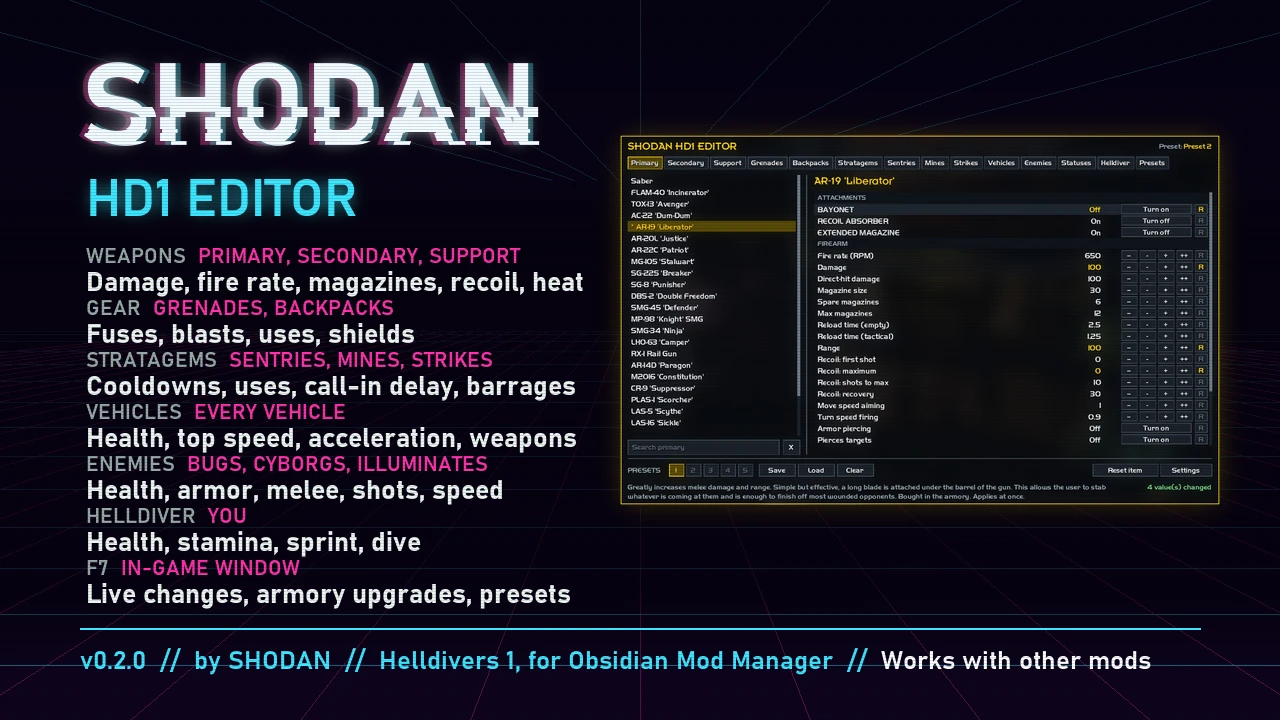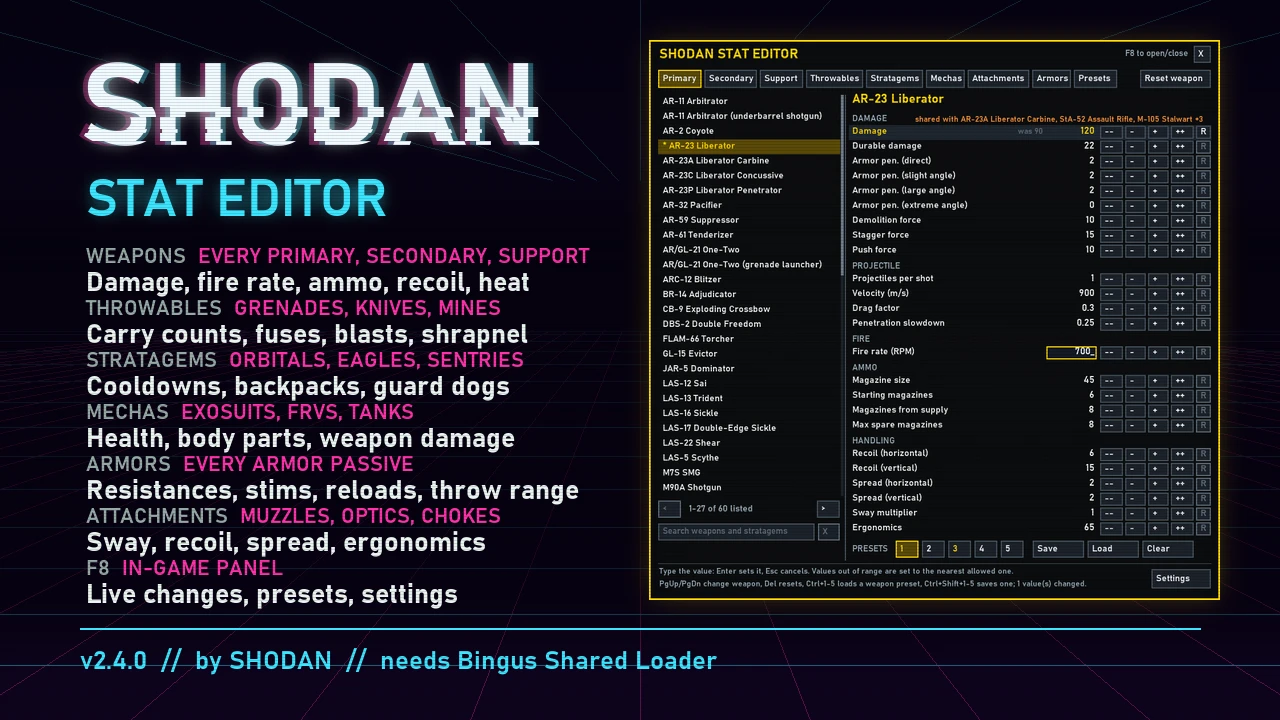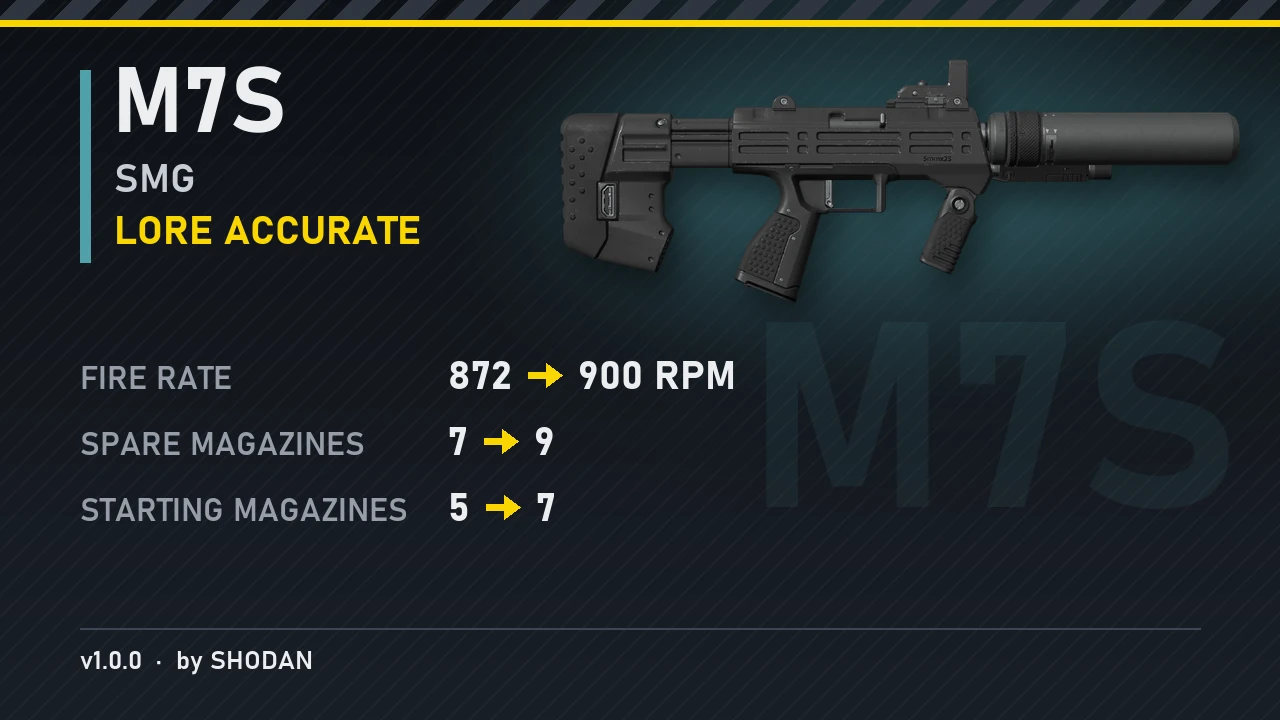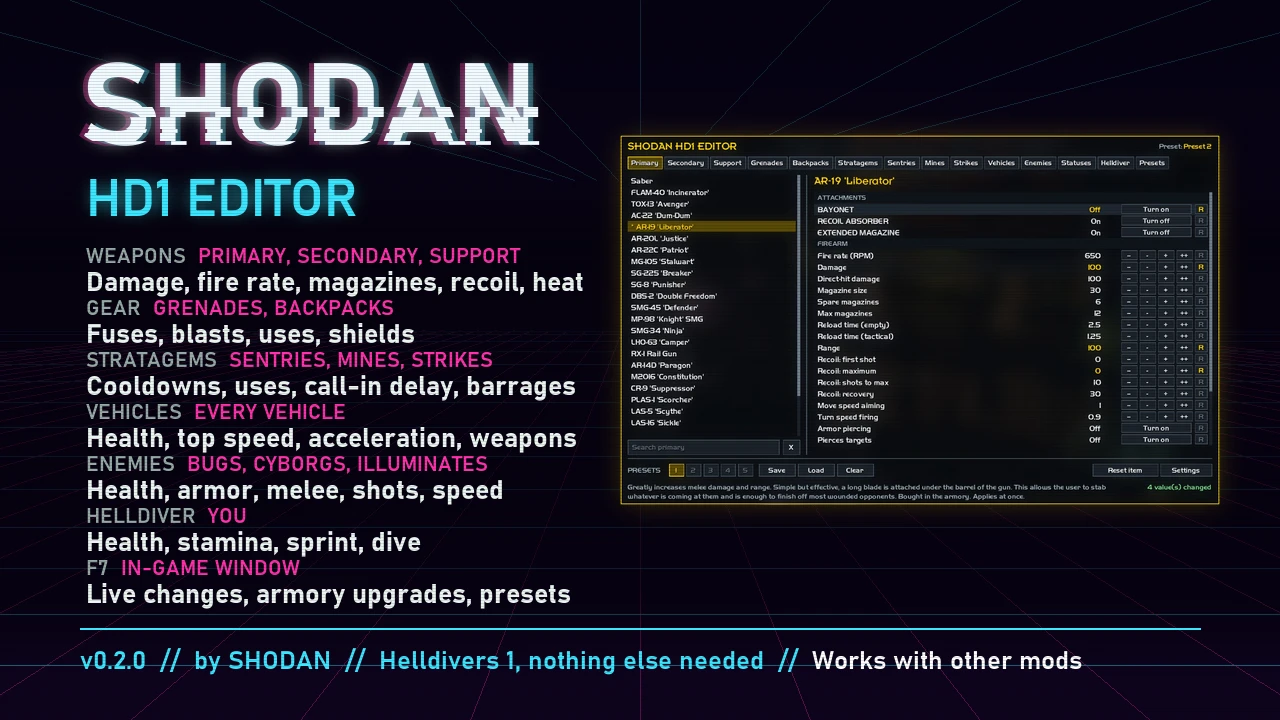
Change the stats of weapons, grenades, backpacks, stratagems, sentries, mines, strikes, vehicles, enemies, status effects and your Helldiver in Helldivers (the first one). Press F7 in game, pick an item, change its numbers, and the change applies at once. Your changes stay for the next launch.
If you also use a mod manager, deploy your mods there first, then run Install.bat. The editor keeps those mods running. Every time you deploy again, the editor stops opening until you run Install.bat again.
Use Obsidian Mod Manager? There is an Obsidian Mod Manager version that installs and updates through it. Pick one version, not both.
What you can do
- Edit stats live: every value, per item.
- Attachments: turn each weapon's armory upgrades on and off, bought or not. Your save is left as it is.
- Presets: 5 per item, and up to 50 named presets for everything you have changed.
- Settings: turn all your changes off and on again, pick how see-through the window is, hide the key hints, and hide tabs you don't use.
- Updates: the editor can update itself, and asks first unless you set it to Automatic.
Install
- Download the latest zip and unzip it.
- Close the game, then double-click Install.bat.
- Start Helldivers and press F7.
If you also use a mod manager, deploy your mods there first, then run Install.bat. The editor keeps those mods running. Every time you deploy again, the editor stops opening until you run Install.bat again.
Use Obsidian Mod Manager? There is an Obsidian Mod Manager version that installs and updates through it. Pick one version, not both.
Unlock everything
Unlock Everything.bat is a separate tool in the same zip. It works without the editor installed. Close the game and double-click it. Every weapon, stratagem, perk, armor and upgrade you can earn is unlocked in your save. Your rank and XP stay as they are. Paid DLC stays locked unless you own it, and the DLC you own gets its upgrades too. Your old save is backed up first.Notes
- Leaderboard scores aren't sent while the editor is installed. Galactic War progress is sent as usual.
- Works with other mods (see Install for mod managers).