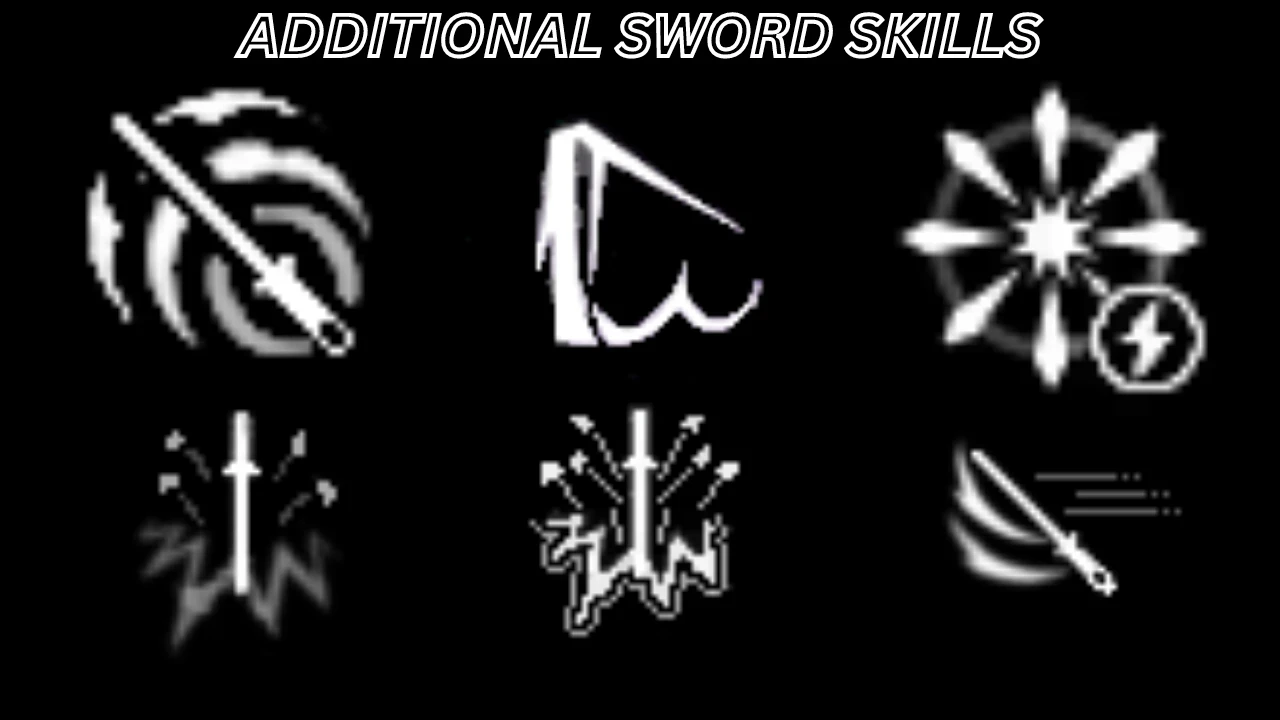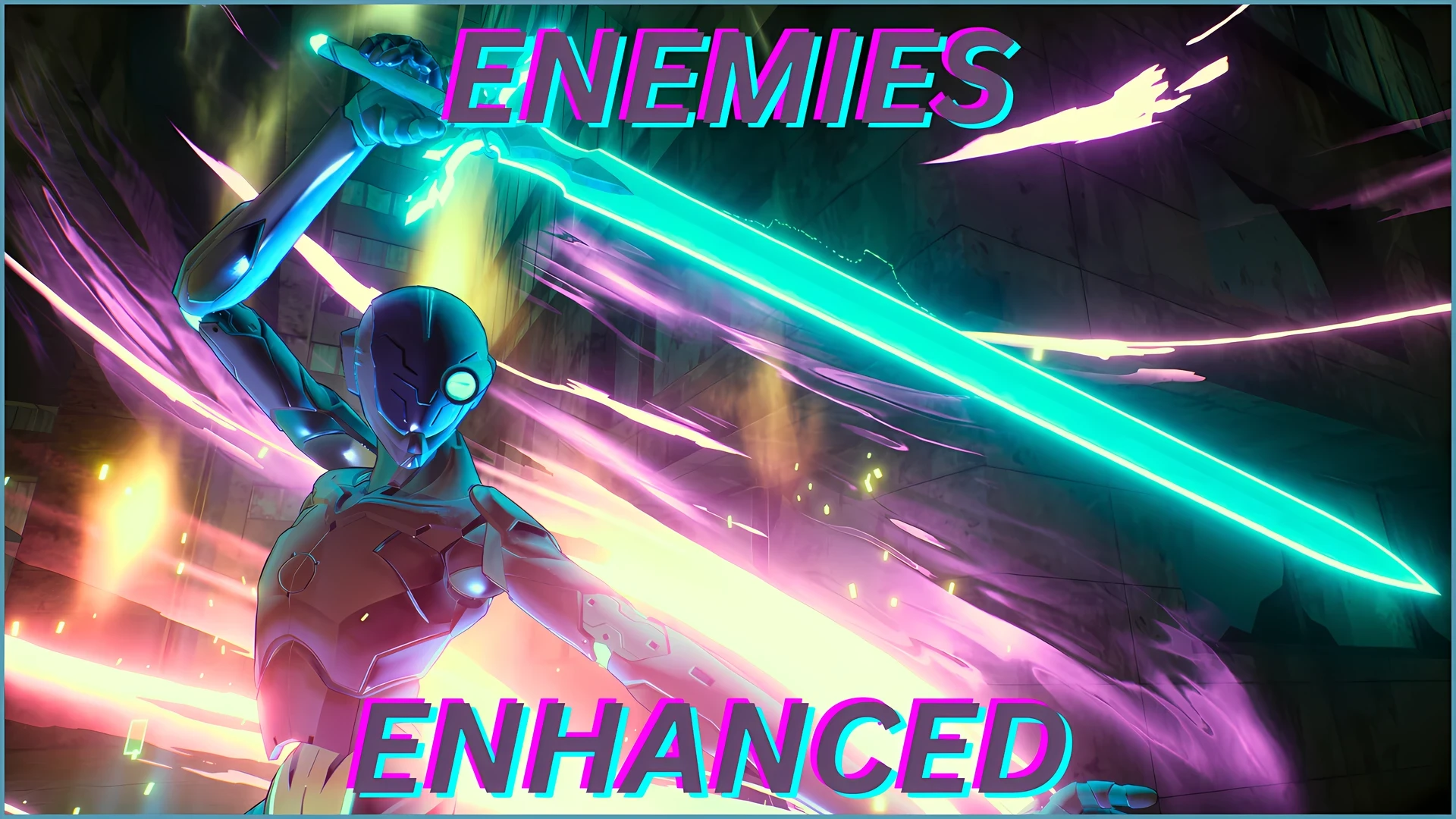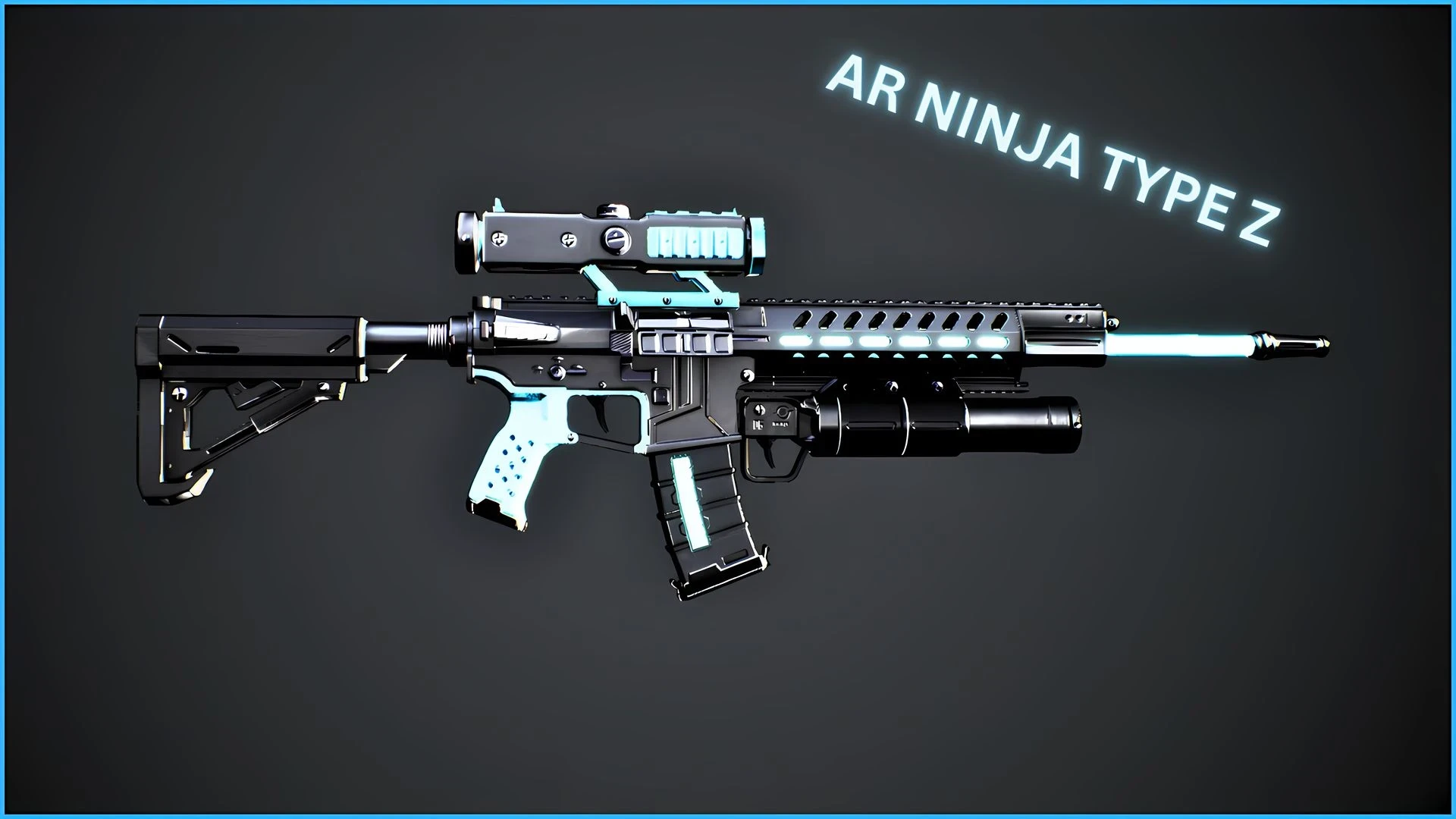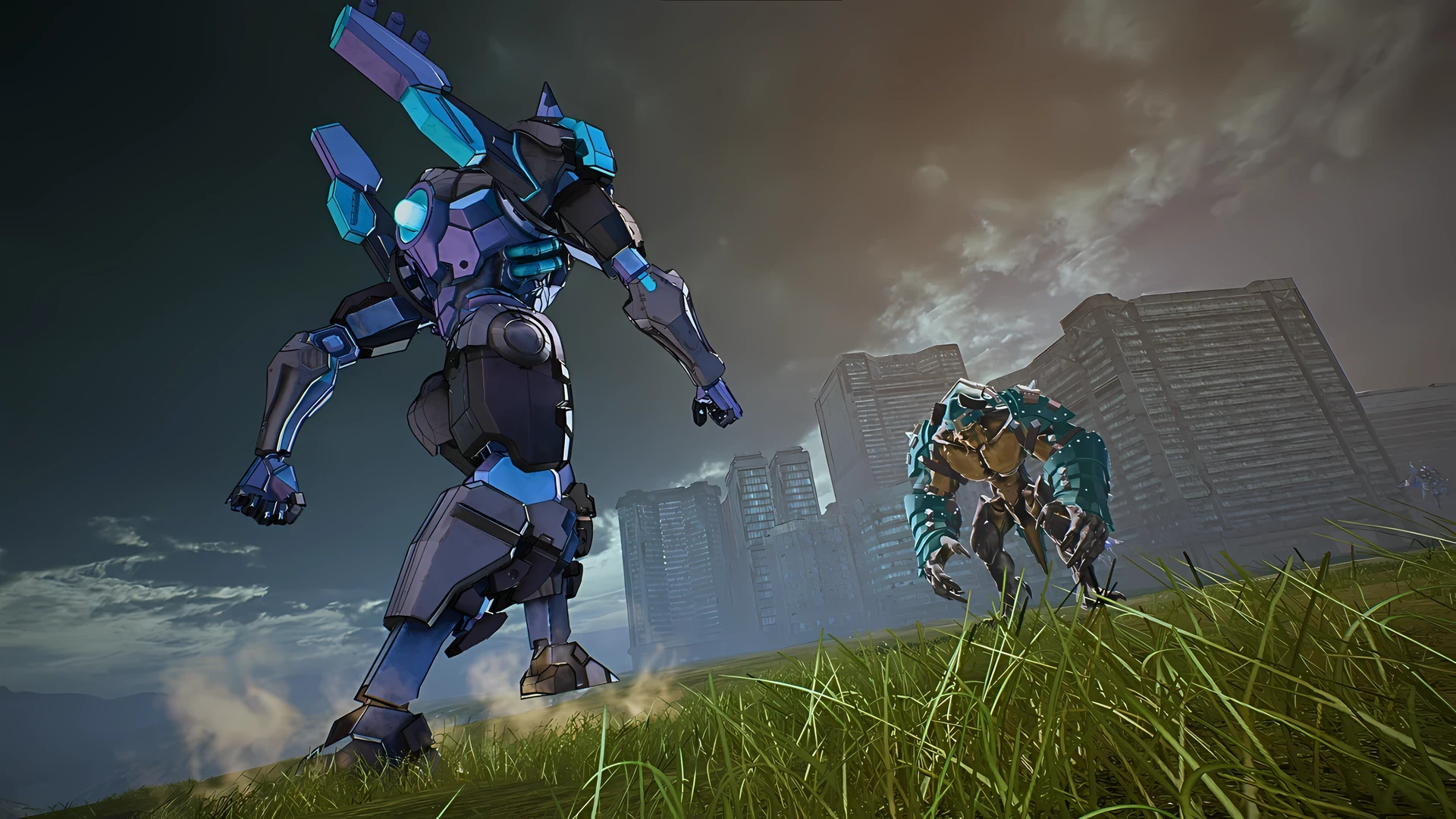
For this to work you will still need both mods.
Link to both mods:
Standalone Weapon Pack
Standalone Sword Pack
This mod will be updated whenever one of the mods gets updated, if you're using both mods wait for this one to be updated too.
MAKE SURE THIS MOD HAS THE HIGHEST LOAD PRIORITY OUT OF BOTH STANDALONE MODS
To do this, make sure this mod PAK and SIG files has more Z's at the start of the file name
How to install
Go to the game files
Then go to SAOFB\Content\Paks, add a folder with the name "~mods" and drop the mod files in there (simply drop every other mod in there too).
If the game's anti cheat is still active, do the following:
copy the name of "SAOFB_Launcher.exe" then delete it
Rename "SAOFB.exe" to "SAOFB_Launcher.exe"
Then go to Steam -> SAOFB Properties -> General -> Launch Options, and add -eac-nop-loaded.
Link to both mods:
Standalone Weapon Pack
Standalone Sword Pack
This mod will be updated whenever one of the mods gets updated, if you're using both mods wait for this one to be updated too.
MAKE SURE THIS MOD HAS THE HIGHEST LOAD PRIORITY OUT OF BOTH STANDALONE MODS
To do this, make sure this mod PAK and SIG files has more Z's at the start of the file name
How to install
Go to the game files
Then go to SAOFB\Content\Paks, add a folder with the name "~mods" and drop the mod files in there (simply drop every other mod in there too).
If the game's anti cheat is still active, do the following:
copy the name of "SAOFB_Launcher.exe" then delete it
Rename "SAOFB.exe" to "SAOFB_Launcher.exe"
Then go to Steam -> SAOFB Properties -> General -> Launch Options, and add -eac-nop-loaded.