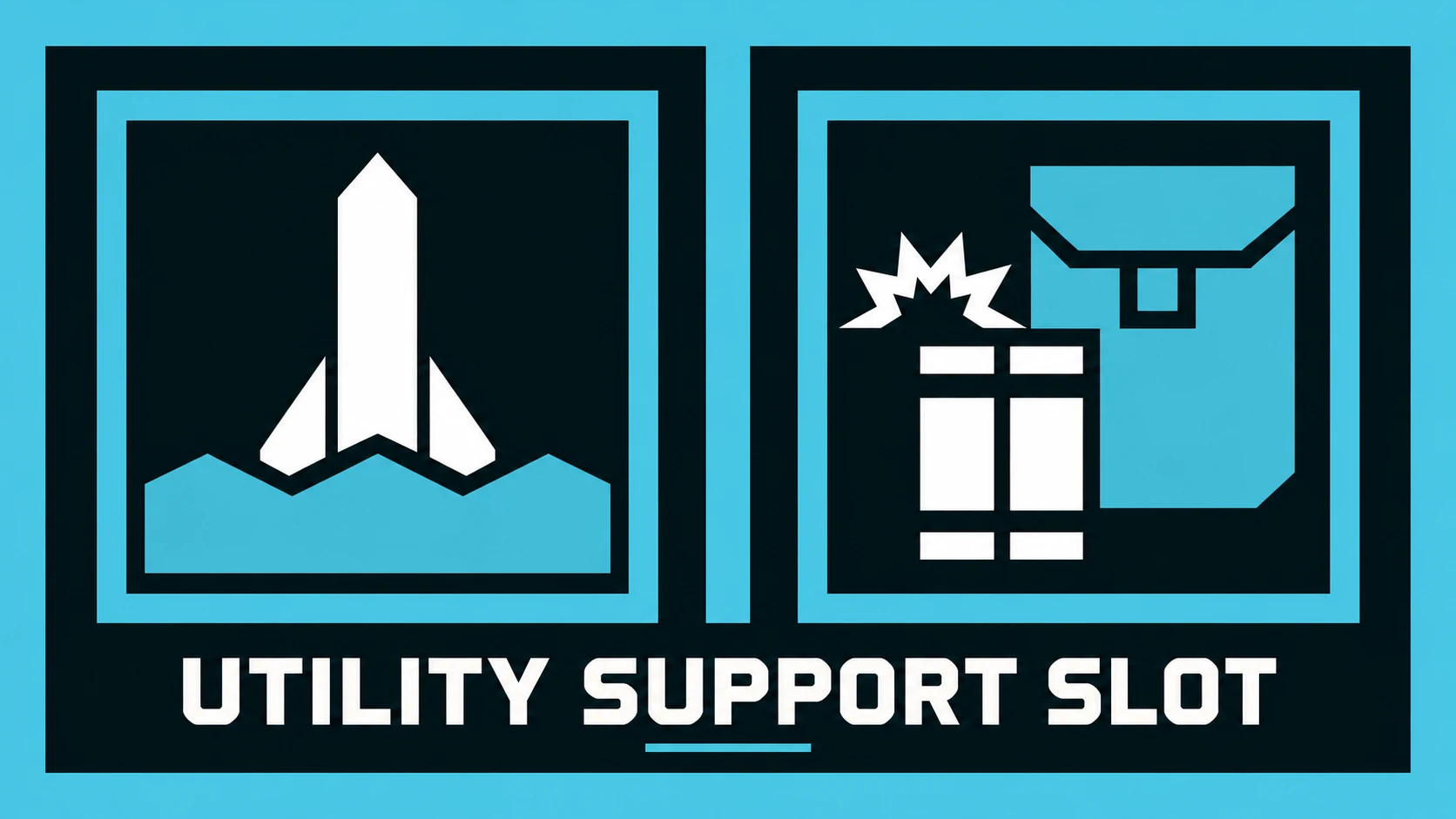
Utility Support Slot
This mod allows you to carry one utility (Solo Silo designator or C4 detonator) alongside another support weapon. Two weapons of the same class do not form a pair so you won't be able to pick up two EATs for example. This mod is intended for single player and private lobbies only. Although my mod isn't disruptive, I ask that you respect other players.Installation and requirements
Requires Bingus Shared Loader; tested with v19. Import this ZIP into your mod manager, enable Core and choose exactly one mode under Bindings, then deploy and restart the game.Mod Options Menu and Mod Bindings Menu v2+ are optional (but recommended) and installed separately.
Controls
Default Bindings: press your support binding while your support weapon is already drawn to swap the pair. On controller, hold the weapon-switch button while support is drawn.Dedicated Key: press 6 by default, or assign Utility Weapon through Mod Bindings Menu, to draw the utility directly. Pressing it again leaves the utility drawn, like vanilla. The other weapon keys behave as normal. If you only have a utility weapon, it stays in the support slot and can be drawn with either the support weapon binding or the utility weapon binding.
With Mod Options Menu, open Options > MODS > Utility Support Slot, choose Binding Mode and press APPLY. The options here takes priority over mod manager ones while the menu is available. Without it the mod will choose whatever you selected in the mod manager. You can change them while in game unlike using the mod manager.
With Mod Bindings Menu, open the MODS tab in the keyboard/controller options and bind Utility Weapon under Utility Support Slot. It starts unbound. Once you assign and use it, that binding replaces the INI shortcut for the session. If the menu isn't installed or becomes unavailable, the INI shortcut is used. The binding is used only in Dedicated Key mode.
Known Limitations and Multiplayer Support
This mod doesn't actually create a new slot. It uses native game functions to holster a weapon to you and uses Lua to book keep the weapon that isn't actually in your inventory. This creates quite a few issues that I had to address and some I have not found a workaround for. The main one is resupplying from another player's backpack. The backpack cannot see the weapon that is being handled by my mod so it won't refill it. Multiplayer support was tested with the mod user hosting a two-player game. The other player saw both stored weapons and correct draws, including a run with Utility Support Slot disabled for the other player. Using the mod as a joining player, larger groups, and completely vanilla observers haven't been tested.- Resupplying from another player's backpack will not refill a weapon being stored by the mod.
- Your primary weapon may briefly appear during a swap or replacement.
- The mod hides extra pickup messages caused by its weapon handling. An incorrect utility pickup message can occasionally appear after replacing an ordinary support weapon while primary or secondary remains held with Switch Weapon On Pickup set to No. Weapon handling worked correctly in every case I tested and a fix for any missed messages is planned for a future update.
- Swapping out support weapons or utilities for new ones can occasionally trigger heavier operations in the mod; a noticeable hitch is possible during them. The performance is stable during normal swaps though. Performance is something that will be an ongoing project.
- If something interrupts a weapon swap or pickup, the mod may stop handling weapons to avoid making things worse. Changes already made will remain. Recovery from these interruptions hasn’t been tested in-game yet, so you may need to start a new mission if the mod stops responding.
INI and Logging
There is an INI file created on startup where you can change a couple of setting located at: %APPDATA%\Arrowhead\Helldivers2\utility_support_slot.iniYou can change the keybind for dedicated mode if you don't have mod bindings installed. It accepts a-z, 0-9, f1-f12, numpad 0-9, page up/down, home/end and insert/delete.
The log file is named UtilitySupportSlot.log. It is found where all log files for Bingus Loader mods. Error is the default mode and only reports known failures so it may leave empty files; info includes readiness/mode messages and debug includes detailed gameplay/HUD/refill events. For an issue report, include the version, host/client role, both weapons, pickup setting, binding mode, what each player saw and the relevant log. Raising logging requires an INI edit and restart.
Credits
The gameplay logic is mine, but I had GPT-6.1 Sol help with research, implementation, debugging, and documentation.Big thanks to CowboyBingus, the creator of Bingus Shared Loader, Mod Options Menu, and Mod Bindings Menu. Bingus Shared Loader provides mod loading and logging, and this mod wouldn't exist without it. The optional menus make configuration and keybinding easier.
I'd also like to thank the creators of HD2Runtime, SkyeShade, and LinksLinkToMemory, notzelda, for their development and research tools. They helped me inspect live game state, understand weapon and multiplayer behavior, and run experiments throughout development.
