Estelle - Chira-rism Refined Default & 1st Costume Pack 1.0.0

A Mod for Trails in the Sky 2nd Chapter
  • QED
Estelle - Chira-rism Refined Default & 1st Costume Pack akl_mod_preview_image
  • estell_dtb_01.png
    estell_dtb_01.png
    777.3 KB · Views: 235
  • estell_2nd_def_002.png
    estell_2nd_def_002.png
    2.7 MB · Views: 255
  • estell_2nd_def_004.png
    estell_2nd_def_004.png
    3.8 MB · Views: 249
  • estell_dtb_v100_01.png
    estell_dtb_v100_01.png
    2.1 MB · Views: 73
Description & Key Features:
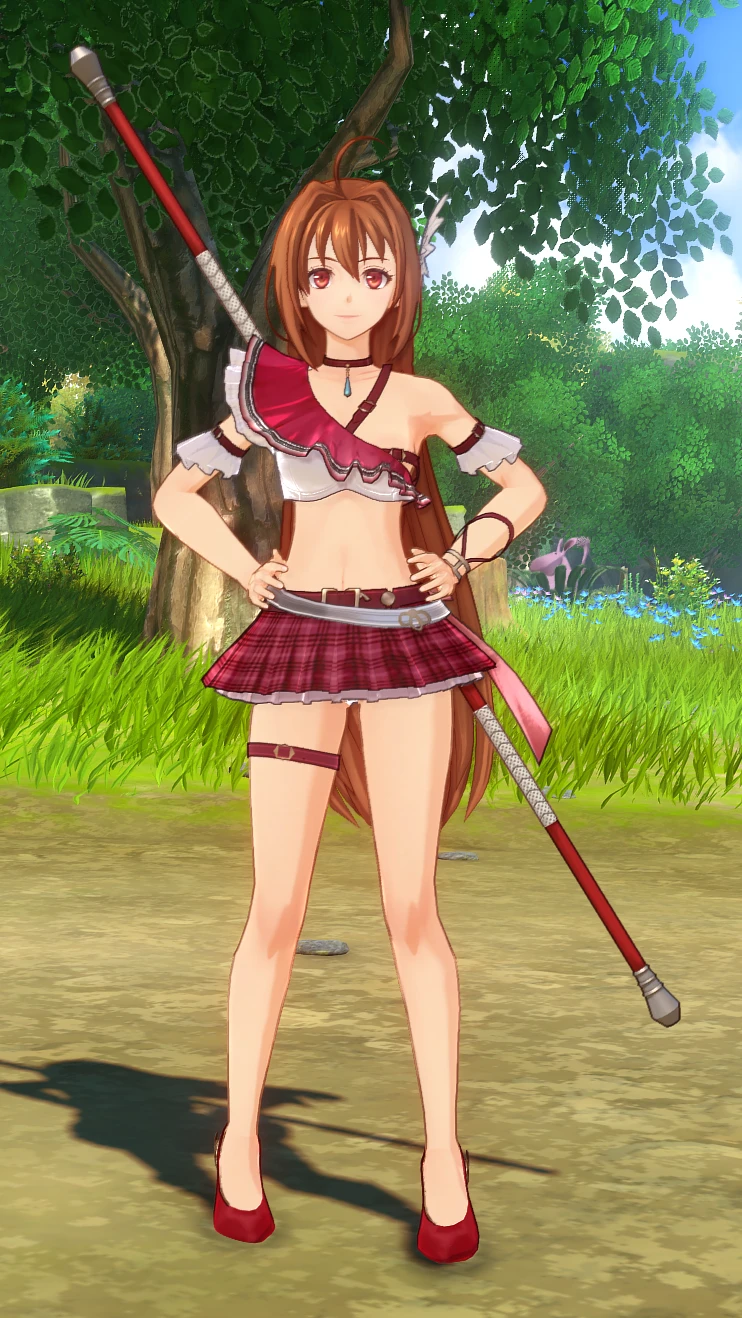
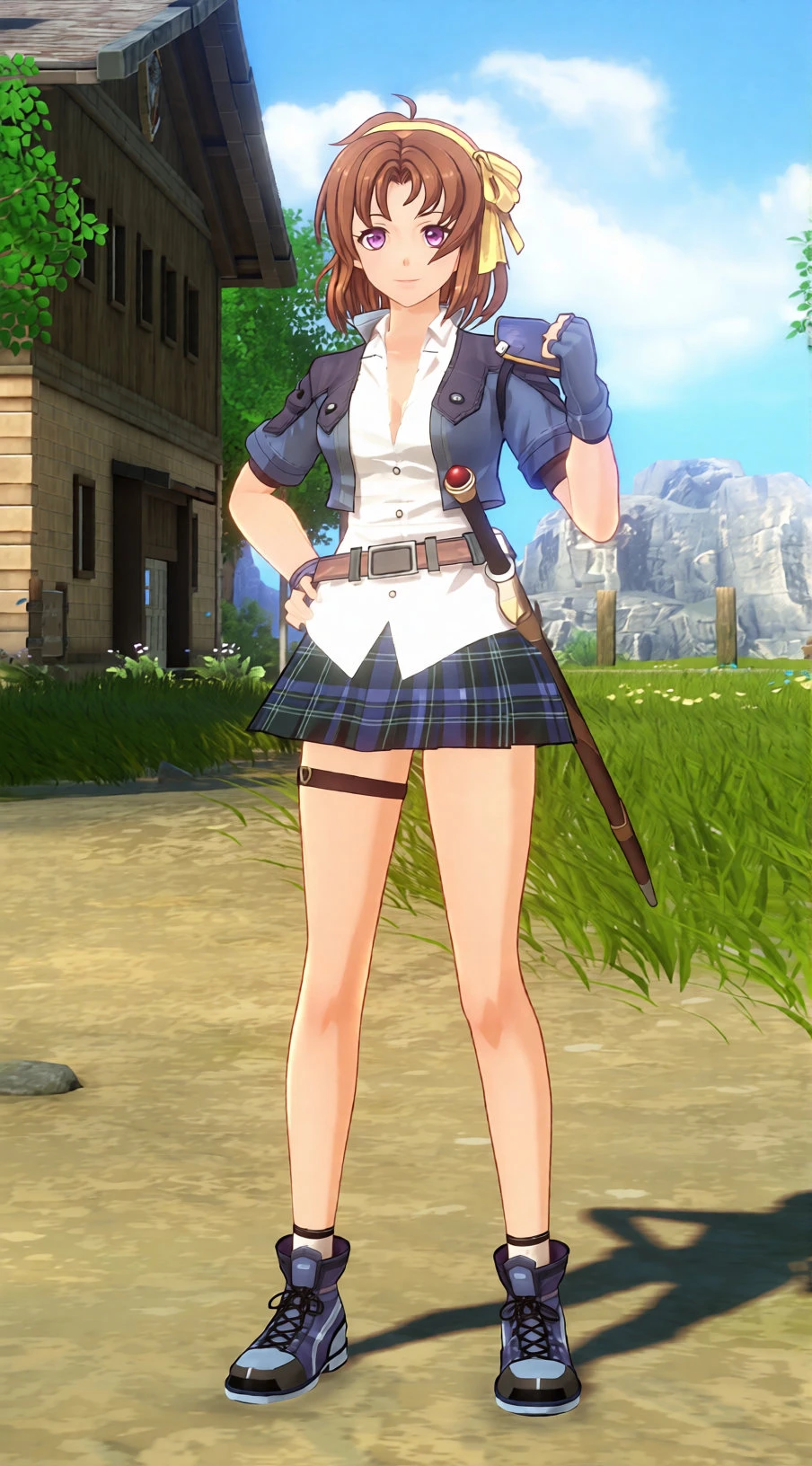
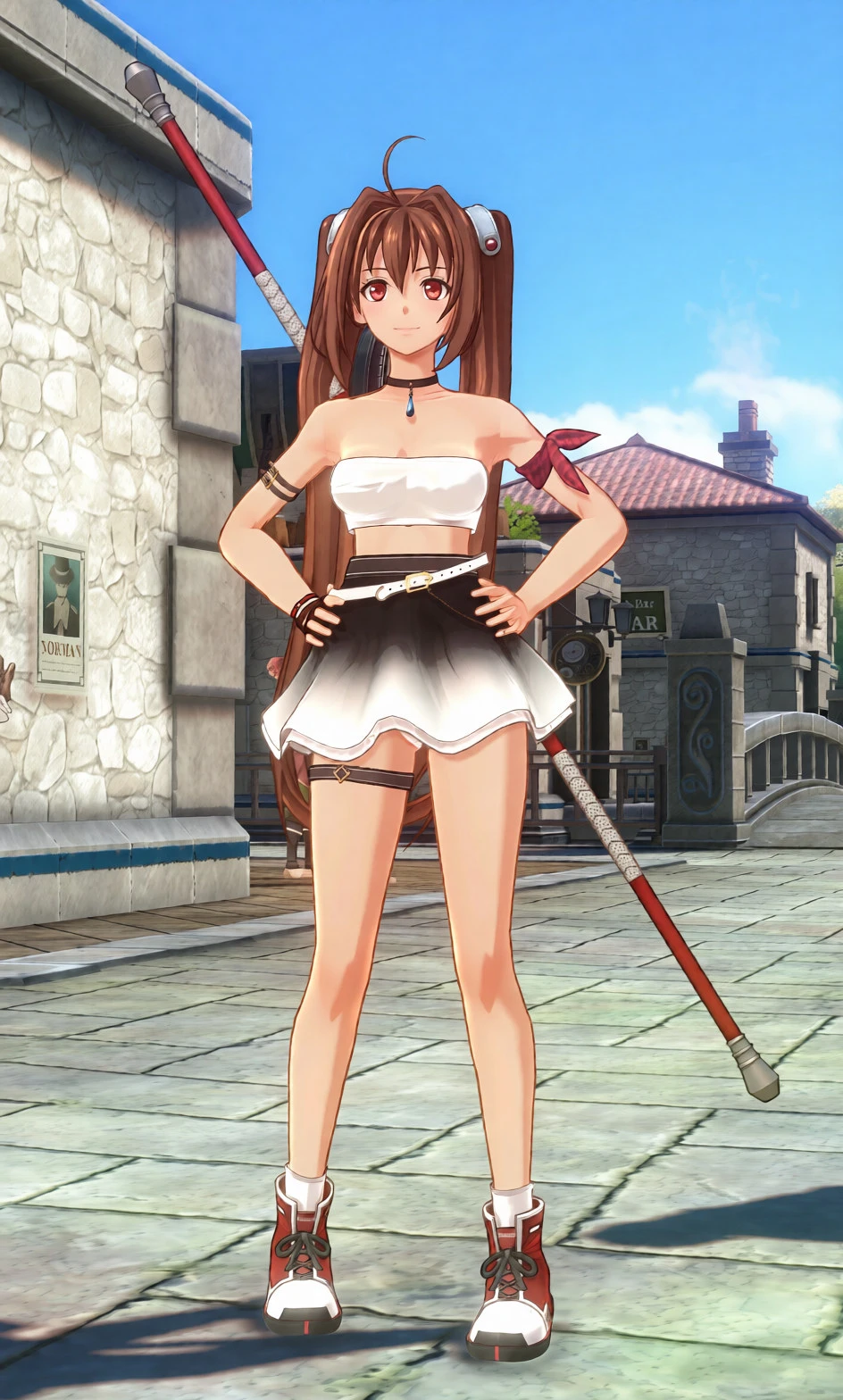
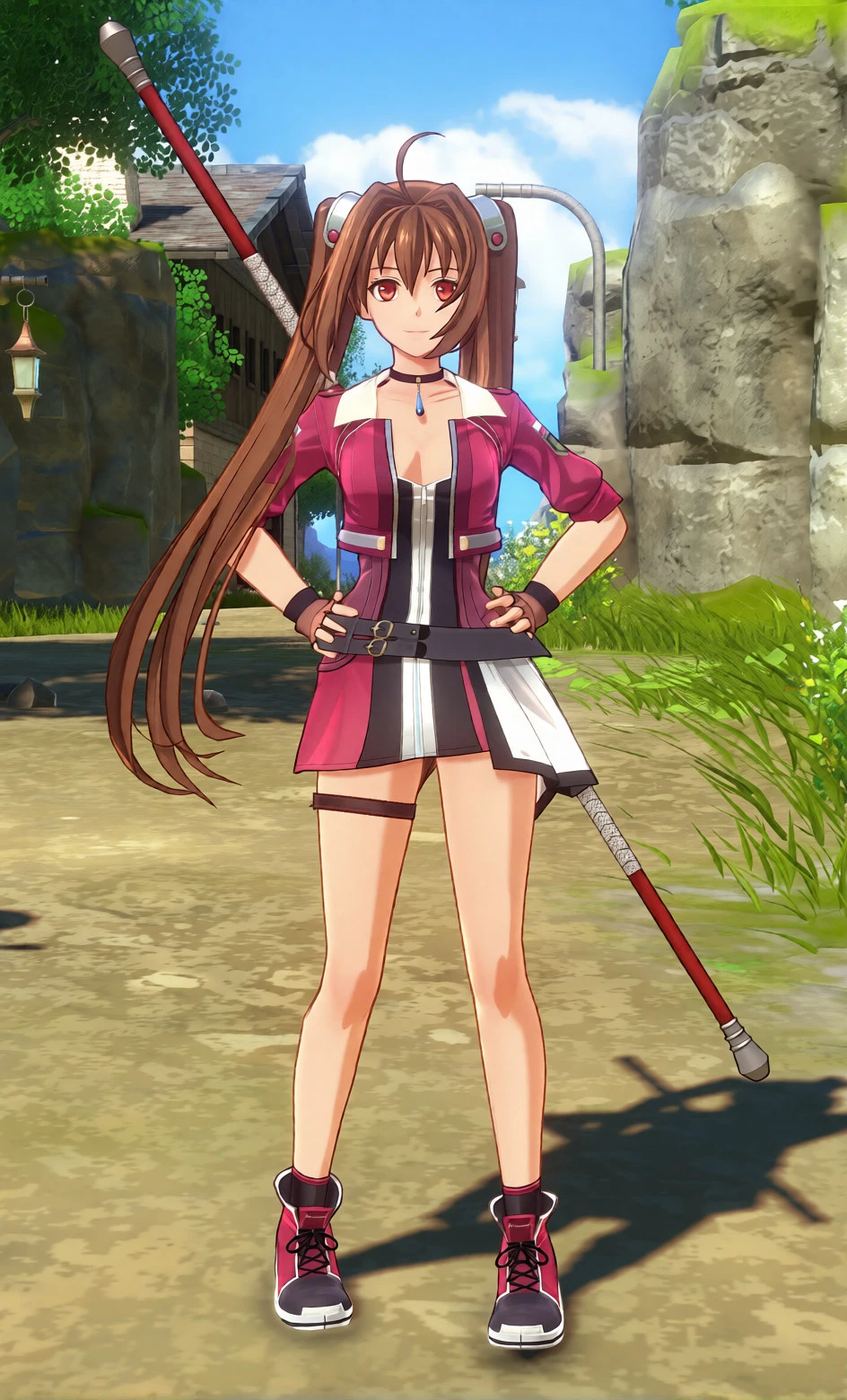
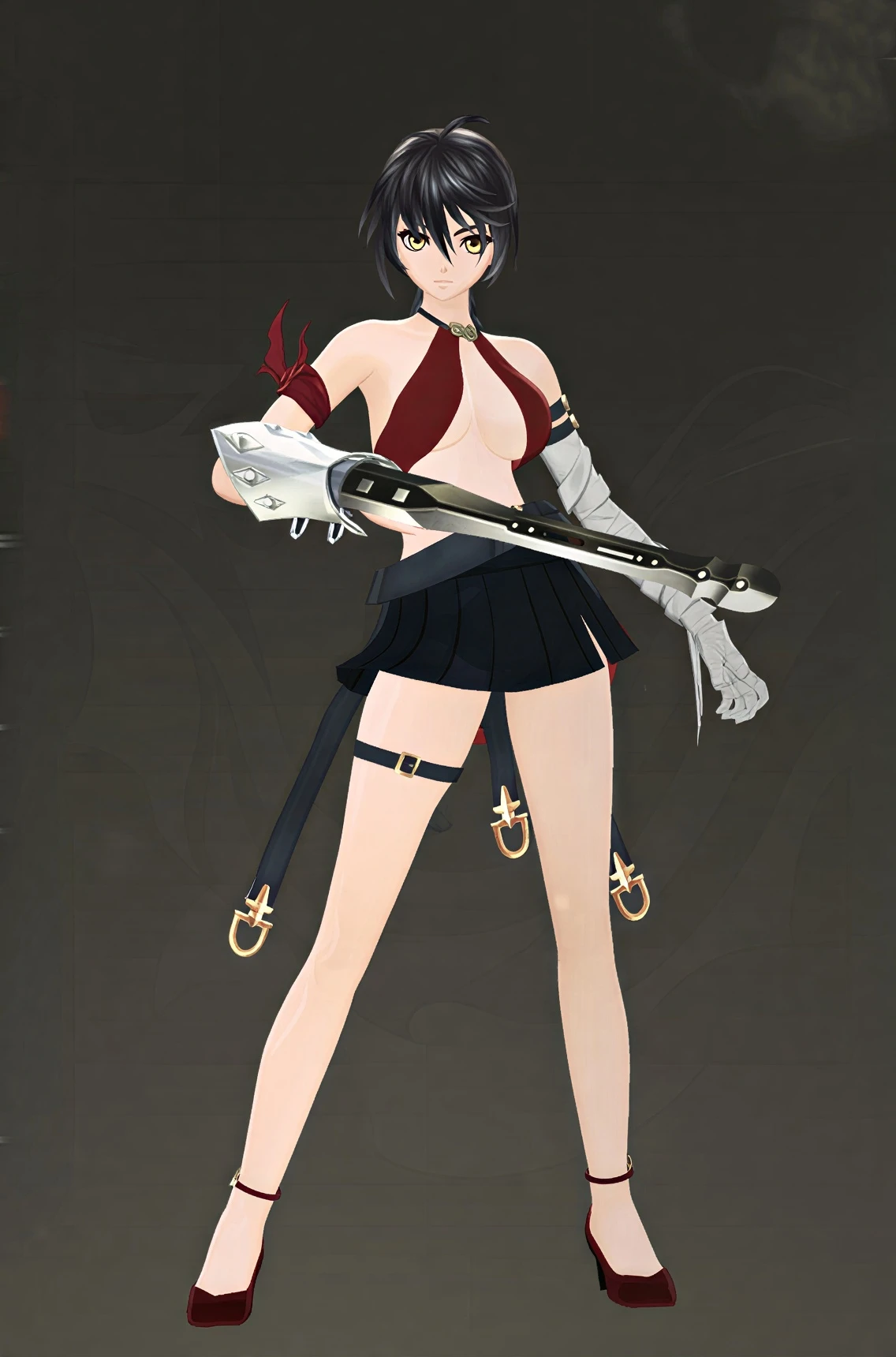
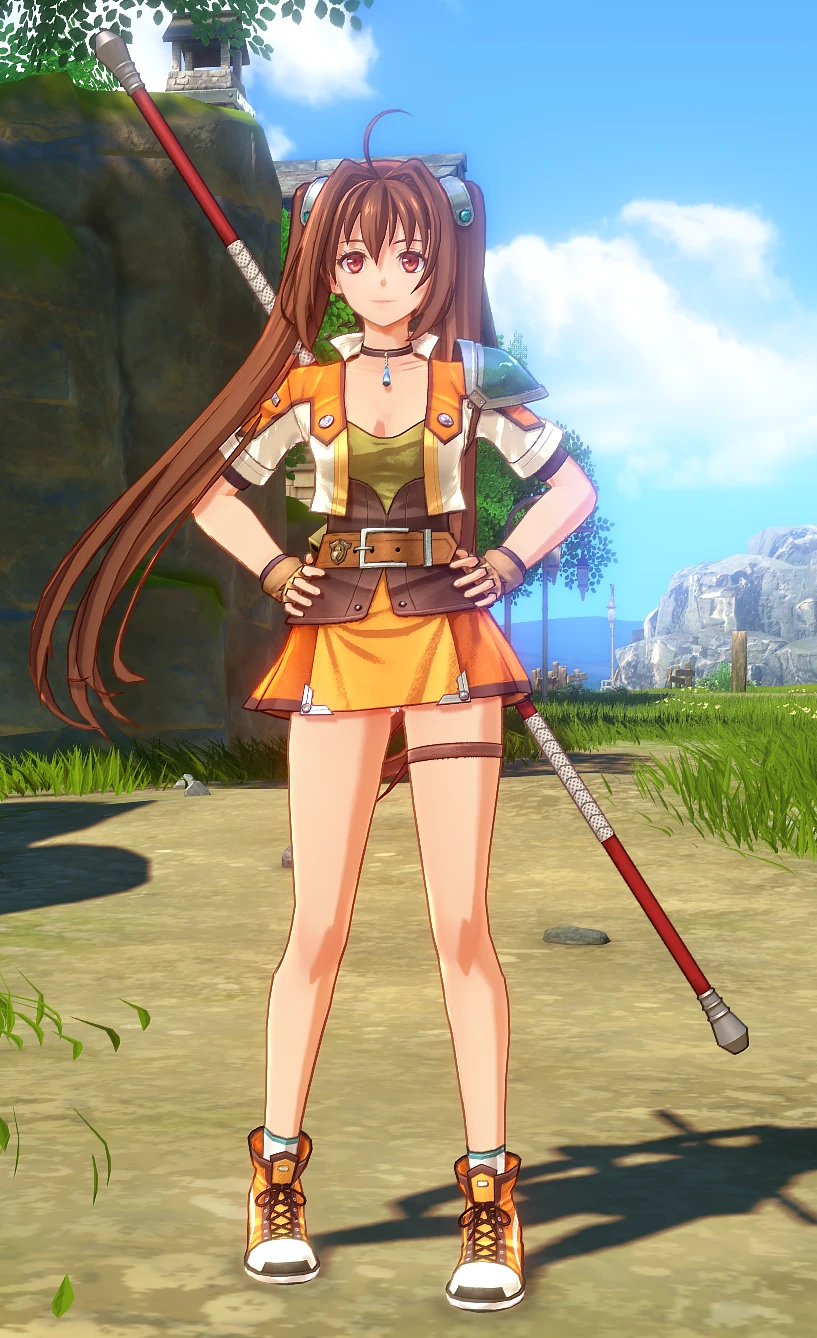
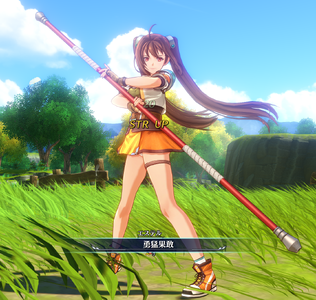
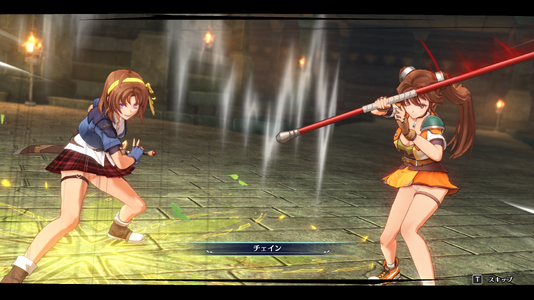
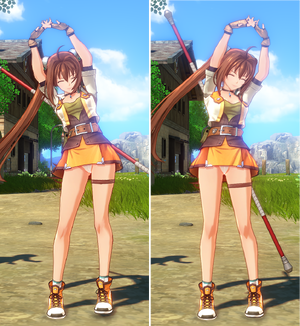
- Carefully adjusted default outfit (2nd/Orange): Fine-tuned the top's neckline and shortened the skirt length while carefully preserving the vanilla aesthetic and silhouette.
- Undergarment adjustment: Removed the default spats/bike shorts for a cleaner, classic skirt silhouette.
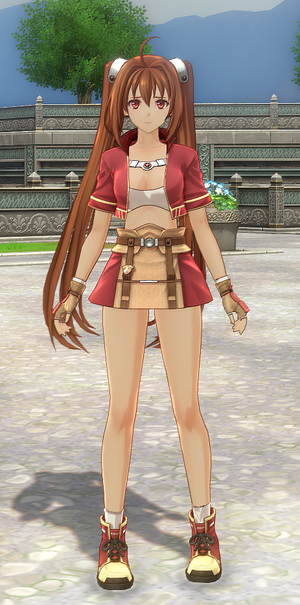
- Bonus 1st Chapter outfit included (Red): A direct port of the modified 1st Chapter costume, visible during the game's prologue/intro sequence.
- Lore-friendly finish: Modeled to blend naturally into cutscenes and gameplay without breaking character consistency.

Installation:
1. Extract the game's target .pac file.
2. Overwrite the extracted assets with the files provided in this mod.
3. Rename or move the original .pac archive (e.g., append .bak to its name) so the game reads the unpacked loose files instead of the archive.
*Note: Mod loaders are currently unconfirmed/not tested on my end.

Compatibility & Notes:
- Compatibility: Tested and confirmed working on the Demo version. The model data may be updated or adjusted after the full release.
- Notes: The red 1st Chapter outfit only appears during the early intro sequence as per the game's original sequence.


✨Special Thanks:
amorrow28-san - For the invaluable tutorials
https://github.com/eArmada8/kuro_md...with-new-physics-bones-and-adapted-animations
  • Like
Reactions: lompya
19.9 MB
Log in or sign up to download
Uploaded by
QED
Downloads
50
Comments
8
Views
530
First release
Last update
Platform
PC 
Version
1.0.0
Total Size
19.9 MB
Rating
0.00 star(s) 0 ratings

Uploaded by

  • 50
  • 530

Ratings

0.00 star(s) 0 ratings

Tags

There are no tags available.

More mods from QED

  • PC Estell Chira-rism Knight of Ruby

  • PC Anelace - Eight Leaves One Blade school Early-Style

  • PC Estelle - Chira-rism "Fav Fit" Casual Outfit (Scherazard's Pick)

  • PC Estelle - Chira-rism Refined Neo Bracer Outfit (Custom Colors)

  • PC Velvet Default Outfit Chira-rism

Latest updates

  1. Confirmed working with the full release version.

    Fixed texture misalignment on certain parts. Polished the body mesh. Replaced the body texture...

Lozs

Members
Members
Dec 4, 2025
5
0
I followed the tutorial, python, extracted asset_common_model.pac, asset_common_model_info.pac and image.pac, moved the assets folder to the root of the game, added bak to the 3 .pac, then copied the mod and still doesn't work.
 

QED

Modder
Modder
Members
May 31, 2025
3
135
I followed the tutorial, python, extracted asset_common_model.pac, asset_common_model_info.pac and image.pac, moved the assets folder to the root of the game, added bak to the 3 .pac, then copied the mod and still doesn't work.
Sounds like a path or renaming issue. Please make sure the folder didn't end up as assets/assets/... and that the original .pac files are truly renamed (watch out for hidden extensions).
 

Lozs

Members
Members
Dec 4, 2025
5
0
it's the game's folder/asset and inside common and dx11, I simply moved the mod's asset folder to the game's folder, replaced the files when asked to and after opening the game nothing's changed, I added .bak after the .pac, should I just remove .pac and swap it for .back or..
 

QED

Modder
Modder
Members
May 31, 2025
3
135
it's the game's folder/asset and inside common and dx11, I simply moved the mod's asset folder to the game's folder, replaced the files when asked to and after opening the game nothing's changed, I added .bak after the .pac, should I just remove .pac and swap it for .back or..
Either .pac.bak or just replacing it with .bak works fine, as long as the .pac extension is removed.

On my end, the .mdl files are placed here:
...\Steam\steamapps\common\Trails in the Sky 2nd Chapter\asset\common\model

Could you double-check if your extracted files are located in that exact path?
 

Lozs

Members
Members
Dec 4, 2025
5
0
Either .pac.bak or just replacing it with .bak works fine, as long as the .pac extension is removed.

On my end, the .mdl files are placed here:
...\Steam\steamapps\common\Trails in the Sky 2nd Chapter\asset\common\model

Could you double-check if your extracted files are located in that exact path?
They are on the same path yeah, and I just tested the Neo-Bracer one and it worked before speaking to cassius, didn't check further, is this mod only showing after the prologue or should the prologue also show it?
 

Lozs

Members
Members
Dec 4, 2025
5
0
Wait, no, sorry, the first pic with the red fit before Cassius, the mod seems to be working, is it then after the Bracer Training area that it changes? If so, I'm sorry for the annoyance 😰
 

QED

Modder
Modder
Members
May 31, 2025
3
135
Wait, no, sorry, the first pic with the red fit before Cassius, the mod seems to be working, is it then after the Bracer Training area that it changes? If so, I'm sorry for the annoyance 😰
This mod replaces chr5000_c45.mdl, which is the save data carryover bonus outfit from the 1st Chapter (it needs to be selected in the settings menu after the prologue).

The true default outfit for 2nd is chr5000_c10.mdl (the visual design between c10 and c45 is almost identical).

If you want it replaced right from the start, you can simply rename the mod's file from chr5000_c45.mdl to chr5000_c10.mdl.

(FYI: chr5000.mdl and chr5000_c00.mdl are the 1st Chapter outfits used specifically for the prologue and cannot be selected in the early game.)