Description & Key Features:
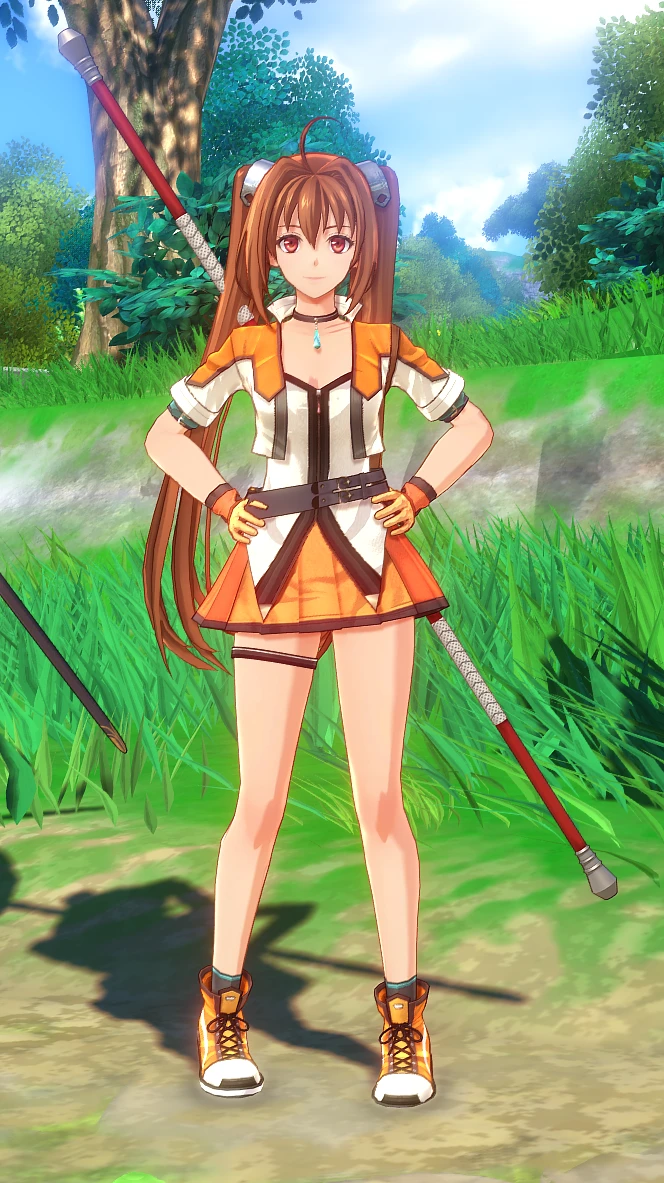
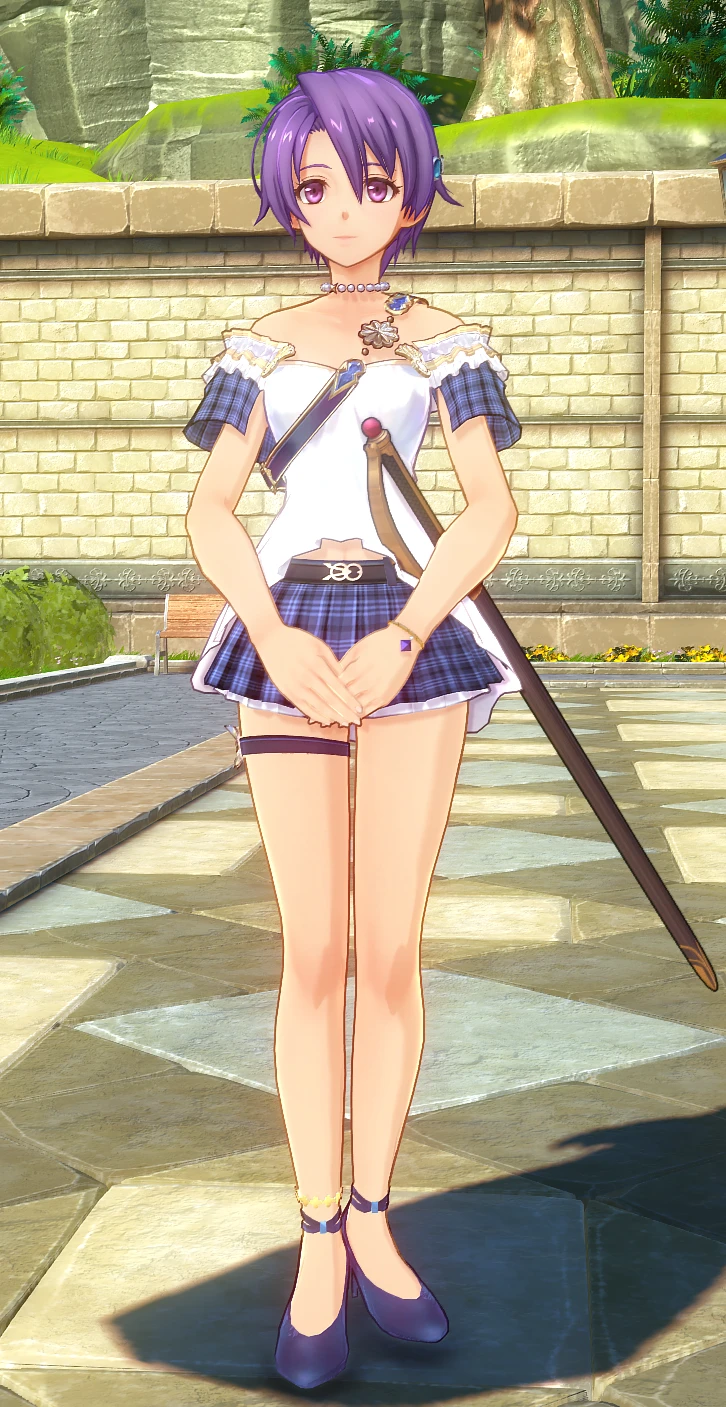
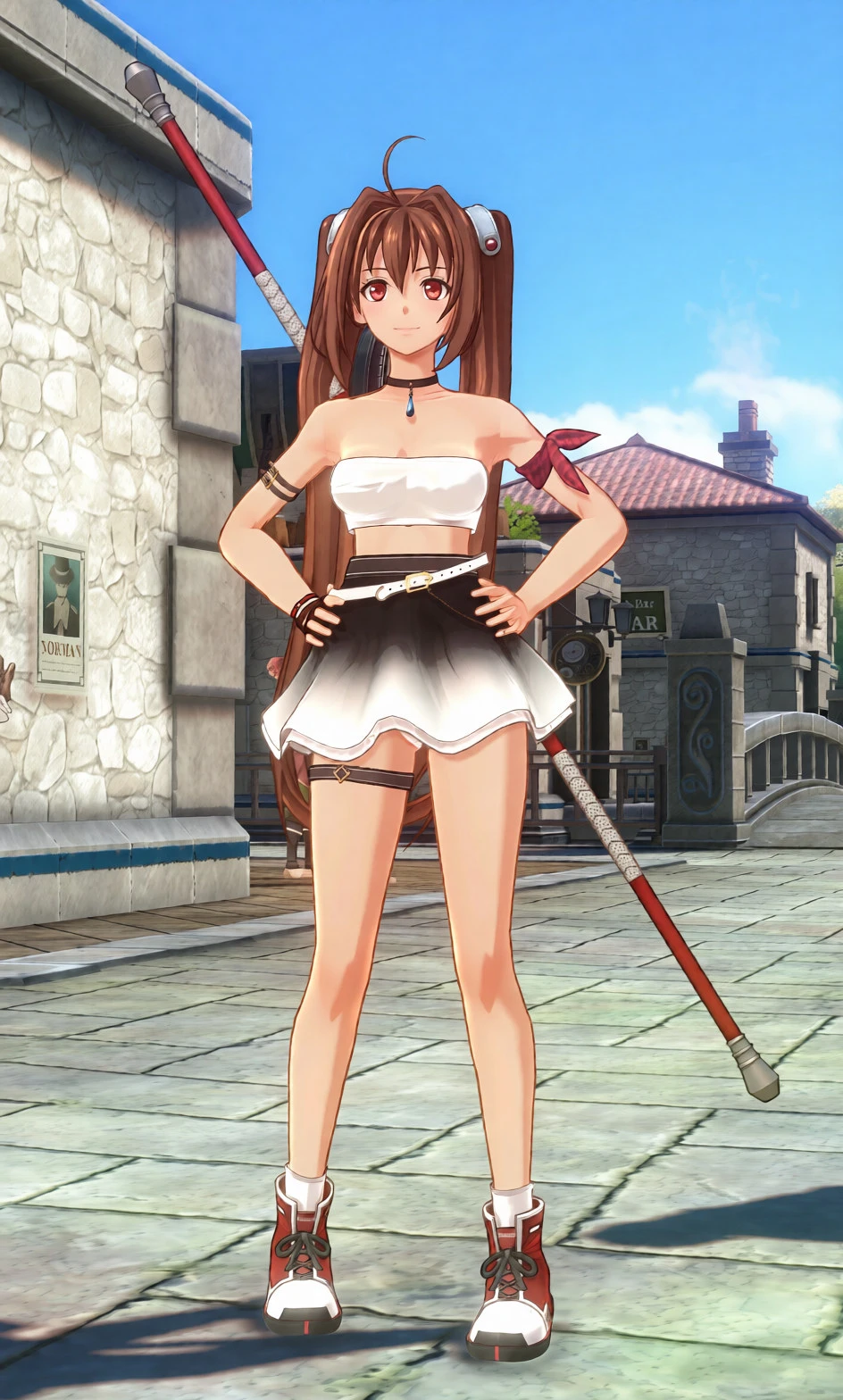
- Casual "Fav Fit" concept: Designed as Estelle's go-to casual outfit for light quests, inspired by the in-game lore where Scherazard picks out her wardrobe.
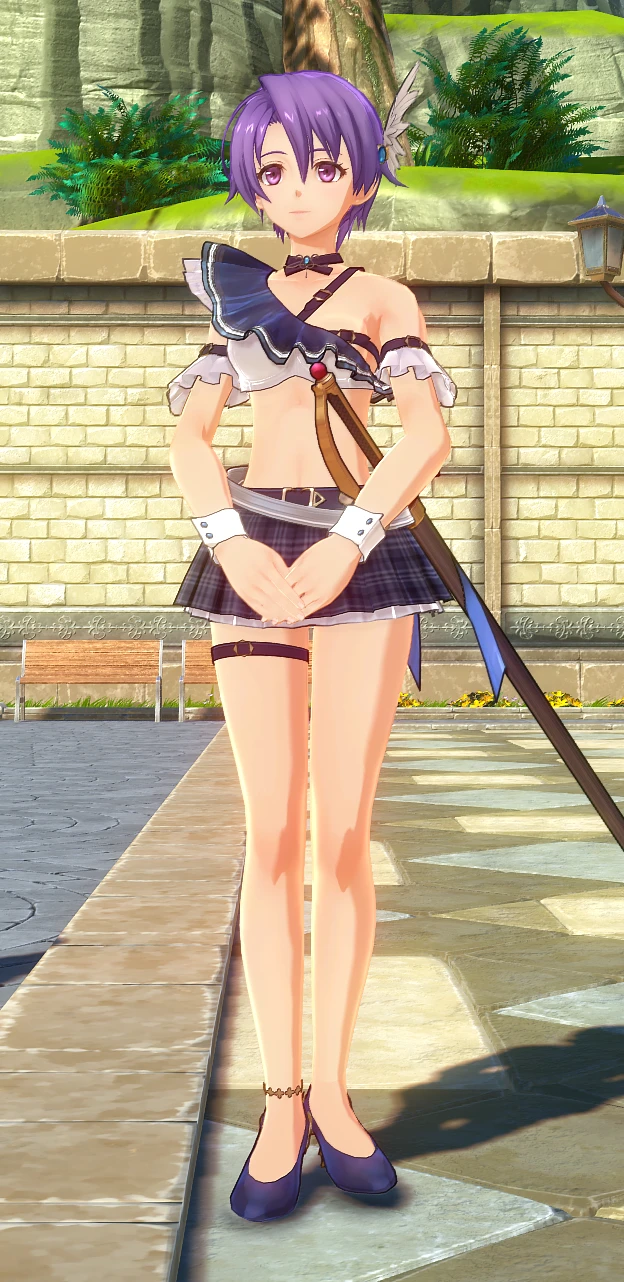
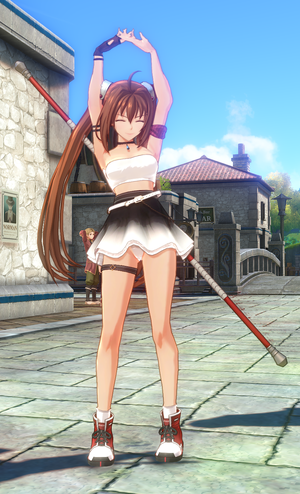
- Cohesive design aesthetic: Shares stylistic cues with my Scherazard mod—featuring a breezy tube top, arm ribbon accent, and a signature leg garter for visual synergy.
- Monochrome gradient & silhouette: Features a clean white cropped tube top paired with an airy flare skirt with a smooth monochrome gradient and an angled waist belt.
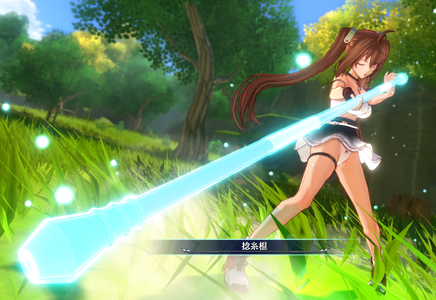
- Lore-friendly active look: Maintains Estelle's athletic bracer mobility while offering a fresh, relaxed off-duty appearance during town strolls and quests.
Installation:
1. Extract the game's target .pac file.
2. Overwrite the extracted assets with the files provided in this mod.
3. Rename or move the original .pac archive (e.g., append .bak to its name) so the game reads the unpacked loose files instead of the archive.
*Note: Mod loaders are currently unconfirmed/not tested on my end.
Compatibility & Notes:
- Compatibility: Tested and confirmed working on the Demo version. The model data may be updated or adjusted after the full game release.
--Update
### Installation Guide & Prerequisites
This mod requires pre-extracted game assets (loose files) to work properly. Installing this mod without extracting the original archive files will cause the game to crash.
#### 1. Prerequisites
* **Python:** Ensure you have Python installed on your PC.
* **Extraction Script:** Download `sky_extract_pac.py` from eArmada8's original guide/tool release page:
https://github.com/eArmada8/kuro_dlc_tool
*(All credits for the extraction script and tool specifications belong to eArmada8.)*
#### 2. Unpacking Game Files (First Time Only)
1. Place `sky_extract_pac.py` into your game's directory:
`{Sky the 2nd}/pac/steam/`
2. Run the script via Python to extract each target `.pac` file individually. For this mod, unpacking the following files is mandatory:
* `asset_common_model.pac`
* `asset_common_model_info.pac`
* `image.pac`
* `table.pac` (select the version corresponding to your game's language)
3. Each extracted archive will generate loose folders (such as `asset` and `table`). Move these extracted folders to your base game root folder (the folder containing `sora_2nd.exe`).
4. **Important:** Rename, move, or delete the original `.pac` files you just unpacked. If the original `.pac` files remain active in the directory, the game will prioritize them, preventing the mod from loading and causing a crash.
#### 3. Installing the Mod
1. Extract this mod archive.
2. Place (overwrite) the mod files into your base game root folder (`sora_2nd.exe` directory), matching the loose file folder structure.
3. Launch the game via `sora_2nd.exe`.
#### 4. Final Directory Structure
Make sure your game root directory looks like this after extraction and mod installation:
```text
{Sky the 2nd Game Directory}/
├── sora_2nd.exe
├── table/ <-- Extracted loose files
├── asset/ <-- Extracted loose files
│ ├── common/
│ └── dx11/
├── pac/ <-- Original .pac files (unpacked ones renamed/moved/deleted)
└── ... (other default game files and folders)
- Casual "Fav Fit" concept: Designed as Estelle's go-to casual outfit for light quests, inspired by the in-game lore where Scherazard picks out her wardrobe.
- Cohesive design aesthetic: Shares stylistic cues with my Scherazard mod—featuring a breezy tube top, arm ribbon accent, and a signature leg garter for visual synergy.
- Monochrome gradient & silhouette: Features a clean white cropped tube top paired with an airy flare skirt with a smooth monochrome gradient and an angled waist belt.
- Lore-friendly active look: Maintains Estelle's athletic bracer mobility while offering a fresh, relaxed off-duty appearance during town strolls and quests.
Installation:
1. Extract the game's target .pac file.
2. Overwrite the extracted assets with the files provided in this mod.
3. Rename or move the original .pac archive (e.g., append .bak to its name) so the game reads the unpacked loose files instead of the archive.
*Note: Mod loaders are currently unconfirmed/not tested on my end.
Compatibility & Notes:
- Compatibility: Tested and confirmed working on the Demo version. The model data may be updated or adjusted after the full game release.
--Update
### Installation Guide & Prerequisites
This mod requires pre-extracted game assets (loose files) to work properly. Installing this mod without extracting the original archive files will cause the game to crash.
#### 1. Prerequisites
* **Python:** Ensure you have Python installed on your PC.
* **Extraction Script:** Download `sky_extract_pac.py` from eArmada8's original guide/tool release page:
https://github.com/eArmada8/kuro_dlc_tool
*(All credits for the extraction script and tool specifications belong to eArmada8.)*
#### 2. Unpacking Game Files (First Time Only)
1. Place `sky_extract_pac.py` into your game's directory:
`{Sky the 2nd}/pac/steam/`
2. Run the script via Python to extract each target `.pac` file individually. For this mod, unpacking the following files is mandatory:
* `asset_common_model.pac`
* `asset_common_model_info.pac`
* `image.pac`
* `table.pac` (select the version corresponding to your game's language)
3. Each extracted archive will generate loose folders (such as `asset` and `table`). Move these extracted folders to your base game root folder (the folder containing `sora_2nd.exe`).
4. **Important:** Rename, move, or delete the original `.pac` files you just unpacked. If the original `.pac` files remain active in the directory, the game will prioritize them, preventing the mod from loading and causing a crash.
#### 3. Installing the Mod
1. Extract this mod archive.
2. Place (overwrite) the mod files into your base game root folder (`sora_2nd.exe` directory), matching the loose file folder structure.
3. Launch the game via `sora_2nd.exe`.
#### 4. Final Directory Structure
Make sure your game root directory looks like this after extraction and mod installation:
```text
{Sky the 2nd Game Directory}/
├── sora_2nd.exe
├── table/ <-- Extracted loose files
├── asset/ <-- Extracted loose files
│ ├── common/
│ └── dx11/
├── pac/ <-- Original .pac files (unpacked ones renamed/moved/deleted)
└── ... (other default game files and folders)