EPIC LUT R5.8.6
STYLISH FREEDOM
Defend Freedom in Style.
STYLISH FREEDOM
Defend Freedom in Style.

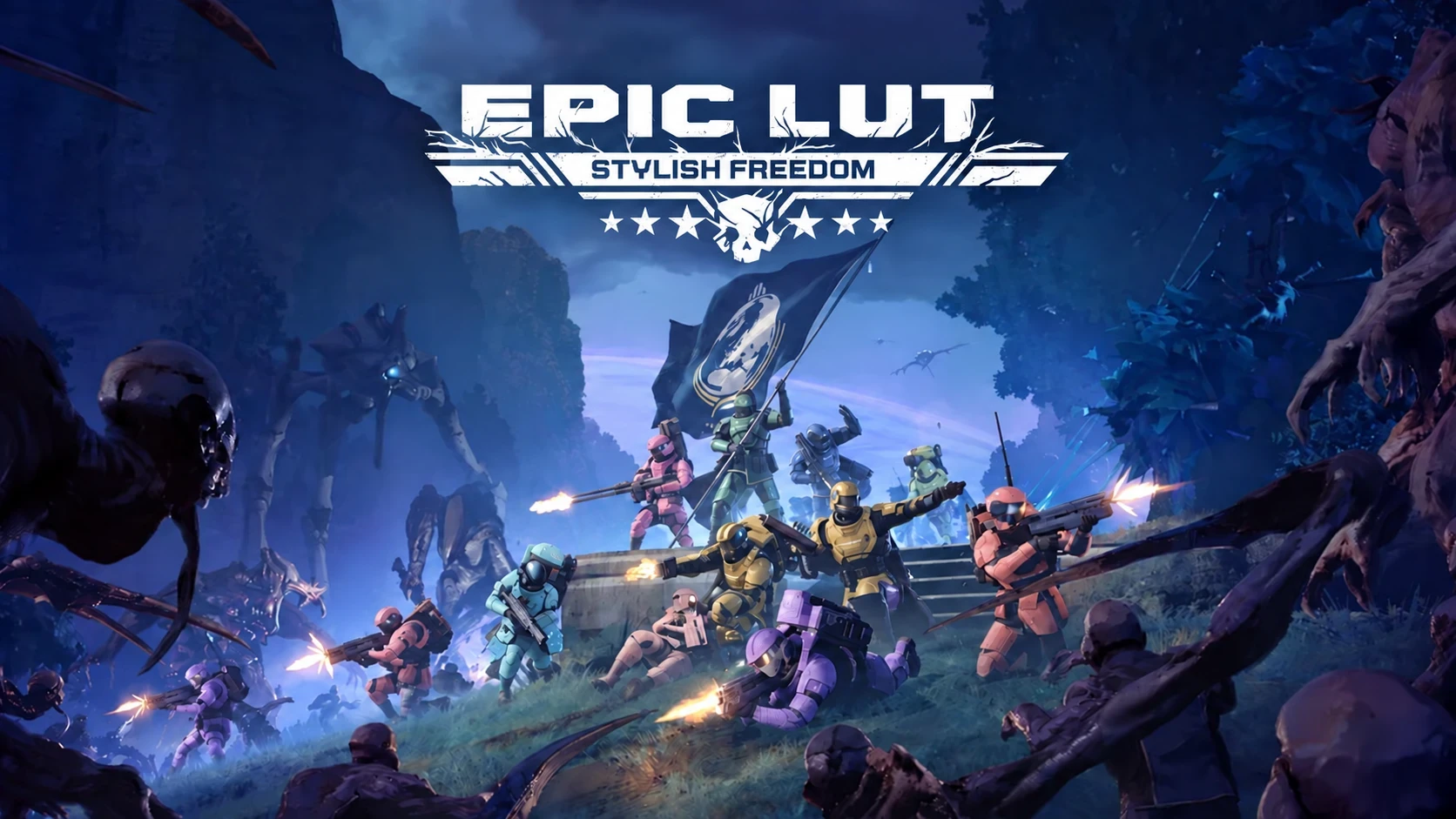
Tactical pink. Pastel menace. A helmet that finally matches. Paint your Helldiver in-game, save your favorite looks, and take your colors into the field.
BASIC MODELESS FIDDLING. MORE FASHION.
Press F9. Load Current Gear covers Armor, Helmet and Cape. Pick a region. Pick a color.
Make freedom look good.
Advanced Mode
MORE FIDDLING. EVEN MORE FASHION.
Press F10. Load your current gear. Pick a LUT. Edit its colors and materials.
Make freedom look sexy.
Rebind menu controls in the Configuration Menu.
PRESET SAVES, CUSTOM MODELS & PATTERN EDITING
Select a saved preset and use Save to update it after an overwrite confirmation. To create a separate preset, choose Save a New Preset at the top of the dropdown when a LUT is loaded. There is no separate new-preset button.
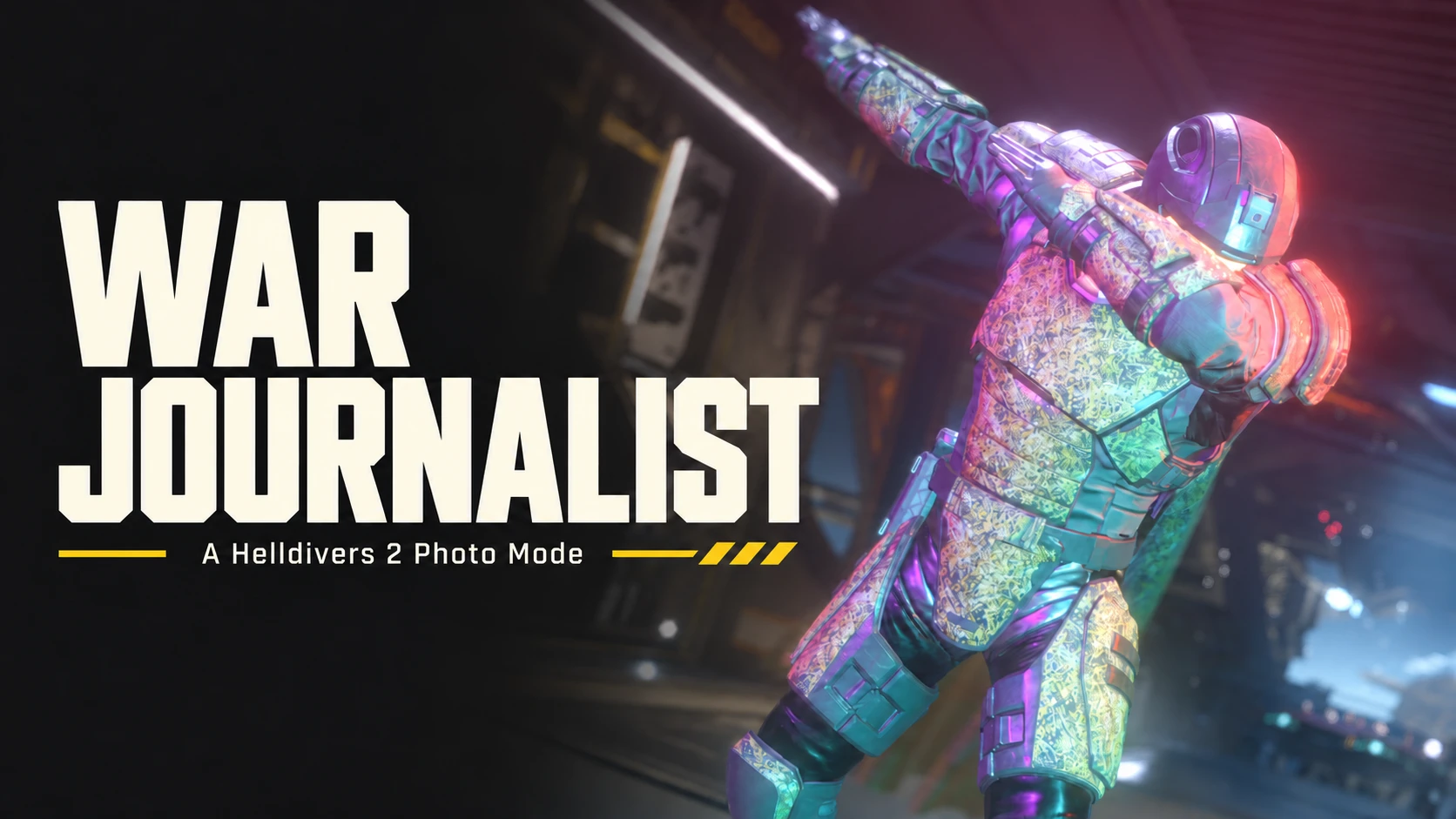
Updated War Journalist Photo Mode builds can lend input to Epic LUT while keeping the camera active. This requires the updated Photo Mode companion and a normal game restart. Both staying open together was confirmed in-game after restart.
- Reduced background CPU use while Epic LUT is closed, smoother restoration of applied colors and Patterns, and improved Photo Mode input handoffs.
- Shared LUT compression and sync have been improved. Both players need R5.8.2 or R6 Alpha 3 for the latest sharing update.
- Preset dropdowns now ask before deleting a saved preset. Overwrite warnings can be turned off and restored in Configuration.
- Import loose patches with their sidecar files, or use ZIP/RAR as before.
- Restore Arrowhead values for the selected LUT, row or cells, with Undo/Redo.
- Hardware cursor options are available in Configuration.
- Custom model LUTs load the effective installed patch colors instead of stock colors under reused IDs. Highest numeric layers resolve within each archive. Identical effective LUTs across multiple archives now load normally; different palettes report the competing files. Highlighting preserves their other rows.
- Basic Apply Preset matches The Armory, including valid material LUTs without a live Pattern and exact resolved companions.
- Player Preview filters numbered gore caps and keeps clothing LUT sync.
- Pattern quick controls identify Color, Mat/Opac and Roughness. Roughness edits Alpha and preserves the other channels.
- Armory Apply labels fit larger fonts. Right-click a LUT ID or renamed label to copy its real ID in the configured hex or decimal format.
- Shared LUT. Show your squad the look. Compatible Epic LUT users can see your applied Armor, Helmet and Pattern edits with exact color, alpha, material, camo and emissive values. Improved lossless compression fits larger appearances. Apply an Armory preset to share that look.
- Patches keep the look. Export preserves verified material, mesh and kit assignments when palettes share a texture ID. Fixed the export crash and large-patch cache failures.
- More editor. Less sprawl. Basic prioritizes all eight regions. Grid cells, buttons and previews stay compact as the window expands. Docked Tools starts open; undocked Tools starts closed.
- Camo where you want it. Check the regions, then choose a pattern, colorway or tint. Boxes start unchecked; the four colors sit above the selectors. Custom tints switch to Current / custom without closing the menu.
- Map LUTs to Gear. One dialog in Basic and Advanced for Armor, Helmet and Cape. Auto-map follows numbered imports and repeats them across each checked gear column. Imported-texture Apply buttons include a source dropdown.
- Patterns, right here. Three quick swatches initialize below the LUT table, labeled Color, Mat/Opac and Roughness. Column 3 Alpha controls roughness; ordinary edits preserve its other channels. The full Pattern editor replaces that table, retaining raw channels, import/export, flash and Undo/Redo.
- A tidier Armory. Save and apply Armor, Helmet and Cape with checkboxes. Basic adds individual LUT checks and Select All with associated Patterns. Compact preview lanes show all gear and Patterns with scrollbars.
- Small fixes that matter. Values commit on click-away. Delete resets selected cells with Undo. Preset names complete with Tab; Cancel works before typing. Row previews and Paydex JSON import are in Tools.
- Three loader choices. Nexus has BSL as the Main File and MDL as an Optional File. LLL is available on GitHub only. All three come from the same source snapshot and include Player Preview.
- Colors that stay with you. Armor, Helmet and Pattern LUTs follow matching gear through hellpods, missions and ship transitions.
- Quick color. Full control. Basic for easy painting; F10 opens the full LUT grid, material controls and named bump maps. Custom tables support up to 64 rows.
- Room to work. Dockable Tools, independent Scratch, an embedded Pattern workspace, plain dropdowns, clear selection borders and font-scaled padding.
- Copy like you expect. Text selection, clipboard colors and held-key repeat. Ctrl+C/V, Undo/Redo, drag selection and full multi-row copy/paste in the grid.
- Bring your palette loot. Import DDS, ZIP or RAR. Match texture IDs or map numbered tables to Armor, Helmet and Cape with manual assignment or Auto-map.
- Build your Armory. Save named looks, mix Armor, Helmet and Cape with their Patterns, and share importable preset ZIPs.
- Export your work. LUT patches, complete palette patches and raw DDS. Export every custom LUT in one click, with five naming formats and timestamped folders.
- See the fit. Dock or pop out Player Preview. Pan, rotate and zoom using the game's Game Default rendering path.
- Make it yours. Organized Configuration, optional MCM integration, synchronized UI scale, shortcuts and a permanent Preview-off setting.
- Find your region. Flash it magenta, inspect swatch RGBA values, or load the bundled Debug LUT from Tools > Options.
SHARED LUT - YOUR LOOK, VISIBLE TO YOUR SQUAD
Share your currently applied Armor, Helmet and associated Pattern edits with compatible Epic LUT squadmates, automatically. Apply a saved Armory preset to share that look. Complete supported tables keep exact RGBA, material, camo and emissive channels, rather than reducing your appearance to a few color swatches.
Both players need R5.8.2 and Configuration > Share full LUT appearance with Epic LUT users enabled. The current default is On; that one setting controls both sending and receiving. Turn it Off to remove your advertised look and restore received appearances still owned by Epic LUT.
Updates wait for a stable squad lobby and settled edits. A received look applies only while the sender's visible body, Armor and Helmet kits match; your own outfit can be different. Improved lossless compression and deduplication support larger appearances, including up to 4,096 bindings within the lobby limit. Oversized looks stay local with an explanatory status while receiving remains available.
Cape material LUTs are excluded from lobby sharing in this build. Unmodified games and Match Your Colors-only clients do not interpret Epic LUT appearances. Shared Lobby LUT remains in testing.
REQUISITION YOUR COPY
- Main File - Arsenal / HD2MM + Bingus Shared Loader v15+: import Epic-LUT-R5.8.6-BSL.zip and enable its BSL startup option.
- Optional File - MDL / compatible API-2 loaders: extract the complete armor_lut_editor folder from Epic-LUT-R5.8.6-MDL.zip into your loader's configured Mods directory, then enable it.
- GitHub only - Live Lua Loader R30+: extract the complete armor_lut_editor folder from Epic-LUT-R5.8.6-LLL.zip into %LOCALAPPDATA%/LLL/Helldivers2/Mods, then enable it.
- Enable one Epic LUT entrypoint. Turn Match Your Colors matching Off before editing the same gear. RAR imports require installed 7-Zip.
DO NOT REPORT BUGS ON NEXUS. I WON'T SEE THEM.
USE MY GIT
USE MY GIT
A MASSIVE THANK YOU TO SCARPHEON
A massive thank you to Scarpheon for the time, patience and care he has poured into helping me build a better tool for people. His testing, bug reports and continued assistance were vital to getting Export to Patch implemented correctly. He kept trying builds, checking results in-game and helping me work through the problems until we got it right.He also mapped all 26 bump maps by their actual column-2 R values. That turned a list of anonymous numbers into choices people can understand: dry and wet grime, suede, denim, corduroy, wool, leather, metal and more. The order matters, and he did the work to get it right. Every time someone picks a material by name instead of guessing, they benefit from his effort.
This deserves much more than a name at the bottom of a page. Scarpheon helped make Epic LUT easier to use and gave us the detail needed to make these features work properly. Thank you, Scarpheon. Your work and continued help have made a huge difference.
THE PEOPLE BEHIND THE PALETTE
Additional thanks to Scarpheon for his continued assistance with Shared LUT testing.
Arkturus425 — thank you for helping test the Shared LUT Update.
CowboyBingus found the path. Epic LUT builds on his original LUT discovery and Match Your Colors foundation. Reused native adapters retain the included Zero-Clause BSD license. Thank you, Bingus.
Goose
 (honk dat's me honk) — editor, workflow, vibing and questionable fashion decisions.
Plain Furniture — creator of the bundled Debug LUT.
Shikami — the Region Indicator idea.
Kaiser & Amiba and the Helldivers modding Discord community — shared knowledge, experimentation and encouragement.
Lytatroan — the stylish, human-made thumbnail.
Paydex LUT Editor — inspiration for semantic controls and layout; Epic LUT's editor is independently authored.
Source and documentation | Nexus BSL / MDL | GitHub BSL / LLL / MDL
Freedom deserves a better color palette.
Community-made; not affiliated with Arrowhead, Sony or Nexus Mods. The Debug LUT by Plain Furniture is included; game textures are not packaged.