
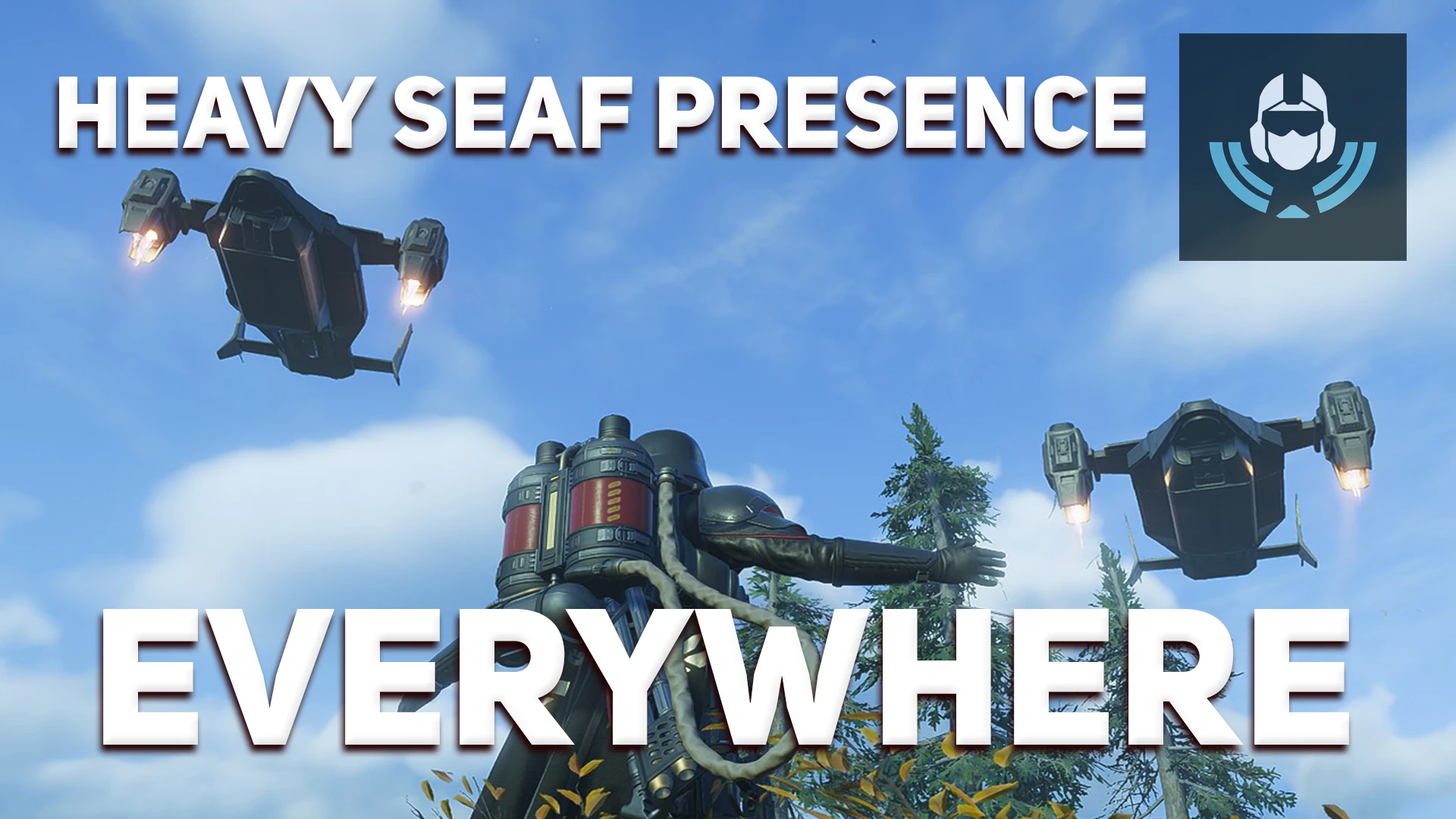
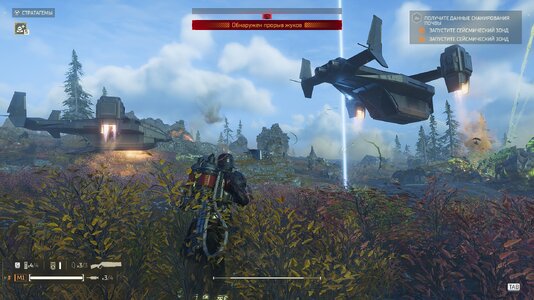
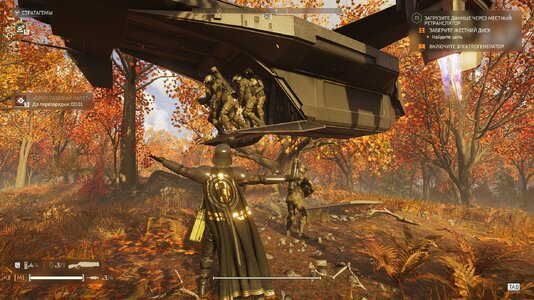
Adds the planet modifier "Heavy SEAF Presence" to EVERY planet in Helldivers 2.
Normally this modifier only appears on a few specific planets. With this mod, whatever planet you pick, the SEAF will show up to help you fight.
The modifier is placed into the first free modifier slot of each planet, so the modifiers a planet already has are left untouched.
=============================
⚠ REQUIRED: BINGUS SHARED LOADER
=============================
This mod will NOT work without Bingus Shared Loader (v18 or newer). You must download and install it first: without it, nothing will happen.
Download: [LINK TO BINGUS SHARED LOADER]
=============================
Support "MOD OPTIONS MENU"
=============================
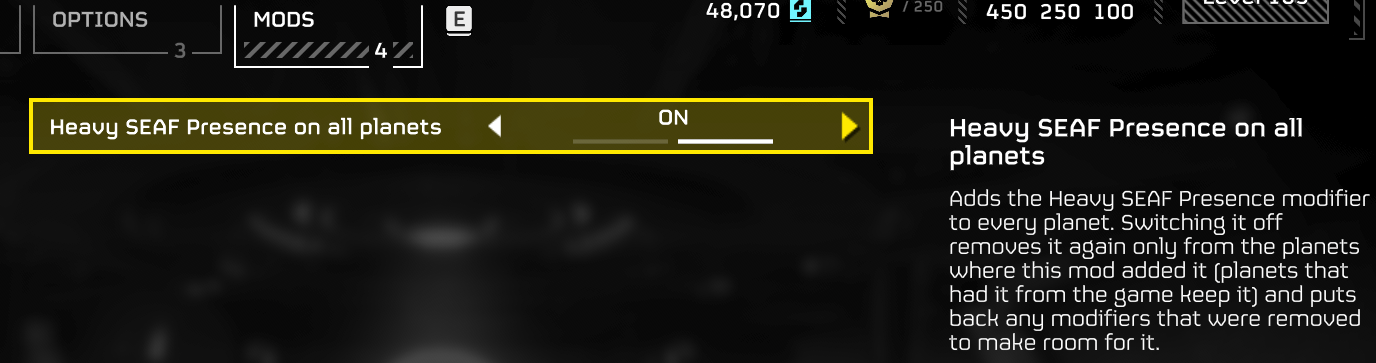
This mod supports the "Mod Options Menu"; if you have it installed, you can enable or disable modifiers without leaving the game.
( If a planet already had the "Heavy SEAF Presence" modifier to begin with, it will not disappear when the mod's features are disabled; only the modifiers added by the mod itself are removed )
Download: [LINK TO MOD OPTIONS MENU]
=============================
⚠ HOST ONLY
=============================
This mod only works if YOU are the host of the game.
If you join a session that is already running, the modifier will NOT appear: it has to be loaded before the mission starts, and it can't be added to a session that is already in progress.
In short: if you want SEAF on the mission, you start the lobby yourself.
=============================
WHAT THE MODIFIER DOES
=============================
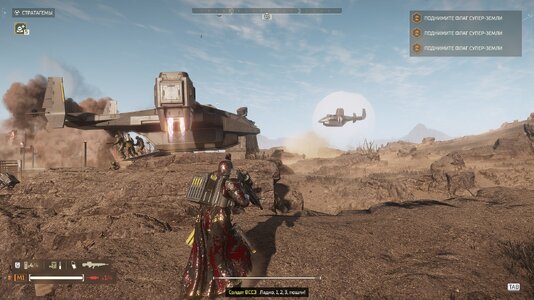
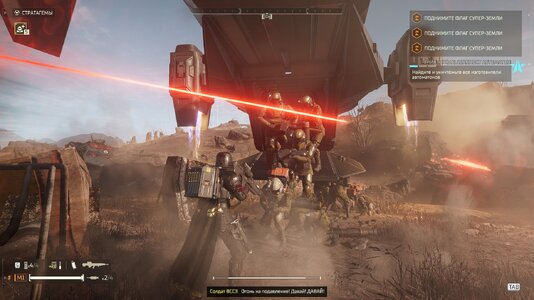
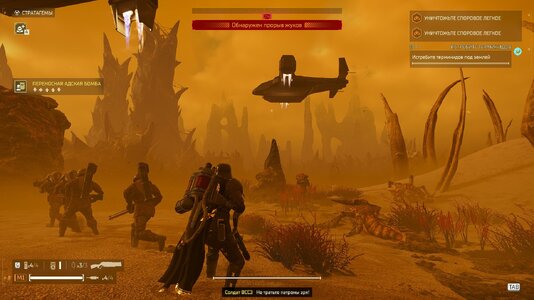
- Pelican shuttles periodically fly in to deploy up to 3 squads of SEAF soldiers into the mission area. Mission Control will announce it when this happens.
- SEAF squads are deployed when Helldivers are fighting large numbers of enemies (roughly 20+) or when the enemy calls in reinforcements. Otherwise they stay in reserve.
- There is a limit on how many SEAF squads can be active at once, but no limit on squads in reserve. The pelicans never run out of fresh squads.
=============================
INSTALLATION
=============================
1. Install Bingus Shared Loader (v18 or newer) if you haven't yet.
2. Import this mod's zip in your mod manager.
3. Make sure Bingus Shared Loader is LAST in the load order.
4. Press Purge, then Deploy.
5. Launch the game and host the mission yourself.
=============================
HOW IT WORKS (for the curious)
=============================
The mod finds the planet table in the game's memory and adds the modifier to every planet record. The game restores planet data from time to time, so the mod keeps checking and re-applies the modifier when needed.
To keep the performance impact minimal, it checks often at first, and once nothing has needed fixing for a while it switches to a very cheap "light mode" that only reads a few sample records every few seconds. If the game rewrites the planet data, it wakes up and fixes everything again.
The first time the game is launched the mod needs a few seconds to locate the planet table. This is normal.
=============================
PLANETS WITH NO FREE SLOT
=============================
A planet can only hold a limited number of modifiers (8). If a planet already has all its slots taken, the mod removes unimportant ids (markers) to make room for Heavy SEAF Presence. The other modifiers keep their order, and every removal is written to the log.
This is configurable in PlanetSeaf.cfg (see below). Set drop_ids to empty if you never want the mod to remove anything. In that case planets with no free slot are simply skipped.
=============================
CONFIGURATION (optional)
=============================
You don't need to touch anything: the defaults work.
Files are located in:
%LOCALAPPDATA%\CowboyBingus\Helldivers2\Logs\
- PlanetSeaf.cfg - settings
- PlanetSeaf.log - log
- PlanetSeaf.path - saved search data
=============================
TROUBLESHOOTING
=============================
"The modifier doesn't appear"
- Is Bingus Shared Loader installed (v18+) and last in the load order?
- Did you press Purge + Deploy after importing?
- Are you the host? The mod does nothing if you joined someone else's game.
Normally this modifier only appears on a few specific planets. With this mod, whatever planet you pick, the SEAF will show up to help you fight.
The modifier is placed into the first free modifier slot of each planet, so the modifiers a planet already has are left untouched.
=============================
⚠ REQUIRED: BINGUS SHARED LOADER
=============================
This mod will NOT work without Bingus Shared Loader (v18 or newer). You must download and install it first: without it, nothing will happen.
Download: [LINK TO BINGUS SHARED LOADER]
=============================
Support "MOD OPTIONS MENU"
=============================
This mod supports the "Mod Options Menu"; if you have it installed, you can enable or disable modifiers without leaving the game.
( If a planet already had the "Heavy SEAF Presence" modifier to begin with, it will not disappear when the mod's features are disabled; only the modifiers added by the mod itself are removed )
Download: [LINK TO MOD OPTIONS MENU]
=============================
⚠ HOST ONLY
=============================
This mod only works if YOU are the host of the game.
If you join a session that is already running, the modifier will NOT appear: it has to be loaded before the mission starts, and it can't be added to a session that is already in progress.
In short: if you want SEAF on the mission, you start the lobby yourself.
=============================
WHAT THE MODIFIER DOES
=============================
- Pelican shuttles periodically fly in to deploy up to 3 squads of SEAF soldiers into the mission area. Mission Control will announce it when this happens.
- SEAF squads are deployed when Helldivers are fighting large numbers of enemies (roughly 20+) or when the enemy calls in reinforcements. Otherwise they stay in reserve.
- There is a limit on how many SEAF squads can be active at once, but no limit on squads in reserve. The pelicans never run out of fresh squads.
=============================
INSTALLATION
=============================
1. Install Bingus Shared Loader (v18 or newer) if you haven't yet.
2. Import this mod's zip in your mod manager.
3. Make sure Bingus Shared Loader is LAST in the load order.
4. Press Purge, then Deploy.
5. Launch the game and host the mission yourself.
=============================
HOW IT WORKS (for the curious)
=============================
The mod finds the planet table in the game's memory and adds the modifier to every planet record. The game restores planet data from time to time, so the mod keeps checking and re-applies the modifier when needed.
To keep the performance impact minimal, it checks often at first, and once nothing has needed fixing for a while it switches to a very cheap "light mode" that only reads a few sample records every few seconds. If the game rewrites the planet data, it wakes up and fixes everything again.
The first time the game is launched the mod needs a few seconds to locate the planet table. This is normal.
=============================
PLANETS WITH NO FREE SLOT
=============================
A planet can only hold a limited number of modifiers (8). If a planet already has all its slots taken, the mod removes unimportant ids (markers) to make room for Heavy SEAF Presence. The other modifiers keep their order, and every removal is written to the log.
This is configurable in PlanetSeaf.cfg (see below). Set drop_ids to empty if you never want the mod to remove anything. In that case planets with no free slot are simply skipped.
=============================
CONFIGURATION (optional)
=============================
You don't need to touch anything: the defaults work.
Files are located in:
%LOCALAPPDATA%\CowboyBingus\Helldivers2\Logs\
- PlanetSeaf.cfg - settings
- PlanetSeaf.log - log
- PlanetSeaf.path - saved search data
=============================
TROUBLESHOOTING
=============================
"The modifier doesn't appear"
- Is Bingus Shared Loader installed (v18+) and last in the load order?
- Did you press Purge + Deploy after importing?
- Are you the host? The mod does nothing if you joined someone else's game.
