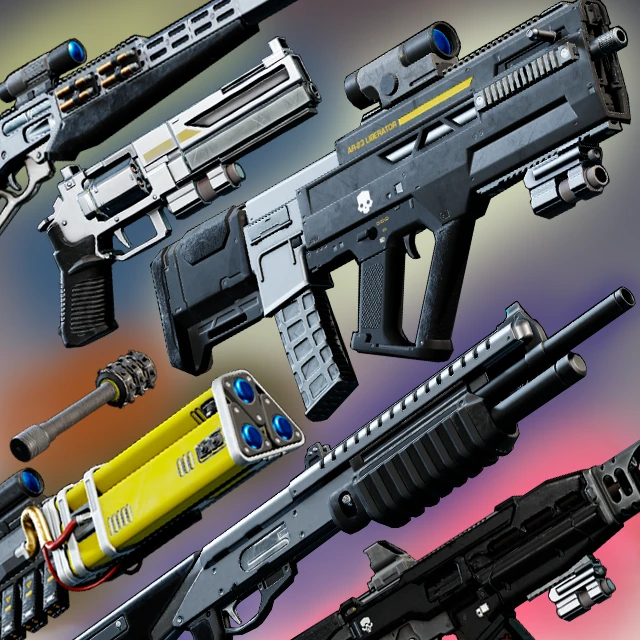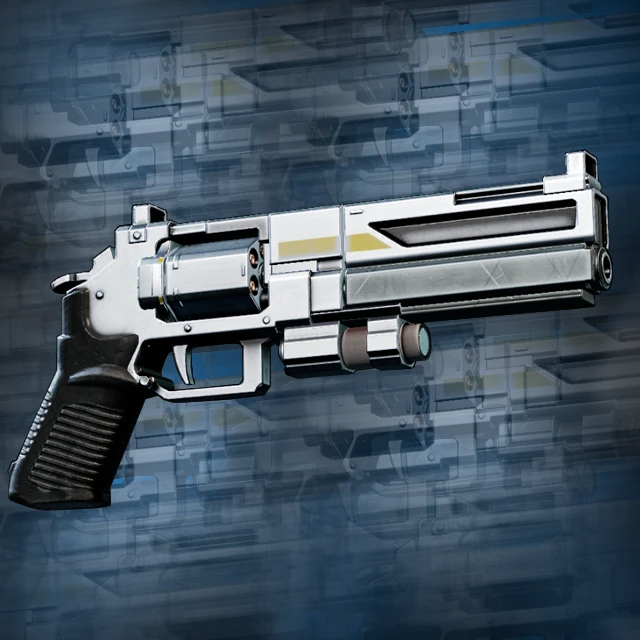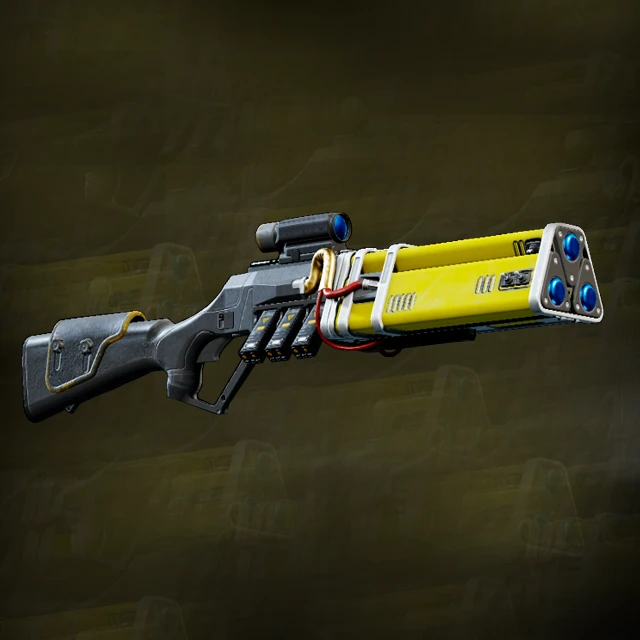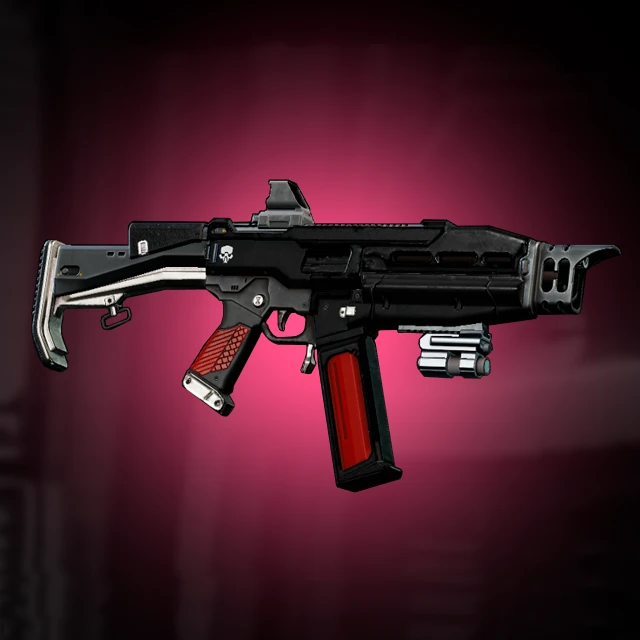

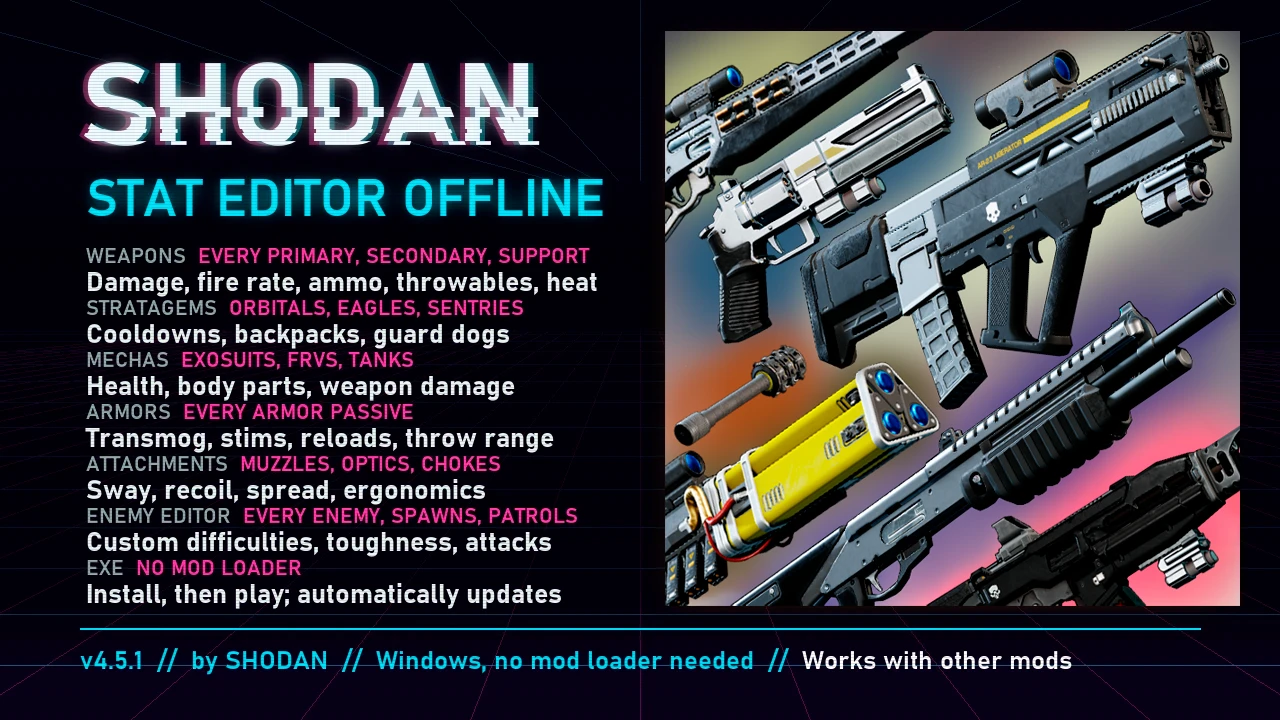
This file includes 2 preset text files for Shodan Editor of my changes for Helldivers. Some changes differ from my mod for HD2Runtime.
These 2 presets contain changes for weapons and for enemies to be on power fantasy level for 10-th difficulty. I won't write all changes here, you can look for approximate stats of weapons on the first mod.
Requirements:
Shodan editor v4.5.1 ayakamods/github
Shodan stat editor add-on (optional)
Installation:
- Install Shodan editor (and addon)
1. Install this mod's zip file
2. Unpack this mod's text files
3. Rename these text files if you already have presets in Shodan local folder(step 4) (rename to higher number than the last preset you have: if your preset is called "preset_04", rename this one into "preset_05")
4. Transfer theses text files into Shodan local folder [C:\Users\[USER]\AppData\Local\SHODAN\StatEditor]
And done, you can find TAO presets in the presets in the right down of Shodan editor (if you can't find them after completing all steps, try closing and opening Shodan editor; weapon and enemy changes are in 2 different tabs). Enjoy!
Credits
Shodan - thank you for letting us still play HD2 as we want easily!
Argxs - that's a pretty cool addon for missile aiming, thank you.
These 2 presets contain changes for weapons and for enemies to be on power fantasy level for 10-th difficulty. I won't write all changes here, you can look for approximate stats of weapons on the first mod.
Requirements:
Shodan editor v4.5.1 ayakamods/github
Shodan stat editor add-on (optional)
Installation:
- Install Shodan editor (and addon)
1. Install this mod's zip file
2. Unpack this mod's text files
3. Rename these text files if you already have presets in Shodan local folder(step 4) (rename to higher number than the last preset you have: if your preset is called "preset_04", rename this one into "preset_05")
4. Transfer theses text files into Shodan local folder [C:\Users\[USER]\AppData\Local\SHODAN\StatEditor]
And done, you can find TAO presets in the presets in the right down of Shodan editor (if you can't find them after completing all steps, try closing and opening Shodan editor; weapon and enemy changes are in 2 different tabs). Enjoy!
Credits
Shodan - thank you for letting us still play HD2 as we want easily!
Argxs - that's a pretty cool addon for missile aiming, thank you.