• Credit Cards Now Supported!

    Help keep AyakaMods servers running. You can now purchase Premium securely using credit cards via Patreon.

    🔥 Lifetime Premium is available for a limited time! Offer Expires November 9th, 2026.


    Get Premium & Support Us

SHODAN Stat Editor v4.6.0

A Mod for Helldivers 2
SHODAN Stat Editor akl_mod_preview_image
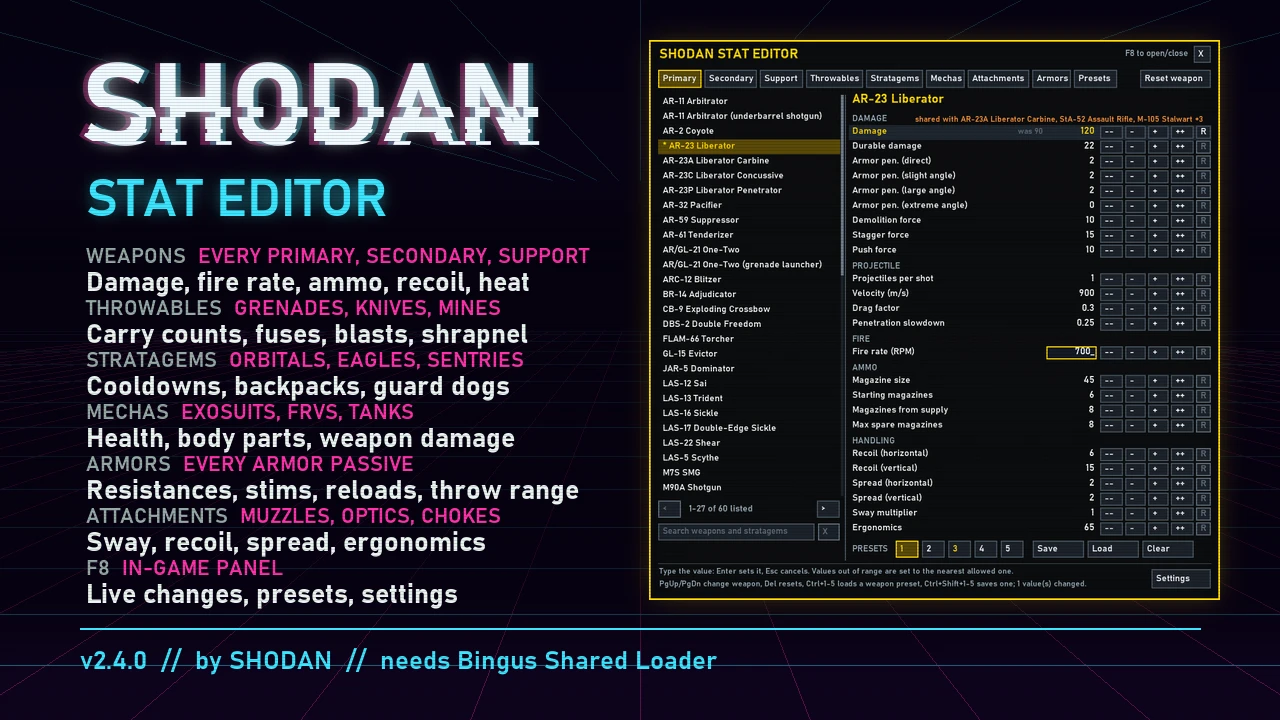
Change the stats of weapons, throwables, stratagems, mechas, boosters, attachments and armor passives in Helldivers 2. The Enemy Editor changes every enemy, your SEAF allies and how they spawn, and keeps custom difficulties as presets. SHODAN Stat Editor Offline (SSEO) is a Windows program: pick a weapon, change its numbers, press Install into the game, and play. It writes your values into the game's own data files, so no mod loader is needed and the game does not have to run while you edit. Keep setups as presets: 5 per weapon, and up to 50 named ones for everything you have changed, and share them as short codes.
What you can change
  • Weapons: damage, durable damage, armor penetration, demolition/stagger/push force, projectiles per shot, velocity, blast radius, burning, gas and stun applied per hit, fire rate, magazine size and spare magazines (each magazine on its own), reload time, recoil, spread, sway, ergonomics, heat and heatsinks. Projectile swap: make a weapon fire another weapon's projectile. Trails and effects load by themselves for up to 6 chosen weapons per install. Infinite ammo, Suppressed and one-handed switches. Flamethrower spray, lock-on range, aim zoom on built-in sights, holster position and bayonet strikes. Slot: list a primary among the secondaries, or a secondary among the primaries.
  • Throwables: count carried, throw distance, fuse time, explosion damage and radius, shrapnel.
  • Stratagems: cooldowns, uses, call-in codes (the arrows you enter) and call-in countdown, Eagle rearms, approach, speed and bomb pattern, orbital and Eagle strike damage and radii, barrage salvos, shells, delay and drift, items per hellpod (two weapons or packs from one pod), the Orbital Laser, Guard Dogs, sentries and emplacements and how far they turn, minefields, jump/hover/warp packs and backpack charges.
  • Mechas: cooldown, health, regeneration and armor of every body part, and their weapons stat for stat. Exosuit walk, turn, stomp, get in and out, landing and stagger recovery speed.
  • Vehicle handling: the FRVs' and tanks' weight, center of mass, engine torque and top speed, gears, front and rear brakes, and each wheel's grip, size, springs, damping and suspension travel.
  • Attachments: optics, underbarrels, muzzles and ammunition types (ergonomics, recoil, spread and sway), and each optic's zoom levels, zeroing distances and follow speed.
  • Armor passives: every value they have, from damage resistances to reload speed and extra stims. Each armor's weight: light, medium or heavy.
  • Helldiver: health regeneration, climbing and sliding, drowning and floating, the hellpod's descent, melee and bayonet strikes, head hits, weapon sway and how much enemy fire suppresses you.
  • Extra stratagems: have any stratagem bring another along with it.
  • Transmogrification: give any armor up to 14 passives, or none, so you can wear the look you want with the passives you want.
  • Boosters: Experimental Infusion, the hellpod boosters, Dead Sprint, Armed Resupply Pods and Surplus EAT Allocation.
  • Names and descriptions: give weapons, throwables, stratagems, armors, helmets, capes, passives, attachments and boosters your own names and descriptions, shown in the game in every language.

Enemy Editor​

Make your own difficulty. Click SHODAN Enemy Editor at the top left and the window turns red; SHODAN Stat Editor switches back. One Install puts the changes of both editors in the game.
  • Every enemy: health, armor, durable ratio, explosive damage taken and regeneration, and each body part's health, armor and bleed-out, including whether destroying it kills the enemy.
  • Behavior: animation speed (attacks, stagger recovery and the rest, each on its own; faster attack animations make attacks come out sooner), movement speed for each behaviour (patrolling, fighting, charging and more), which side it fights for, size, sight, hearing, how long it keeps tracking you, stagger resistance, and status resistances (stun, gas, fire, acid, electric).
  • Attacks and weapons: melee attacks, death explosions, and every enemy gun stat for stat like a weapon: damage, armor penetration, fire rate, magazine and spread.
  • Suppression: how hard your fire throws off an enemy's aim, how long it takes to steady, and how close your shots must land.
  • Shields and jamming: shield capacity and recharge, Stratagem Jammer and AA Emplacement radii, Cognitive Disruptor scrambling, Leviathan flight height.
  • Whole factions at once: one row for all Terminids, Automatons, Illuminate or SEAF (health, armor, damage, speed, weapon spread, suppression and more), while enemies you tuned by hand keep their own values.
  • Spawning and patrols: reinforcement size and frequency (or none at all), the cap on enemies at once, patrol frequency and count, modifier patrols, outpost garrisons, Fabricator and bug hole output.
  • SEAF: every SEAF soldier kind like an enemy, and which weapons each kind carries.
  • Custom difficulties: save enemy setups as their own presets, separate from your weapon setups. Comes with Default, Horde, Glass Cannon and Elite; change them or make your own and share them with a code, and restore the built-in ones from Settings.
Features
  • Type values directly or step them with the arrow keys; Del resets a stat to the game's value.
  • Create and share presets: save up to 5 presets per weapon or stratagem, and up to 50 named full presets holding every change you have made. Load, rename or overwrite them any time.
  • Preset codes: share a whole preset as one line of text. Copy its code, send it, and the other player pastes it in to get your setup. Codes made on an older version can lose values after a game update changes those pages.
  • Search across every tab (Ctrl+F), or press * to list only what you have changed.
  • Resize the window by dragging its edges.
  • In English, Simplified Chinese, Traditional Chinese, Russian, Spanish (Latin America) and Portuguese (Brazil).
  • Quality-of-life switches in Settings: bring several vehicles of the same kind (exosuits, FRVs, tanks), better stratagem bounce (stratagem balls stick to more surfaces), foliage pass-through (rockets, launcher rounds and stratagem ordnance fly through trees and bushes) and a sniper crosshair in third person.
  • Works with other mods: SSEO keeps the changes other mods made to the same game files and adds yours on top. Install or apply the other mod first, then press Install in SSEO. Not thoroughly tested yet.
  • Updates itself: SSEO tells you when a new version is out and installs it with one click.

Install​

  1. Download the latest SHODAN-Stat-Editor-Offline zip and unzip it anywhere (keep the files together).
  2. Close Helldivers 2 and start SHODAN Stat Editor Offline.exe. It finds the game through Steam; if it cannot, write your Helldivers 2 folder's path into %LOCALAPPDATA%\SHODAN\StatEditor\game folder.txt and start it again.
  3. Change values, press Install into the game, then start the game.
Restore the game's files puts the game's own files back; your values stay saved, and Install puts them in again. After a game update or Steam's "Verify integrity of game files" the game's own files are back: start SSEO and press Install again.
Windows SmartScreen or an antivirus may warn about the program the first time (it is not signed).
Full documentation, source and bug reports: github.com/SHODAN-HORAI/SHODAN-Stat-Editor
1.6 MB
Log in or sign up to download
Uploaded by
Shodan
Downloads
6,757
Comments
449
Views
70,200
First release
Last update
Platform
PC 
Version
v4.6.0
Total Size
1.6 MB
Rating
4.79 star(s) 52 ratings

Uploaded by

  • 6,757
  • 70,200

Ratings

4.79 star(s) 52 ratings

Tags

There are no tags available.

More mods from Shodan

  • PC M6C/SOCOM (Lore Accurate) (Heavy Penetration)

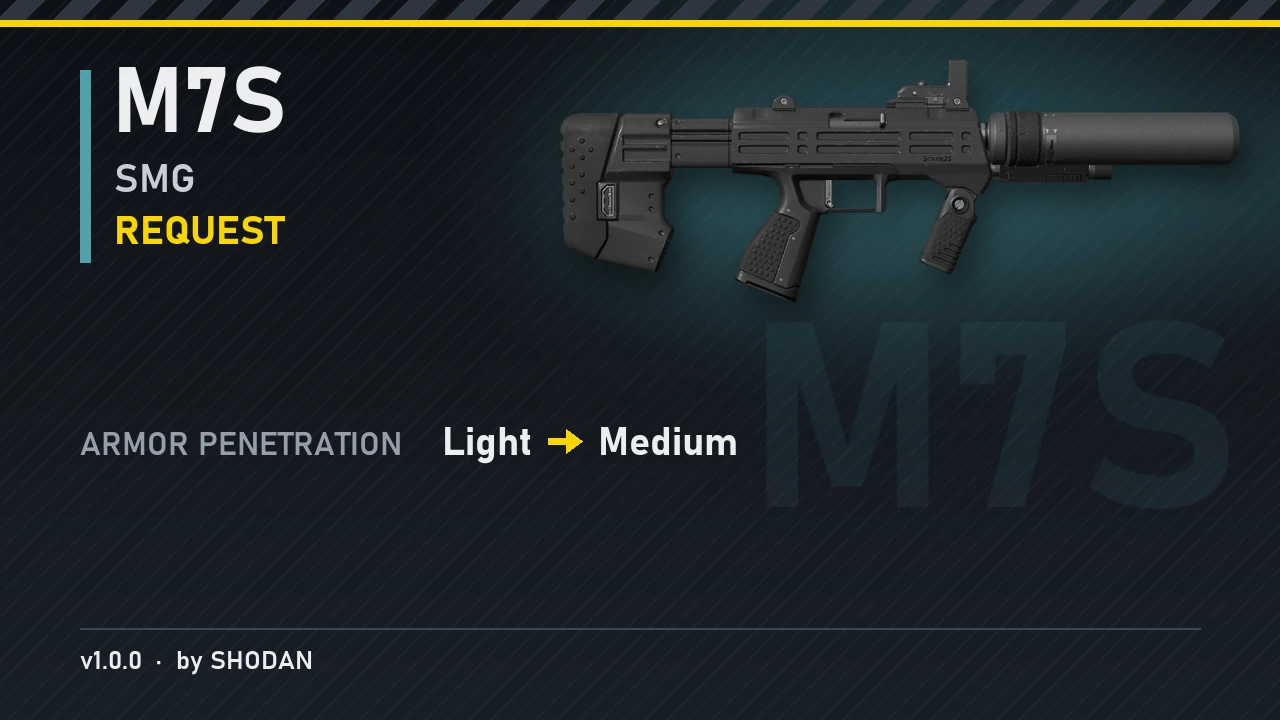
  • PC M7S SMG (Medium Penetration)

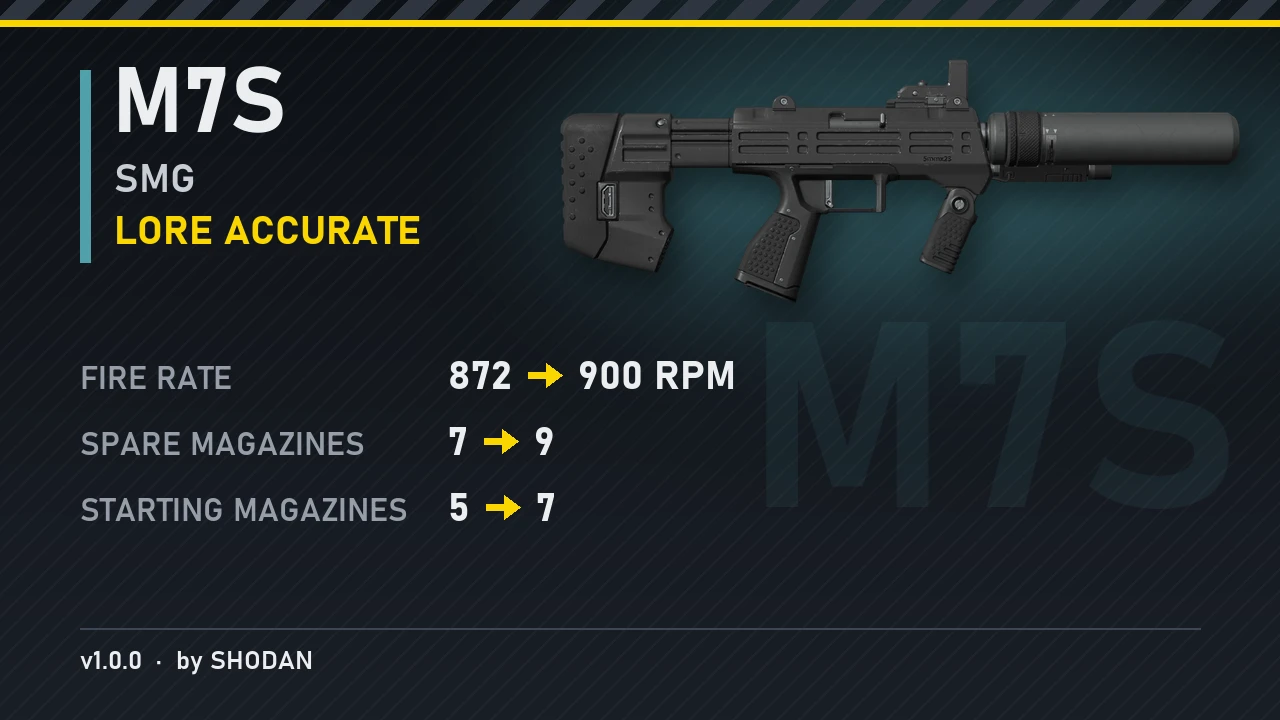
  • PC M7S SMG (Lore Accurate)

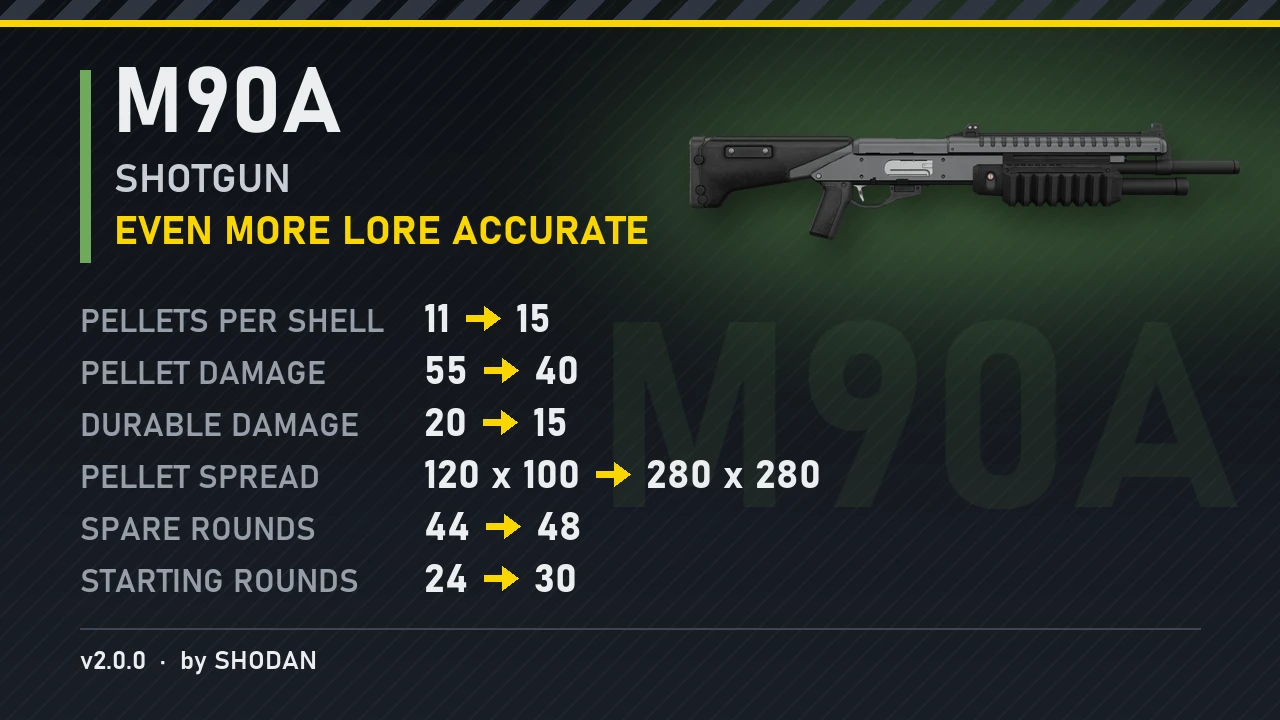
  • PC M90A Shotgun (Even More Lore Accurate)

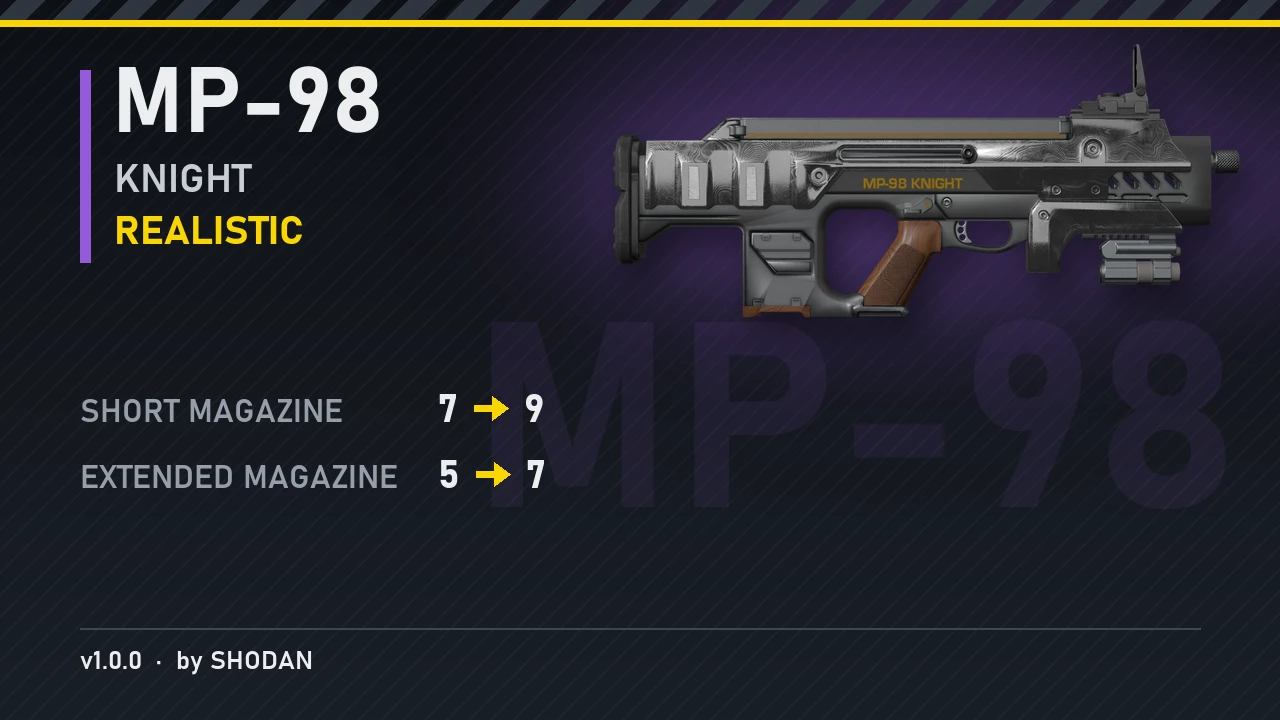
  • PC MP-98 Knight (Realistic)

Latest updates

  1. v4.6.0

    Preset codes: share a whole preset as one line of text. Press Copy code on the Presets page and...
  2. v4.5.1

    Languages: Spanish (Latin America) and Portuguese (Brazil). Names and descriptions: Name and...
  3. v4.1.0

    Helldiver. Climbing and sliding (the slope angles you slide on, the highest ledge you can...

Pinned comment

Pinned by the author.

Shodan

Modder
Modder
Members
Sep 13, 2026
10
80
Install not working ("could not replace ...")

Some players get "Not installed, could not replace generated_..." when they press Install into the game. SSEO builds the changed files fine but Windows won't let it swap them in over the game's own files. The most likely reason is that the game files are marked read-only on your PC.

To get around it, close the game and SSEO, then go to your Helldivers 2 folder. Right click "data\game", open Properties, untick "Read-only" and apply it to all files inside. Then open SSEO and press Install again.

If it still fails, check whether an antivirus or another mod tool is holding those files open, and post your logs on the GitHub issues page. They are in %LOCALAPPDATA%\SHODAN\StatEditor\Logs.

A possible fix is already on the "Every commit" update channel (enabled in Settings) and will be in the next release. SSEO will then remove the read-only mark by itself and tell you why a file couldn't be replaced.
----------------------------------------------------------------------------------------------------------------------------------------------------------------
Install crashing with "bad argument #1 to 'abs'"

Some players get "SHODAN Stat Editor Offline stopped" with "bad argument #1 to 'abs' (number expected, got nil)" when they press Install into the game. It happens when a row is set to "none" or -1. The game stores those as a special value, and the program SSEO runs on misreads it when Install compares your changes. Weapon names and descriptions don't cause it.

To get around it, set those rows back to their normal values, or use Reset all values, then press Install again.

It's fixed, and the fix will be in the next release. If you want it now, go to Settings and set "Update channel" to "Every commit". It looks for the update right away.
 

blapblap

Members
Members
Oct 3, 2026
37
8
Are there any settings that could make the sentries behave more like from Bingus's mod? Maybe stop them from wasting so much ammo into the ground?
This is something I really hope they can do again, but sadly most of that style of coding and behavior was due to scripts, and they disabled the use of simple LUA-ffi scripts. Hopefully we can see something similar to the smarter guard-dogs and sentries again. agree it was a really awesome mod function since the turrets and guard dogs stopped wasting ammo and stopped most of the teamkilling.
 

GrampaBob

Members
Members
Oct 2, 2026
10
2
If I want to transfer my saved presets to a new computer, which file do I need and folder location? thnx.
 

BlackWolf

Members
Members
Sep 19, 2026
34
13
-Please let us edit the stats of the various status effects in the game, like duration of acid storm when applied, or damage of bleeding on a Helldiver.
-Please add more editable boosters.
-Please let us customize the explosion damage taken, durable ratio, and damage dealt to main health of our vehicle armor parts.
-Please let us customize the sight range of our sentries.
-Alpha warriors seem to be missing from the Terminids list.
-Please add the health stat to specific enemy body parts that are not part of the main body (like the cannons on the war strider).
-The turret of the Barrager tank seems to be missing from the Automatons list.

Thank you!
 
Last edited:

CaptainFalcon

Members
Members
Oct 25, 2026
2
0
Hey, thank you for this absolutely incredible resource it has been so fun to change things up and muck around with my friends. Any chance of adding target lock options for weapons that do not normally have them? As in, giving say the Warrant pistol lock on to the liberator etc.
 

CaptainFalcon

Members
Members
Oct 25, 2026
2
0
If I want to transfer my saved presets to a new computer, which file do I need and folder location? thnx.
Hey! I can help you with that, if you go to "Presets" in the bottom left of the editor next to the settings button and save your preset there of all your changes.
Use shortcut - "Windows key + R" and type %LOCALAPPDATA% once inside find your "SHODAN" folder then inside will be "Stat editor" then you're looking for the file named "preset_01" that's the one you want to paster directly back into the stat editor folder :)
 

MiniatureLegend

Members
Members
Sep 30, 2026
10
0
Is there a way to copy passives from one armour to another, or do I just have to sit there for an hour putting it on every single armour? Kinda preferred the other method before the update where it'd apply to every armour with that passive. There's also a limit now?
 

Albieri007

Members
Members
Oct 14, 2026
6
3
When "ALWAYS BRING IT" is enabled, "EXTRA STRATAGEM" is automatically enabled as well. Conversely, when "ALWAYS BRING IT" is disabled, "EXTRA STRATAGEM" also turns off.

I’ve encountered this issue with the Supply Pack and Hover Pack; I tested these options once with "EXTRA STRATAGEM" enabled to see how they worked. Now, I want to disable "EXTRA STRATAGEM," but I’m unable to do so while "ALWAYS BRING IT" is active. I’ve tried disabling everything, restarting the game, and checking if things would return to normal, but the issue persists—they remain linked.

I also noticed something curious: "EXTRA STRATAGEM" only applies to items that have "ALWAYS BRING IT" enabled. Additionally, when "applying" changes to the game, you have to move the mouse; if you just sit and wait, the updates won’t appear on the screen.

Lastly, I’d like to suggest adding an option that allows us to stop the Hover Pack whenever we want while in the air. Best regards!
 

MiniatureLegend

Members
Members
Sep 30, 2026
10
0
I know it may seem selfish but would it be possible to have something like the old armour passive editor? The current one seems to barely work personally, and certain armours seem to be able to take less passives at once than others before making the editor unusable again and I have to delete the config.txt file to reset the editor again.