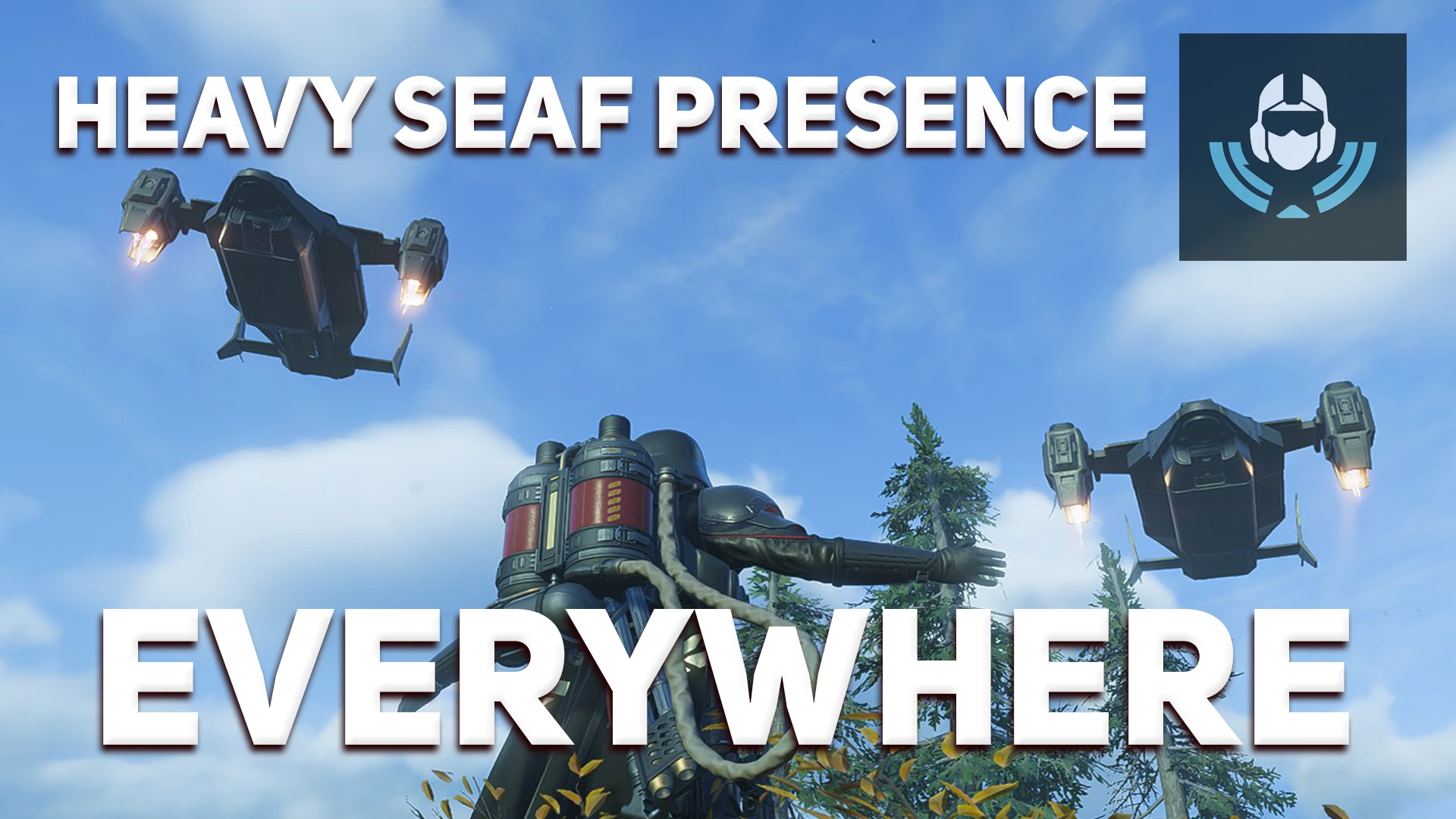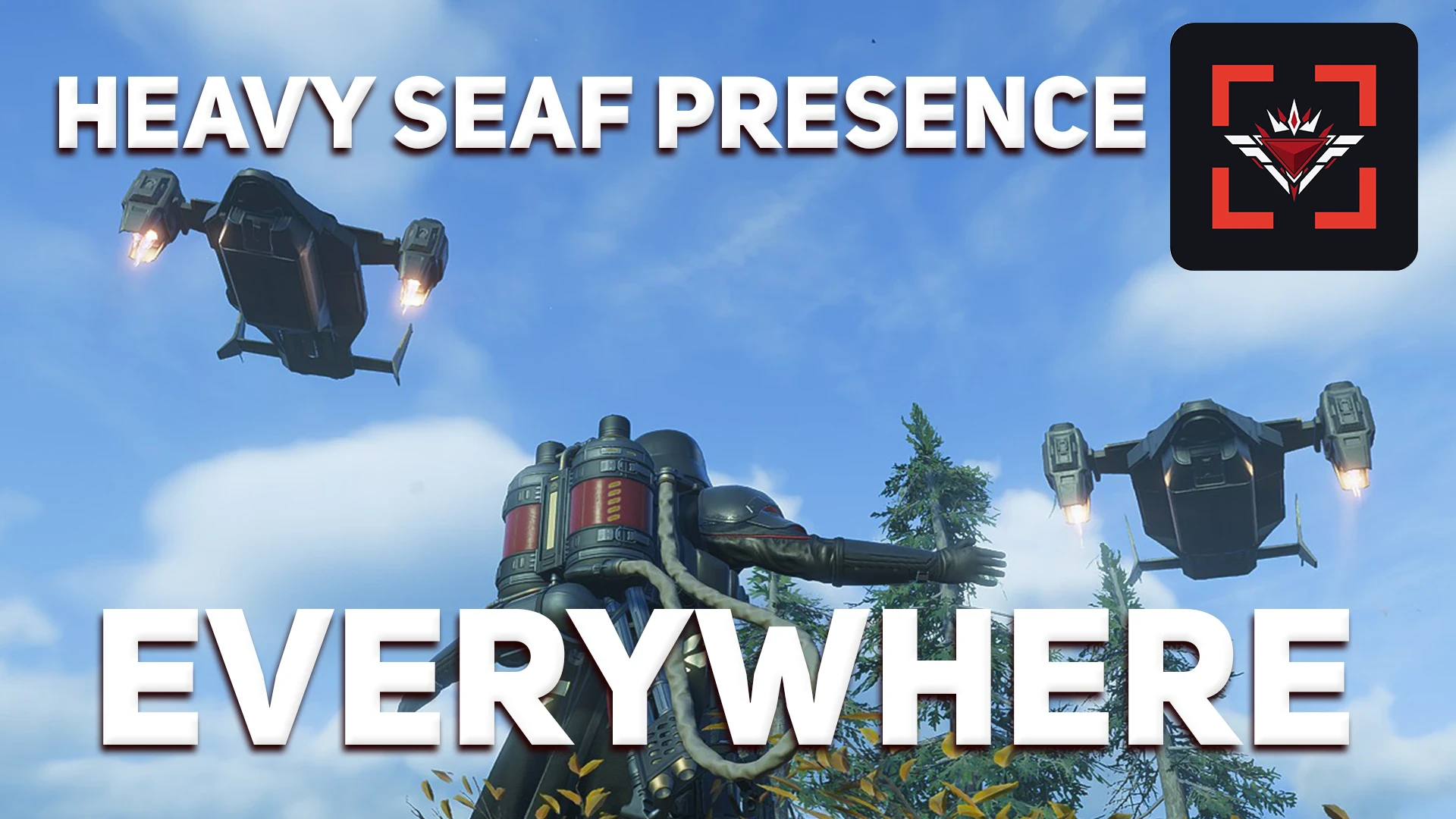
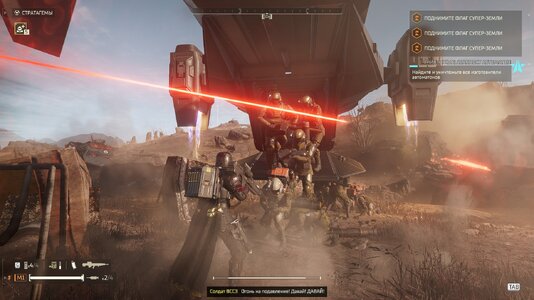
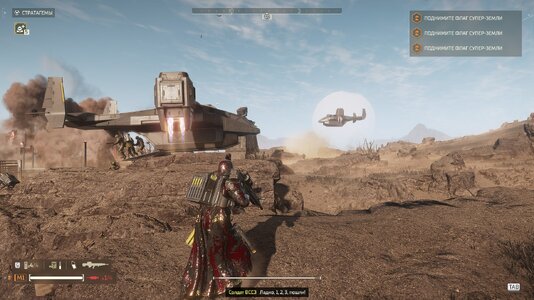
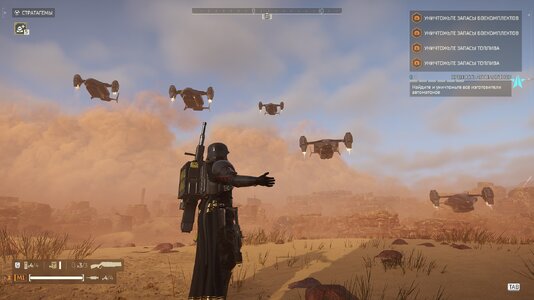
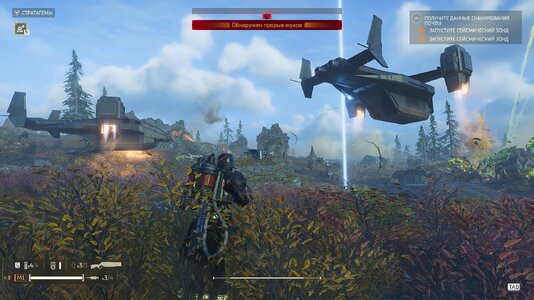
HEAVY SEAF PRESENCE EVERYWHERE
Turns the Heavy SEAF Presence modifier on for EVERY planet, so SEAF infantry
arrives on any planet you play, not only on the ones the server picked.
On = every planet carries the modifier
Off = the modifier is taken off every planet again
Takes effect from the next mission.
EXTRA SEAF LIMIT
Pick ONE step:
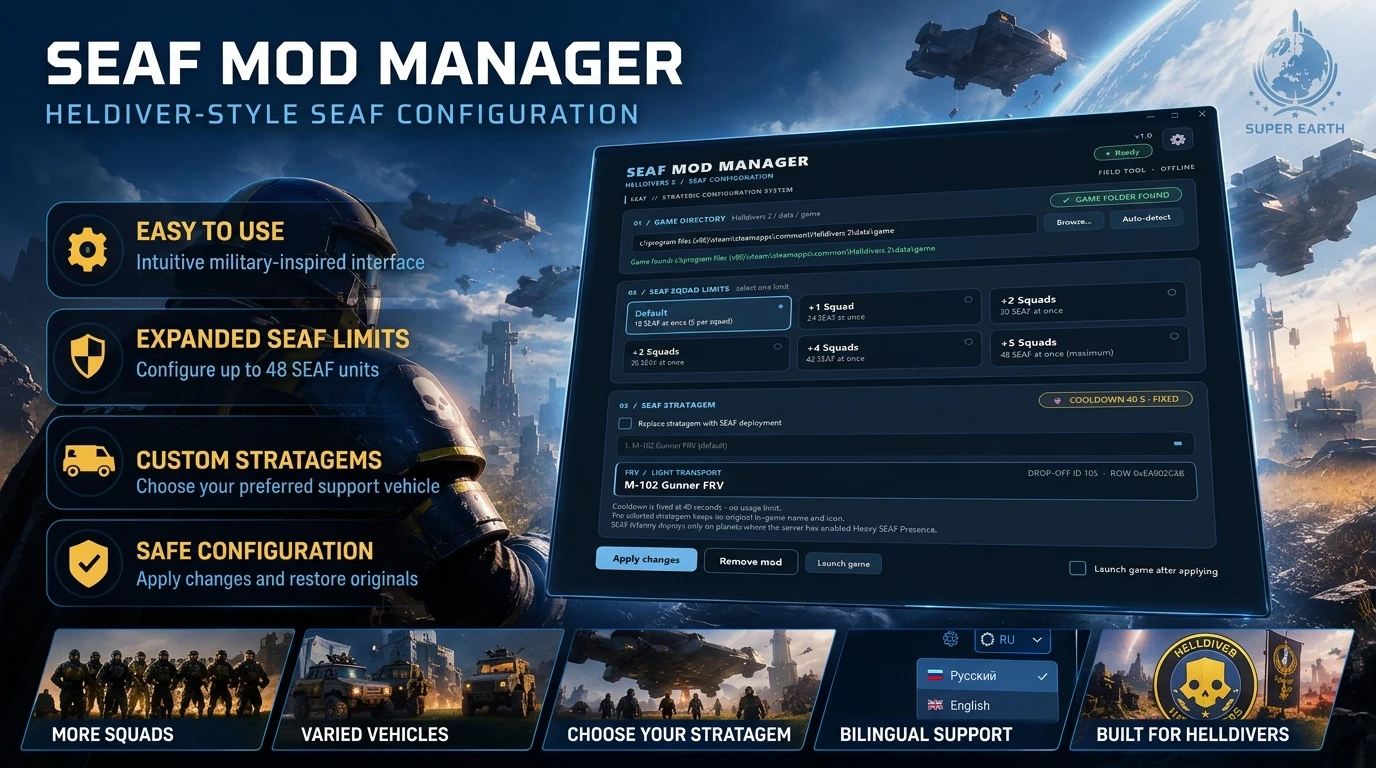
Default = 18 SEAF at once
+1 Squad = 24 SEAF at once
+2 Squads = 30 SEAF at once
+3 Squads = 36 SEAF at once
+4 Squads = 42 SEAF at once
+5 Squads = 48 SEAF at once
SEAF COOLDOWNS
You can configure two cooldowns:
- SEAF reinforcement cooldown
- SEAF wave cooldown
Each of them has six steps:
Default / 10% / 25% / 50% / 75% / Instant
- 10% / 25% / 50% / 75%: the cooldown is that much SHORTER than the original.
- Instant: almost no wait between reinforcements / waves.
- Default: the game's own value.
HOW TO USE
1. Put the mod folder into the HellForge "mods" directory and enable it.
2. Open the MODS page in the menu (Universal Mod Menu or Vanilla Plus Megapack)
and set the options you want. No menu? Edit options.ini and start a new session.
3. Start a mission. Changes apply to missions that start after the change.
( If you appreciate my efforts, I would be very grateful if you could help me purchase a one month subscription to Claude Opus 5.5, please! https://ko-fi.com/mrren242424 )
Turns the Heavy SEAF Presence modifier on for EVERY planet, so SEAF infantry
arrives on any planet you play, not only on the ones the server picked.
On = every planet carries the modifier
Off = the modifier is taken off every planet again
Takes effect from the next mission.
EXTRA SEAF LIMIT
Pick ONE step:
Default = 18 SEAF at once
+1 Squad = 24 SEAF at once
+2 Squads = 30 SEAF at once
+3 Squads = 36 SEAF at once
+4 Squads = 42 SEAF at once
+5 Squads = 48 SEAF at once
SEAF COOLDOWNS
You can configure two cooldowns:
- SEAF reinforcement cooldown
- SEAF wave cooldown
Each of them has six steps:
Default / 10% / 25% / 50% / 75% / Instant
- 10% / 25% / 50% / 75%: the cooldown is that much SHORTER than the original.
- Instant: almost no wait between reinforcements / waves.
- Default: the game's own value.
HOW TO USE
1. Put the mod folder into the HellForge "mods" directory and enable it.
2. Open the MODS page in the menu (Universal Mod Menu or Vanilla Plus Megapack)
and set the options you want. No menu? Edit options.ini and start a new session.
3. Start a mission. Changes apply to missions that start after the change.
( If you appreciate my efforts, I would be very grateful if you could help me purchase a one month subscription to Claude Opus 5.5, please! https://ko-fi.com/mrren242424 )