NEMIx3DMIGOTO NTE (Neverness to Everness) MOD loader 1.0.0

A Mod for Neverness to Everness
  • po05
  • Featured
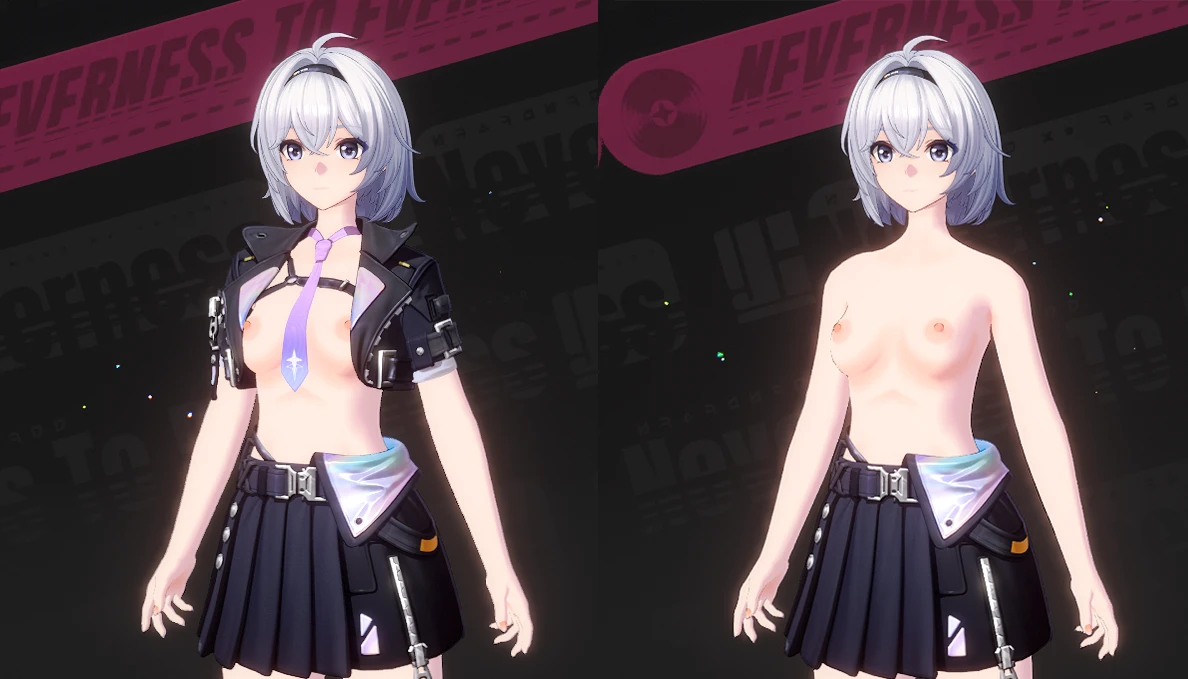
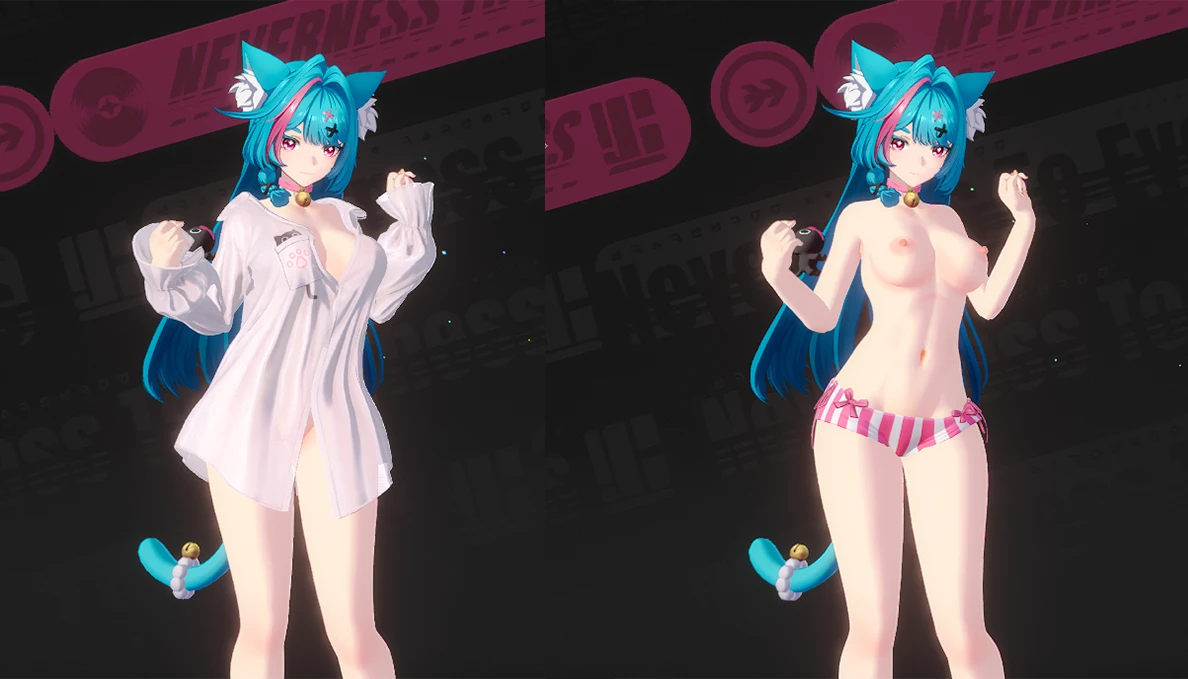
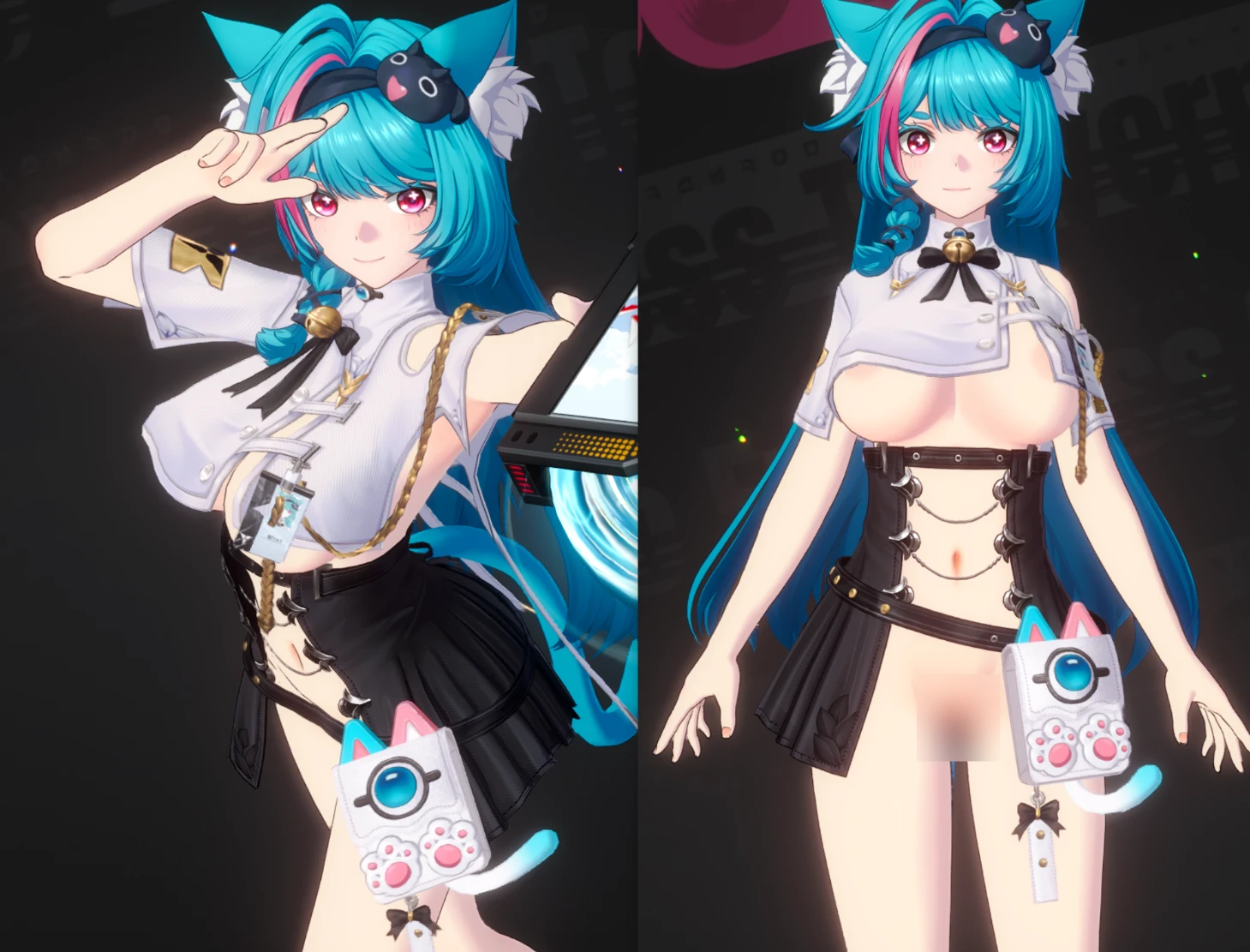
NEMIx3DMIGOTO NTE (Neverness to Everness) MOD loader Mod Preview Image
  • 01.png
    01.png
    1.1 MB · Views: 4,767
  • 02.png
    02.png
    27.4 KB · Views: 4,288
  • 03.png
    03.png
    1 MB · Views: 4,492
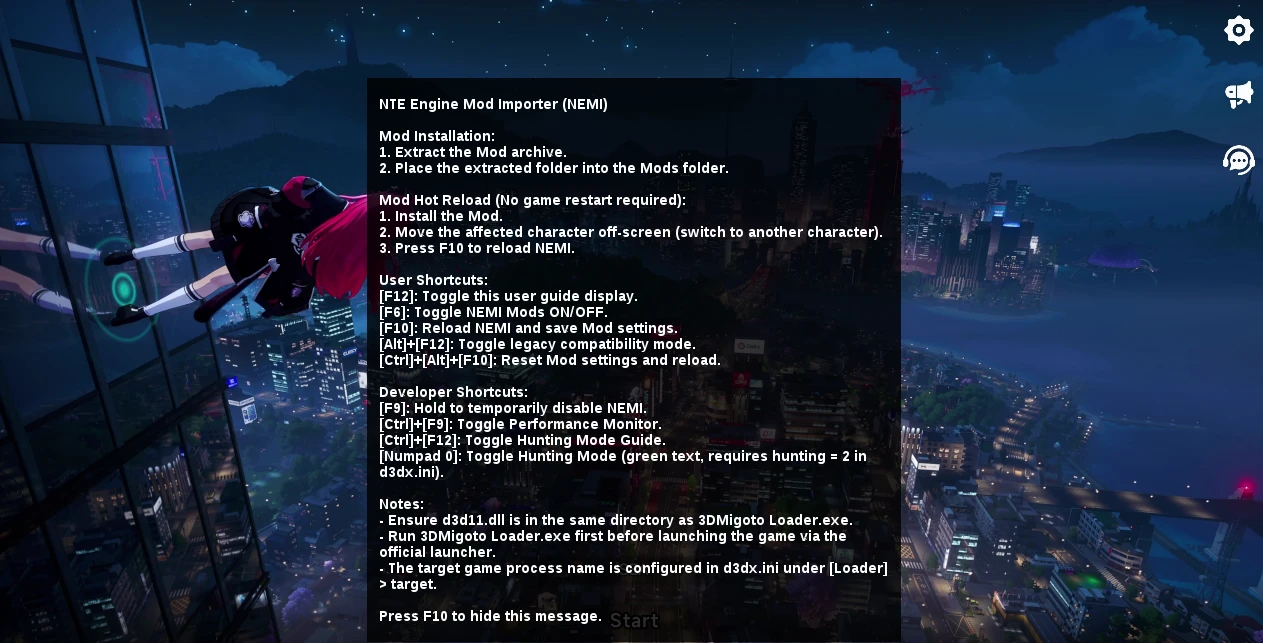
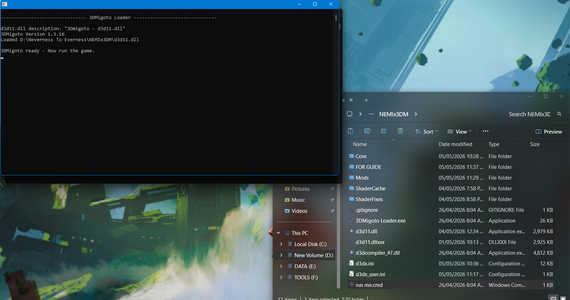
To load the mods properly, you need this custom version of 3DMigoto.
I’ve also included a screenshot as a guide—make sure to follow it carefully.

Important:
Do not add or remove anything inside the NEMIx3DM folder. Changing files there can break the mod.

This custom version, 3dmigotoXnemi, was originally made by CHN-HelloWorld/NEMI.
You can find it here:
https://github.com/CHN-HelloWorld/NEMI
11.7 MB
Log in or sign up to download
Uploaded by
po05
Downloads
2,461
Views
16,408
First release
Last update
Platform
PC 
Version
1.0.0
Rating
4.33 star(s) 3 ratings

Uploaded by

  • 2,461
  • 16,408

Ratings

4.33 star(s) 3 ratings

Tags

There are no tags available.

More mods from po05

  • PC Female protagonist (Zero)

  • PC Mint - Half-in pajamas

  • PC Mint - Semi nsfw MOD

ScaryDXP

Fan número uno de Toph Beifong.
Members
May 8, 2026
0
0
I don't know what I'm doing wrong, but my entire screen goes blank when I follow the instructions. I think these files are missing something.
 

demicorn

Members
Members
May 4, 2026
0
0
How did you get it to work on Linux? like what steps did you take.
I use Heroic launcher with dwproton and a shared prefix.
I use Lutris. I simply copied the configuration for running NTE, specified the path to 3dmigoto, and set its working directory.
The .env parameter UMU_CONTAINER_NSENTER=1 allows me to run multiple programs simultaneously in Proton, which is launched via UMU.
After that, I launch 3dm, and a window appears with a prompt to start the game.
Then I launch the game via the standard launcher in DX11 mode.
But the mods don’t work, even though the 3dm menu is displayed.

TvfyRtv.jpeg


7o93jJb.jpeg


EmiVwsv.jpeg


5Zdl8DM.jpeg
 

UnderscoreJr

Members
Members
May 6, 2026
0
0
I created a script and small guide that launches this and the game. *You will need to be comfortable with a terminal.*

https://undersc.red/nte-linux-modding

I was able to load mods with this method. If you need help, let me know. I do write this from the perspective that I installed NTE with Steam. So everything is based on Steam prefix directories.

Edit: I used my own link shortener because the embeds for the GIST are too big. lol
 

Maneerka

Members
Members
May 9, 2026
0
0
При запуске игра запускается, но самой картинки нет, только рабочий стол и выход из игры, что с этим делать?
 

po05

Contributor
Contributor
Members
Jun 3, 2025
0
40
The 3DM menu appears in the game, but the mods themselves don't load.
The mods for other games work fine in XXMI. I'm using Linux and wine with this env.
Code:
UMU_CONTAINER_NSENTER=1
OFM7gvd.jpeg
did u put mods in mods folder? also game should be running in dx11 mode
 

po05

Contributor
Contributor
Members
Jun 3, 2025
0
40
При запуске игра запускается, но самой картинки нет, только рабочий стол и выход из игры, что с этим делать?
game mode dx11 only
 

po05

Contributor
Contributor
Members
Jun 3, 2025
0
40
I've followed all instructions and placed my mods into the mod folder, but no mods wil load anyway. Not sure what I'm doing wrong.
put all mod into mod folder plus game mod dx11
 

po05

Contributor
Contributor
Members
Jun 3, 2025
0
40
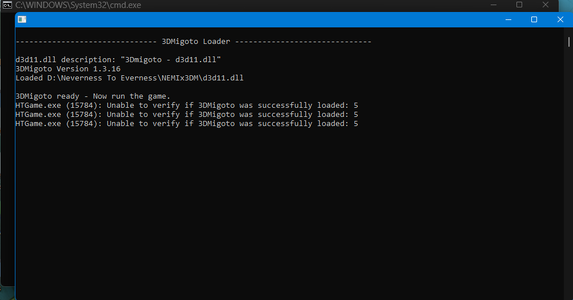
Getting a ishue.... Cant even load the loader. im getting aa error

HTGame.exe (24348): Unable to verify if 3DMigoto was successfully loaded: 5
its normal wait for menu show up press f10
 

TheAestheticFur

Members
Members
May 7, 2026
0
19
I created a script and small guide that launches this and the game. *You will need to be comfortable with a terminal.*

https://undersc.red/nte-linux-modding

I was able to load mods with this method. If you need help, let me know. I do write this from the perspective that I installed NTE with Steam. So everything is based on Steam prefix directories.

Edit: I used my own link shortener because the embeds for the GIST are too big. lol
NEMI doesn’t display the mods on (Arch) Linux using your automated script. I modified it to call Bottles instead, though, since I installed the game into a dwproton bottle using that software. The problem itself is that from what I see in the logs, the mods themselves load in with NEMI and they also create the necessary resources, it’s just that the C++ DrawIndexed() method doesn’t get called and doesn’t render the modifications in a Wine/Proton environment.

Unless NEMI gets DXVK patches and DX12 support, the PAK-based loader is the way to go.
 

TheAestheticFur

Members
Members
May 7, 2026
0
19
put all mod into mod folder plus game mod dx11
Yes, I did it and it doesn’t display anything because of that bug I described above in the 3DMigoto-to-DXVK rendering pipeline.

I’m running Arch Linux.