Enemy HP
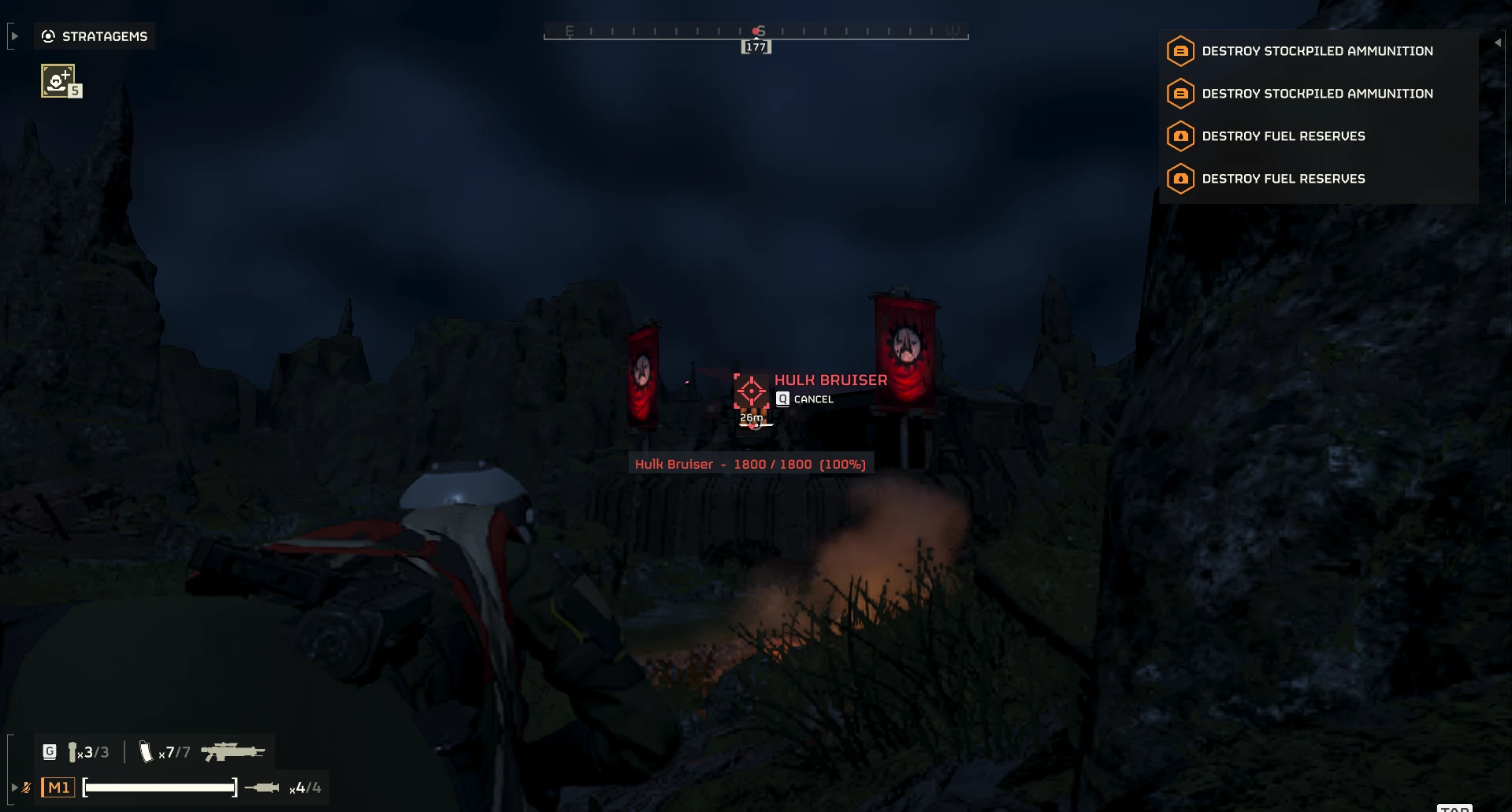
See the health of what you mark. When you mark an enemy with your ping key (the red marker with a name), Enemy HP shows its current and maximum health right under the marker. Two versions are on the download page: pick one and enable only one.
Enemy HP (recommended, Enemy-HP-1.1.2.zip) shows only the health, since the game's own mark already shows the name:
Enemy HP (with names) (Enemy-HP-1.1.2-with-names.zip) shows the name too:
The label follows the enemy and updates live while you fight it, and it disappears exactly when the game's mark does.
Features
Installation
Log: %LOCALAPPDATA%\Hd2EnemyHp\EnemyHp.log (one line per mark). Newer enemy types without a name show as "Target"; please report them with the type id from the log.
Requirements
Credits
Thanks to etxp, whose open-source HD2 G-60 Smart Targeting documented where the game keeps its list of pings, and to CowboyBingus for Bingus Shared Loader.
See the health of what you mark. When you mark an enemy with your ping key (the red marker with a name), Enemy HP shows its current and maximum health right under the marker. Two versions are on the download page: pick one and enable only one.
Enemy HP (recommended, Enemy-HP-1.1.2.zip) shows only the health, since the game's own mark already shows the name:
Code:
2073 / 6500 (32%)
Code:
Bile Titan - 2073 / 6500 (32%)Features
- Follows the game's own marks: normal marks fade after 8 seconds, multi-marks stay until you cancel them (ping the enemy again) or the enemy dies. When a marked enemy dies you briefly see "killed".
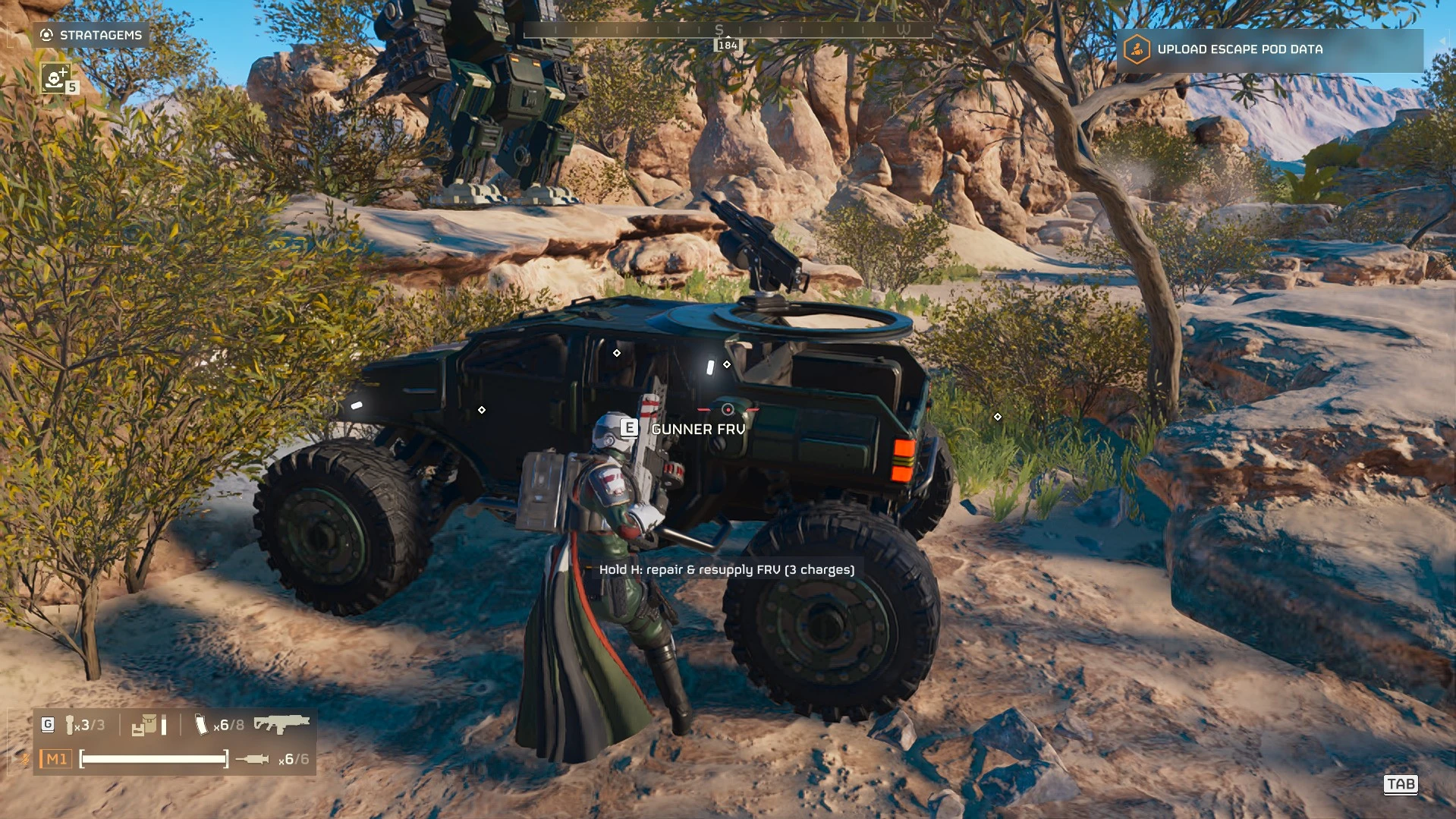
- Ping colours: red for enemies, white for vehicles, turrets and gear, yellow for objectives, orange for mines and explosive barrels. Mark your own FRV to see its health too.
- Only your marks: white location pings and your teammates' marks are ignored. Tested in multiplayer.
- Safe after game updates: the mod checks the game build when it starts. On an unsupported build it switches itself off and says so in its log instead of showing wrong numbers.
- Read-only and client-side: it only reads the game's ping list, health data and unit positions. It writes nothing to the game, sends nothing over the network and changes no gameplay values. Other players do not need it and are not affected.
Installation
- Install and enable Bingus Shared Loader (v15 or newer).
- Import the zip you downloaded (Enemy-HP-1.1.2.zip or Enemy-HP-1.1.2-with-names.zip) in your mod manager and enable it.
- Deploy, then start the game.
Log: %LOCALAPPDATA%\Hd2EnemyHp\EnemyHp.log (one line per mark). Newer enemy types without a name show as "Target"; please report them with the type id from the log.
Requirements
- Bingus Shared Loader v15 or newer (API 1).
- Game build Steam 25480438 (game version 1.8.46015.0).
Credits
Thanks to etxp, whose open-source HD2 G-60 Smart Targeting documented where the game keeps its list of pings, and to CowboyBingus for Bingus Shared Loader.