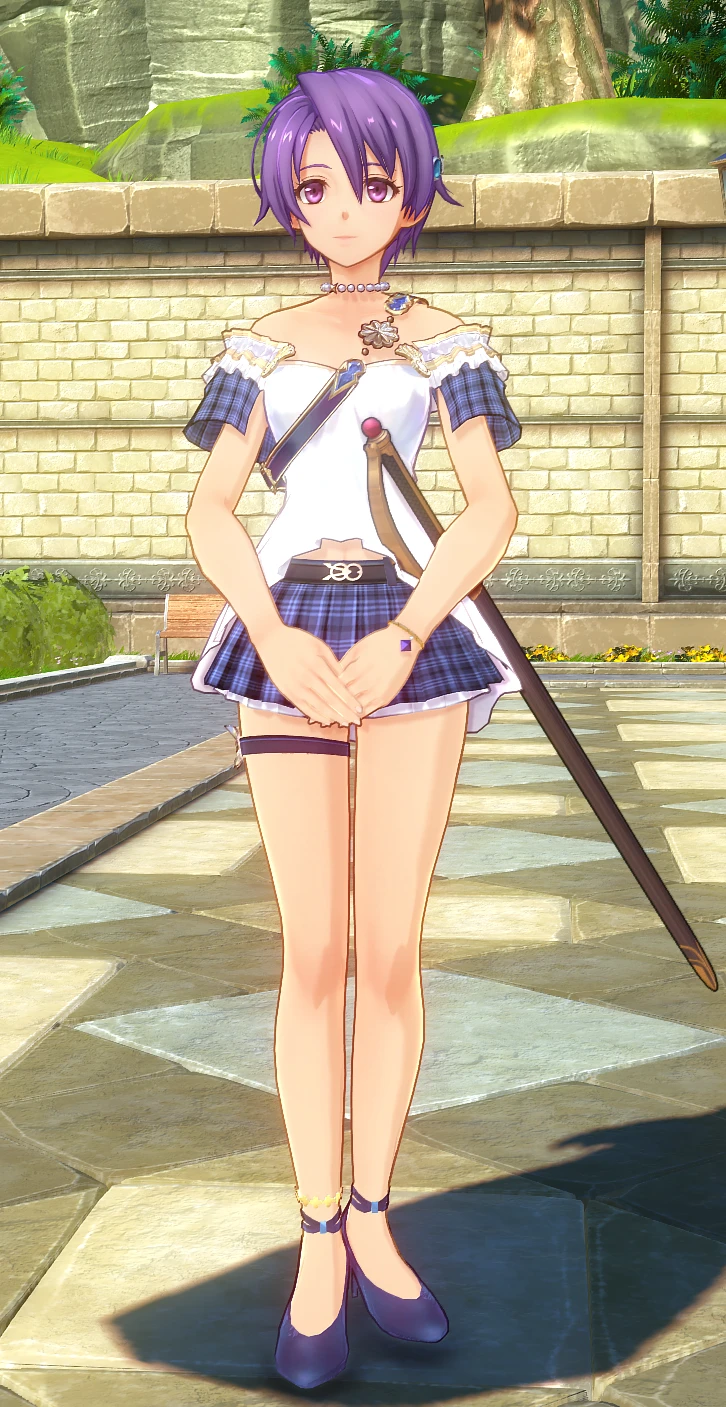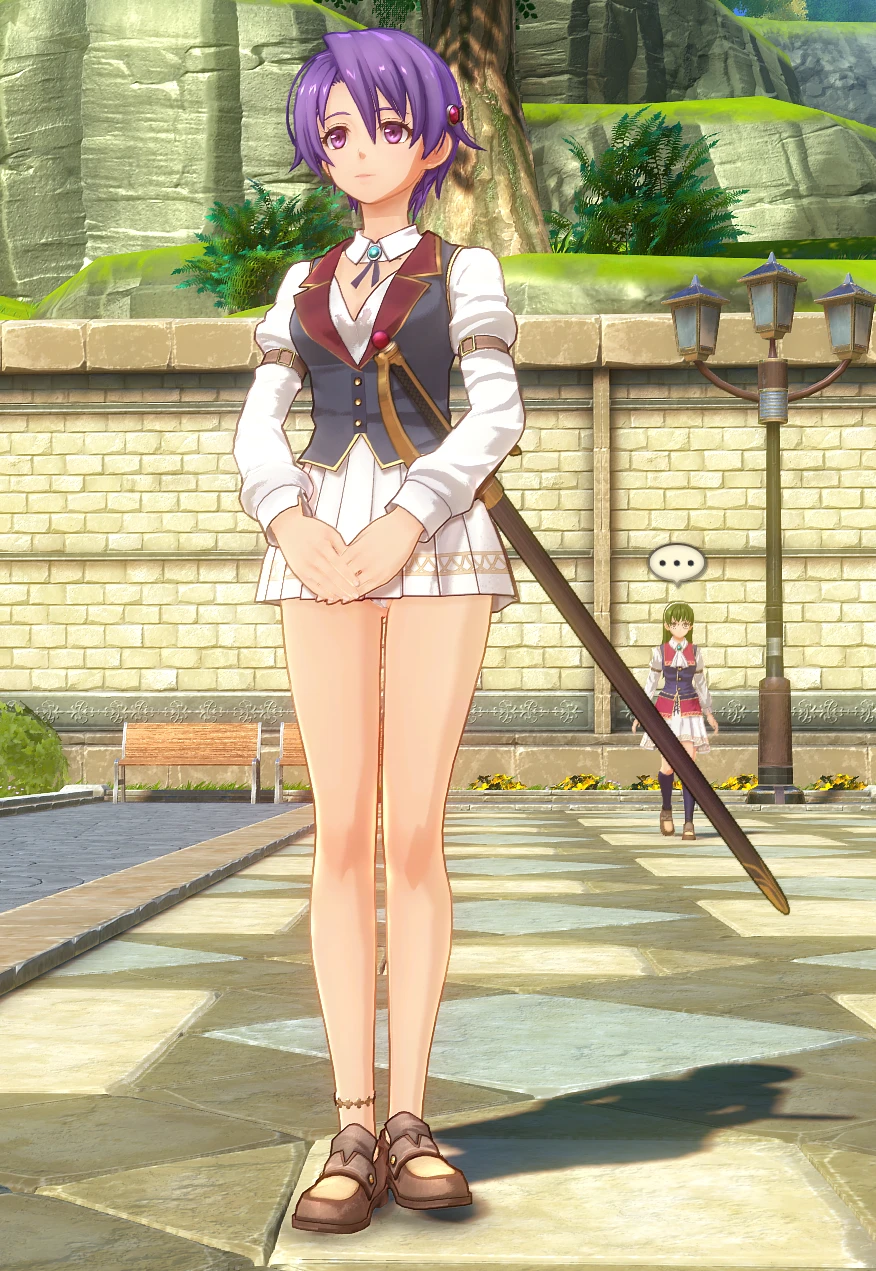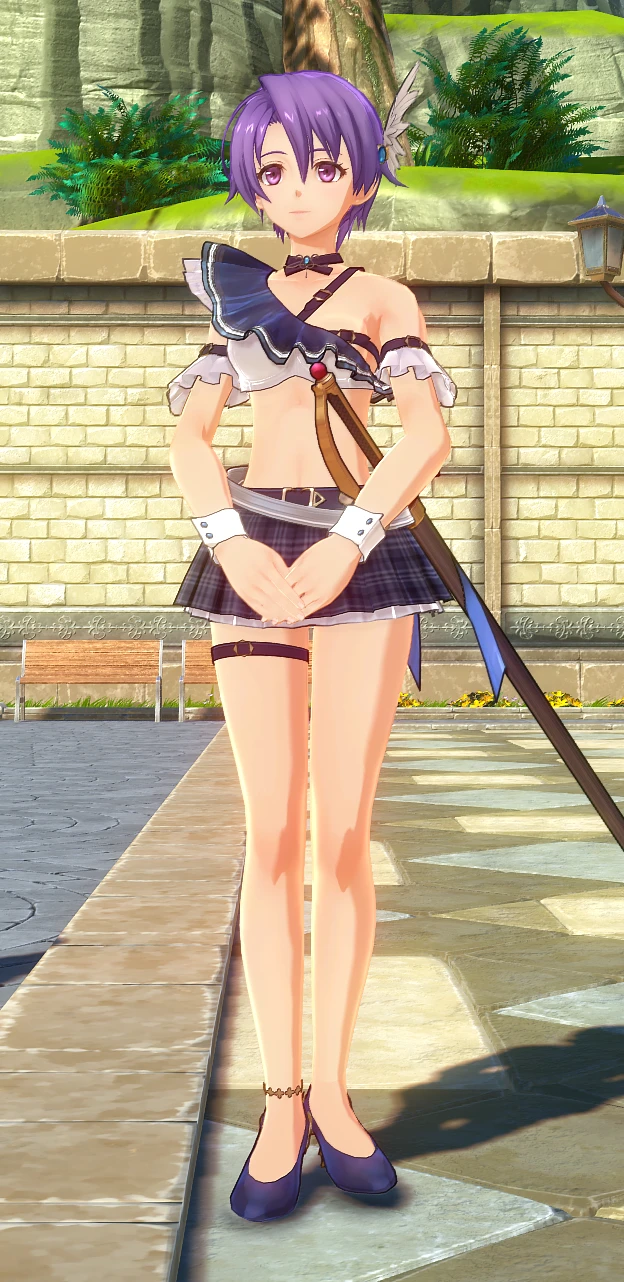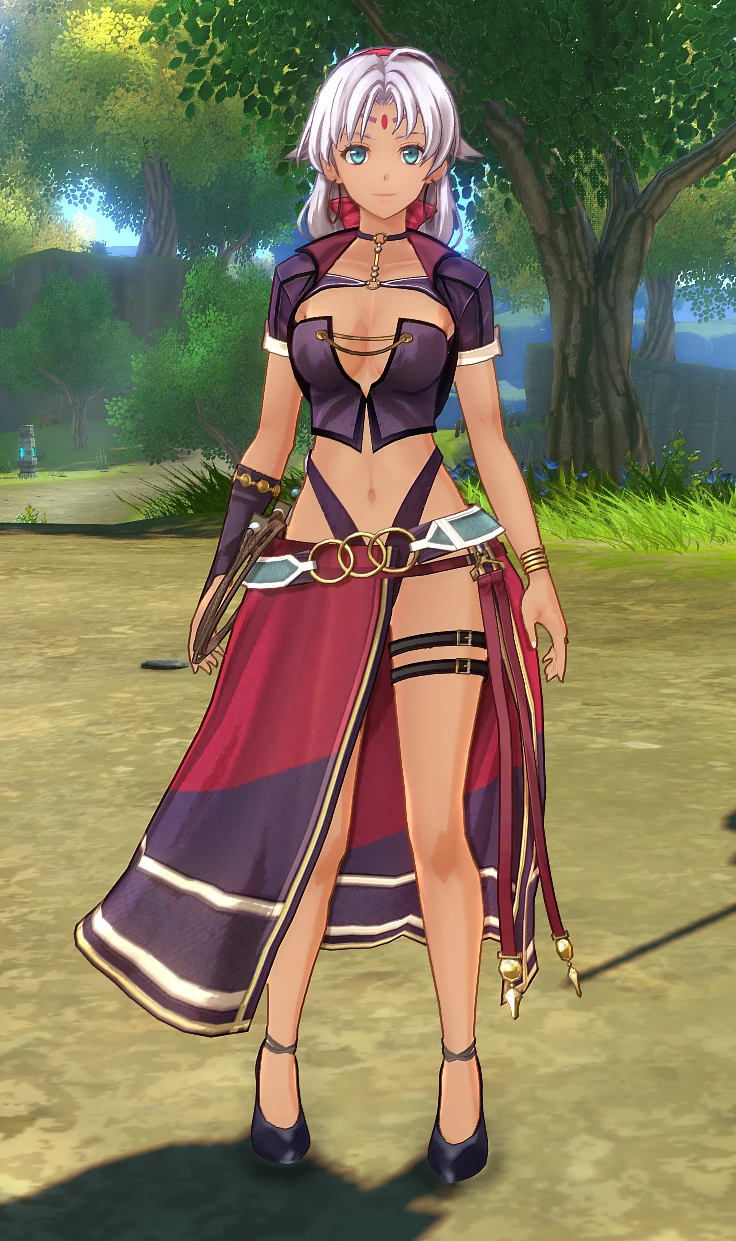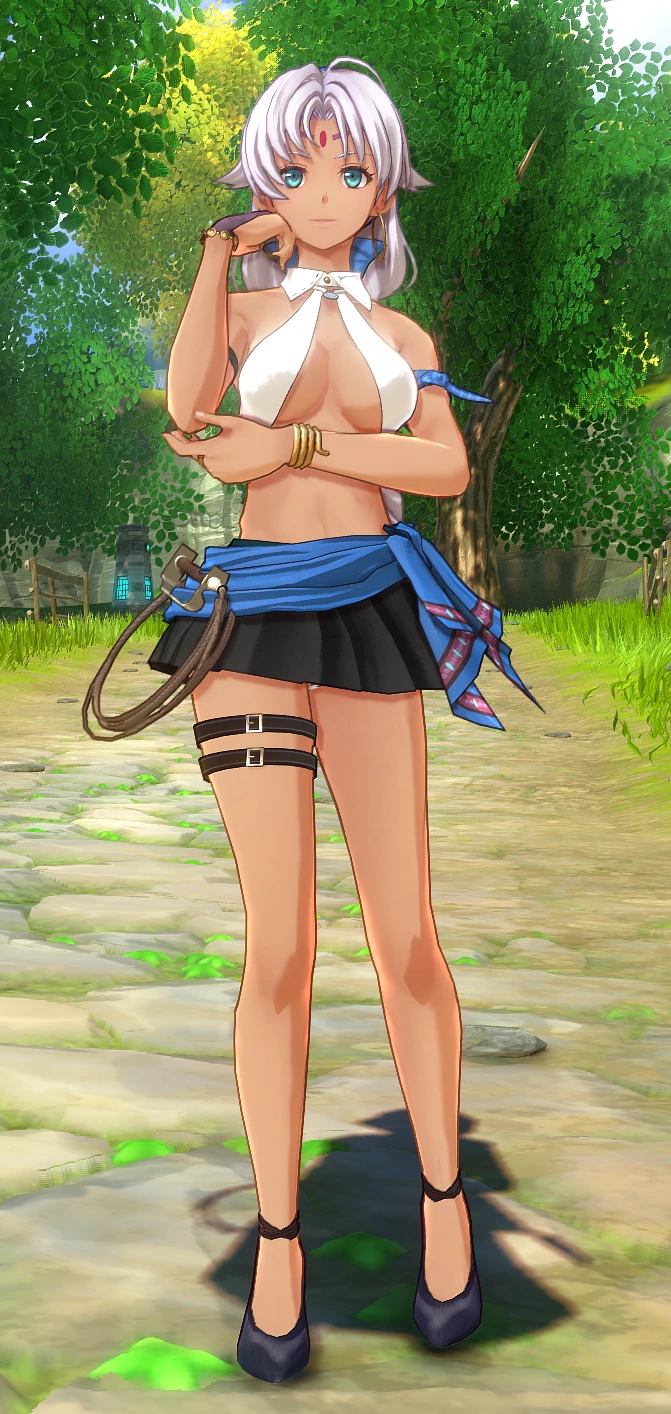
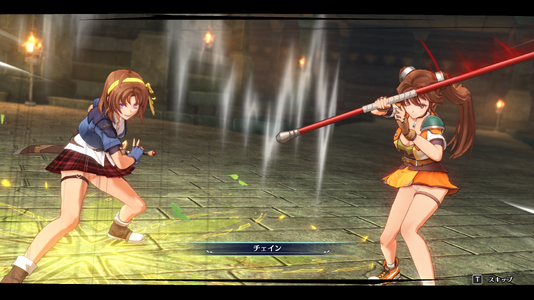
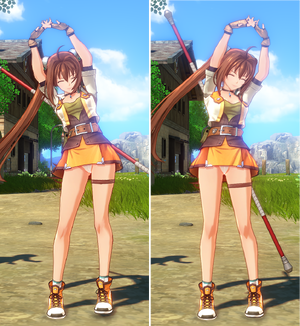
[IMPORTANT: Target Model & Usage]
・Target Model: This mod replaces the 1st Chapter carryover bonus model (chr5000_c45.mdl).
・How to Apply: You must select it in the in-game menu under Costume settings after the prologue.
・Default Replacement: To replace the 2nd default outfit directly, rename the file to chr5000_c10.mdl.
・Design Purpose: This was intentionally designed to replace the bonus model (chr5000_c45.mdl) so that chr5000_c10.mdl remains open for other costume mods to use.
Description & Key Features:
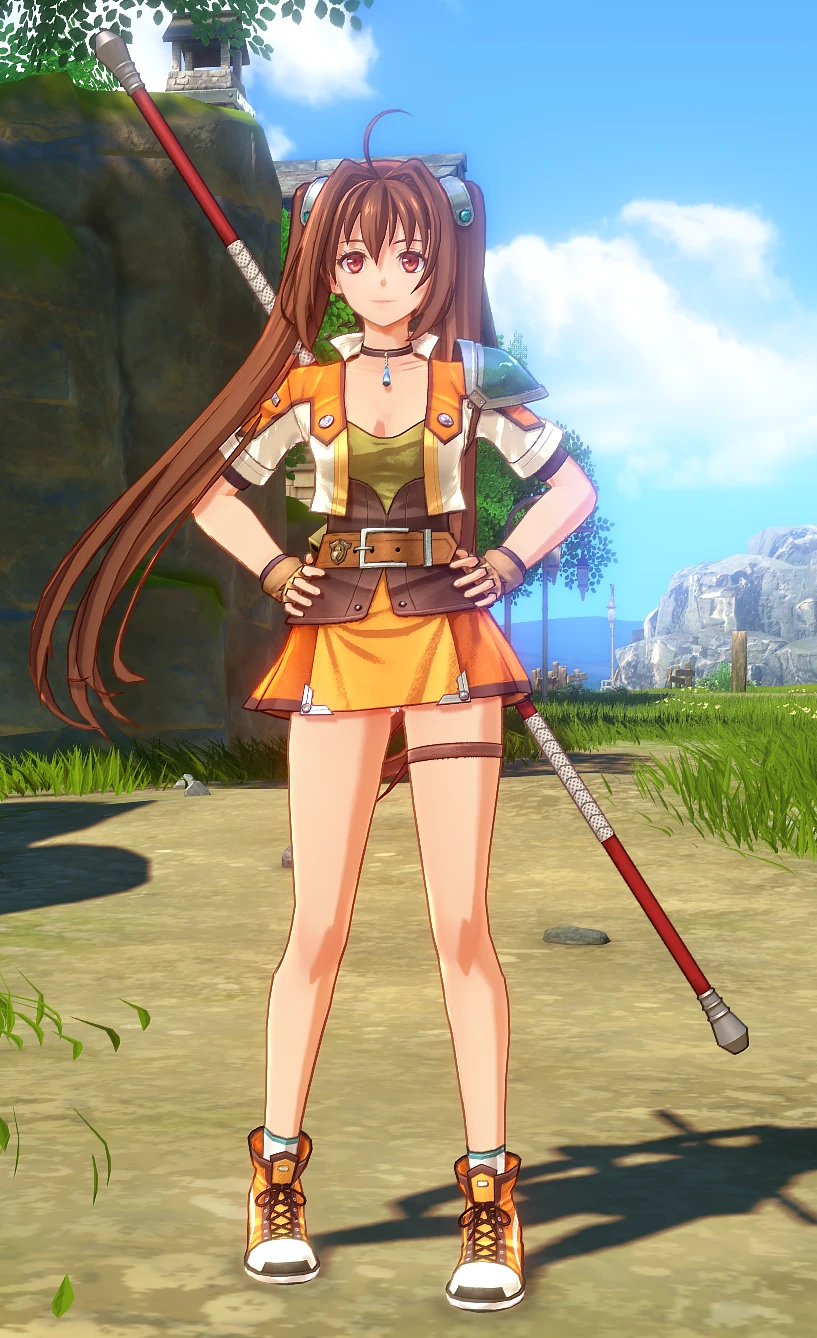
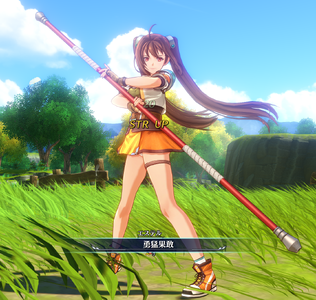
- Carefully adjusted default outfit (2nd/Orange): Fine-tuned the top's neckline and shortened the skirt length while carefully preserving the vanilla aesthetic and silhouette.
- Undergarment adjustment: Removed the default spats/bike shorts for a cleaner, classic skirt silhouette.
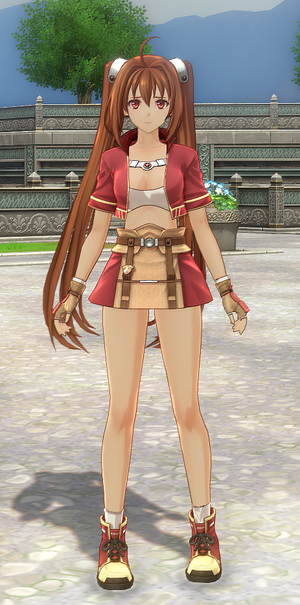
- Bonus 1st Chapter outfit included (Red): A direct port of the modified 1st Chapter costume, visible during the game's prologue/intro sequence.
- Lore-friendly finish: Modeled to blend naturally into cutscenes and gameplay without breaking character consistency.
Installation:
1. Extract the game's target .pac file.
2. Overwrite the extracted assets with the files provided in this mod.
3. Rename or move the original .pac archive (e.g., append .bak to its name) so the game reads the unpacked loose files instead of the archive.
*Note: Mod loaders are currently unconfirmed/not tested on my end.
Compatibility & Notes:
- Compatibility: Tested and confirmed working on the Demo version. The model data may be updated or adjusted after the full release.
- Notes: The red 1st Chapter outfit only appears during the early intro sequence as per the game's original sequence.
 Special Thanks:
amorrow28-san - For the invaluable tutorials
https://github.com/eArmada8/kuro_md...with-new-physics-bones-and-adapted-animations
・Target Model: This mod replaces the 1st Chapter carryover bonus model (chr5000_c45.mdl).
・How to Apply: You must select it in the in-game menu under Costume settings after the prologue.
・Default Replacement: To replace the 2nd default outfit directly, rename the file to chr5000_c10.mdl.
・Design Purpose: This was intentionally designed to replace the bonus model (chr5000_c45.mdl) so that chr5000_c10.mdl remains open for other costume mods to use.
Description & Key Features:
- Carefully adjusted default outfit (2nd/Orange): Fine-tuned the top's neckline and shortened the skirt length while carefully preserving the vanilla aesthetic and silhouette.
- Undergarment adjustment: Removed the default spats/bike shorts for a cleaner, classic skirt silhouette.
- Bonus 1st Chapter outfit included (Red): A direct port of the modified 1st Chapter costume, visible during the game's prologue/intro sequence.
- Lore-friendly finish: Modeled to blend naturally into cutscenes and gameplay without breaking character consistency.
Installation:
1. Extract the game's target .pac file.
2. Overwrite the extracted assets with the files provided in this mod.
3. Rename or move the original .pac archive (e.g., append .bak to its name) so the game reads the unpacked loose files instead of the archive.
*Note: Mod loaders are currently unconfirmed/not tested on my end.
Compatibility & Notes:
- Compatibility: Tested and confirmed working on the Demo version. The model data may be updated or adjusted after the full release.
- Notes: The red 1st Chapter outfit only appears during the early intro sequence as per the game's original sequence.
Special Thanks:amorrow28-san - For the invaluable tutorials
https://github.com/eArmada8/kuro_md...with-new-physics-bones-and-adapted-animations