
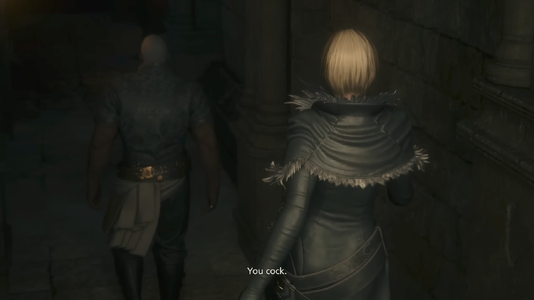
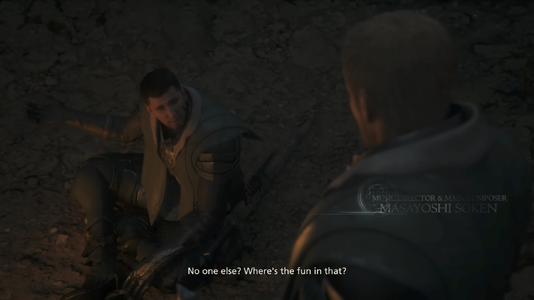
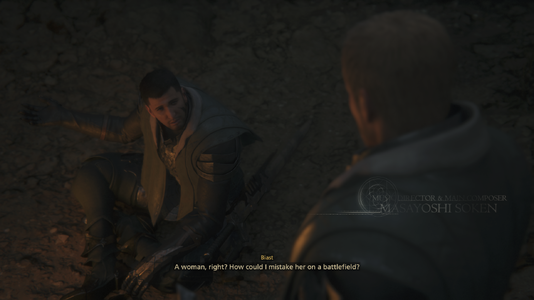
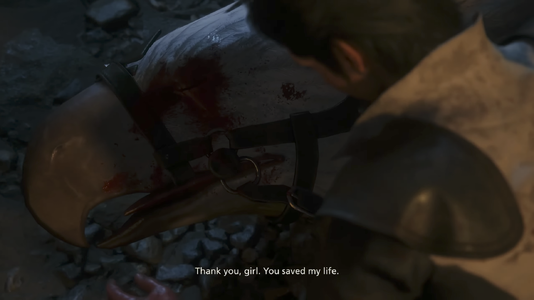
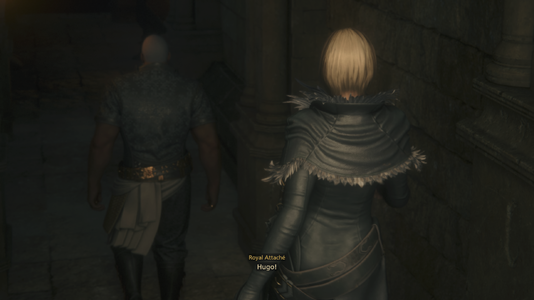
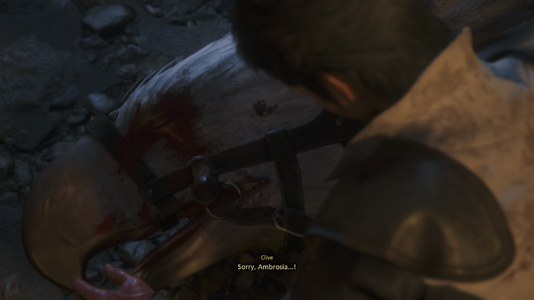
This mod seeks to be a more faithful translation of the Japanese script.Roysu said:
How to install
There are two methods to use, only one of these is needed:- Set up Reloaded-II.
- Important: Watch the video tutorial on how to set it up.
- Direct urls:
- Reloaded-II GitHub repository, download
Release.zipORSetup.exe(listed at the bottom of the page.) - ff16.utility.modloader, download
ff16.utility.modloader<version>.7z.
- Reloaded-II GitHub repository, download
- Download
ffxvi_retranslation_reloaded-II_mod_v0.2.0.zip - Extract the folder
ffxvi.text.ENRetranslationin your Reloaded-II mod folder. - Done.
If installed correctly, something similar to this should
appear at the bottom right corner in the main title screen
- Download
ffxvi_retranslation_manual_mod_v0.2.0.zip - Extract the file
0007.diff.en.pacon your game installation folder, usually inC:\Program Files (x86)\SteamLibrary\steamapps\common\FINAL FANTASY XVI\data, or where your steam library is located. - In said folder, duplicate the file
0007.pac - Change its name to
0007.diff.pac
- Done.
If installed correctly, this should appear
at the bottom left corner in the main title screen
Troubleshooting
If you don't see the subtitles applied, change your system time to English.For Windows 10:
- Go to
Date & time settings. - On "Related settings" click on
Date, time & regional formatting. - On "Regional format" change your current format to
English. - Now the subtitles mod should work.
Notable changes
-
Restored topics like misogyny, rape, suicide, etc.
- Restored references to old Final Fantasy games.
At Drake's Breath, Joshua casts spells to attack Ultima, these had been removed on the localization.
Japanese Translation Official localization Joshua: ファイア!
Joshua: ファイラ!
Joshua: ファイガ!
Joshua: ファイジャFire!
Fira!
Firaga!
Firaja!You!
Will leave!
My brother!
Alone!At the end of the game, when Ultima summons the power of Eikons, for some reason the localization made him say some weird non-sensical phrase, instead of the references to Final Fantasy III and V (the spell names to summon "Eikons" (召喚獣)).
Japanese Translation Official localization Ultimalius: 《ギガメス》!
Clive: ガルーダ!
Ultimalius: 《スパルク》!
Clive: ラムウ!
Ultimalius: 《ハイパ》!
Clive: タイタン!
Ultimalius: 《バハムル》!
Clive: バハムート!
Ultimalius: 《アイスン》!
Clive: シヴァ!
Ultimalius: 《カタスト》!
Clive: オーディン!
Ultimalius: 《タイクン》!
Clive: フェニックス!Gigametz!
Garuda!
Spark!
Ramuh!
Hyper!
Titan!
Bahamur!
Bahamut!
Icen!
Shiva!
Catastro!
Odin!
Tycoon!
Phoenix!Gales unrelenting...
Garuda!
Levin untamed...
Ramuh!
Earth unyielding...
Titan!
Light undying...
Bahamut!
Ice unfeeling...
Shiva!
Darkness unending...
Odin!
Flames unforgiving!
With me, Phoenix! - "Sanbreque" is now "Saintbreque". Since in some residual texts found on the Japanese databases used this term.
-
Ultima speaks in singular through the main story, since he uses plural only at the very end of the game.
Current progress
To follow the progress, visit this Trello board.| Completed | In Progress | Pending |
|---|---|---|
|
|
|
About the mod
When I noticed that the english text diverted too much from what was said on the Japanese audio, although I only knew a little of Japanese, it was enough to feel frustrated. So, I decided to try to make a translation mod, for which I used these tools: Claude, DeepL, Google Translate, Lara Translate, Jisho.org.Since I'm more familiar with US English, this is the variety that I prioritized. Though some British words/expressions may have slipped in (I'm a B2 level, sorry~.)
Something to consider, subtitle texts that are »this color« are the translated ones, subtitles that are simply white colored, are the official ones. This was made to differentiate when a subtitle is translated or not. On the same note, side quests that are marked with a square root (√) are fully translated (includes the side quest name too), some lines here and there may be translated on the untranslated side quests though.
Also, some extra dialogues that appear on the left side of the screen are translated, I tried to translated the most important ones (like some that appear on main quests) and a few that sounded interesting, these lines may be hard to notice since the color for the localized ones is very similar to the color I used for my translations. Same with optional dialogues from NPCs (not the ones you select from an option list), just a few are translated (dialogues from Cid, Jill, Joshua and Tarja are some of them). They are noticeable for the added color I've mentioned earlier.
If you spot subtitles with yellow text, those are marked "to be checked", since I wasn't sure when or in what context they were said.
Future plans
I will continue to work on the following things (in order):- Main story of DLCs.
- Finish all side quests from the base game.
- Optional NPC subtitles.
- Side quests from DLC.
- Make a version with Japanese honorifics (-sama, -san, -kun, etc.)
Special thanks
- My lovely boyfriend, for alpha testing and script reviewing (and if not for him, this translation wouldn't exist.)
- Dollmaster, for the encouragement.
- C2Mixups, for script reviewing.
- OmegaGamesWiki™, for the full gameplay in Japanese.
Want to contribute?
Send me an email to contact@roysu.cl or find me on the "Final Fantasy XVI Modding" discord server (same username as here.)ありがとうこざいます~

