Lights & Size
Customize your Helldiver's lights and size, and your FRV's lights.
What it does
Requirements
Install
Settings
In game: with Mod Options Menu, press Esc, open MODS: three pages, Lights & Size: Helldiver, Lights & Size: FRV and Lights & Size: Size. Every change applies at once.
Settings file: %LOCALAPPDATA%\Hd2LightsSize\lights_size2.cfg (created on first start; every setting is explained in the file).
Good to know
Credits
No code from other mods is included.
Customize your Helldiver's lights and size, and your FRV's lights.
What it does
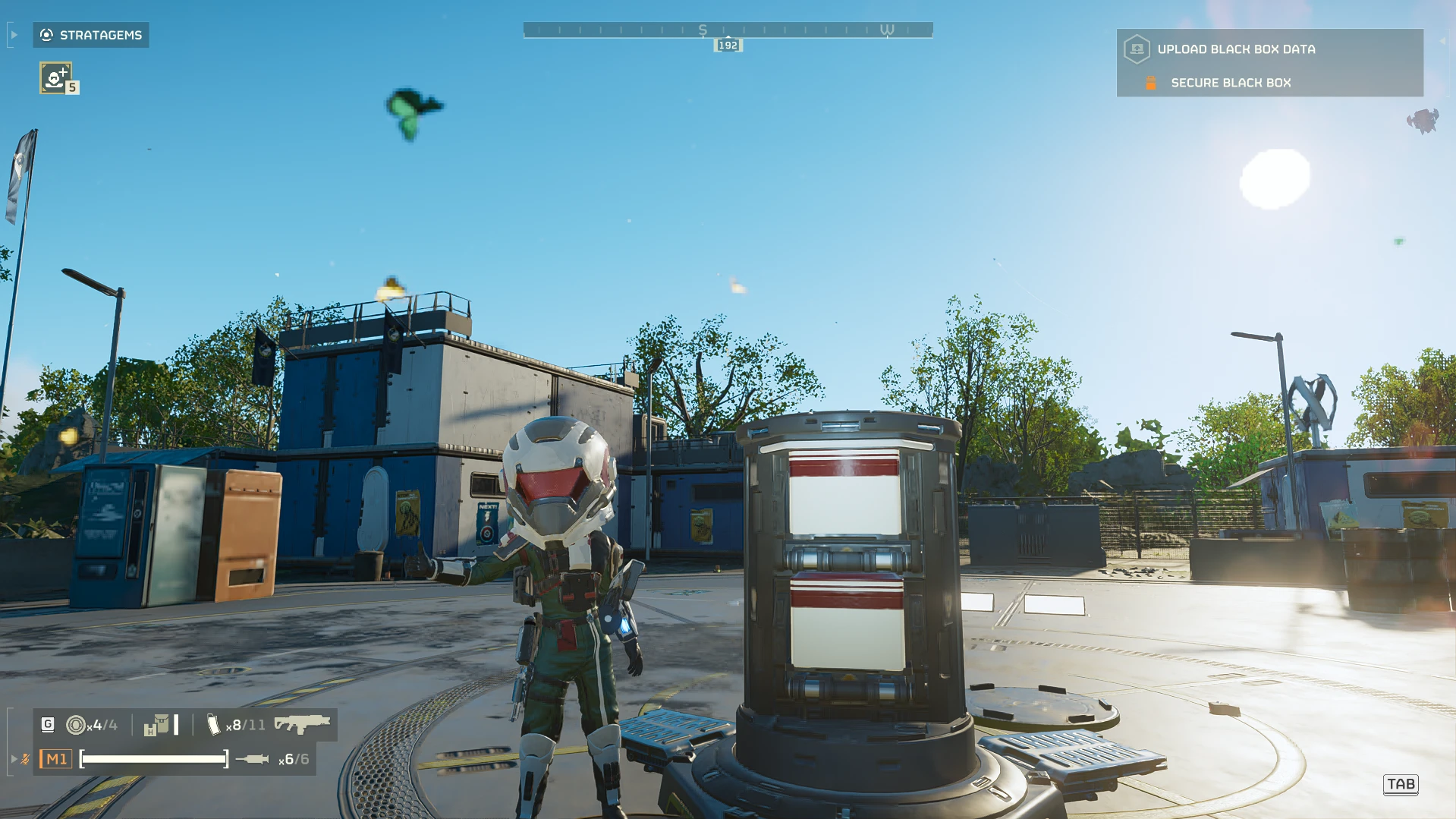
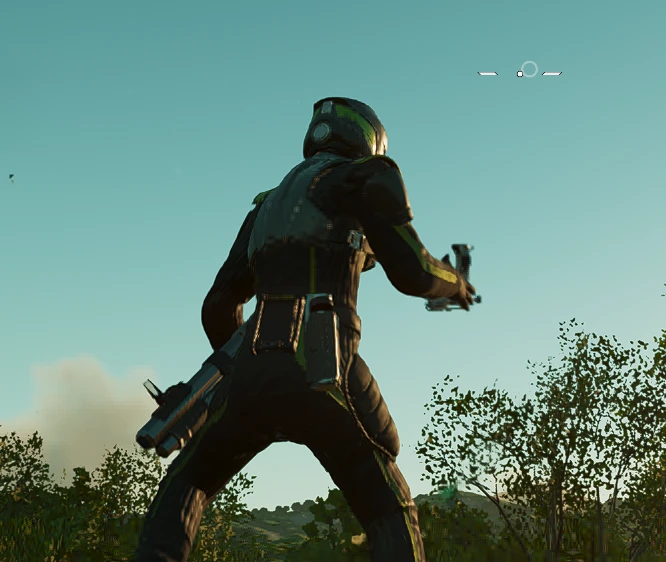
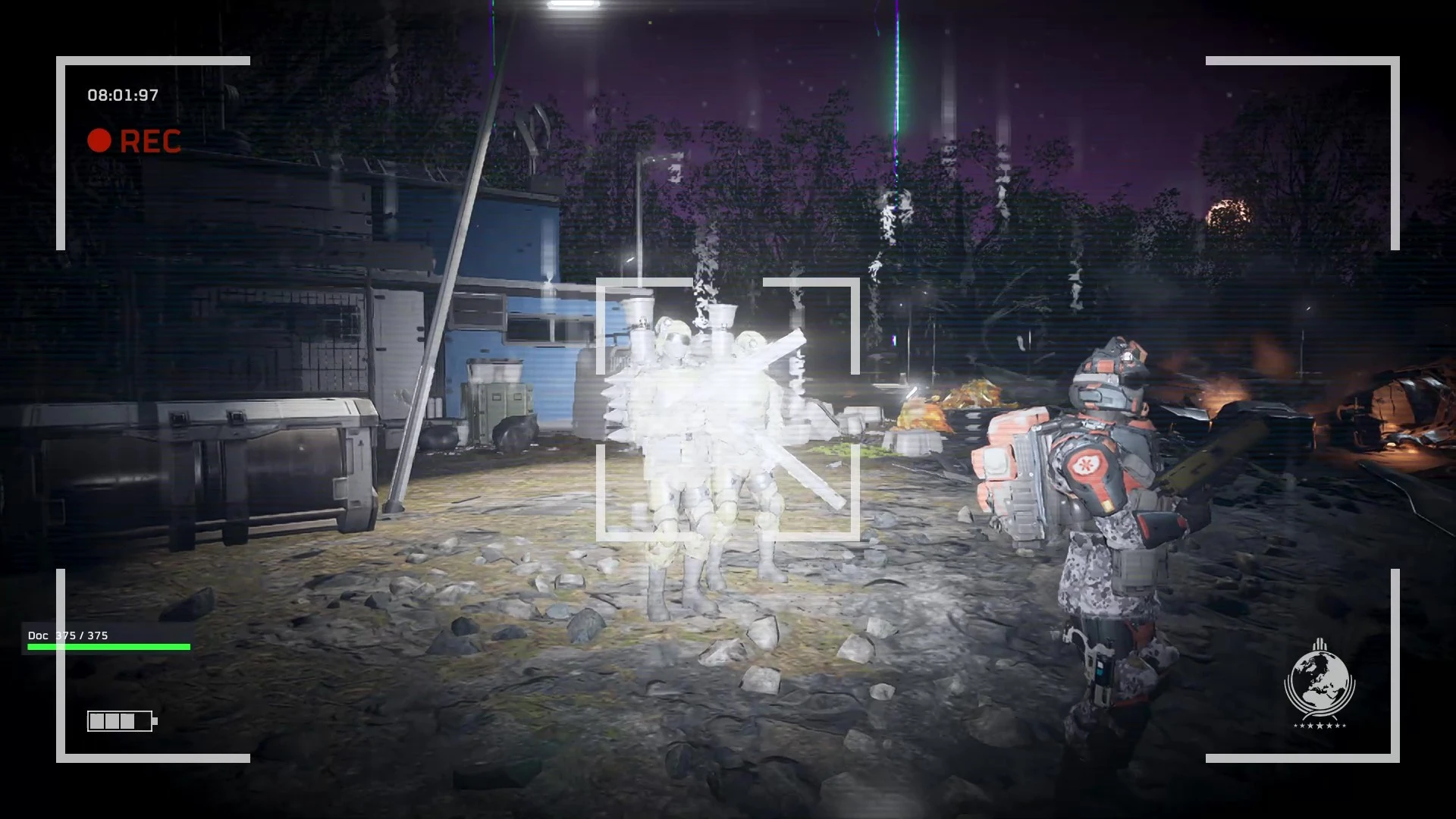
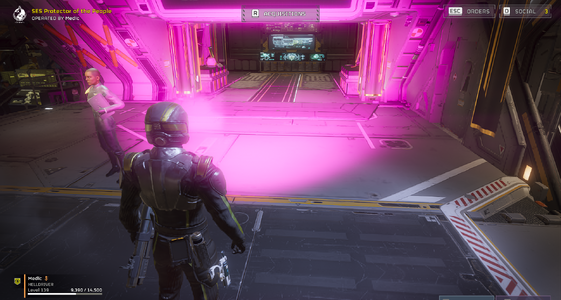
- Helmet lights: your headlight goes Red / White, Disco (8 colours) or a solid colour of your choice, with brightness and intensity sliders. It can stay on in daylight too. The hand-terminal glow can follow, go the opposite colour, or take its own colour.
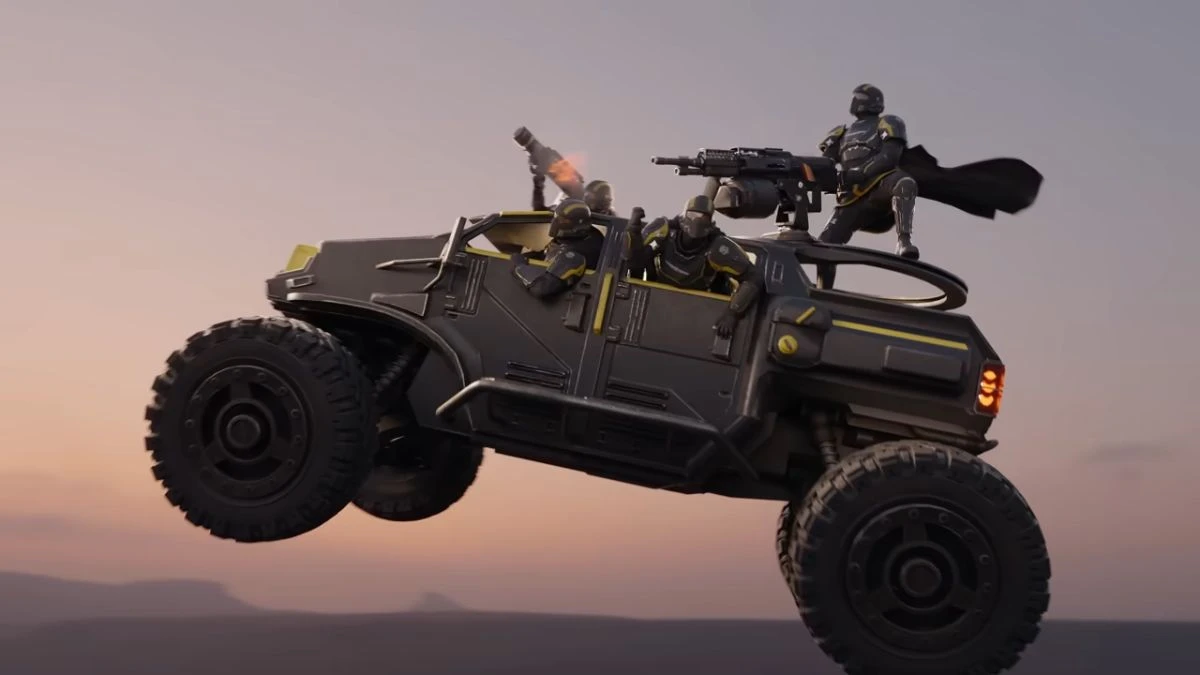
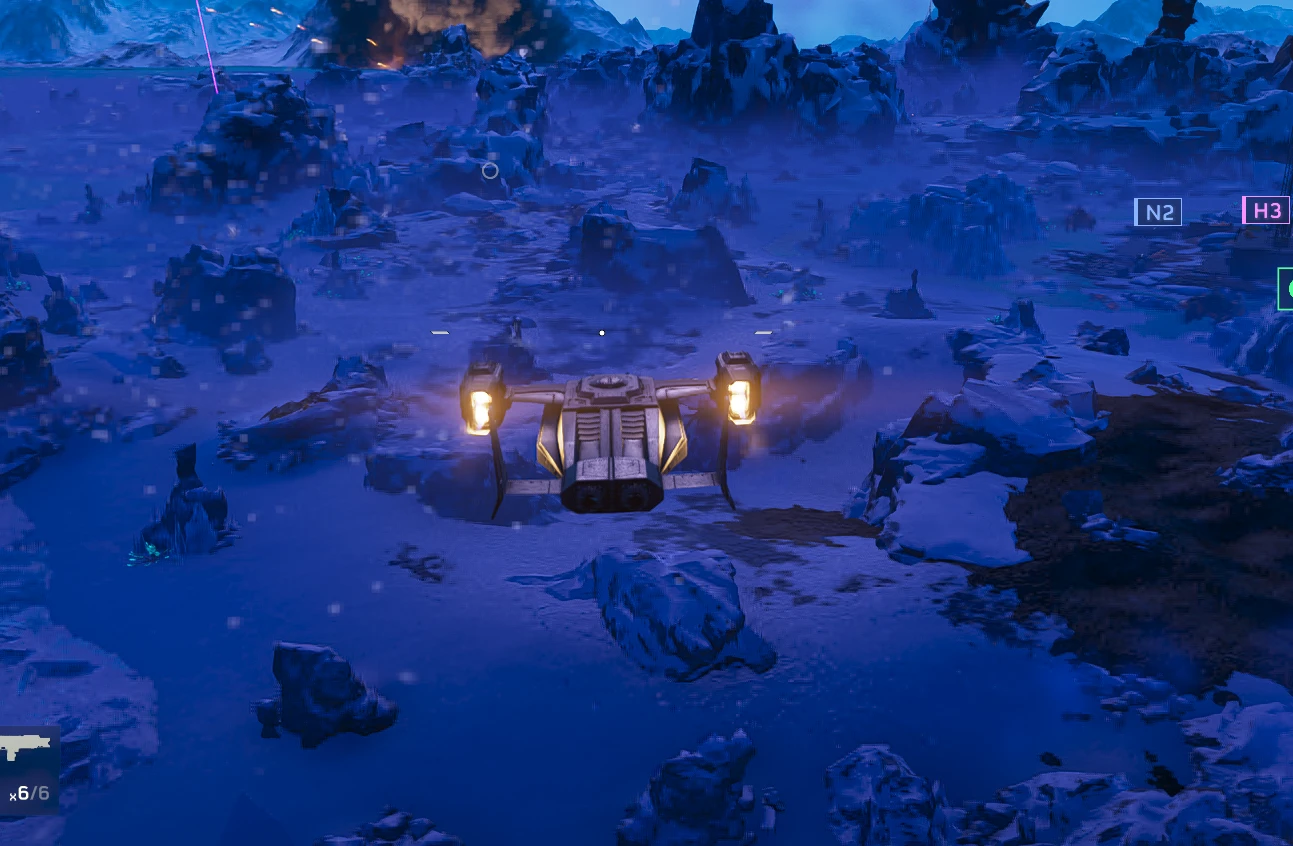
- FRV lights: get into any FRV (driver or passenger) and its lights flash Red / White, Disco or a solid colour, on up to all 12 of its lights, until the FRV is gone. Or switch any FRV's lights on and off with F5 from within 10 m.
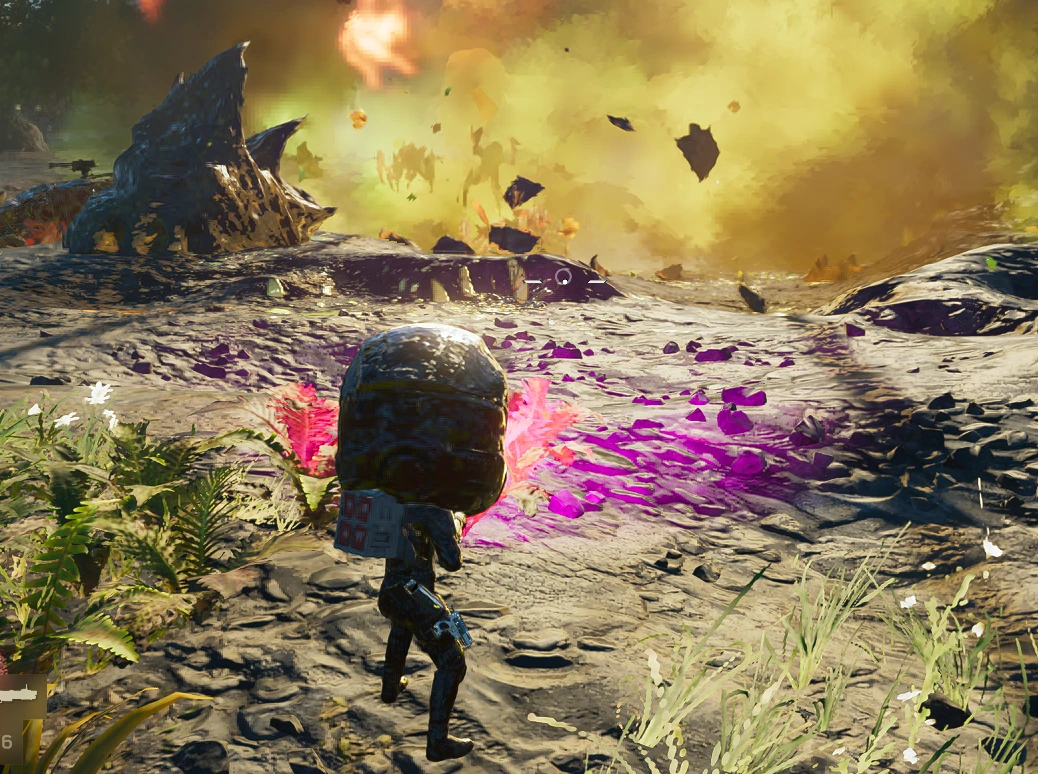
- Size: body size from 0.1 to 1.5 and head size from 0.2 to 3, kept after vehicles, respawns and new missions.
- Multiplayer tested: it only uses the game's own functions, and light changes are sent at most every 0.25 s.
Requirements
- Bingus Shared Loader.
- Recommended: Mod Options Menu for the in-game settings.
- Game build 25480438. Every game function is checked when the game starts; on another build the mod switches itself off and says so in its log.
Install
- Install and enable Bingus Shared Loader.
- Import Lights-and-Size-2.0.1.zip in your mod manager, enable it, deploy, start the game.
Settings
In game: with Mod Options Menu, press Esc, open MODS: three pages, Lights & Size: Helldiver, Lights & Size: FRV and Lights & Size: Size. Every change applies at once.
Settings file: %LOCALAPPDATA%\Hd2LightsSize\lights_size2.cfg (created on first start; every setting is explained in the file).
Good to know
- How far a light reaches can't be changed (headlight 20 m, FRV headlights 100 m). Very high intensity lights up the ground and fog right in front of you harshly.
- FRV tail lights only light up while braking: the vehicle's own code controls them.
Credits
No code from other mods is included.
- CowboyBingus: Bingus Shared Loader and Mod Options Menu.