## What is this?
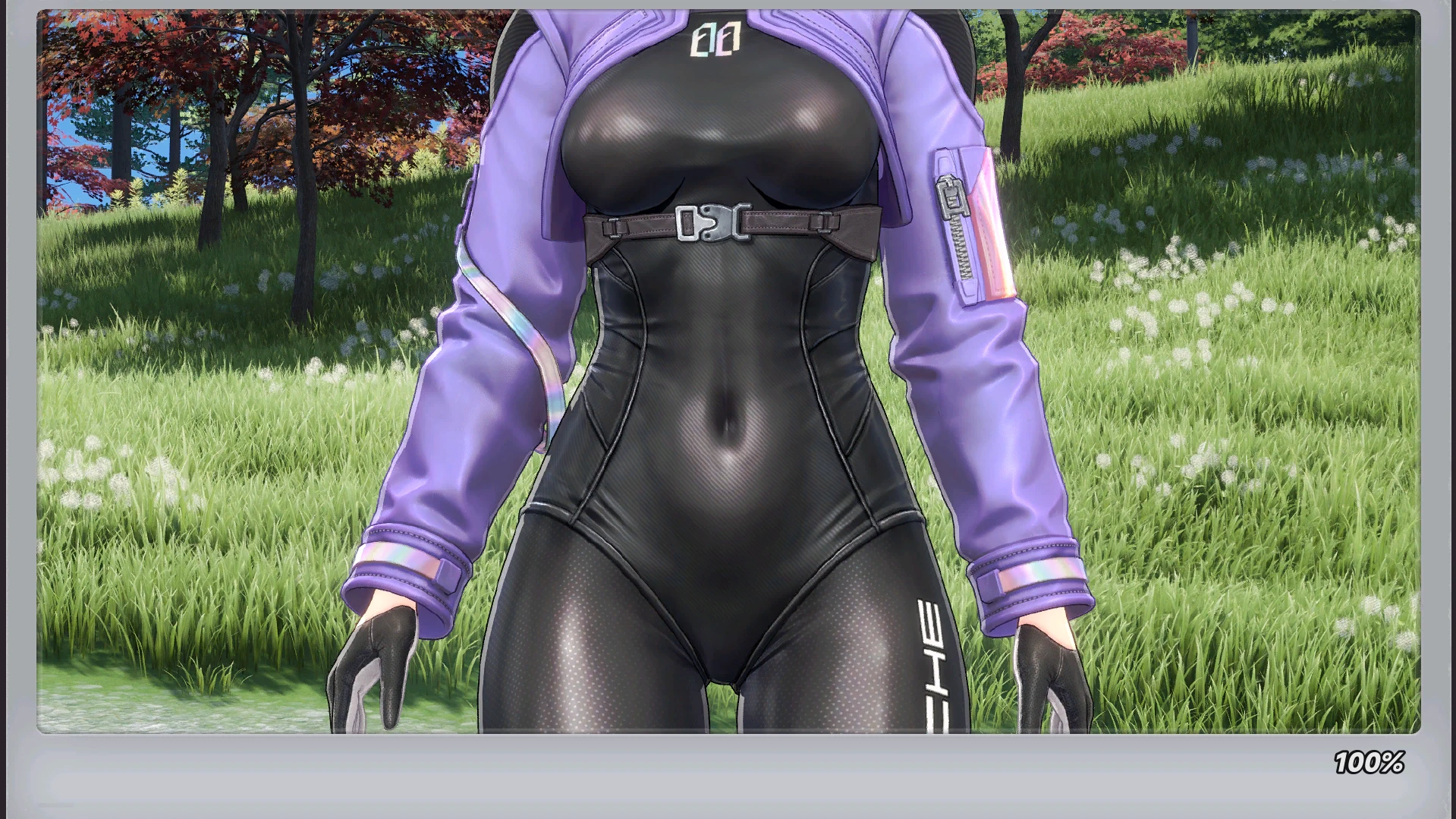
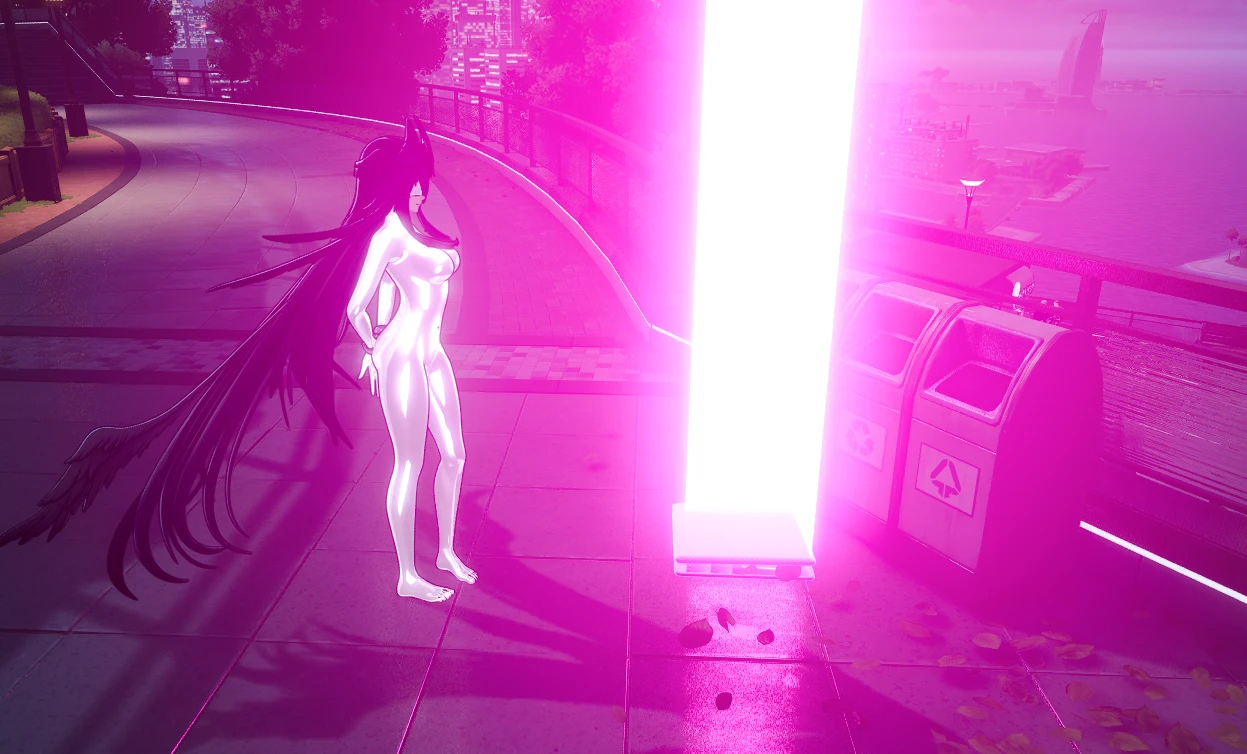
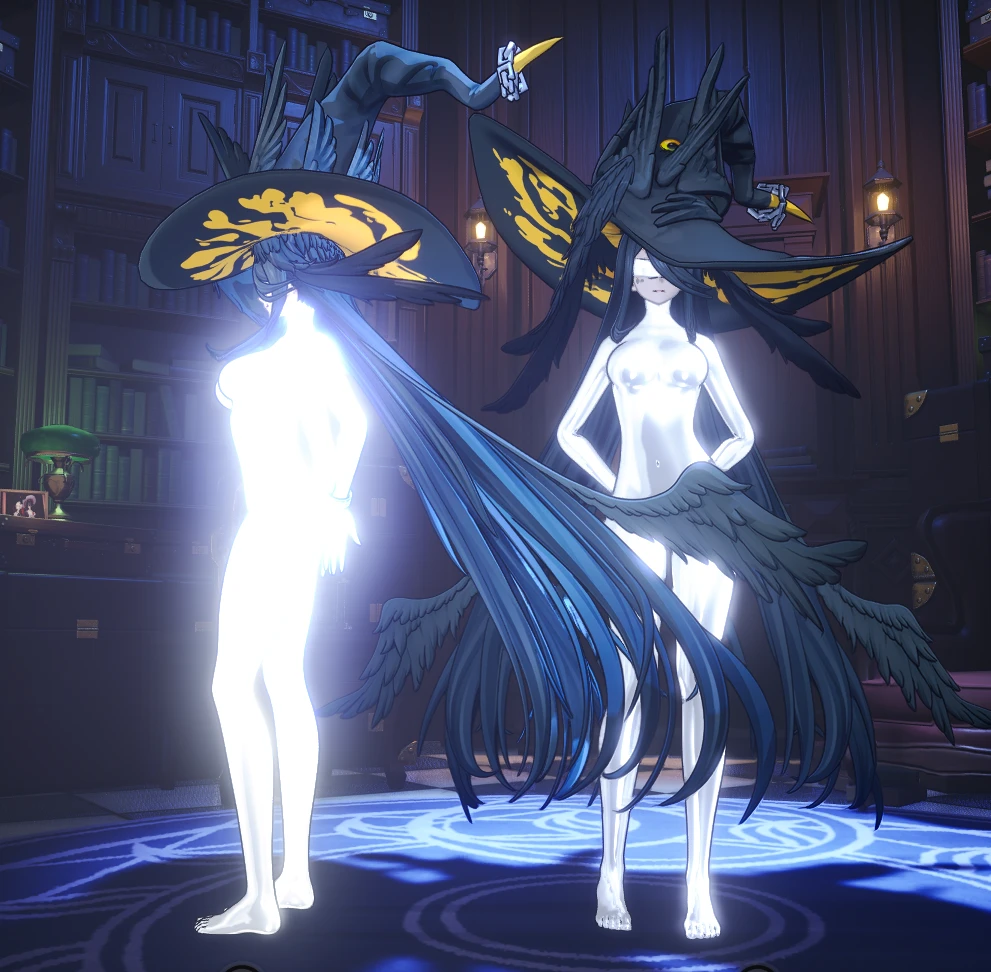
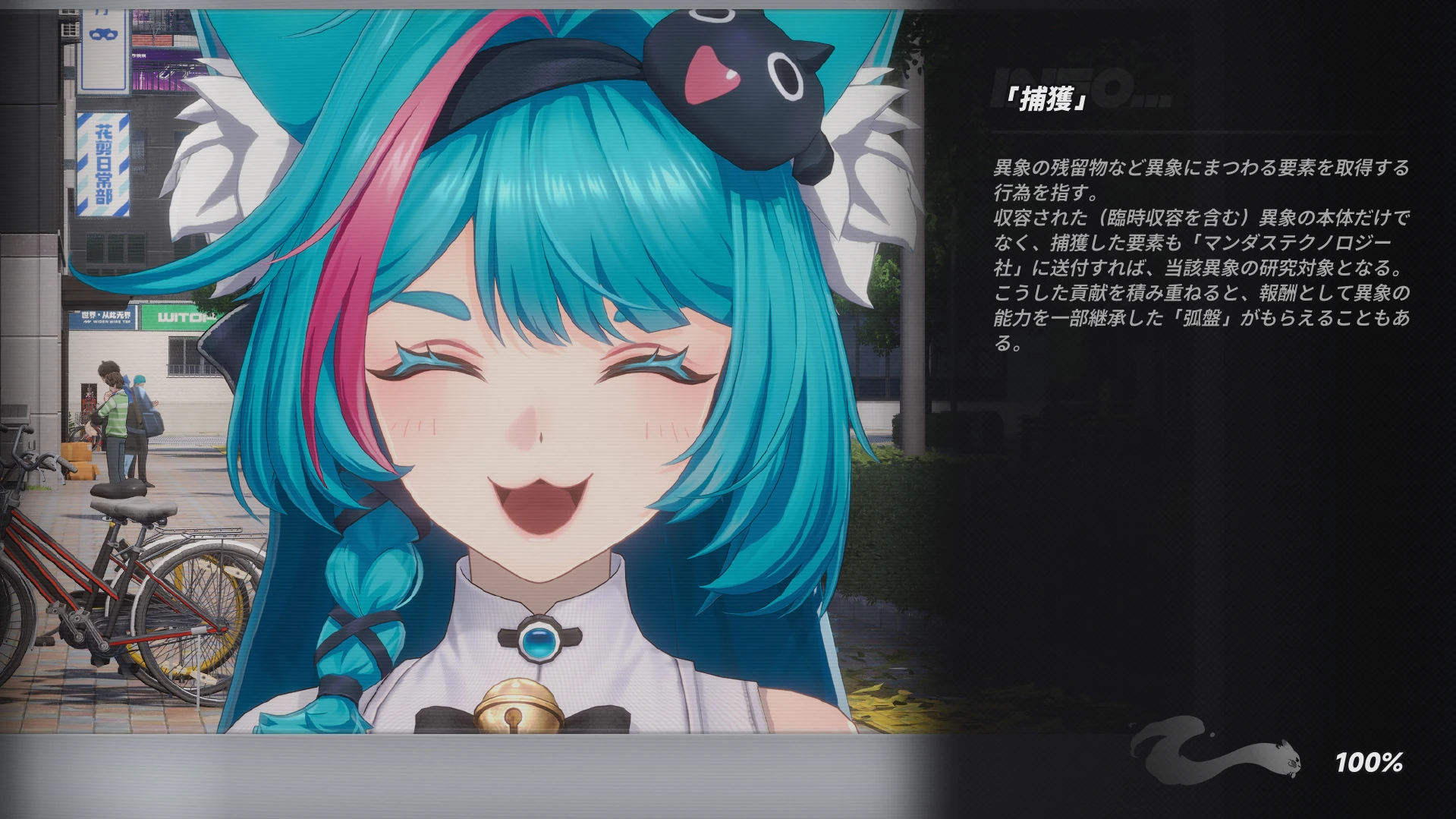
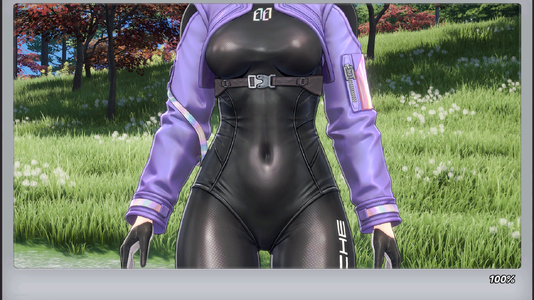
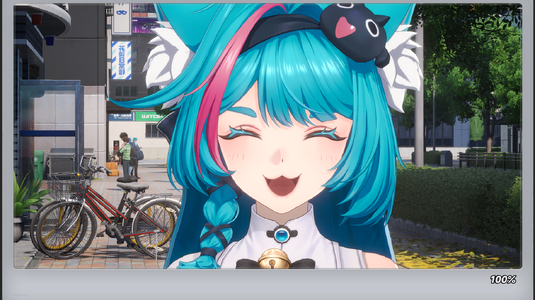
NteUiSwap is a small Windows tool that turns your own images into a **loading screen mod** for Neverness To Everness.
No modding knowledge needed: choose images, press **Make mod**, and add the zip to **Aurora**.
## Features
- Replace **17 normal loading screens**, **4 bank robbery** screens and **2 auction** screens (1920×1080)
- Replace the **warp screen background** (the text, swirl and robot are removed automatically)
- **Show only my images**: you don't need 17 pictures — pick 1–3 and they fill every slot
- **Preview** before making the mod
- **Add many images at once** (great for AI-generated / batch-made art)
- Any size is fitted automatically (1920×1080 recommended)
- **No FModel, no keys, no extra installs** — just Windows 10/11 + Aurora
- UI in **English / 日本語 / 中文**
## Requirements
- Windows 10 / 11
- **Aurora** (NTE mod manager)
## How to use
1. Unzip and run **NteUiSwap.exe** (choose your language on first launch)
2. Click a slot (or drag an image onto it) and choose your picture
3. Press **Make mod** → `<name>.zip` appears on your desktop
4. Add the zip to **Aurora** and restart the game
## Notes
- Do not enable two mods that change the same loading screen
- If a game update changes these screens, the affected slots turn gray — wait for an updated version
- The screen when *entering* the auction venue is plain black in the game itself
- Startup logo / login videos and the launcher background cannot be changed
- To undo: disable the mod in Aurora
## Want a clean loading screen (picture + % only)?
The tip text and the running fox cannot be removed by a pak mod (they load before mods are mounted).
Use the separate Lua script **Clean Loading Screen (NTELoadingHide)** together with this tool: <Lua の GameBanana ページの URL>
---
## Looking for artists & loading screen packs!
I'd love to see what you make. If you create a nice set of loading screens with this tool, **please upload it as your own mod** — linking this tool is appreciated but not required. I'll add a list of packs here.
You may also bundle NteUiSwap itself with your pack, or modify it however you like.
Tips for packs:
- 1920×1080, PNG or JPG
- A themed set works great (a character, a district, night city, seasonal, etc.)
- Please only use images you have the rights to (your own art, your own screenshots, or AI images you're allowed to share), and **credit** the artists
- Mention in the description whether "Show only my images" was on, and if your screenshots use the Clean Loading Screen Lua (link it so others get the same look)
Feedback, bug reports and translation fixes are welcome in the comments.
---
NteUiSwap is a small Windows tool that turns your own images into a **loading screen mod** for Neverness To Everness.
No modding knowledge needed: choose images, press **Make mod**, and add the zip to **Aurora**.
## Features
- Replace **17 normal loading screens**, **4 bank robbery** screens and **2 auction** screens (1920×1080)
- Replace the **warp screen background** (the text, swirl and robot are removed automatically)
- **Show only my images**: you don't need 17 pictures — pick 1–3 and they fill every slot
- **Preview** before making the mod
- **Add many images at once** (great for AI-generated / batch-made art)
- Any size is fitted automatically (1920×1080 recommended)
- **No FModel, no keys, no extra installs** — just Windows 10/11 + Aurora
- UI in **English / 日本語 / 中文**
## Requirements
- Windows 10 / 11
- **Aurora** (NTE mod manager)
## How to use
1. Unzip and run **NteUiSwap.exe** (choose your language on first launch)
2. Click a slot (or drag an image onto it) and choose your picture
3. Press **Make mod** → `<name>.zip` appears on your desktop
4. Add the zip to **Aurora** and restart the game
## Notes
- Do not enable two mods that change the same loading screen
- If a game update changes these screens, the affected slots turn gray — wait for an updated version
- The screen when *entering* the auction venue is plain black in the game itself
- Startup logo / login videos and the launcher background cannot be changed
- To undo: disable the mod in Aurora
## Want a clean loading screen (picture + % only)?
The tip text and the running fox cannot be removed by a pak mod (they load before mods are mounted).
Use the separate Lua script **Clean Loading Screen (NTELoadingHide)** together with this tool: <Lua の GameBanana ページの URL>
---
##
Looking for artists & loading screen packs!I'd love to see what you make. If you create a nice set of loading screens with this tool, **please upload it as your own mod** — linking this tool is appreciated but not required. I'll add a list of packs here.
You may also bundle NteUiSwap itself with your pack, or modify it however you like.
Tips for packs:
- 1920×1080, PNG or JPG
- A themed set works great (a character, a district, night city, seasonal, etc.)
- Please only use images you have the rights to (your own art, your own screenshots, or AI images you're allowed to share), and **credit** the artists
- Mention in the description whether "Show only my images" was on, and if your screenshots use the Clean Loading Screen Lua (link it so others get the same look)
Feedback, bug reports and translation fixes are welcome in the comments.
---