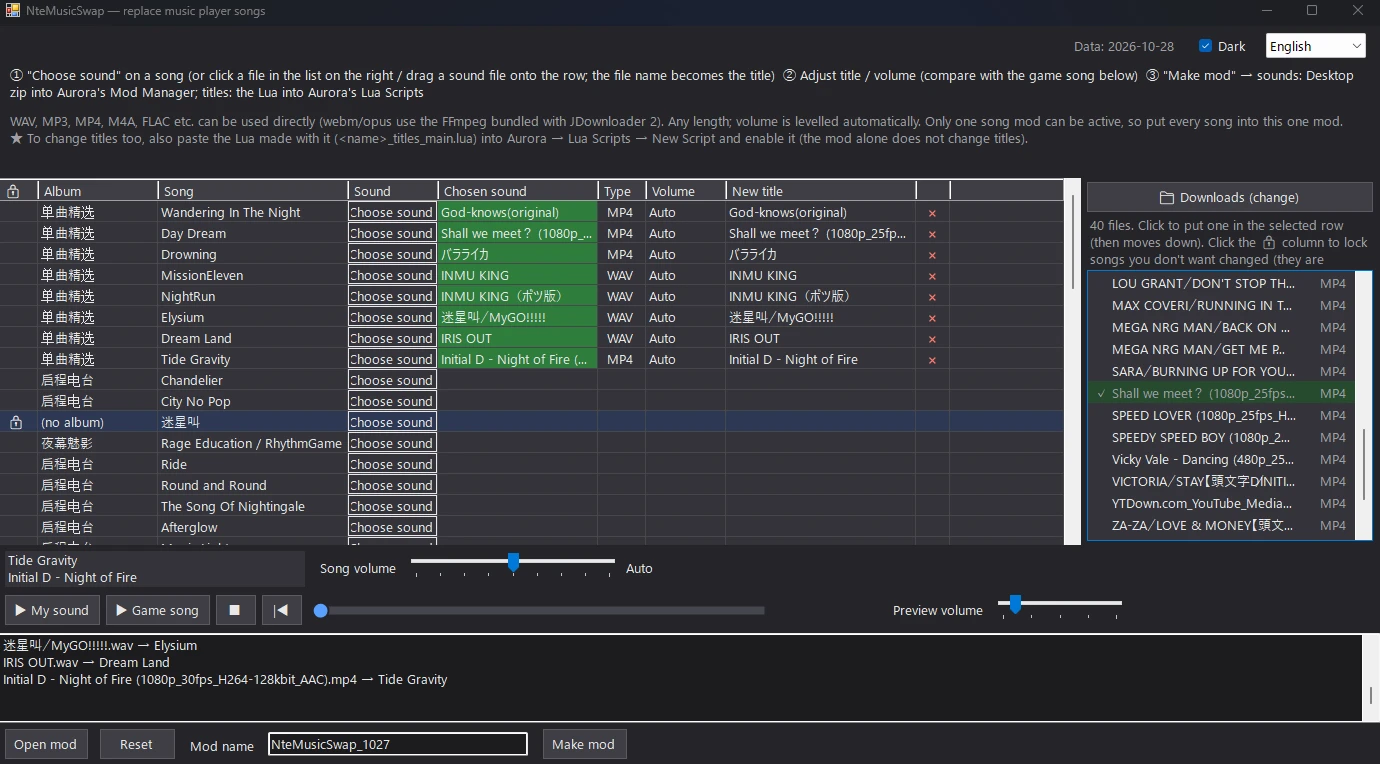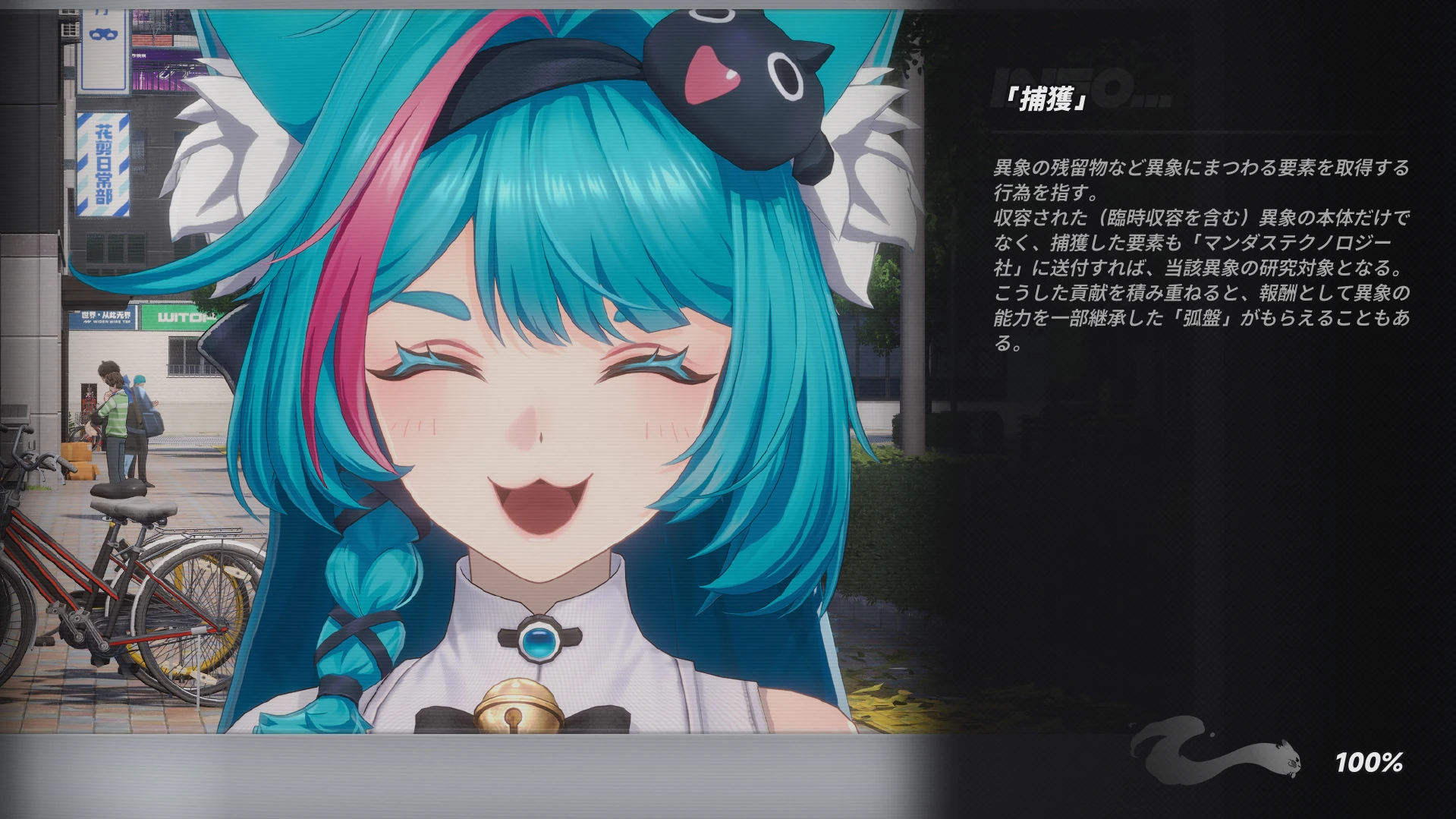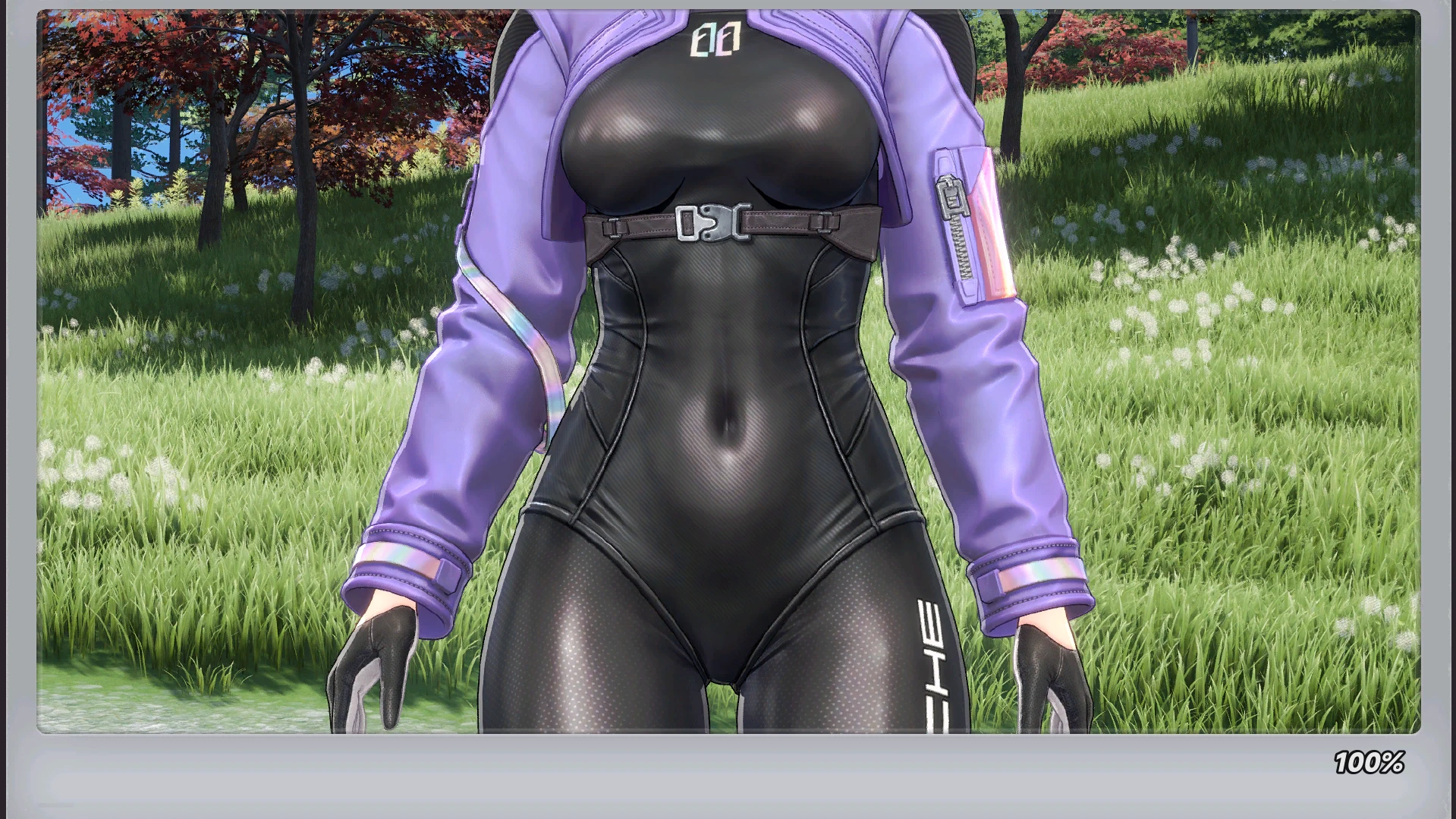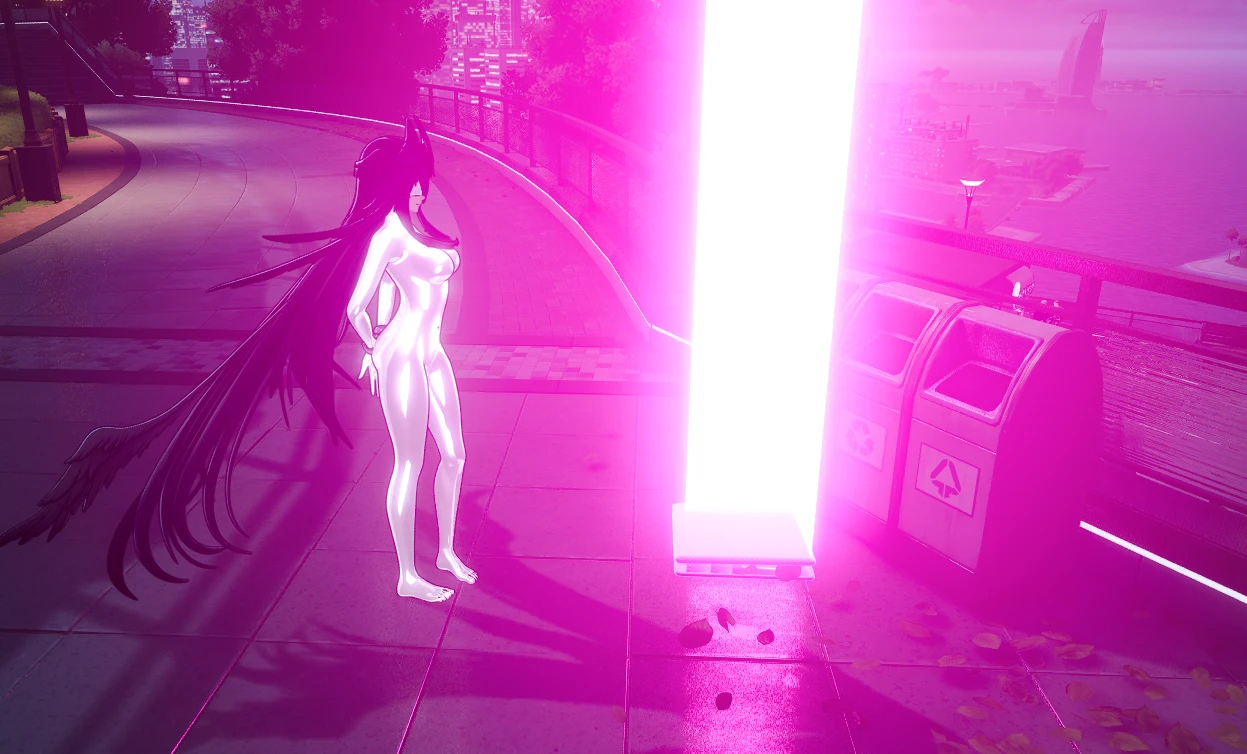

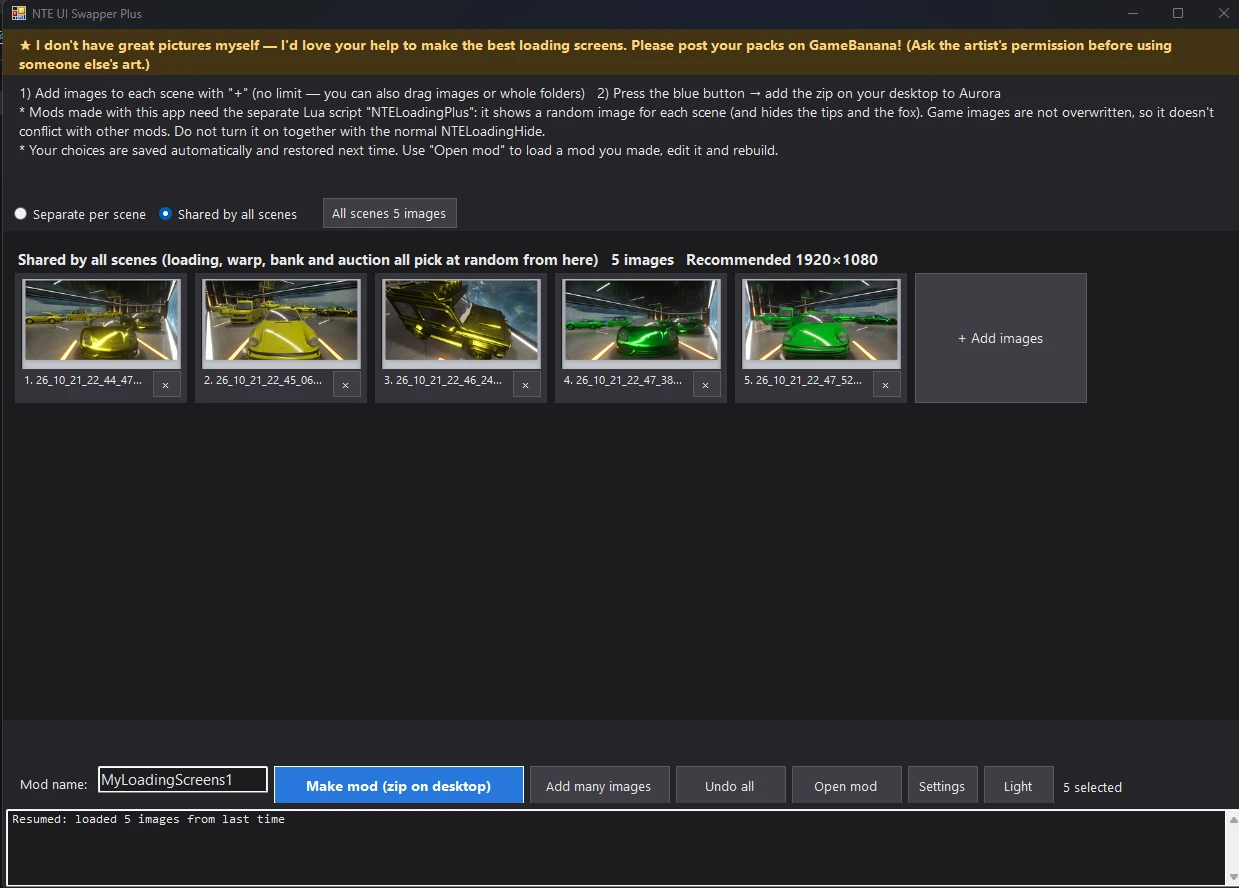
This is a “Plus” version that improves on the tool created previously. The main changes are as follows:
1. Removed the limit on the number of images.
2. Added a new mode that integrates the categories that were previously divided among the “Loading,” “Warp,” and “Robbery (Heist)” screens. This streamlines the workflow and also makes it possible to prevent images with low appearance frequency from arising — meaning all images have an equal probability of appearing.
3. Optimized the Lua code following the removal of the image count limit.
4.Added a feature that saves changes even if the app is closed mid-work, and a feature that lets you select a mod file and resume work from where you left off.
It is not necessarily the case that the tool created previously is inferior. If you are adding 20 images or fewer and organizing them by scene, there is no difference between using the original version and the Plus version.
This is the Lua for the Plus version.
https://gamebanana.com/tools/24721
1. Removed the limit on the number of images.
2. Added a new mode that integrates the categories that were previously divided among the “Loading,” “Warp,” and “Robbery (Heist)” screens. This streamlines the workflow and also makes it possible to prevent images with low appearance frequency from arising — meaning all images have an equal probability of appearing.
3. Optimized the Lua code following the removal of the image count limit.
4.Added a feature that saves changes even if the app is closed mid-work, and a feature that lets you select a mod file and resume work from where you left off.
It is not necessarily the case that the tool created previously is inferior. If you are adding 20 images or fewer and organizing them by scene, there is no difference between using the original version and the Plus version.
This is the Lua for the Plus version.
https://gamebanana.com/tools/24721