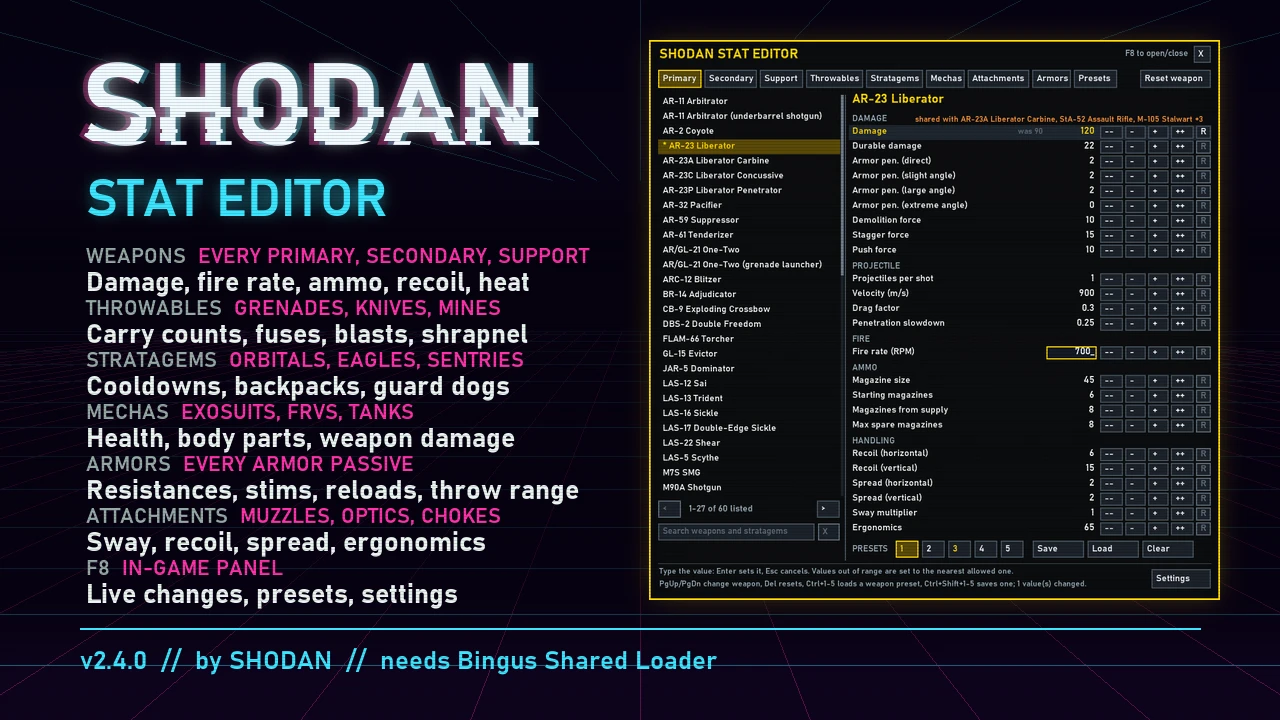
Change the stats of weapons, throwables, stratagems, mechas, attachments and armor passives in Helldivers 2. SHODAN Stat Editor Offline (SSEO) is a Windows program: pick a weapon, change its numbers, press Install into the game, and play. It writes your values into the game's own data files, so no mod loader is needed and the game does not have to run while you edit. Keep setups as presets: 5 per weapon, and up to 50 named ones for everything you have changed.
What you can change
Windows SmartScreen or an antivirus may warn about the program the first time (it is not signed).
Full documentation, source and bug reports: github.com/SHODAN-HORAI/SHODAN-Stat-Editor
What you can change
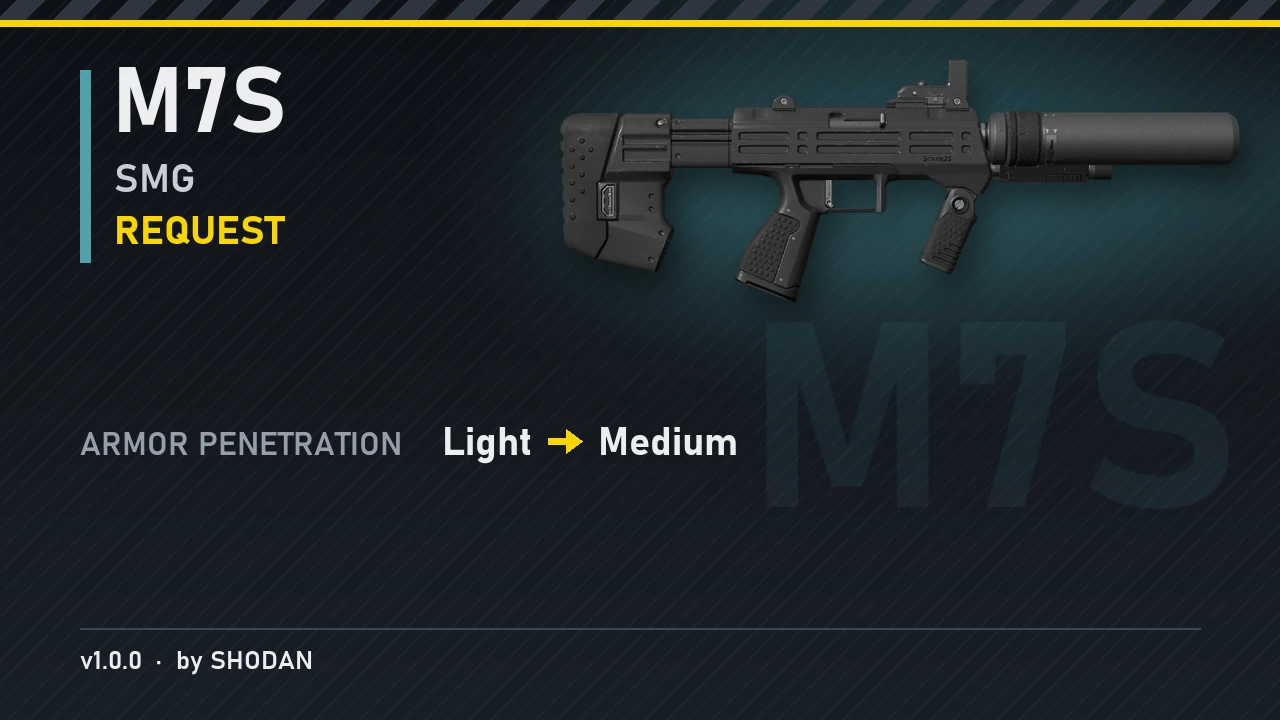
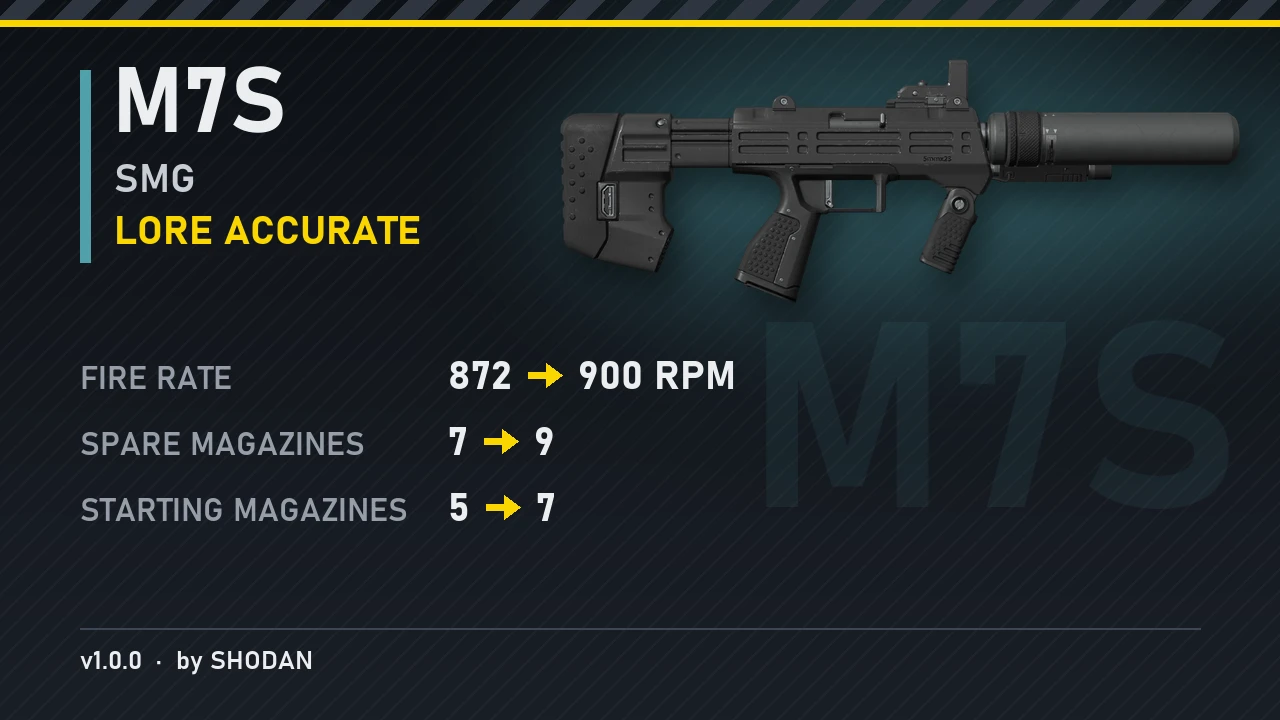
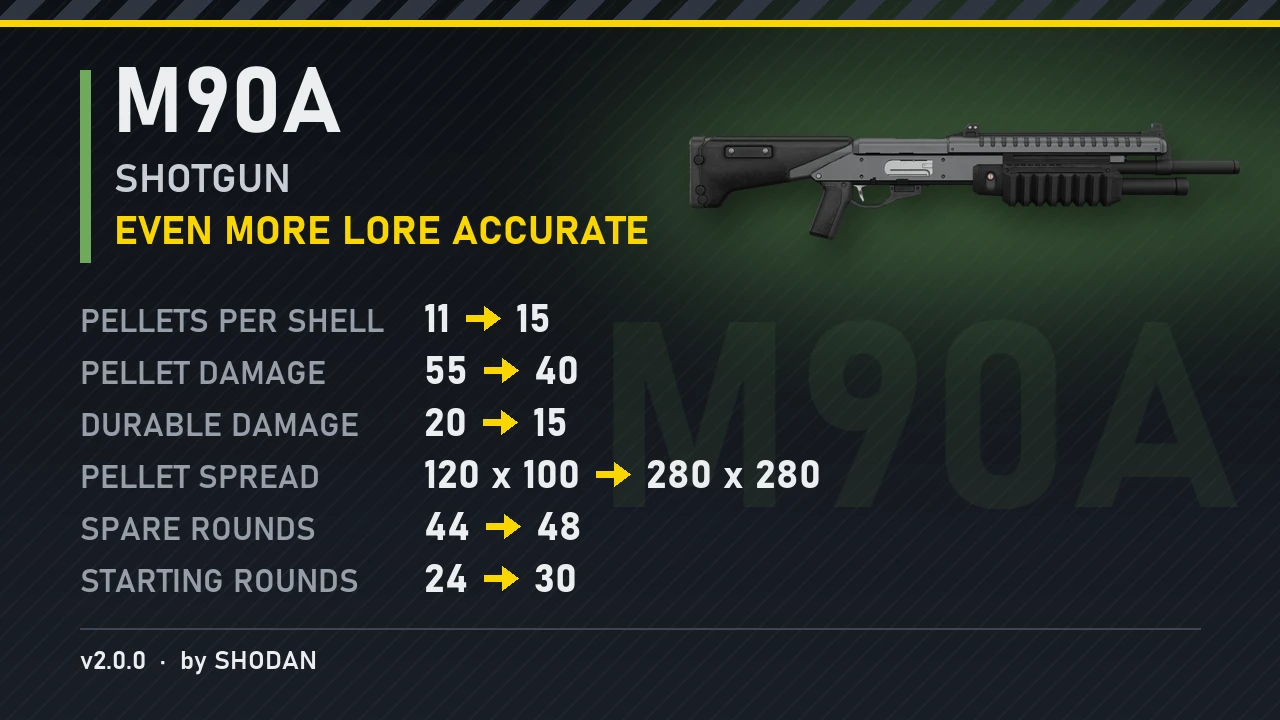
- Weapons: damage, durable damage, armor penetration, demolition/stagger/push force, projectiles per shot, velocity, blast radius, burning, gas and stun applied per hit, fire rate, magazine size and spare magazines (each magazine on its own), reload time, recoil, spread, sway, ergonomics, heat and heatsinks. Projectile swap: make a weapon fire another weapon's projectile.
- Throwables: count carried, throw distance, fuse time, explosion damage and radius, shrapnel.
- Stratagems: cooldowns and uses, Eagle rearms, orbital and Eagle strike damage and radii, barrage salvos and shells, the Orbital Laser, Guard Dogs, sentries and emplacements, minefields, jump/hover/warp packs and backpack charges.
- Mechas: cooldown, health and armor of every body part, and their weapons stat for stat.
- Attachments: optics, underbarrels, muzzles and ammunition types (ergonomics, recoil, spread and sway).
- Armor passives: every value they have, from damage resistances to reload speed and extra stims.
- Type values directly or step them with the arrow keys; Del resets a stat to the game's value.
- Create and share presets: save up to 5 presets per weapon or stratagem, and up to 50 named full presets holding every change you have made. Load, rename or overwrite them any time, and share a full preset with other players: copy its file into their StatEditor folder and they get your whole setup.
- Search across every tab (Ctrl+F).
- Settings: rebind the open key, block game input while open, turn your changes off without losing them, panel size, side and opacity.
Install
- Download SHODAN-Stat-Editor-Offline-v3.1.0.zip and unzip it anywhere (keep the files together).
- Close Helldivers 2 and start SHODAN Stat Editor Offline.exe. It finds the game through Steam; if it cannot, write your Helldivers 2 folder's path into %LOCALAPPDATA%\SHODAN\StatEditor\game folder.txt and start it again.
- Change values, press Install into the game, then start the game.
Windows SmartScreen or an antivirus may warn about the program the first time (it is not signed).
Full documentation, source and bug reports: github.com/SHODAN-HORAI/SHODAN-Stat-Editor