TR ADDON
Every mission objective, marked in the world
Requires Chef Shared Loader and Treasure Radar
Every mission objective, marked in the world
Requires Chef Shared Loader and Treasure Radar
WHAT IT DOES
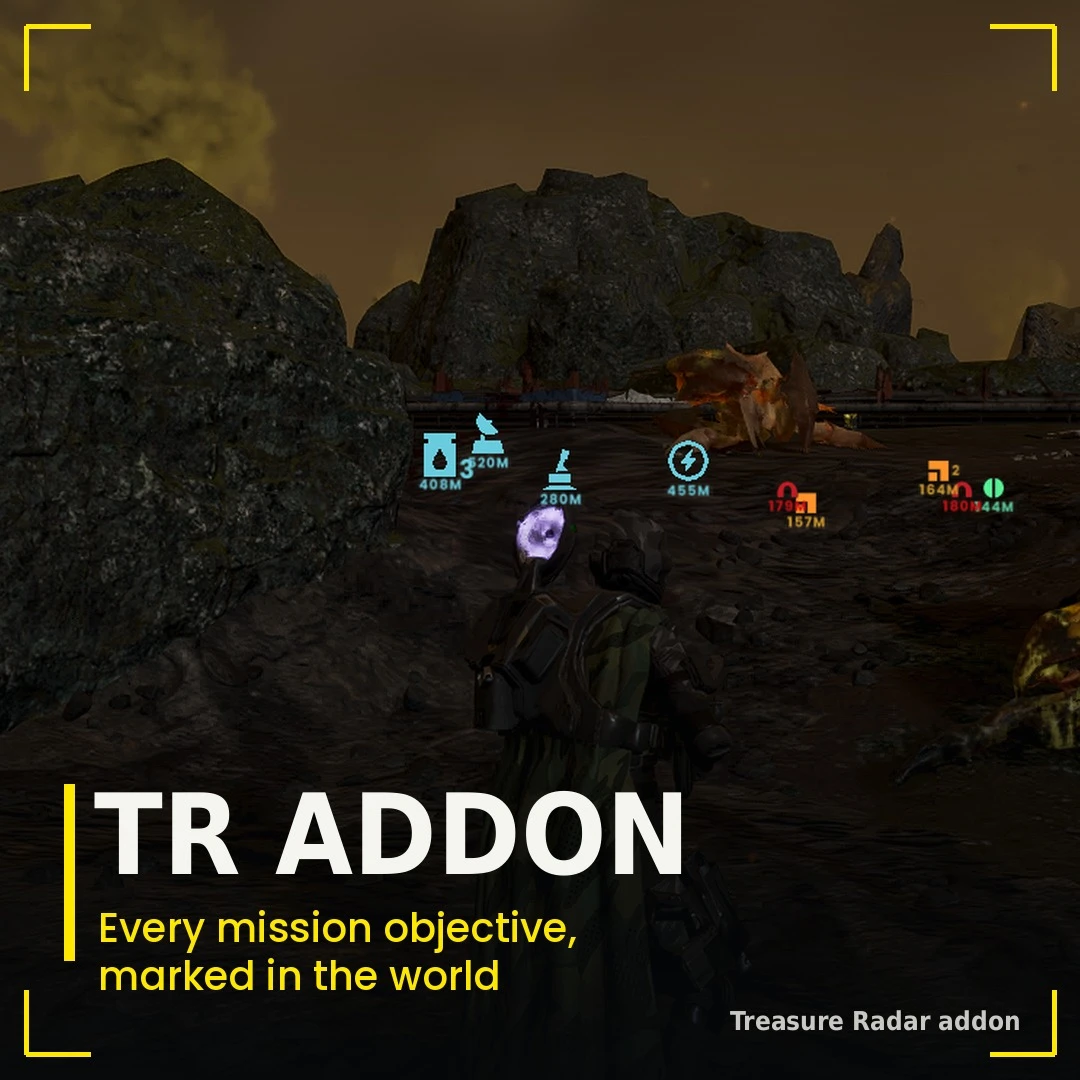
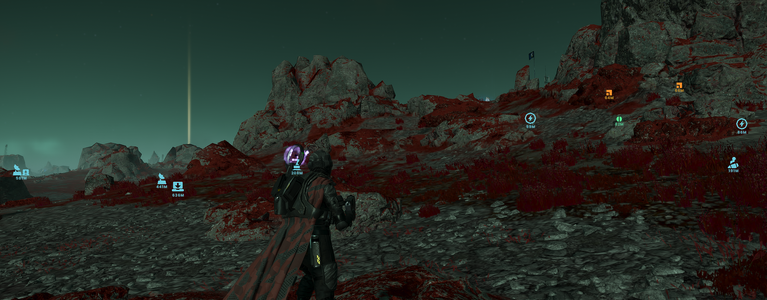
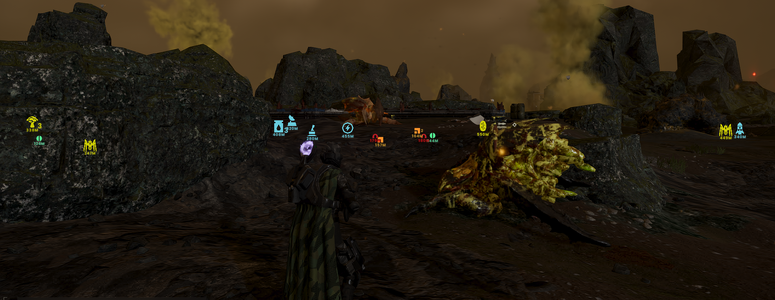
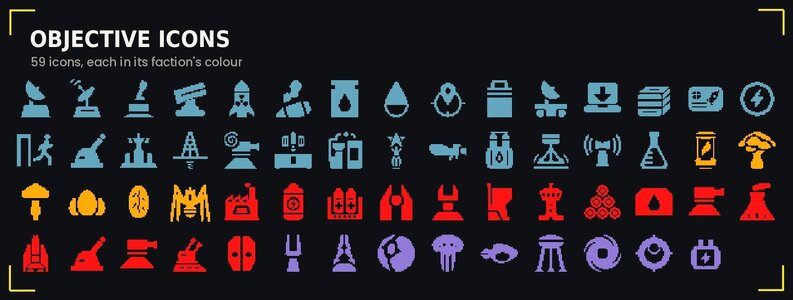
Every objective of the mission gets a marker over it in the world: its own icon in its faction's colour, with the distance under it. You see where it is from where you stand.
- Markers leave on their own. A marker goes as soon as its objective is done. When you host or play alone, that is the moment the game itself counts the objective as done. In someone else's game it is told by the objective's own signs: destroyed, its animation finished, an item carried off, a visit.
- Faction colours. Super Earth and SEAF objectives in blue, Terminid ones in orange, Automaton ones in red, Illuminate ones in violet.
- Groups from afar. Far away, markers of one kind close together merge into one icon with their count, and slide smoothly apart as you get closer. A Cognitive Disruptor and its generators share one group icon.
- Only real objectives. Scenery that only looks like an objective (a hose connection or a SAM site that is no task of this mission) gets no marker.
OBJECTIVE GROUPS
Each group is an install option and a switch in the options menu, so you can keep only what you want.
- Utility Objectives - LiDAR stations, uplinks, SEAF artillery and SAM sites, pump valves and pipelines, ICBMs, power generators, escape pod data, black boxes, hard drives, launch codes, Hive Breaker drills, evacuations and the rest.
- Hostile Objectives - detector towers, stratagem jammers, mortar and anti-air emplacements, gunship fabricators, control towers, fuel silos, ammo stockpiles, command bunkers, illegal broadcasts, spore spewers, shrieker nests, hatcheries, monoliths, Cognitive Disruptors with their generators and more.
- Research Objectives - research objectives. One that is part of a LiDAR station or an SSSD objective is not shown twice.
- Specimen Objectives - mutated eggs and Automaton heads to collect; each goes once it is picked up.
- Nest Objectives - Bile Titan holes; each goes once it is closed.
OPTIONS
In game, open the options menu with F9:
- Show ... Objectives - each group on or off.
- Marker range - from 50 to 2000 m (500 m by default).
- Group nearby markers - merge far markers of one kind into one icon.
- Split groups within - how near (25 to 500 m) a group comes apart into its markers.
- Show markers - While the map key is held” or “Toggled by the map key”.
INSTALLATION
- Install Chef Shared Loader, Treasure Radar and Addon with your mod manager.
- Depending on your mod manager’s load order priority, the addon should be either above or below the main Treasure Radar mod.
GOOD TO KNOW
- Works solo, as host and as a guest. As a guest, markers close by the objective's own signs, because the host's game decides when an objective is done.
- Markers appear once you have landed.
CREDITS
- Mission objective icons are Arrowhead Game Studios' own. Some icons were redrawn, or custom ones were made for objectives that didn’t have icons, but most of them were taken from the wiki. Helldivers Wiki
- Treasure Radar made by Chfb