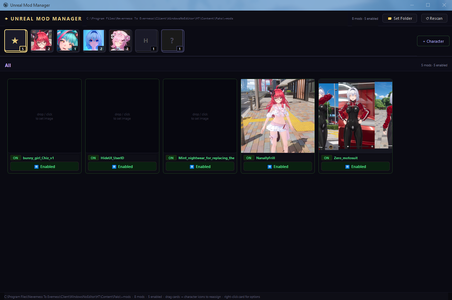
Mod manager for
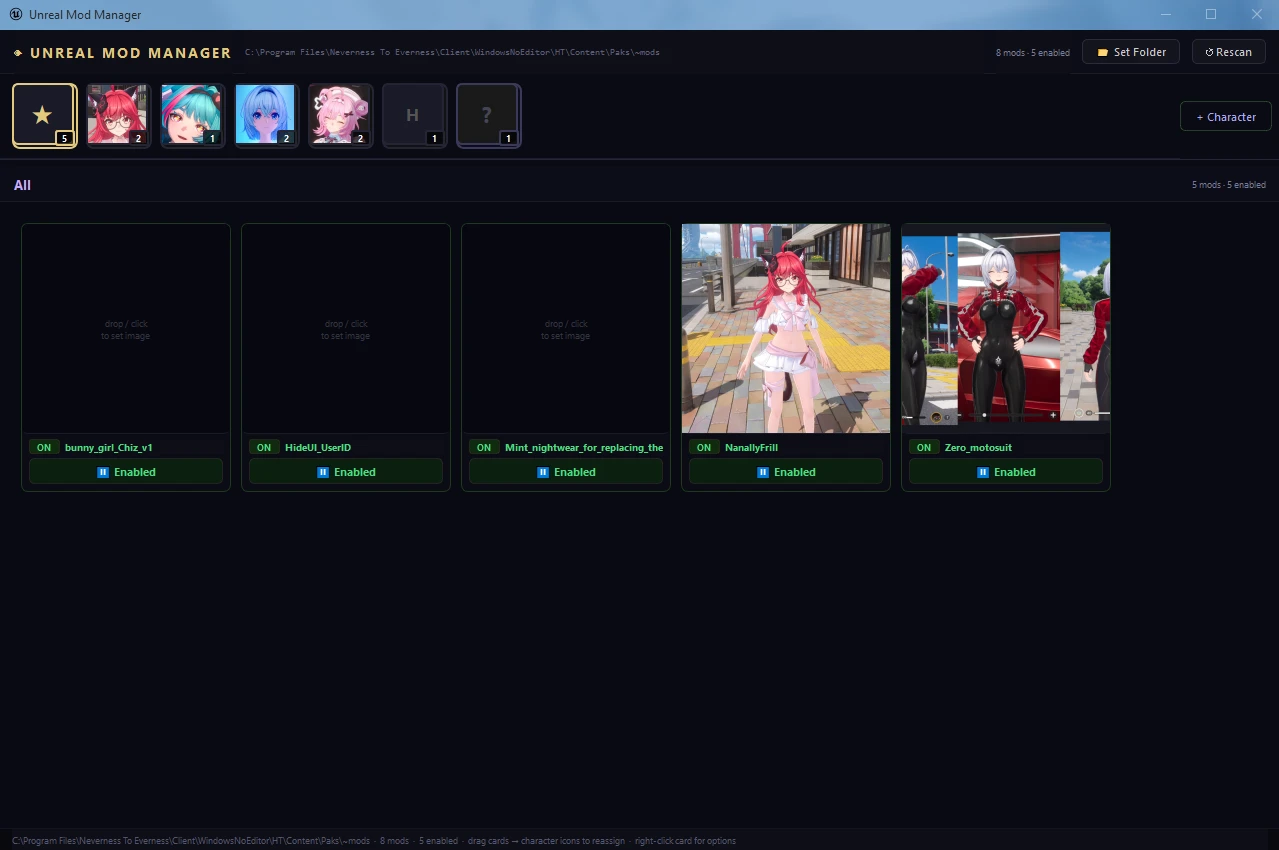
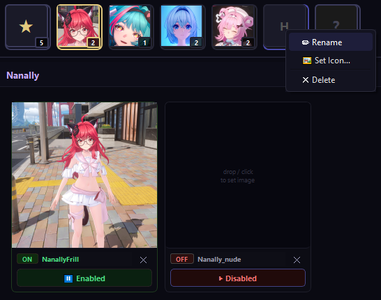
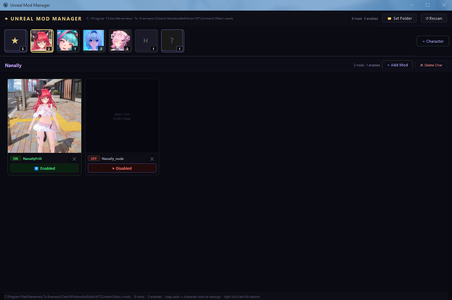
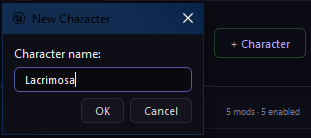
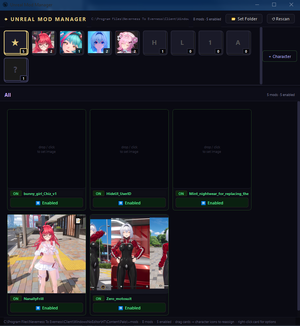
.pak [Unreal Engine] mods (including .utoc .ucas .sig), focused on fast and simple switching between multiple mods (without need to delete/move modfiles anywhere) and per-character grouping.- Character categories are created by pressing "+ Character" button and providing its name. Character icons can be created by either drag-dropping image over category, or pressing RMB -> 'Set Icon'.
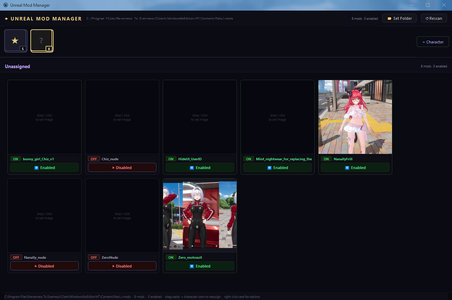
First category displays all enabled mods, last - all unassigned mods.
- Upon first launch and setting up
~modspath – all existing unfolded mods will be automatically loaded into "Unassigned" category and grouped per-mod(without need of manual re-setup).
- Assigning mod for a character is done by drag-dropping its card over needed category tab. You can move already assigned mod to other character category same way. Clicking on "x" moves mod back into "Unassigned" category.
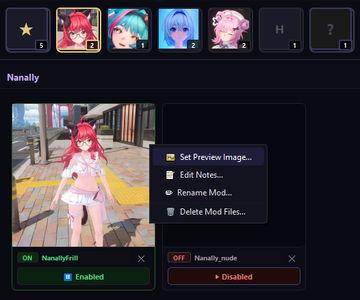
- Mod previews can be generated by dropping image over preview box, clicking on preview box, or RMB -> "Set Preview Image".
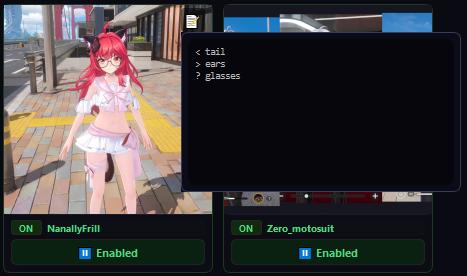
- Every mod can store text associated with it(useful for mods with swapkeys/modifiers), to add it click RMB -> "Edit notes". Creating note adds display icon, clicking on it displays and allows to edit stored text within editor.
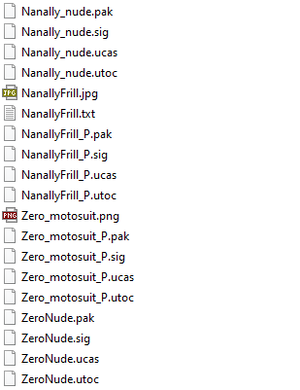
- Drag-dropping zip archives over main frame exports mod content files only inside
~modsfolder automatically unfolding all the subdirectories from the archive(if present). If there are also images files - first one will be extracted and assigned as mod's preview.
- Enabling/Disabling mods is done by clicking on respective button (managed by
_Psuffix)
- To update on-disk file changes outside of app - click "Rescan" button.