WAR JOURNALIST — 1.4.1 LUA REWRITE
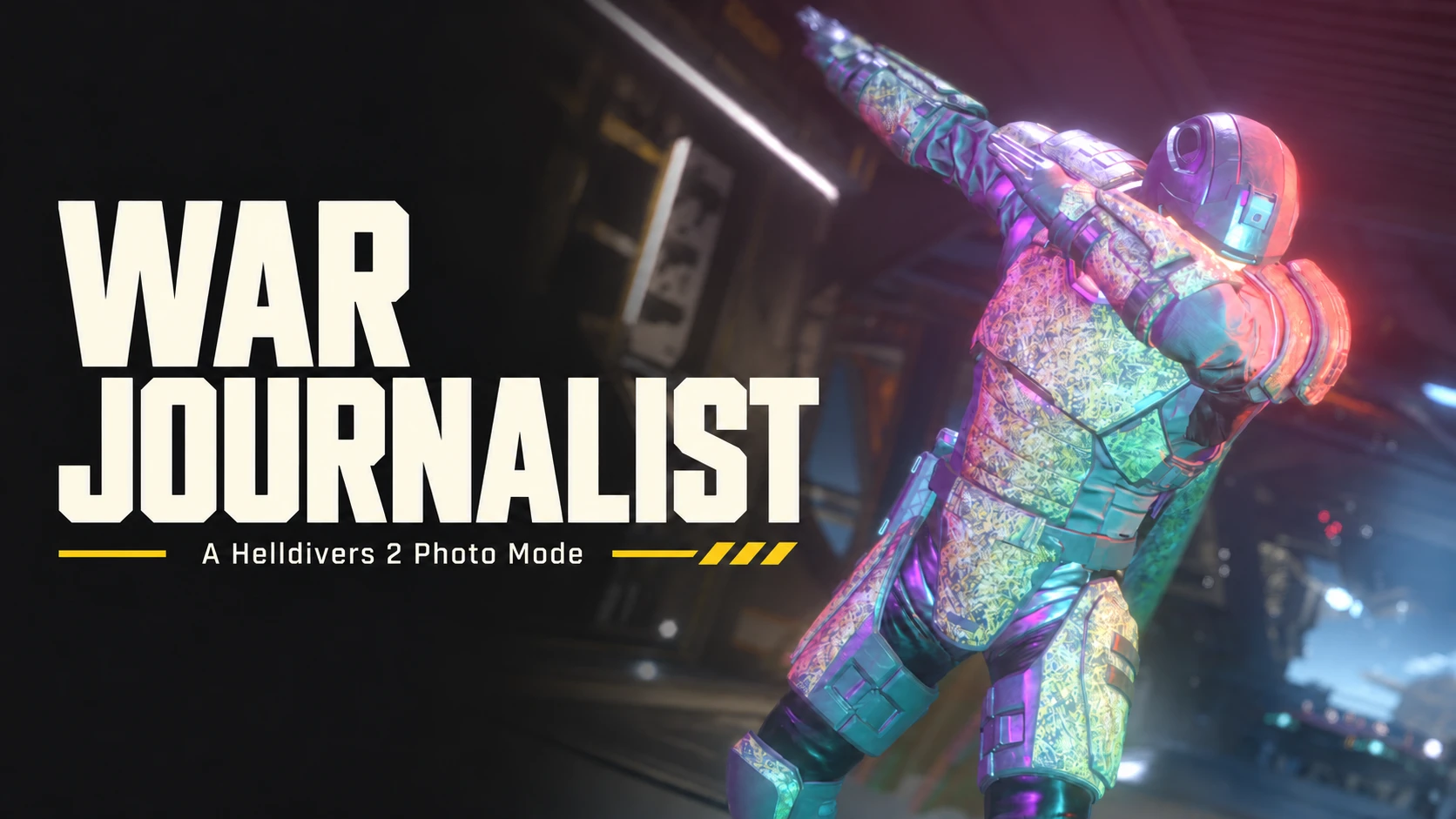
A Helldivers 2 Photo Mode
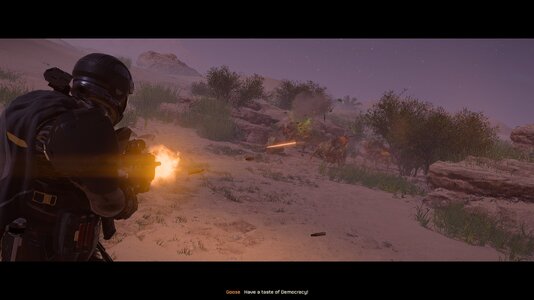
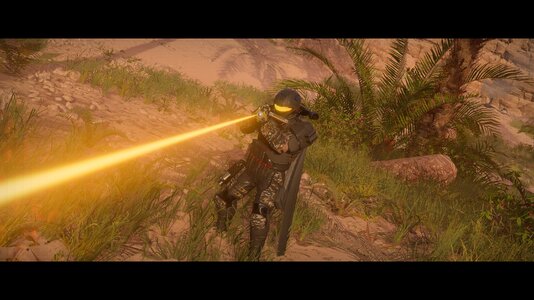
Stop the action. Find your angle. Build the shot.
A HUGE THANK YOU TO EVERYONE SHARING PHOTOS, TESTING AND REPORTING BUGS! Getting this working again has taken a lot of testing. Your shots make it worth it. Keep them coming!
NEW IN 1.4.1 — GAME UPDATE, ALL-BONES MODE AND NATURAL LIMITS
Thanks to aharen_1, Devist8er and oldtr for the reports behind several of these fixes!
ONE DOWNLOAD FOR BOTH LOADERS. The same ZIP works with Boot Mod Loader and with Chef's Shared Loader 1.4.0 or newer. There's no separate Chef version to pick: whichever loader you use, this is the only file you need. Chef is more limited, so read the Chef section below if you use it.
1.4.1 notes and download
PLEASE READ — A FIRST PASS
1.3.0 started a full rewrite of War Journalist in the game's own Lua. Not everything from the old version is back yet, and some features work differently.
One ZIP for Boot Mod Loader and Chef's Shared Loader 1.4.0 or newer. The same file runs on either, and if you have both it still runs only once. The old BSL, MDL and LLL files only work with the old version.
War Journalist 1.4.1. One ZIP with everything included. On Boot Mod Loader the helper (WJL) starts on its own. Menu options that can't be used right now are hidden.
CHEF'S SHARED LOADER — READ THIS FIRST
War Journalist on Chef is more limited than on Boot Mod Loader:

Focus and aperture work again. Use Native camera DoF for focus distance, aperture, lens presets and portrait framing. Shader DoF and the depth effects above aren't available.
A PHOTO STUDIO

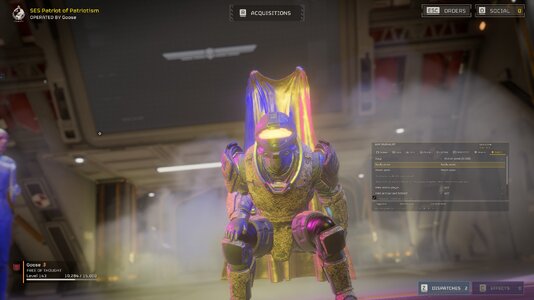
Free camera, camera lock, a panel you can move and resize, saved opacity, a controls drawer, framing guides, logos, vignette and grain. On Windows with Boot Mod Loader, the included helper starts on its own and stops your keys and mouse from moving your Helldiver while Photo Mode is open.
STRIKE A POSE
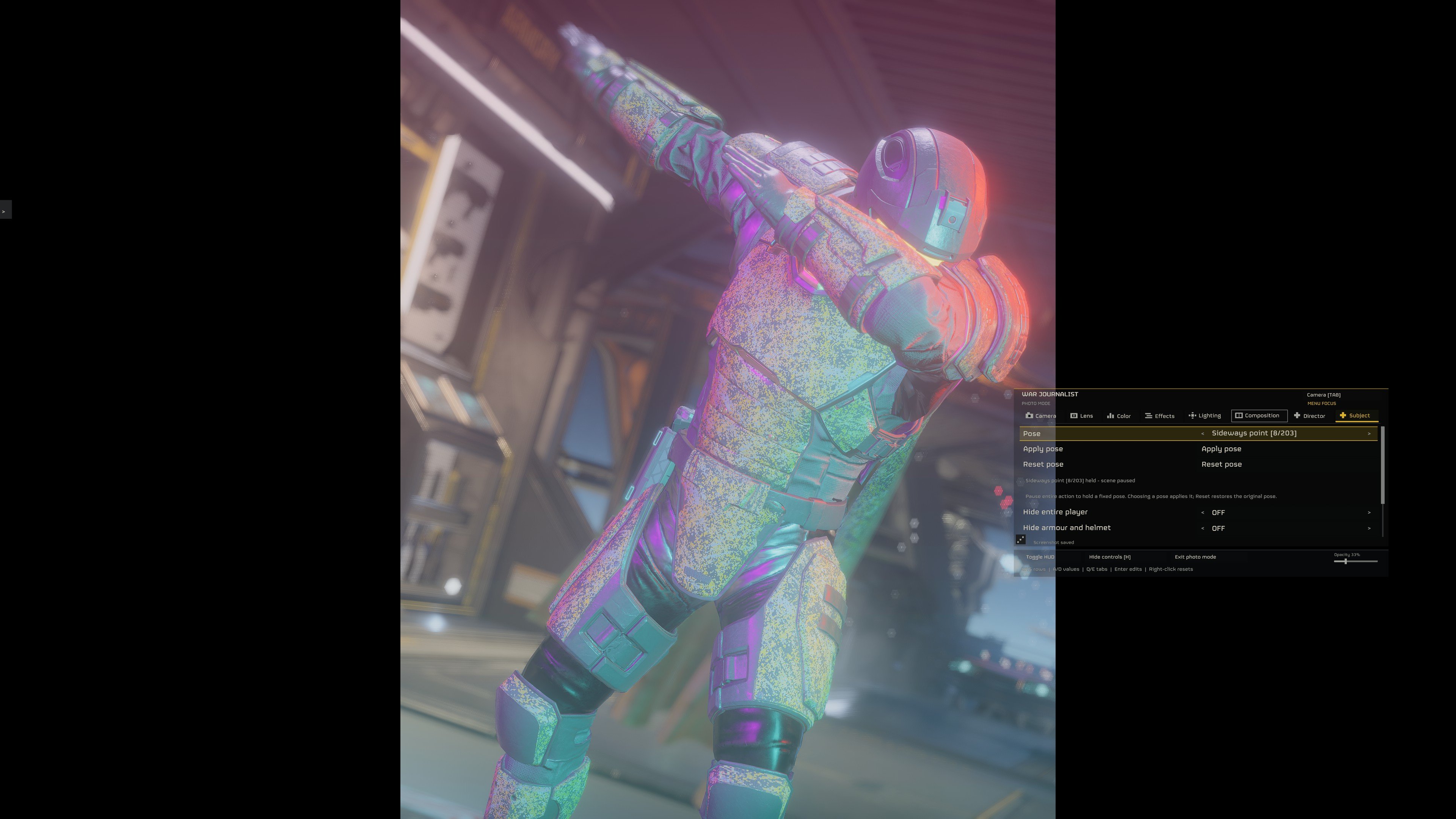
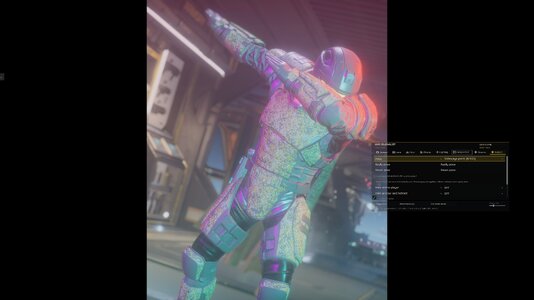
Poses and Reset work. The list has 213 entries, and some are versions of the same emote. Pose your Helldiver bone by bone with the Bone Poser below. The cape and subject bugs above still apply.
BONE POSER

Freeze your Helldiver, then open Pose editor in the Subject tab. All-Bones mode puts a ring on every bone: click one to pick that bone and its group, and click the scene away from the rings to see them all again. Left drag swings the bone so its ring follows your mouse, right drag bends and swings it, middle drag twists it, the mouse wheel pushes it nearer or further, and Shift gives small steps. Or use the Bend, Swing and Twist sliders. Natural limits keeps joints bending the way a body does; switch it off for free movement.
Start from any of the 213 poses, or from the way your Helldiver is standing. Save up to 99 poses under Saved poses and load them again later. Your edits stay when you close and reopen Photo Mode; Reset pose clears them.
LIGHT THE SCENE

Point and spot lights, presets, markers you can drag, saved lighting setups and lights that follow the camera. The reported light crash is fixed. Lighting: Not tested fully in every scene.
HANDYCAM & DIRECTOR
Page Down turns Handycam on and off. Adjust Intensity, Movement lag, the camera's forward, up and side offsets, yaw and pitch. With Drag camera position on: left-click and drag to move it, use the mouse wheel for forward and back, and hold the middle mouse button and drag to turn it.
Handycam stays on when you reopen Photo Mode until you turn it off. Helmet, torso and cape each have their own Hide switch, and Handycam always hides the helmet. When you aim down sights, Handycam steps aside for the game's own view and then tries to return to your framing.
Cinema action shots, camera paths and saved Director camera positions are still there. Pause and Slow Motion only work when you're playing solo.
INSTALL & RELEASE NOTES
Import the ZIP into HD2 Arsenal and make sure War Journalist is switched on. It's the same ZIP for Boot Mod Loader and Chef's Shared Loader 1.4.0 or newer. Deploy with the game closed, then start the game. It replaces 1.4.0. You need the 11 November game update. Boot Mod Loader 0.13.4 may say it wasn't made for this game version; War Journalist still starts with it. Run only one copy of War Journalist. Your keys, settings, presets and screenshots are kept. On Boot Mod Loader the helper (WJL) is included and starts on its own on Windows.
Full 1.3.0 changelog • Downloads and older versions
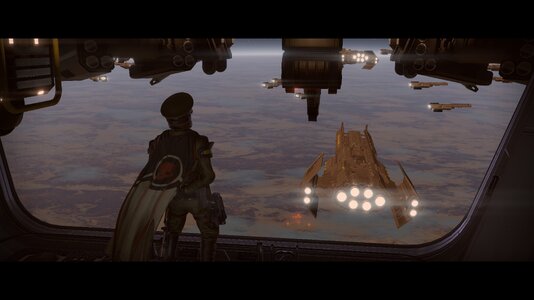
Some photos are from earlier versions, so not every effect shown is in this one. Older change notes are on GitHub.
SOURCE & CREDITS
Source and documentation. Original camera: ActionCam by HuedPurple. UI and font reader: CowboyBingus (0BSD). Some reader code: Link (MIT). Licenses and artwork credits are included in the download. Helldivers 2 and Arrowhead artwork belongs to its owners.
Found a bug? Tell me your loader and version, where you were, what you had equipped, and how to make it happen.
A Helldivers 2 Photo Mode
Stop the action. Find your angle. Build the shot.
A HUGE THANK YOU TO EVERYONE SHARING PHOTOS, TESTING AND REPORTING BUGS! Getting this working again has taken a lot of testing. Your shots make it worth it. Keep them coming!
NEW IN 1.4.1 — GAME UPDATE, ALL-BONES MODE AND NATURAL LIMITS
Thanks to aharen_1, Devist8er and oldtr for the reports behind several of these fixes!
ONE DOWNLOAD FOR BOTH LOADERS. The same ZIP works with Boot Mod Loader and with Chef's Shared Loader 1.4.0 or newer. There's no separate Chef version to pick: whichever loader you use, this is the only file you need. Chef is more limited, so read the Chef section below if you use it.
- Works with the 11 November game update. After that update, 1.4.0 lost its keyboard and mouse lock, PNG screenshots and scene effects.
- All-Bones mode: the Pose editor starts with a ring on every bone. Click one to pick that bone and its group; click the scene away from the rings to see all bones again.
- Natural limits: knees bend one way only and elbows don't bend backwards. Switch it off for free movement.
- Posing works with a hover pack around and with holster mods such as Diver Dock.
- A weapon swap during a pose no longer freezes the game. If a pose ever gets stuck, Ctrl+Shift+F10 lets it go.
- Smoothed mouse look no longer spins the wrong way after a fast swipe.
- Photo Mode says why when it won't open, and the Subject tab says why no Helldiver can be posed.
1.4.1 notes and download
PLEASE READ — A FIRST PASS
1.3.0 started a full rewrite of War Journalist in the game's own Lua. Not everything from the old version is back yet, and some features work differently.
One ZIP for Boot Mod Loader and Chef's Shared Loader 1.4.0 or newer. The same file runs on either, and if you have both it still runs only once. The old BSL, MDL and LLL files only work with the old version.
War Journalist 1.4.1. One ZIP with everything included. On Boot Mod Loader the helper (WJL) starts on its own. Menu options that can't be used right now are hidden.
CHEF'S SHARED LOADER — READ THIS FIRST
War Journalist on Chef is more limited than on Boot Mod Loader:
- No helper. Chef doesn't let mods start programs, so the helper that Boot Mod Loader uses can't run.
- Your keys still reach the game while Photo Mode is open. That's why the camera moves with the arrow keys instead of W/A/S/D. Shift with Left or Right changes tabs, and P opens Photo Mode. Change keys in F9 > War Journalist or in the panel.
- Screenshots are DDS files, not PNG. They're saved in the game's settings folder (%APPDATA%\Arrowhead\Helldivers2). Open them with an image viewer that reads DDS, or convert them.
- Double-click focus and Center auto-focus need Chef 1.5.1 or newer. On older versions, use Manual focus.
- War Journalist needs Chef 1.4.0 or newer. On older versions it stays off.
- The cape sometimes comes loose, mostly around Freeze, ragdolls and poses.
- Picking a subject sometimes fails. Automatic picking and clicking can miss your Helldiver or find nobody.
- Some Hide options miss things. Holstered weapons, scopes, magazines, backpack and support weapon parts and other gear can stay visible. I'm still working on it.
- AI control is gone for now. Passive, Dummy and no-aggro aren't available. World Freeze is separate and still works.
- Depth shaders don't work right now. Inverted depth, Thermal depth, Depth contours, Depth fog and Shader DoF are removed from the menu. Native camera DoF works, including focus distance and aperture.
- A frozen ragdoll can spin now and then. Freezing someone on a hoverpack isn't perfect, and pressing Resume has launched people into the air.
- Handycam around aiming down sights needs more testing. The camera can clip or miss your framing when it comes back, and turning while walking backwards or sideways isn't fixed.
- On Windows, War Journalist can't hide the HUD for you. Use the game's own Toggle HUD key (tested with /).
- Lighting, outfits and gear, respawns and scene changes need more testing. HDR screenshots were only checked on one screen.
- Bone posing works on your own Helldiver, after Freeze. A pose can vanish if you froze your Helldiver mid-stride.
Focus and aperture work again. Use Native camera DoF for focus distance, aperture, lens presets and portrait framing. Shader DoF and the depth effects above aren't available.
A PHOTO STUDIO
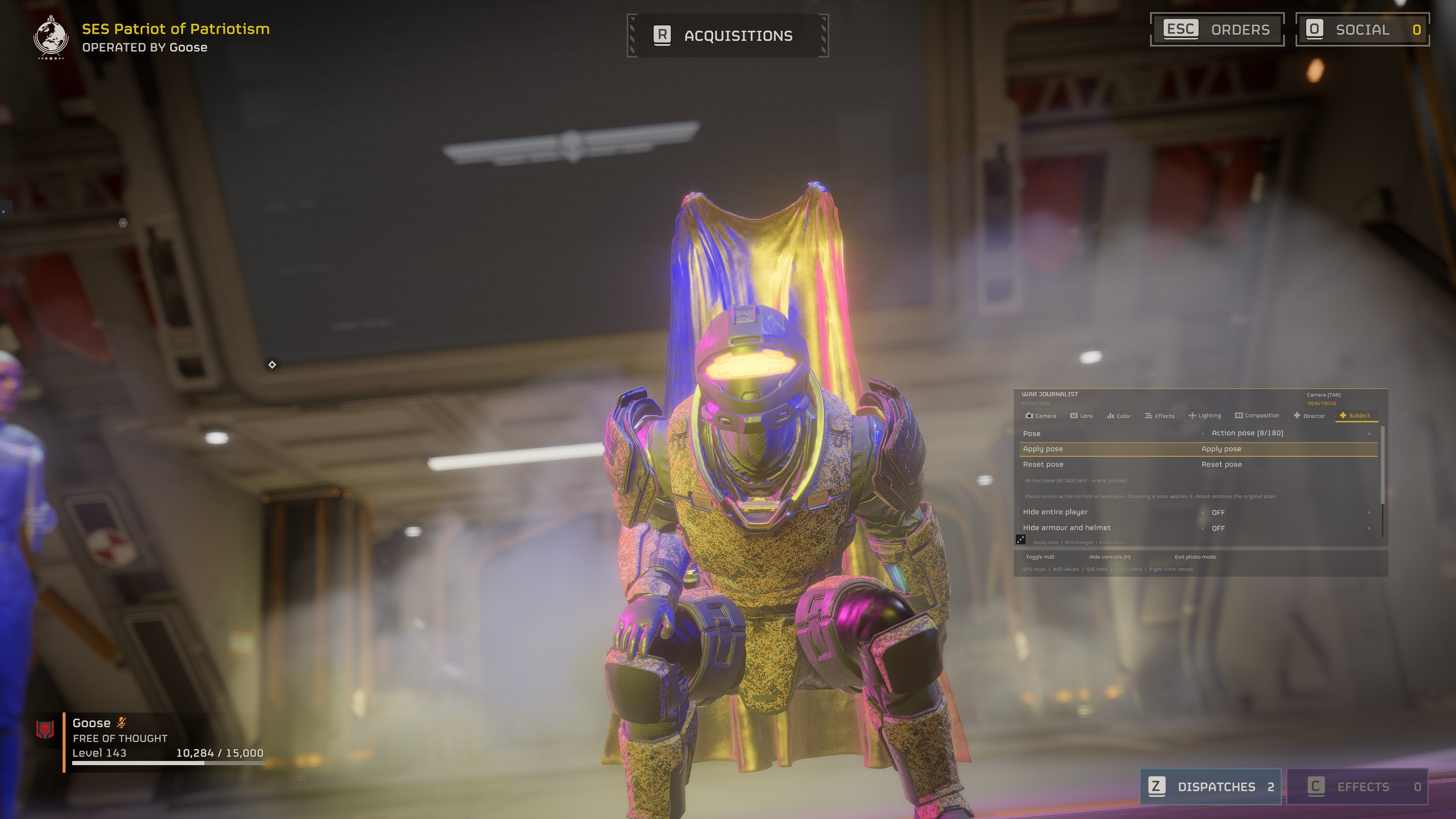
Free camera, camera lock, a panel you can move and resize, saved opacity, a controls drawer, framing guides, logos, vignette and grain. On Windows with Boot Mod Loader, the included helper starts on its own and stops your keys and mouse from moving your Helldiver while Photo Mode is open.
STRIKE A POSE
Poses and Reset work. The list has 213 entries, and some are versions of the same emote. Pose your Helldiver bone by bone with the Bone Poser below. The cape and subject bugs above still apply.
BONE POSER
Freeze your Helldiver, then open Pose editor in the Subject tab. All-Bones mode puts a ring on every bone: click one to pick that bone and its group, and click the scene away from the rings to see them all again. Left drag swings the bone so its ring follows your mouse, right drag bends and swings it, middle drag twists it, the mouse wheel pushes it nearer or further, and Shift gives small steps. Or use the Bend, Swing and Twist sliders. Natural limits keeps joints bending the way a body does; switch it off for free movement.
Start from any of the 213 poses, or from the way your Helldiver is standing. Save up to 99 poses under Saved poses and load them again later. Your edits stay when you close and reopen Photo Mode; Reset pose clears them.
LIGHT THE SCENE
Point and spot lights, presets, markers you can drag, saved lighting setups and lights that follow the camera. The reported light crash is fixed. Lighting: Not tested fully in every scene.
HANDYCAM & DIRECTOR
Page Down turns Handycam on and off. Adjust Intensity, Movement lag, the camera's forward, up and side offsets, yaw and pitch. With Drag camera position on: left-click and drag to move it, use the mouse wheel for forward and back, and hold the middle mouse button and drag to turn it.
Handycam stays on when you reopen Photo Mode until you turn it off. Helmet, torso and cape each have their own Hide switch, and Handycam always hides the helmet. When you aim down sights, Handycam steps aside for the game's own view and then tries to return to your framing.
Cinema action shots, camera paths and saved Director camera positions are still there. Pause and Slow Motion only work when you're playing solo.
INSTALL & RELEASE NOTES
Import the ZIP into HD2 Arsenal and make sure War Journalist is switched on. It's the same ZIP for Boot Mod Loader and Chef's Shared Loader 1.4.0 or newer. Deploy with the game closed, then start the game. It replaces 1.4.0. You need the 11 November game update. Boot Mod Loader 0.13.4 may say it wasn't made for this game version; War Journalist still starts with it. Run only one copy of War Journalist. Your keys, settings, presets and screenshots are kept. On Boot Mod Loader the helper (WJL) is included and starts on its own on Windows.
Full 1.3.0 changelog • Downloads and older versions
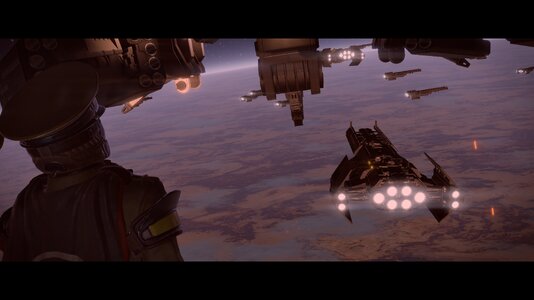
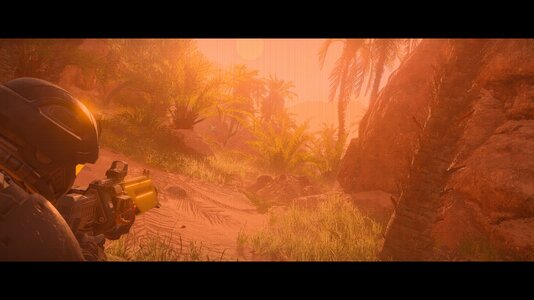
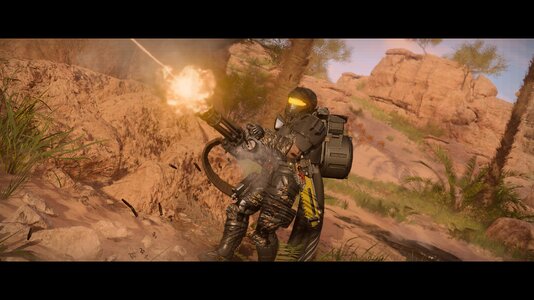
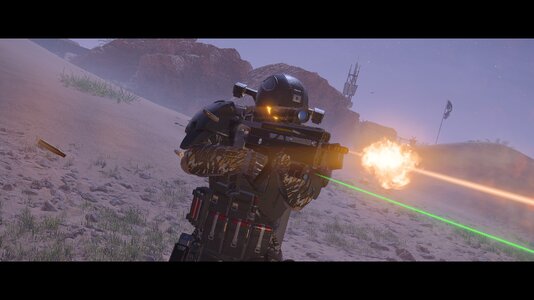
Some photos are from earlier versions, so not every effect shown is in this one. Older change notes are on GitHub.
SOURCE & CREDITS
Source and documentation. Original camera: ActionCam by HuedPurple. UI and font reader: CowboyBingus (0BSD). Some reader code: Link (MIT). Licenses and artwork credits are included in the download. Helldivers 2 and Arrowhead artwork belongs to its owners.
Found a bug? Tell me your loader and version, where you were, what you had equipped, and how to make it happen.