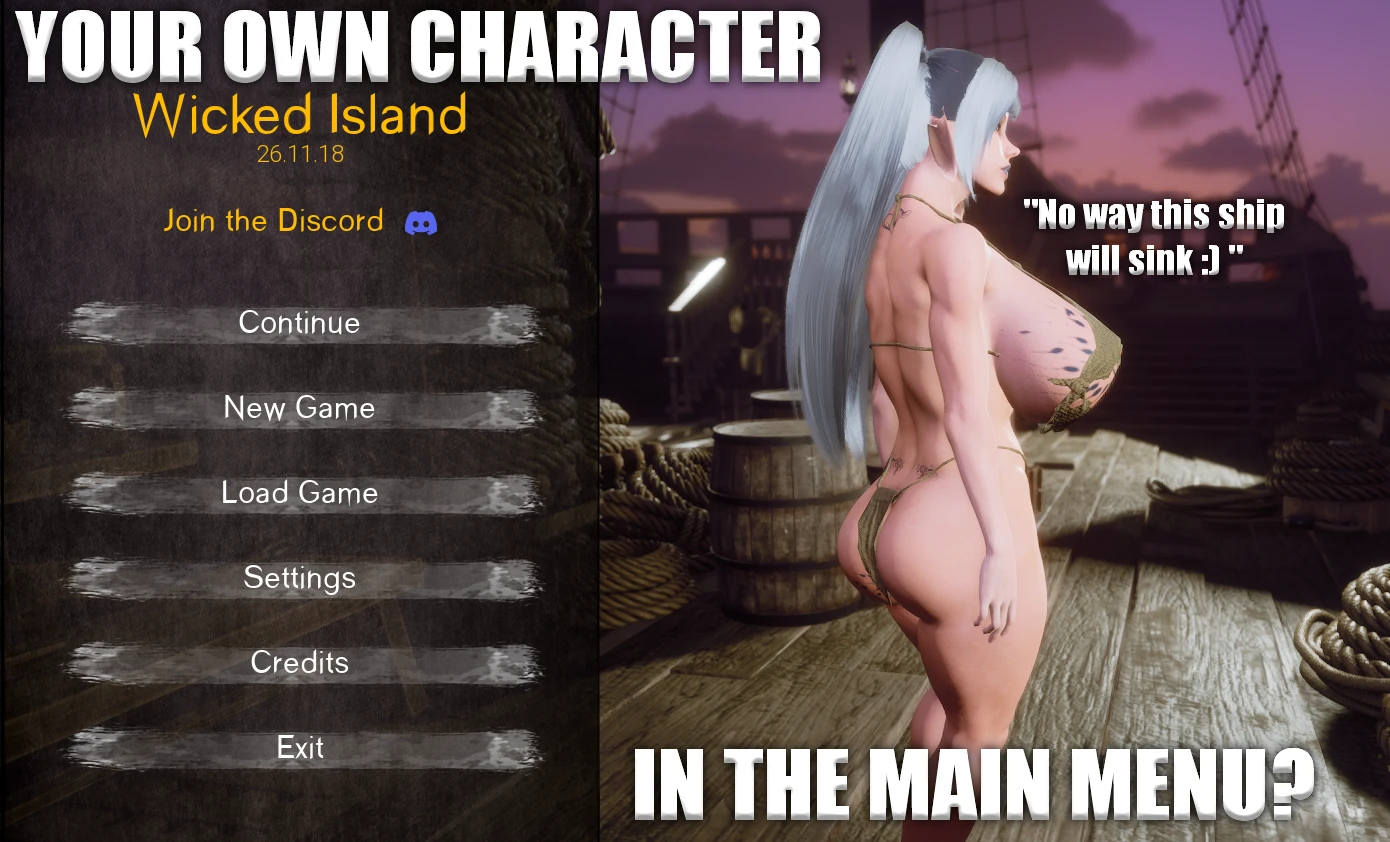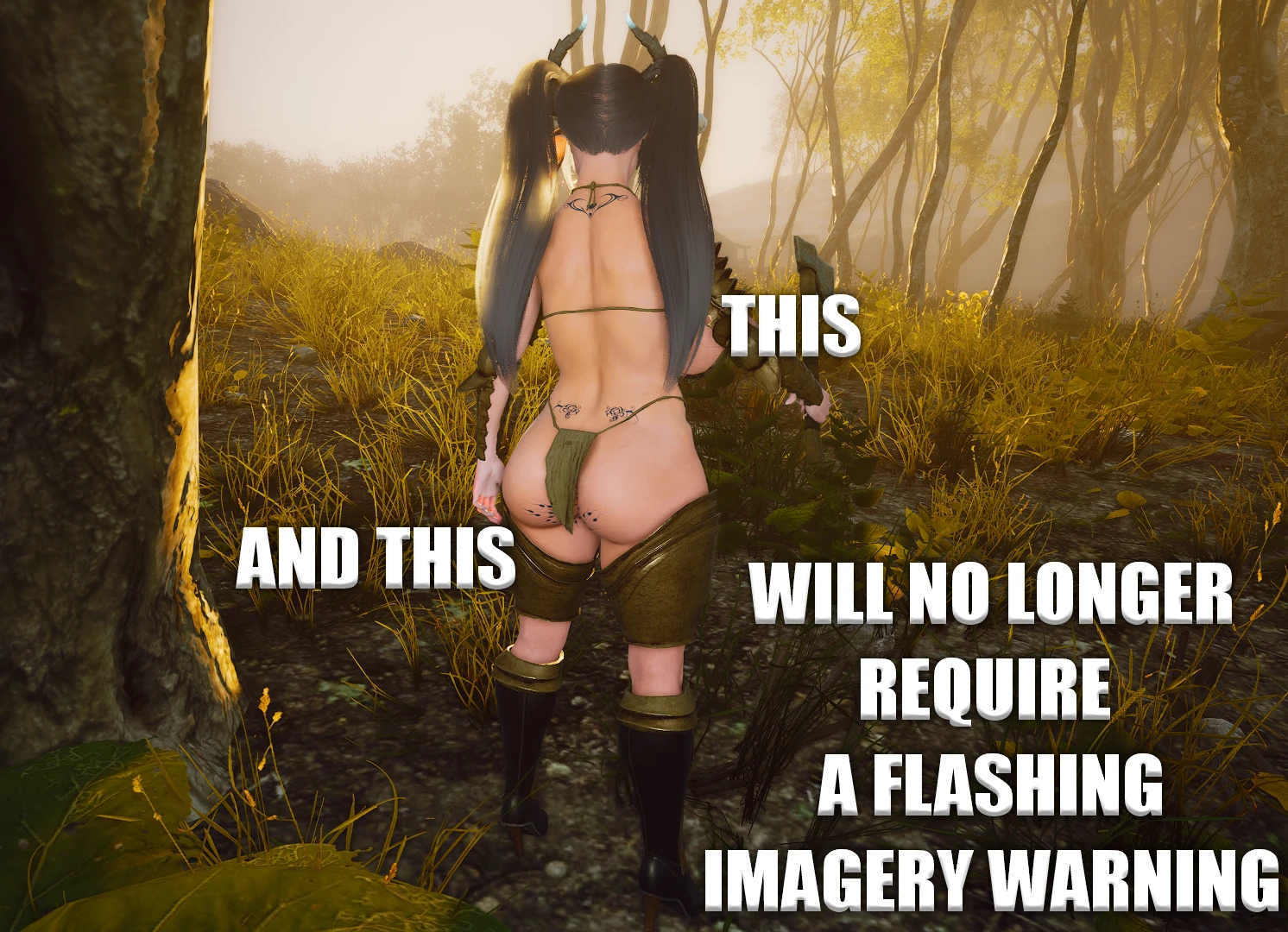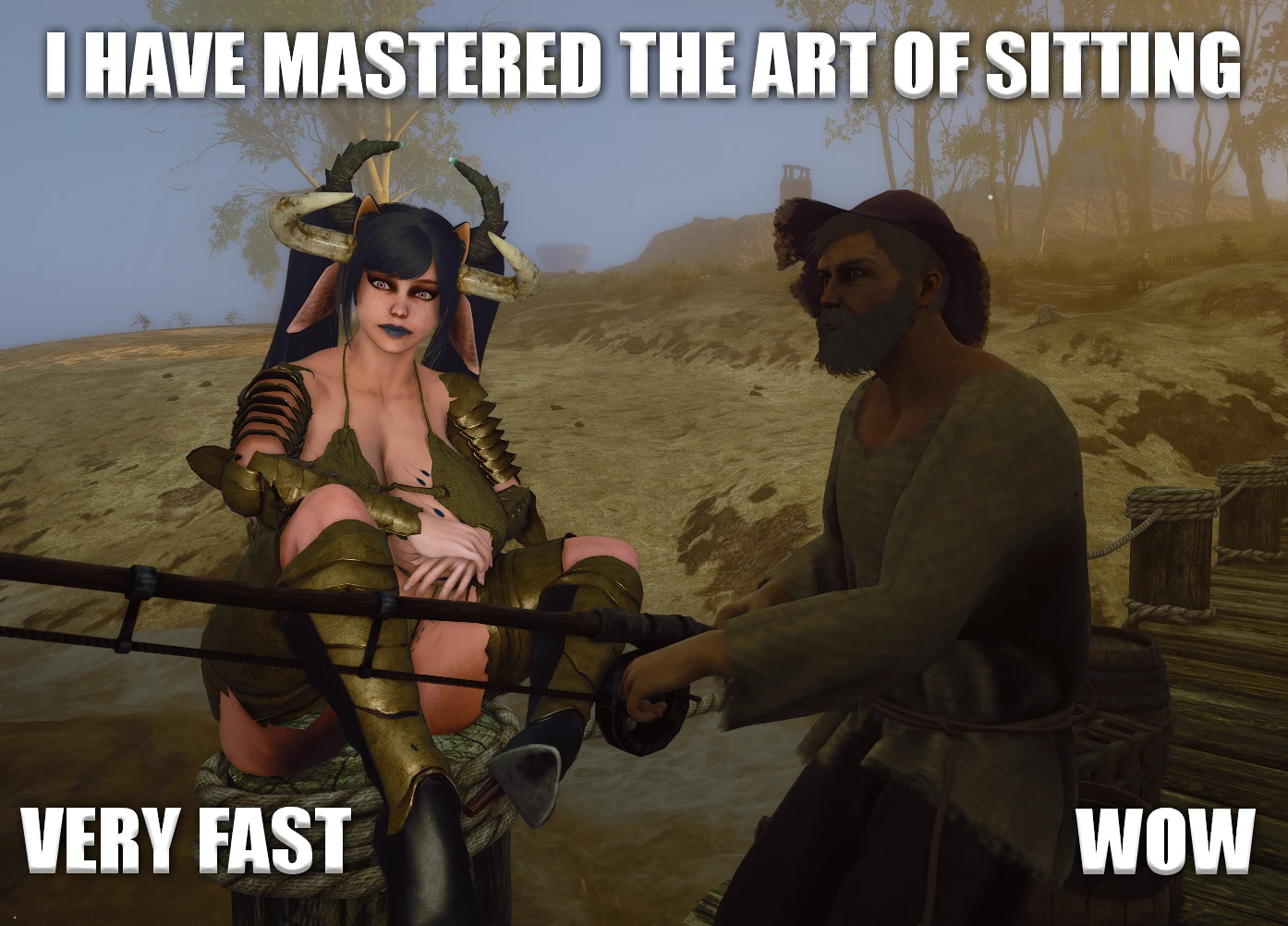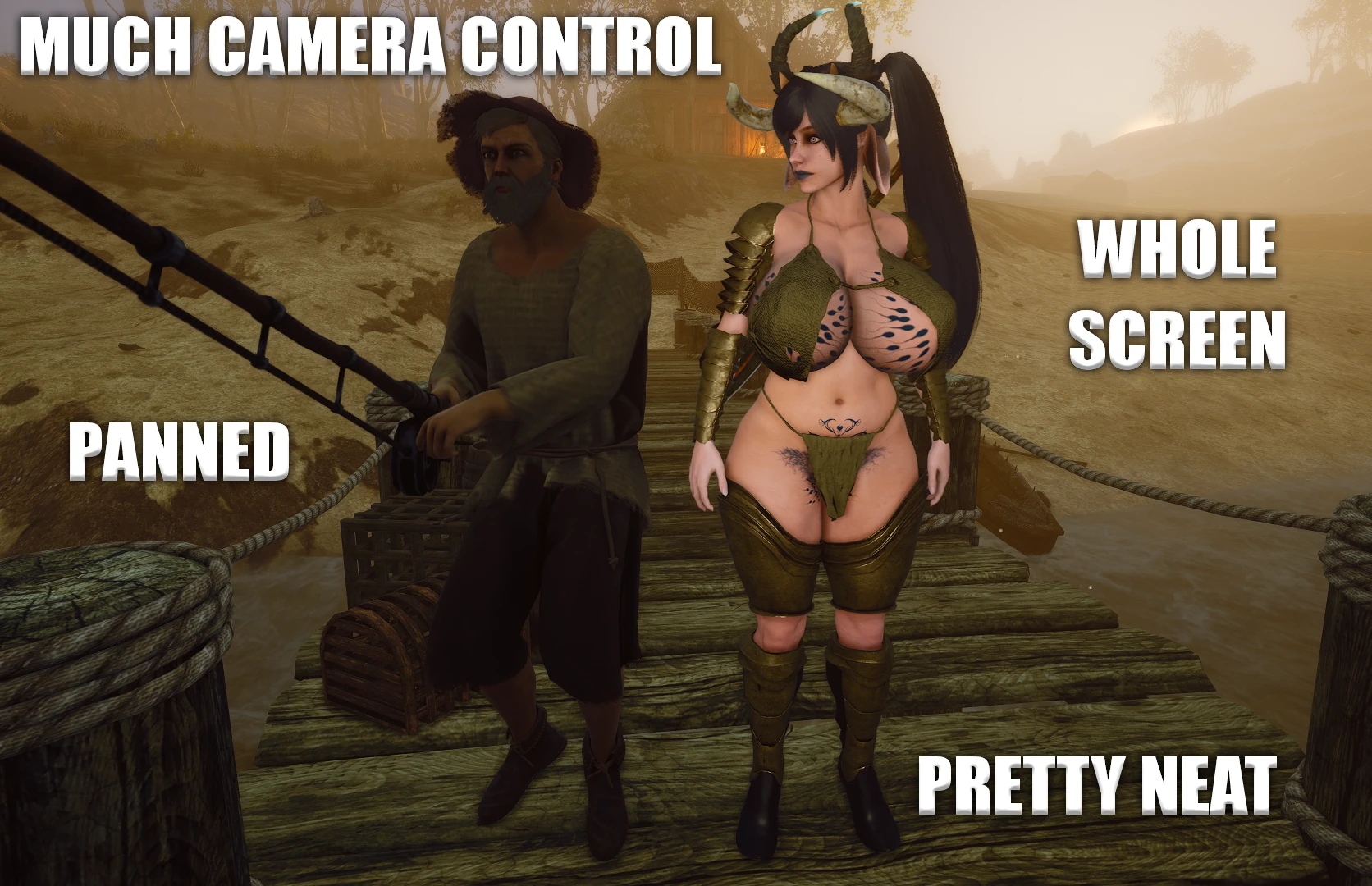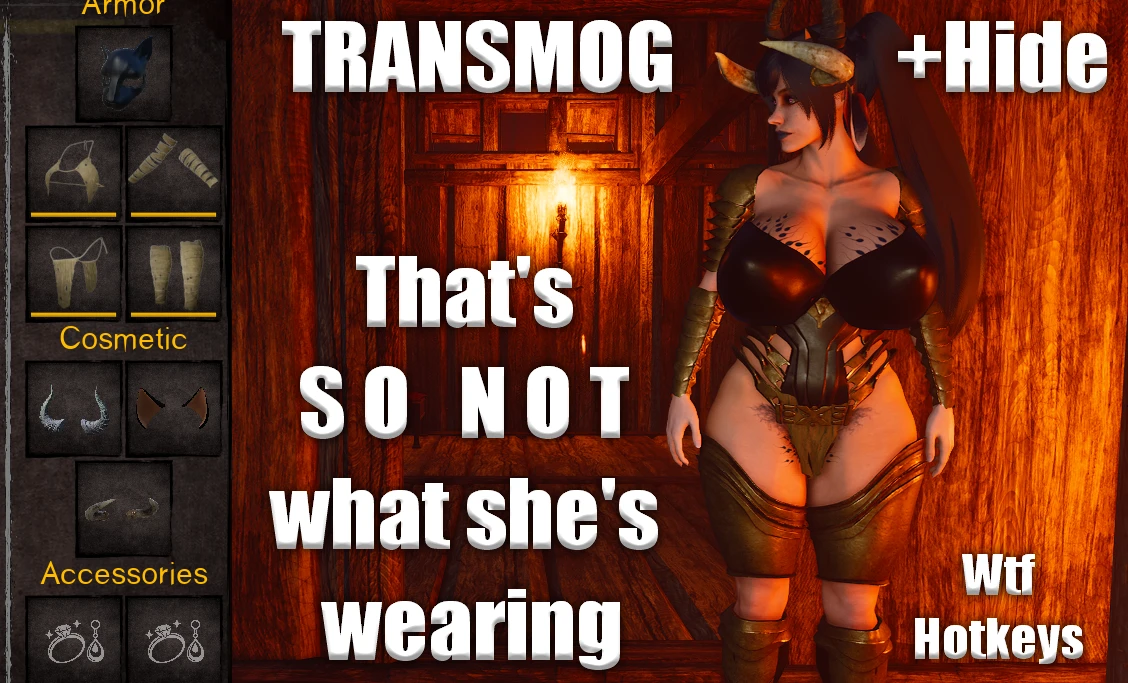
Wear something for the stats
Look different for the gasps
This mod does not modify the appearance of the items themselves, it's a very simple tool.
Rather, it applies the appearance of armor items onto the character instead.
The darn thing even accounts for the one high-heels armor piece of the game...
The transmog state is saved and restored between the loading of game saves, but it is game-wide, not per-save-file level.
The twisted accursed hotkeys:
- ALT + SHIFT + RIGHT CLICK on the item in the inventory (or equipment slots..)
Apply the select armor item's appearance onto the character
Or remove the select armor item's appearance from the character, if it was currently applied onto the character
Basically apply and undo with the same button combination
- ALT+ SHIFT + LEFT CLICK on the item in the inventory (or equipment slots..)
Hide the armor slot the item belongs to.
There is no way you'd have a transmog mod without remove the clothes feature, now is there?
- ALT+ SHIFT + C outside the inventory view.
Load your transmog preset that's saving kinda per every item appearance application
Why? Troubleshooting. Loading the save should do it anyways, this is but a feeble attempt to make this thing a little less frail.
Known possible issues:
Switching equipped items and per-item appearances might cause missing results.
For better reliability try to undo the appearance applied by the mod first before switching equipped gear or applying another item's appearance. (ALT + SHIFT + RIGHT CLICK again on the item that's appearance was applied to the character to undo it).
Game modding tutorials
Saving and loading the save might help too .
Or the ALT+ SHIFT + C hotkey combination.
Installation:
Simply unpack and then drop the:
WickedIsland_Bootleg-Transmog-ALT-SHIFT-RCLICK_LCLICK_C folder into:
\WickedIsland\Binaries\Win64\ue4ss\Mods\
There is the usual possible issue that the folder might be double wrapped upon unpacking.
So basically make sure that for example the enabled.txt is in this folder like this:
\Mods\WickedIsland_Bootleg-Transmog-ALT-SHIFT-RCLICK_LCLICK_C\enabled.txt
And not like this:
\Mods\WickedIsland_Bootleg-Transmog-ALT-SHIFT-RCLICK_LCLICK_C\WickedIsland_Bootleg-Transmog-ALT-SHIFT-RCLICK_LCLICK_C\enabled.txt
The same applies to all the mod files, of course, as a whole, this file was just an example, it's all about making sure that the right core folder is dropped into \Mods\ without it becoming a sub-subfolder there due to the unpacking.
Enjoy