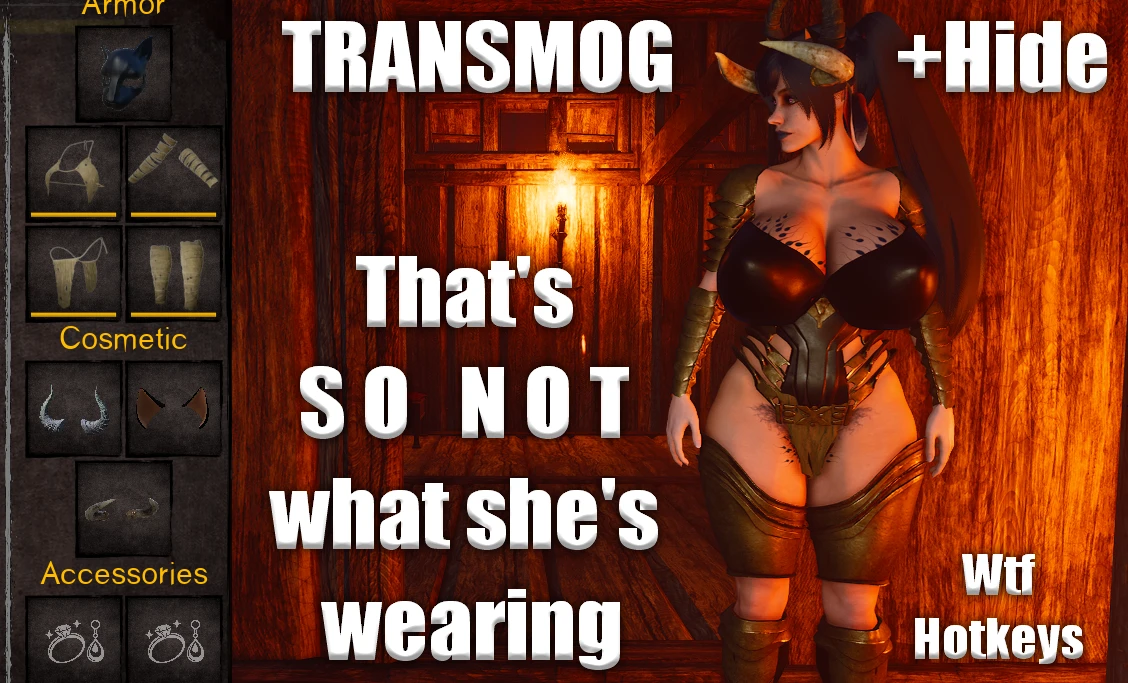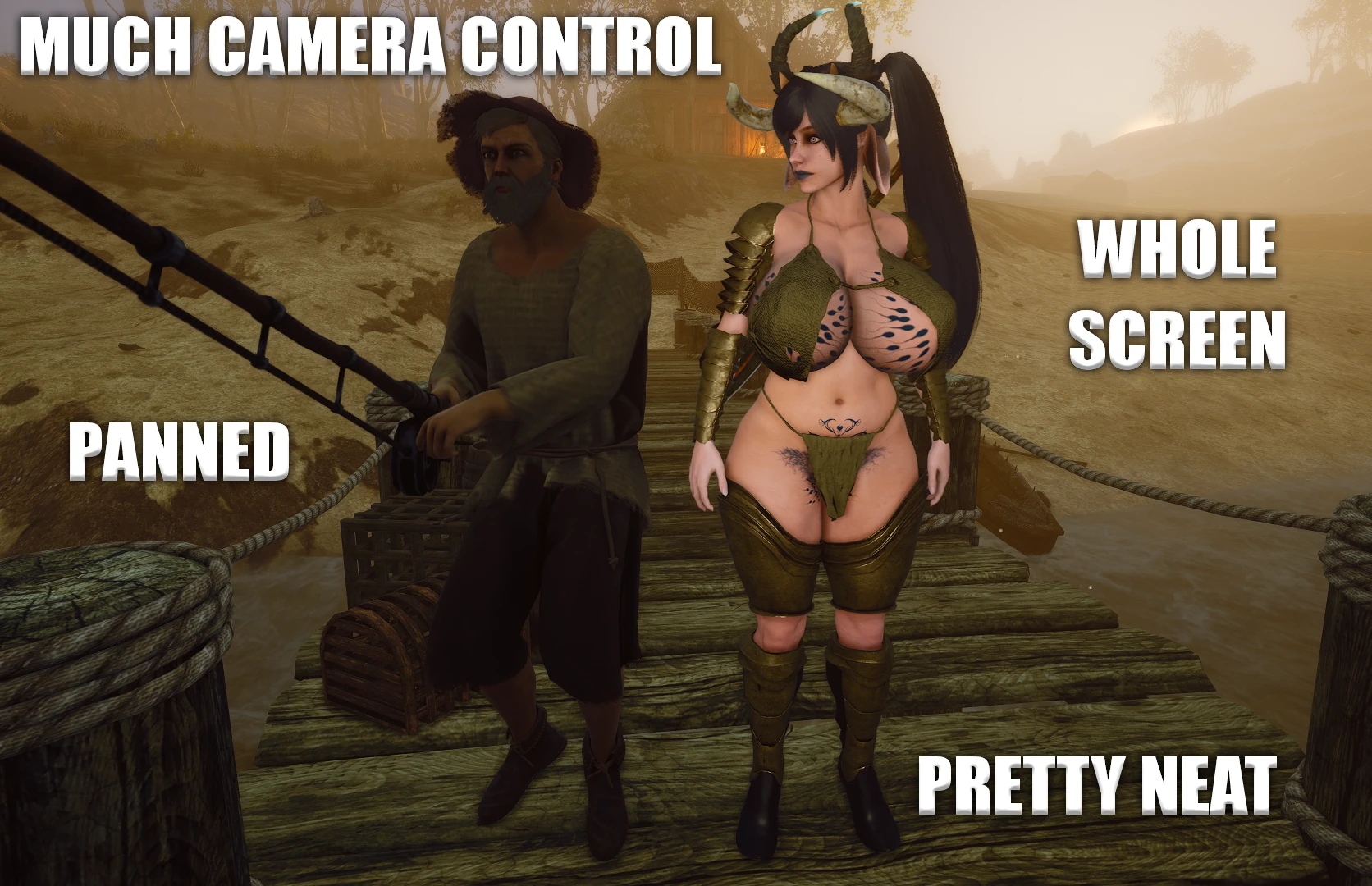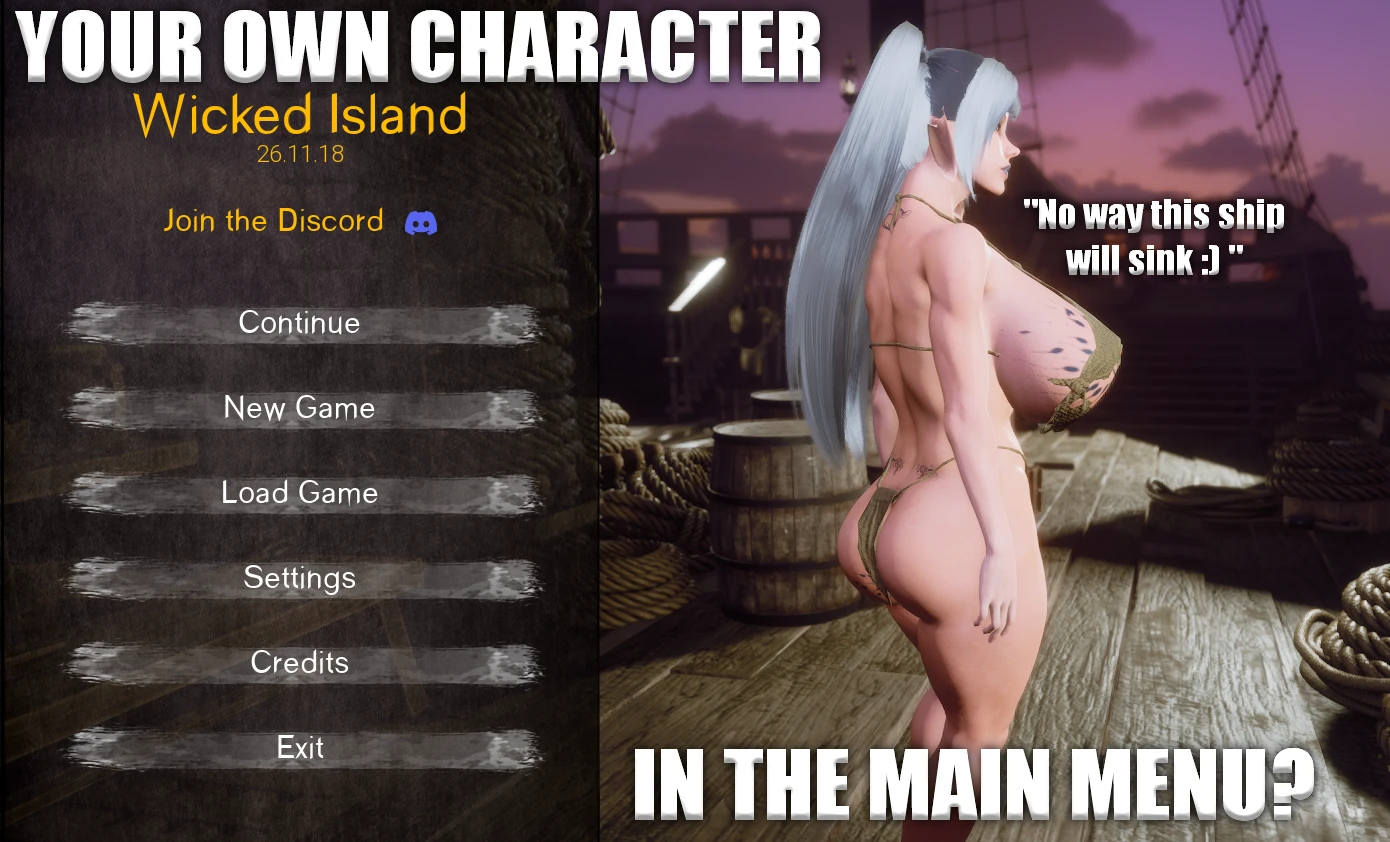
The vanilla default canon heroine is great and all, but what if some of you wanted her to be replaced by your own creation instead?
Well, here you go.
Have any of your character body presets be displayed in the main menu, and the load save menu as well.
The mod comes with the WI_Cleopatra base-game preset already inside it, so the change should be visible.
How to use:
The way the mod works is it simply uses the menucustom.json character body preset file inside its mod folder next to the enabled.txt, loading the preset file to be displayed in the main menu. That menucustom.json is simply the WI_Cleopatra base-game preset when you first download the mod.
To replace the character displayed in the main menu with any of your own characters, you of course have to to move your own custom .json inside the mod's own folder, and name it menucustom.json, replacing the previous .json inside the mod's own folder. Rather manual and simple.
Additional feature:
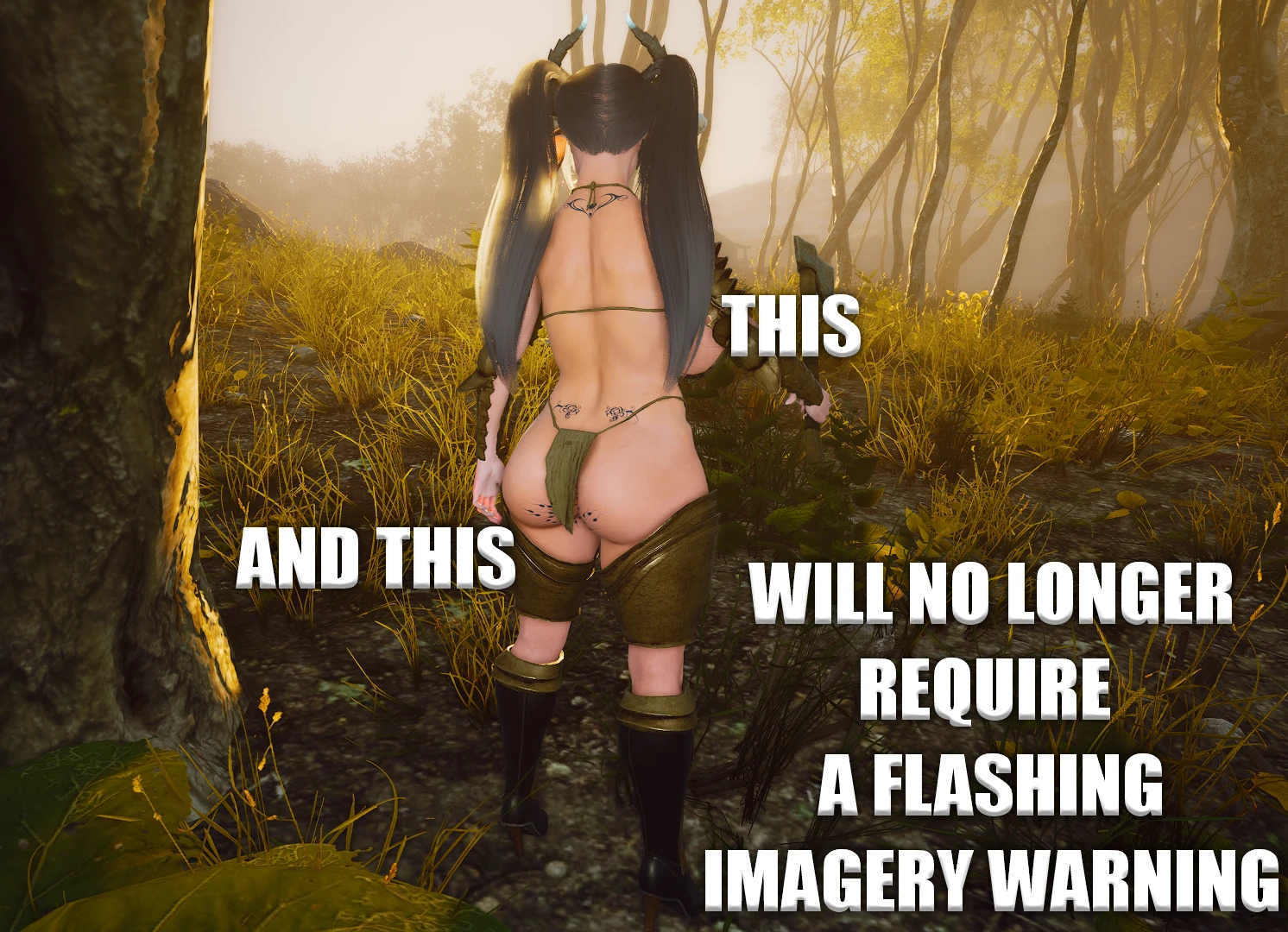
CTRL+ALT+F7 toggles whether your character wears the default tattered cloth rags in the menu, or something possibly more elegant: Nothing at all.
This is of course persistent, saved.
Known "issue":
The transition from the vanilla default values character and your character is not instantaneous, you will likely see a flash of the replacement.
Installation:
Simply unpack and then drop the:
MenuCustomCharacter-ALT-CTRL-F7 folder into:
\WickedIsland\Binaries\Win64\ue4ss\Mods\
There is the usual possible issue that the folder might be double wrapped upon unpacking.
So basically make sure that for example the enabled.txt is in this folder like this:
\Mods\MenuCustomCharacter-ALT-CTRL-F7\enabled.txt
And not like this:
\Mods\MenuCustomCharacter-ALT-CTRL-F7\MenuCustomCharacter-ALT-CTRL-F7\enabled.txt
The same applies to all the mod files, of course, as a whole, this file was just an example, it's all about making sure that the right core folder is dropped into \Mods\ without it becoming a sub-subfolder there due to the unpacking.
Enjoy
Was a mod like this really necessary?
Probably not.
Are there some of us who'd enjoy it?
Quite probably.