CameraLockOn by BSHarou
=============================
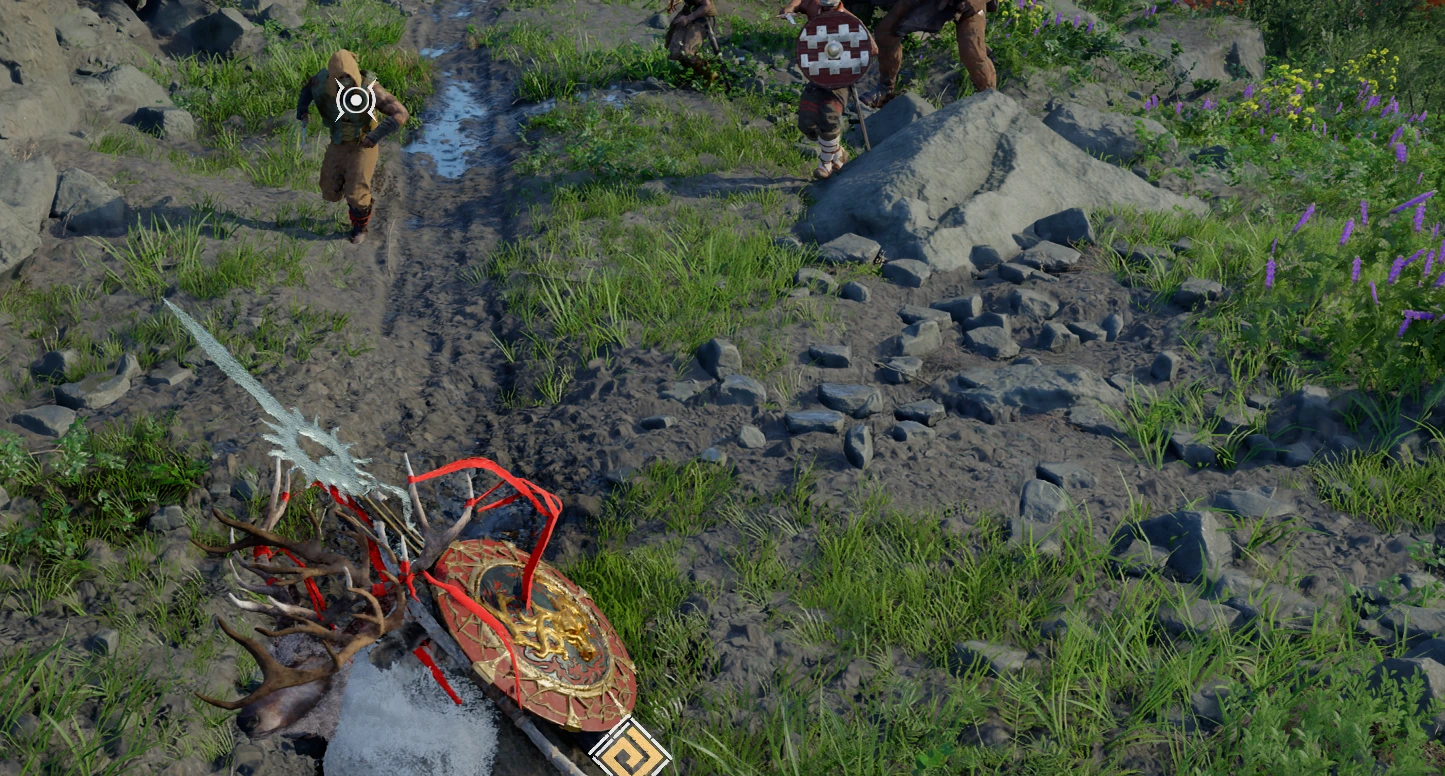
Lock-on picks the enemy nearest the centre of the screen, the one you are looking at with the camera,
instead of the one your character happens to be facing.
It changes a single setting the game's developers built in: FindCrossHairTarget="True" in the game's
default lock-on preset ("True: find the target around the crosshair" in their own notes). Nothing else
about lock-on changes: the Lock-On Camera Rotation option (Auto / Semi-auto / Manual) works as before.
Requirements
------------
- Crimson Desert v2.04 (made with game exe 1.0.0.3549; see "After a game update").
- Definitive Mod Manager (DMM).
Install
-------
Add CameraLockOn.zip to DMM, enable it and mount.
Uninstall
---------
Disable or remove it in DMM and mount.
After a game update
-------------------
The mod is a copy of the game's commonactioninfo.xml with that one setting changed. Besides lock-on, that
file also holds other combat data (grabs, hit reactions, attack definitions). If a game update changes the
file, this mod's copy would undo those changes. So after a game update, disable the mod until an updated
version is out.
Compatibility
-------------
- Replaces actionchart/xml/description/commonactioninfo.xml. Other mods that replace that file conflict
with it.
- With lock-on active, hitting another enemy switches the lock to that enemy, as in the unmodded game.
=============================
Lock-on picks the enemy nearest the centre of the screen, the one you are looking at with the camera,
instead of the one your character happens to be facing.
It changes a single setting the game's developers built in: FindCrossHairTarget="True" in the game's
default lock-on preset ("True: find the target around the crosshair" in their own notes). Nothing else
about lock-on changes: the Lock-On Camera Rotation option (Auto / Semi-auto / Manual) works as before.
Requirements
------------
- Crimson Desert v2.04 (made with game exe 1.0.0.3549; see "After a game update").
- Definitive Mod Manager (DMM).
Install
-------
Add CameraLockOn.zip to DMM, enable it and mount.
Uninstall
---------
Disable or remove it in DMM and mount.
After a game update
-------------------
The mod is a copy of the game's commonactioninfo.xml with that one setting changed. Besides lock-on, that
file also holds other combat data (grabs, hit reactions, attack definitions). If a game update changes the
file, this mod's copy would undo those changes. So after a game update, disable the mod until an updated
version is out.
Compatibility
-------------
- Replaces actionchart/xml/description/commonactioninfo.xml. Other mods that replace that file conflict
with it.
- With lock-on active, hitting another enemy switches the lock to that enemy, as in the unmodded game.