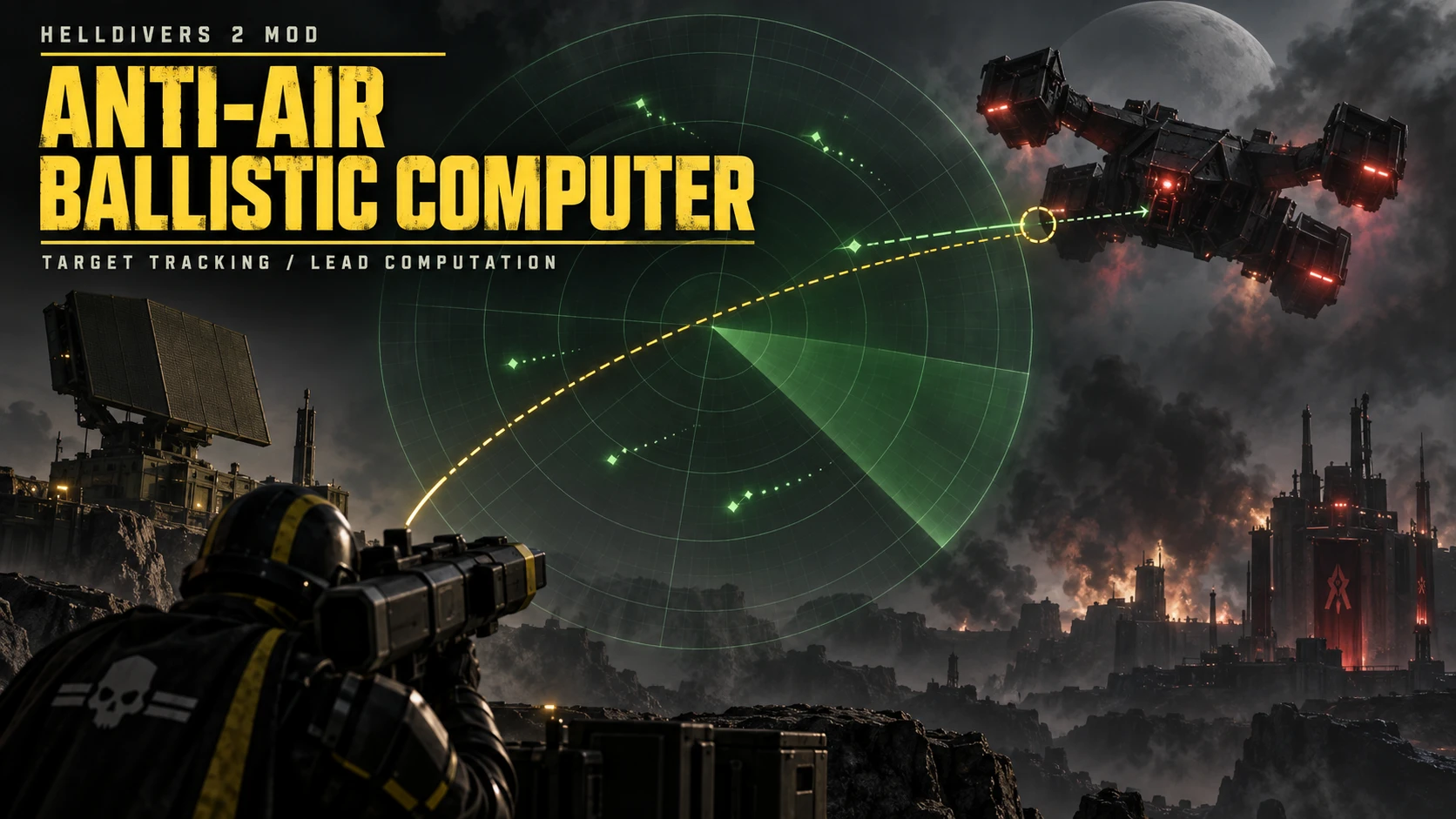
ANTI-AIR BALLISTIC COMPUTER v1.1.0
Displays a green lead indicator for supported flying targets, with engine guide lines for selected aircraft. Calculates a reference aiming point from weapon ballistics and observed target movement. You aim and fire the weapon yourself.FEATURES
- Supports Gunships, Dropships, Dragonroaches and Stingrays.
- Automatically identifies supported handheld weapons and checks their armor penetration against the target.
- Accounts for projectile speed, gravity, drag, inherited player velocity and short-term target movement.
- Uses constant-velocity, acceleration, braking or turn prediction according to observed motion.
- Chinese and English menus follow MDL’s current language.
- Optimized motion fitting reduces repeated calculations and memory allocations while preserving ballistic precision and scanning cadence.
REQUIREMENTS
- MDL3 Preview, installed separately.
- Arsenal to import and deploy the mod.
INSTALLATION AND UPGRADING
- Close HELLDIVERS 2 normally.
- Install MDL3 following its official release page.
- Import HD2-Anti-Air-Ballistic-Computer-v1.1.0-MDL3.zip into Arsenal. Choose to replace the existing package when updating an older official release.
- Enable Core. Disable older versions and separately installed development candidates to avoid running multiple copies.
- Give MDL3 the highest priority so it deploys last, then click Deploy and start the game.
- Open ESC → MDL3 → Anti-Air Ballistic Computer to configure the mod.
SETTINGS
- Lead indicator: Enables or disables the cues.
- Reference charge: Selects the calculation reference stage for supported charge weapons. It does not automatically detect actual charge.
- Diagnostic logging: Periodically records runtime status. Keep this off during normal use.
- Advanced: scan probe: Collects three scan snapshots for troubleshooting target detection. Toggle it off and on to collect another set.
NO LEAD INDICATOR?
- Confirm that Core is deployed through Arsenal, the mod is enabled in MDL3, and Lead indicator is switched on.
- Aim at a Gunship, Dropship, Dragonroach or Stingray with a supported handheld weapon.
- The weapon’s armor penetration must meet the target’s armor requirement.
- Check that the reference charge stage matches how you are firing.
- Unsupported weapons and shots without a valid ballistic solution will not display a cue.
If the issue persists, enable diagnostic logging, observe a visible target for approximately 15 seconds, and provide the weapon, target type, game build and log.
COMPATIBILITY
Weapon and target data are based on Steam build 26251122. MDL3 integration was tested against dev.33.A changed game build identifier does not automatically disable the mod. Essential API, node and numeric checks remain active. Actual changes to weapon parameters or resource structures may still require updated data. Non-default ammunition or barrels may also alter the actual trajectory.
The cover is AI-generated promotional artwork, not an in-game screenshot. This is an unofficial community mod.
中文版
对空弹道计算机 v1.1.0
为支持的飞行目标显示绿色提前量提示,并为部分目标显示引擎辅助线。根据武器弹道和目标运动计算参考瞄准位置,由你自行瞄准和开火。功能
- 支持炮艇、运输舰、蟑龙(Dragonroach)和 Stingray。
- 自动识别支持的手持武器,根据武器穿甲能力与目标装甲判断是否显示提示。
- 计算弹速、重力、空气阻力、继承的玩家速度及目标短期运动。
- 根据观测到的运动,使用匀速、加速度、减速或转弯预测。
- 中文/英文菜单自动跟随 MDL 当前语言。
- 优化运动拟合,减少重复计算与内存分配,保留弹道精度和扫描节奏。
前置
- MDL3 Preview(麦当劳 3),请单独下载安装。
- Arsenal,用于导入和部署本模组。
安装与升级
- 正常退出《绝地潜兵 2》。
- 按 MDL3 官方页面说明安装前置。
- 在 Arsenal 中导入 HD2-Anti-Air-Ballistic-Computer-v1.1.0-MDL3.zip;旧正式版用户选择替换更新。
- 启用“核心 / Core”,停用旧版防空及单独安装的测试候选,避免同时运行多份。
- 将 MDL3 设为最高优先级,使其最后部署,然后点击 Deploy 并启动游戏。
- 打开 ESC → MDL3 → 防空弹道计算机,调整模组设置。
设置
- 显示提前量:开启或关闭提示。
- 参考蓄力档位:为支持的蓄力武器选择计算参考档位,不自动检测实际蓄力。
- 诊断日志:定期记录运行状态,正常使用建议关闭。
- 高级:扫描诊断:采集三次扫描快照,供排查目标识别问题;关闭后重新开启可再次采集。
没有提前量?
- 确认 Arsenal 已部署核心,且模组在 MDL3 中处于启用状态,“显示提前量”已打开。
- 使用支持的手持武器瞄准炮艇、运输舰、蟑龙或 Stingray。
- 武器穿甲能力需要满足对应目标的装甲要求。
- 检查参考蓄力档位是否与当前射击方式一致。
- 不支持的武器或无法得到有效弹道解的情况不会显示提示。
如果仍有问题,请开启诊断日志,在目标出现时保持观察约 15 秒,并提供武器、目标类型、游戏版本和日志。
兼容性
武器与目标数据基于 Steam build 26251122,MDL3 适配以 dev.33 验证。游戏 build 标识变化不会直接禁用模组;必要的接口、节点和数值检查仍然保留。如果游戏实际修改武器参数或资源结构,仍可能需要更新数据。非默认弹药或枪管也可能改变实际弹道。
封面为 AI 生成的宣传图,并非游戏截图。本模组为非官方社区作品。