ANTI-AIR BALLISTIC COMPUTER v1.0
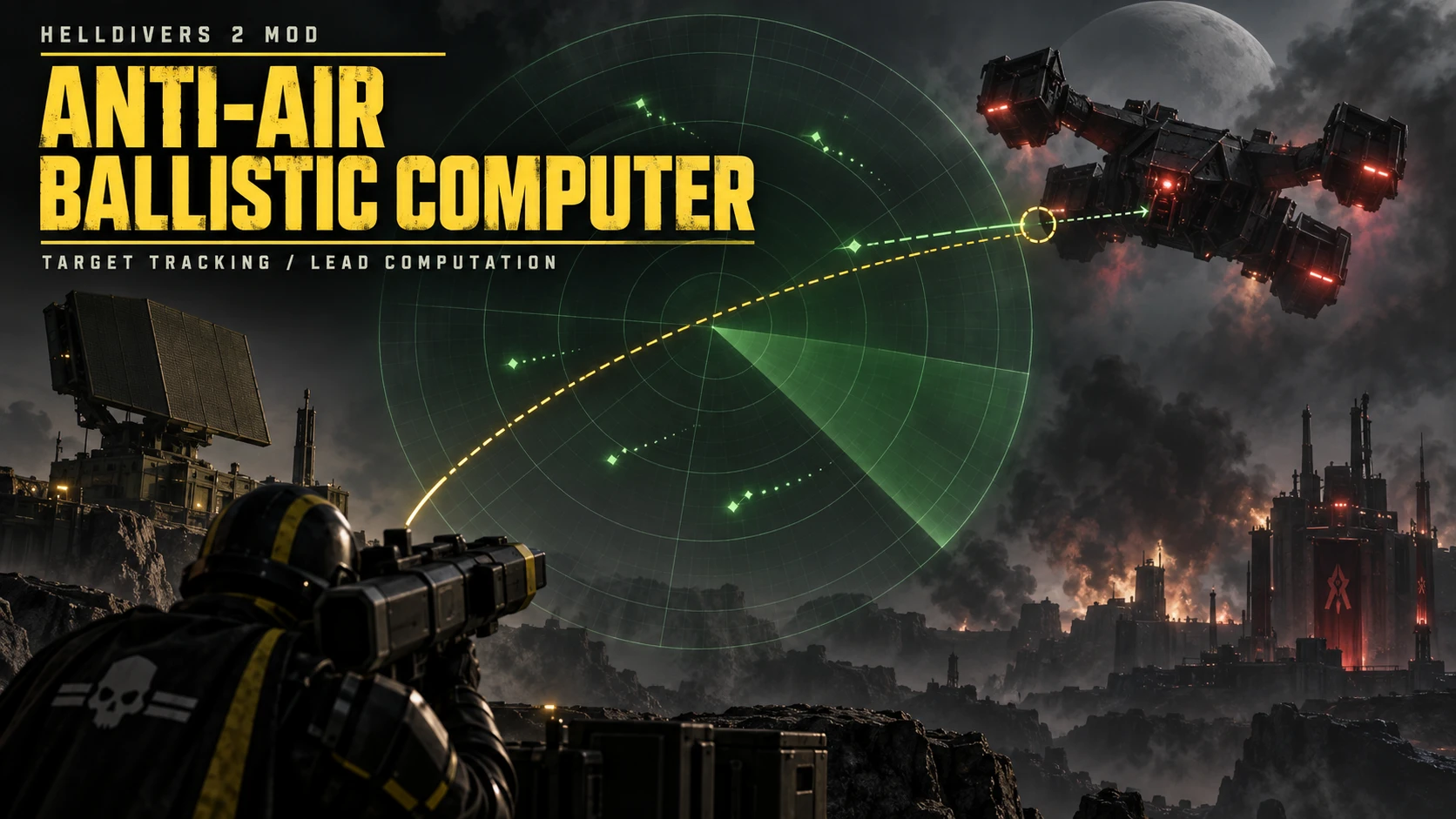
Shows a green lead indicator when aiming at supported flying targets. Supported aircraft can also display engine guide lines. You still aim and fire the weapon yourself.
FEATURES
• Choose which targets to track: Gunships, Dropships, Dragonroaches, and Stingrays.
• Provides lead cues for handheld weapons with AP 3 or higher, subject to target armor checks.
• Accounts for projectile speed, gravity, drag, inherited player velocity, and short-term target movement.
• Skips unsupported weapons and hides the cue when it cannot calculate a reliable solution.
REQUIREMENTS
• Bingus Shared Loader v16 / API 1, installed separately: [[https://ayakamods.com/mods/bingus-shared-loader.3861/\\\[/EMBED]
• Arsenal to import and deploy the main ZIP.
• Windows x64 if you choose to install the optional DLL.
INSTALLATION
1. Close HELLDIVERS 2.
2. Import HD2-Anti-Air-Ballistic-Computer-v1.0-build25480438.zip into Arsenal.
3. Enable Core and the aircraft target options you want, then Deploy and restart the game.
OPTIONAL BALLISTIC DLL
hd2_ballistics_v1.dll can be used for ballistic calculations and may improve calculation performance. It is provided separately in HD2-Ballistics-DLL-x64-ABI1-PathV2.zip. Do not import the DLL ZIP into Arsenal. The mod works without it using built-in Lua calculations.
To install the DLL manually, close the game. In Steam, open HELLDIVERS 2 > Properties > Installed Files > Browse, then open the bin folder containing helldivers2.exe. Back up any existing hd2_ballistics_v1.dll, and extract the new DLL into that bin folder beside the EXE. Start the game normally.
NO LEAD INDICATOR?
• Make sure Core and the relevant aircraft option are enabled. Redeploy and restart the game after changing options.
• Aim at a supported aircraft with a supported handheld weapon. Vehicle turrets and guided launchers are not supported.
• Check the weapon’s armor penetration. Weapons below AP 3 are skipped, and the target’s armor may require more.
• Move closer or try a clearer angle. If the projectile cannot reach the target, no lead indicator is shown.
If it still does not appear, perhaps the mod has malfunctioned or there’s a compatibility issue.
COMPATIBILITY
Prepared on Steam build 25480438. The mod does not block other game builds, but lead accuracy after a game update has not been verified. If a cue appears inaccurate, please report the weapon, target, and game build. Current-build aircraft lead accuracy still needs in-game verification.
The cover is AI-generated artwork, not an in-game screenshot. This is an unofficial community mod.
Shows a green lead indicator when aiming at supported flying targets. Supported aircraft can also display engine guide lines. You still aim and fire the weapon yourself.
FEATURES
• Choose which targets to track: Gunships, Dropships, Dragonroaches, and Stingrays.
• Provides lead cues for handheld weapons with AP 3 or higher, subject to target armor checks.
• Accounts for projectile speed, gravity, drag, inherited player velocity, and short-term target movement.
• Skips unsupported weapons and hides the cue when it cannot calculate a reliable solution.
REQUIREMENTS
• Bingus Shared Loader v16 / API 1, installed separately: [[https://ayakamods.com/mods/bingus-shared-loader.3861/\\\[/EMBED]
• Arsenal to import and deploy the main ZIP.
• Windows x64 if you choose to install the optional DLL.
INSTALLATION
1. Close HELLDIVERS 2.
2. Import HD2-Anti-Air-Ballistic-Computer-v1.0-build25480438.zip into Arsenal.
3. Enable Core and the aircraft target options you want, then Deploy and restart the game.
OPTIONAL BALLISTIC DLL
hd2_ballistics_v1.dll can be used for ballistic calculations and may improve calculation performance. It is provided separately in HD2-Ballistics-DLL-x64-ABI1-PathV2.zip. Do not import the DLL ZIP into Arsenal. The mod works without it using built-in Lua calculations.
To install the DLL manually, close the game. In Steam, open HELLDIVERS 2 > Properties > Installed Files > Browse, then open the bin folder containing helldivers2.exe. Back up any existing hd2_ballistics_v1.dll, and extract the new DLL into that bin folder beside the EXE. Start the game normally.
NO LEAD INDICATOR?
• Make sure Core and the relevant aircraft option are enabled. Redeploy and restart the game after changing options.
• Aim at a supported aircraft with a supported handheld weapon. Vehicle turrets and guided launchers are not supported.
• Check the weapon’s armor penetration. Weapons below AP 3 are skipped, and the target’s armor may require more.
• Move closer or try a clearer angle. If the projectile cannot reach the target, no lead indicator is shown.
If it still does not appear, perhaps the mod has malfunctioned or there’s a compatibility issue.
COMPATIBILITY
Prepared on Steam build 25480438. The mod does not block other game builds, but lead accuracy after a game update has not been verified. If a cue appears inaccurate, please report the weapon, target, and game build. Current-build aircraft lead accuracy still needs in-game verification.
The cover is AI-generated artwork, not an in-game screenshot. This is an unofficial community mod.