• Important Notice: Please review our guidelines regarding cheating, game balancing, and mods for Helldivers 2. Read the full notice here before downloading or uploading mods.

Enemy HP - see the health of what you mark 1.1.2

A Mod for Helldivers 2
Enemy HP - see the health of what you mark akl_mod_preview_image
  • enemy-hp-hulk-bruiser.png
    enemy-hp-hulk-bruiser.png
    2 MB · Views: 589
Enemy HP
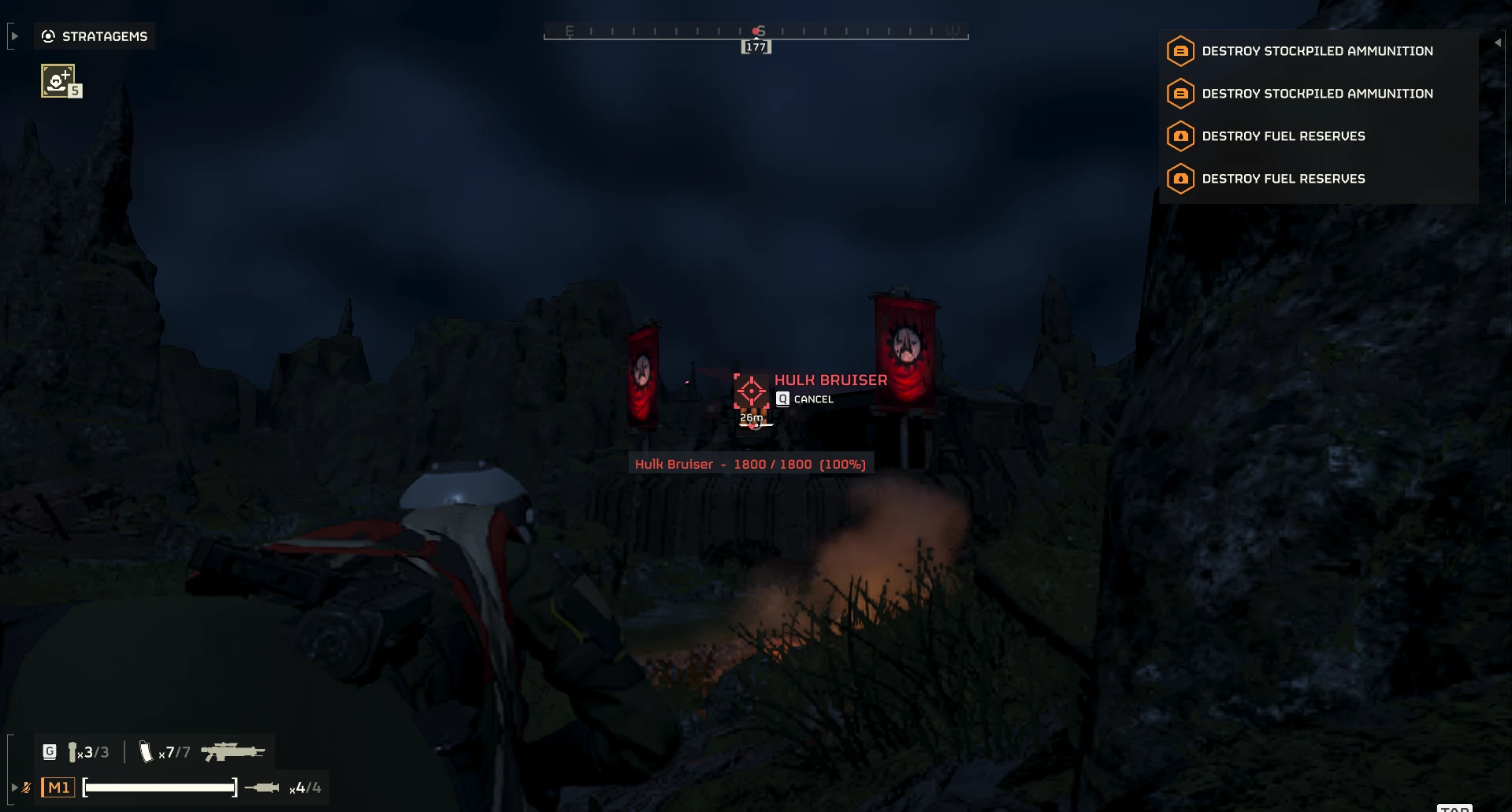
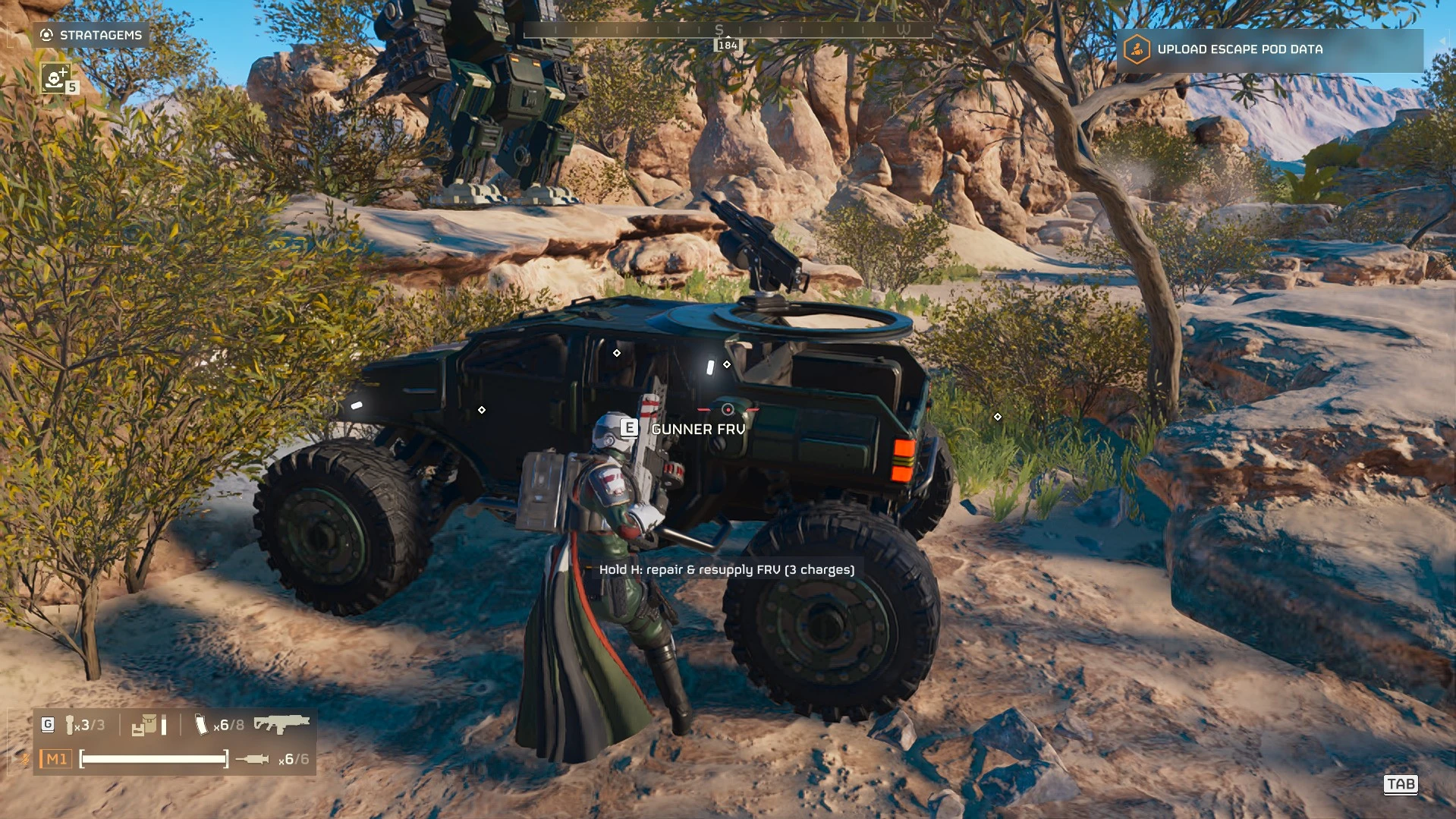
See the health of what you mark. When you mark an enemy with your ping key (the red marker with a name), Enemy HP shows its current and maximum health right under the marker. Two versions are on the download page: pick one and enable only one.

Enemy HP (recommended, Enemy-HP-1.1.2.zip) shows only the health, since the game's own mark already shows the name:
Code:
2073 / 6500  (32%)
Enemy HP (with names) (Enemy-HP-1.1.2-with-names.zip) shows the name too:
Code:
Bile Titan  -  2073 / 6500  (32%)
The label follows the enemy and updates live while you fight it, and it disappears exactly when the game's mark does.

Features
  • Follows the game's own marks: normal marks fade after 8 seconds, multi-marks stay until you cancel them (ping the enemy again) or the enemy dies. When a marked enemy dies you briefly see "killed".
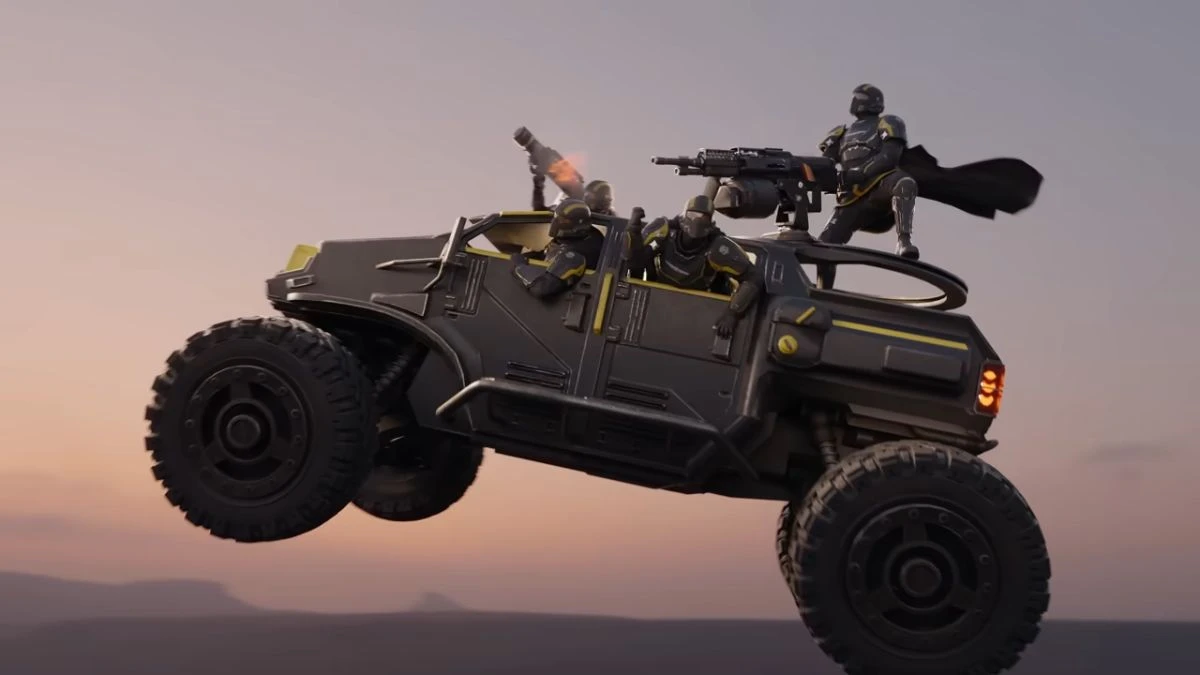
  • Ping colours: red for enemies, white for vehicles, turrets and gear, yellow for objectives, orange for mines and explosive barrels. Mark your own FRV to see its health too.
  • Only your marks: white location pings and your teammates' marks are ignored. Tested in multiplayer.
  • Safe after game updates: the mod checks the game build when it starts. On an unsupported build it switches itself off and says so in its log instead of showing wrong numbers.
  • Read-only and client-side: it only reads the game's ping list, health data and unit positions. It writes nothing to the game, sends nothing over the network and changes no gameplay values. Other players do not need it and are not affected.

Installation
  1. Install and enable Bingus Shared Loader (v15 or newer).
  2. Import the zip you downloaded (Enemy-HP-1.1.2.zip or Enemy-HP-1.1.2-with-names.zip) in your mod manager and enable it.
  3. Deploy, then start the game.
Optional setting: %LOCALAPPDATA%\Hd2EnemyHp\enemy_hp.cfg (created on first run). offset=-40 is the label position in pixels relative to the marked point; negative moves it down, positive up. Changes apply at the next game start.
Log: %LOCALAPPDATA%\Hd2EnemyHp\EnemyHp.log (one line per mark). Newer enemy types without a name show as "Target"; please report them with the type id from the log.

Requirements

Credits
Thanks to etxp, whose open-source HD2 G-60 Smart Targeting documented where the game keeps its list of pings, and to CowboyBingus for Bingus Shared Loader.
18.7 KB
Log in or sign up to download
Uploaded by
Medic3038
Downloads
606
Comments
11
Views
2,776
First release
Last update
Platform
PC 
Version
1.1.2
Rating
0.00 star(s) 0 ratings

Uploaded by

  • 606
  • 2,776

Ratings

0.00 star(s) 0 ratings

More mods from Medic3038

  • PC Field Repair - repair vehicles with the Supply Pack

  • PC FRV Stops flipping over air.

  • PC Sterilizer Heal - TX-41 sprays stims instead of gas

Latest updates

  1. 1.1.2: quick-chat no longer shows your own health

    Holding the ping key opens the quick-chat wheel (Follow me, Thanks, ...). The game files those...
  2. 1.1.1: packaging fix (mod managers installed an empty mod)

    Packaging fix. The 1.1 zips had the mod inside an extra folder, so some mod managers installed...
  3. 1.1: health-only label, plus a version with names

    The label now shows only the health, because the game's own mark already shows the enemy name...

Karv3r

Members
Members
Sep 6, 2026
3
1
Amazing mod. Though I feel like the label doesn't need a name on it, since it's already present on the ping.
 

BONHakyla

Members
Members
Sep 13, 2026
62
52
Does not work. Bingus library installed and on the latest version. Also there is nothing in %LOCALAPPDATA%. Used Arsenal for installation. (Tested files from Nexus and from Ayaka, both don't work but this is kinda stupid action cuz this is the same mod. Version tested is from Ayaka on screenshot)
Does%20not%20work2.png
 
Last edited:

SaladM

Members
Members
Sep 18, 2026
3
3
Hello for above comment, actually it does work just that the modder packaged it wrongly. The mod is in a folder "Enemy HP" which then got zipped as another folder called "Enemy-HP-1.0"

If you take out all the contents:
- README.md
- manifest.json
- Addon folder

And instead zip those together into a new zip then add it, it'll work. Hopefully modder will fix it soon though :)
 

MarinKarin

Members
Members
Sep 12, 2026
5
1
Hello for above comment, actually it does work just that the modder packaged it wrongly. The mod is in a folder "Enemy HP" which then got zipped as another folder called "Enemy-HP-1.0"

If you take out all the contents:
- README.md
- manifest.json
- Addon folder

And instead zip those together into a new zip then add it, it'll work. Hopefully modder will fix it soon though :)
That's a hilarious thing to fumble
 

Medic3038

Members
Members
Sep 19, 2026
21
3
Amazing mod. Though I feel like the label doesn't need a name on it, since it's already present on the ping.
Adding another zip that should allow users to pick between names and no names <3
 

Medic3038

Members
Members
Sep 19, 2026
21
3
Does not work. Bingus library installed and on the latest version. Also there is nothing in %LOCALAPPDATA%. Used Arsenal for installation. (Tested files from Nexus and from Ayaka, both don't work but this is kinda stupid action cuz this is the same mod. Version tested is from Ayaka on screenshot)
Does%20not%20work2.png
Reuploading it rq!
 

BONHakyla

Members
Members
Sep 13, 2026
62
52
Hello for above comment, actually it does work just that the modder packaged it wrongly. The mod is in a folder "Enemy HP" which then got zipped as another folder called "Enemy-HP-1.0"

If you take out all the contents:
- README.md
- manifest.json
- Addon folder

And instead zip those together into a new zip then add it, it'll work. Hopefully modder will fix it soon though :)
Reuploading it rq!
Oh crap i forgot to check the files. Thanks. Now it's works
 

BONHakyla

Members
Members
Sep 13, 2026
62
52
Hey Medic, then i use anything in call menu, i could see my own HP (125/125) is that normal?
 

BONHakyla

Members
Members
Sep 13, 2026
62
52
The stratagem call in menu? Not intended, I use ctrl to open my menu, what key does yours use?
Call menu i mean voice call menu, voice lines menu, like the wheel of communication, communication wheel (i don't goddam know how to explain it in words).
So whenever i use something in communication wheel, the white text HP appears on me.