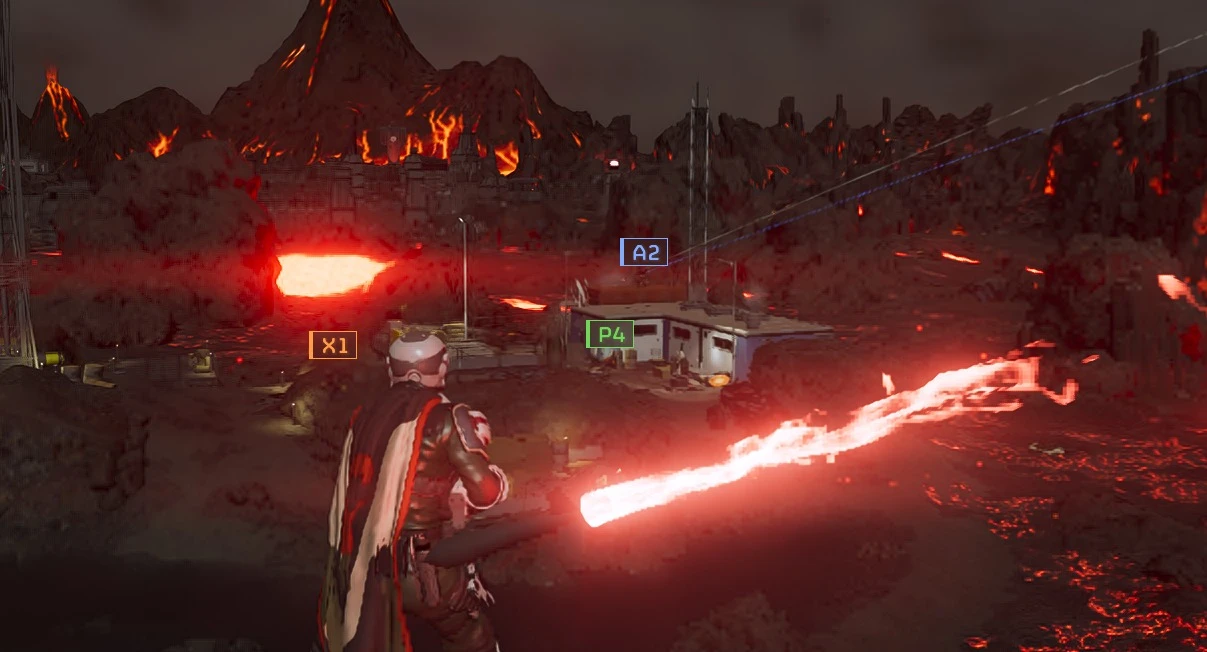
Consistent Vaulting - Works After the EAC Update 1.0.0

A Mod for Helldivers 2
Consistent Vaulting - Works After the EAC Update akl_mod_preview_image
Vault and climb higher ledges and steeper ground. Works after the EAC update.

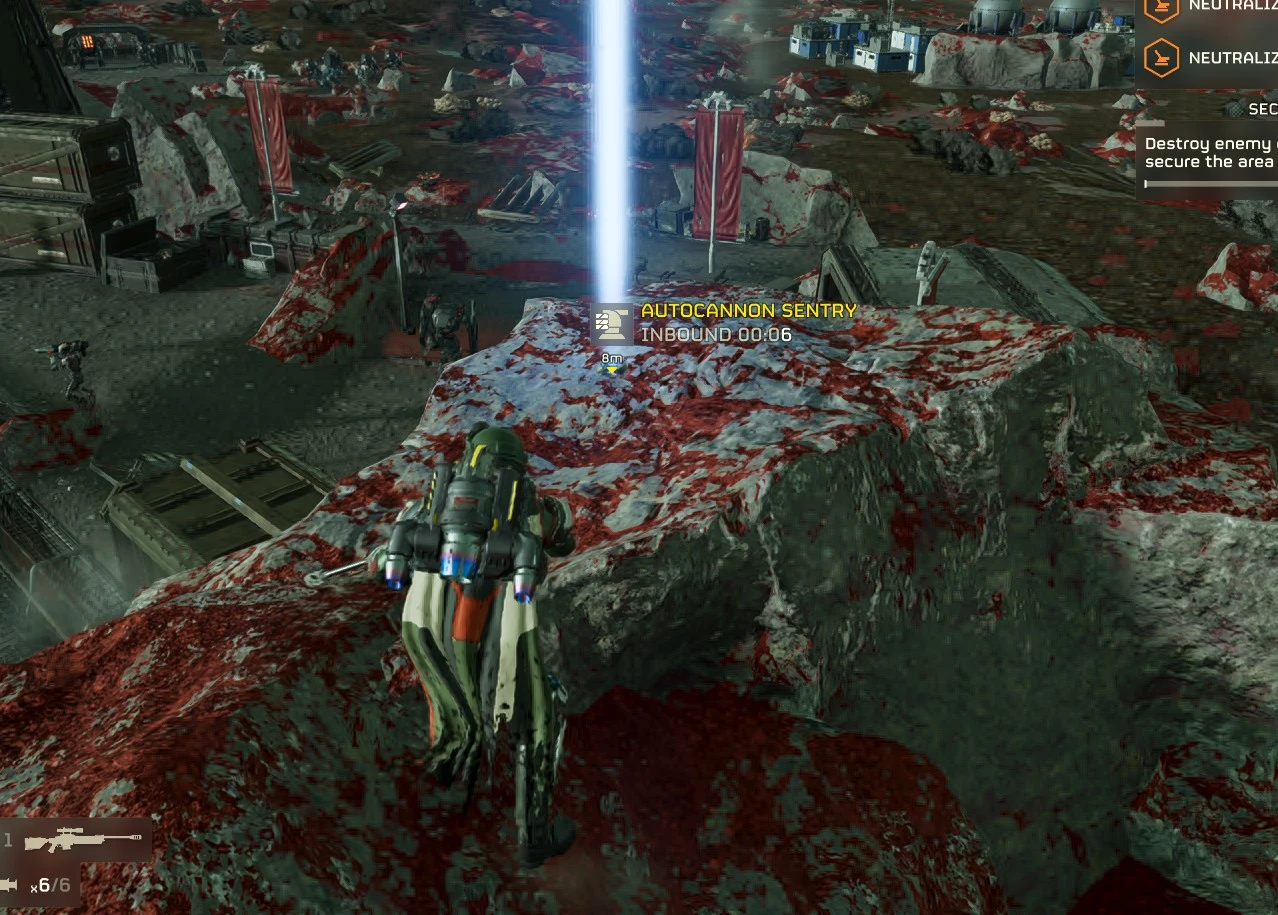
Stock, a lot of climbs fail: a ledge just above head height doesn't count, and on sloped ground your Helldiver slides instead of vaulting. This mod raises those limits.

It uses the values from CowboyBingus' Consistent Vaulting (Vanilla Plus Megapack). That version needed the Bingus Shared Loader, which stopped working with the October 20 update. This one changes the game's settings file instead, so it needs no loader - only the mod manager.

What changes
  • Ground climb height 1.95 m -> 2.5 m: ledges a bit above head height can be climbed.
  • Slide angles 45/40 -> 65/60 degrees: you start sliding on much steeper ground, so vaults from slopes work.
  • Nothing else. Bingus' mod raised these only during a climb attempt; here they are on all the time, so you also slide less on steep ground in general.

Install (HD2 Mod Manager or HD2 Arsenal)
  1. Add the zip to the mod manager. Both options start ticked - leave them.
  2. Deploy.
  3. Launch the game, wait for the main menu, then exit the game normally. The file is swapped on exit.
  4. Launch again. The mod is now active.

Uninstall
  1. Untick Consistent Vaulting, keep Uninstall helper ticked, and deploy.
  2. Launch the game and exit normally. The original file is put back.
  3. Disable or remove the mod.
If you removed the mod without doing this, use Steam > Properties > Installed Files > Verify integrity of game files.

How it works
The mod replaces the game's boot script, which is empty in the stock game. On exit, that script backs up data/game/generated_entities.dl_bin and swaps in the modded copy carried in the mod. It refuses to write over a file it doesn't recognise, for example after a game update or with another mod that changed the same file, and then it does nothing. A log is written to HD2FileMods.log in the game folder.

The download is big (about 47 MB) because the file it replaces is that big.

Requirements and compatibility
  • A mod manager (HD2 Mod Manager or HD2 Arsenal).
  • Made for the current game version (October 22 hotfix, build 26088801; also recognises the October 20 build). After a game update it changes nothing until this mod is updated.
  • Works together with Stratagem Balls Stay Put 1.0.3 or newer - both use the same installer, tick both.
  • Doesn't work together with other mods that replace data/game/generated_entities.dl_bin (most weapon buff packs, JAR-5 Buff Pack and similar) - only one of them can be active. The installer then changes nothing and says so in the log.
  • Tested solo and in multiplayer.

Credits
  • CowboyBingus, for the original Consistent Vaulting (0BSD).
  • Me... Duh.

If you found this mod helpful or useful, you can consider tipping here on Ko-fi.
45.1 MB
Log in or sign up to download
Uploaded by
Medic3038
Downloads
940
Comments
35
Views
2,961
First release
Last update
Platform
PC 
Version
1.0.0
Total Size
45.1 MB
Rating
4.00 star(s) 2 ratings

Uploaded by

  • 940
  • 2,961

Ratings

4.00 star(s) 2 ratings

Tags

There are no tags available.

More mods from Medic3038

  • PC Stratagem Balls Stay Put - Works After the EAC Update

  • PC FRV Stops flipping over air.

  • PC Medic Divers - Health Pack Rack - Medic Backpack - Walking Smoke Barrage

  • PC Twirl Toggle - Keep the Revolver Ammo-Check Twirl Going

  • PC Goofdiver - Visible Helmet and FRV Lights - Body and Head Size

Pinned comment

Pinned by the author.

Medic3038

Modder
Modder
Members
Sep 19, 2026
105
43
Using Stratagem Balls Stay Put and Consistent Vaulting together

Both mods use the same installer, so they work side by side. Each one changes a different game file:

  • Stratagem Balls Stay Put: generated_stratagem_settings.dl_bin
  • Consistent Vaulting: generated_entities.dl_bin
To use both:

  1. Add both zips to your mod manager (HD2 Mod Manager or HD2 Arsenal). Leave every option ticked.
  2. Deploy.
  3. Launch the game, wait for the main menu, then quit normally (Esc > Quit, not Task Manager).
  4. Launch again. Both are active.
Keep both ticked. As long as any of these mods is ticked, the installer runs every time you quit the game. If it sees that one of the mods was unticked, it puts that file back to stock. So:

  • Want both? Keep both ticked.
  • Want to drop one? Untick it and keep the other ticked. On your next quit, the dropped one is removed.
  • Want to remove both? Untick both mods' main options, keep both "Uninstall helper" options ticked, deploy, launch, quit once, then disable both.
"Deploy once and disable" trick: if you need to turn our mods off (for example to use another mod that also replaces the game's boot script), untick all of our mods at the same time after they've been applied. Their changes then stay in place, because no installer is left running to undo them. If even one of our mods stays ticked, it will revert the others. So in simple terms, tick all, deploy all, untick all and they're stay there perma.

Not compatible:


  • Other mods that replace the same file, for example JAR-5 Buff Pack or weapon buff packs, which replace generated_entities.dl_bin. Only one of them can be active. Our installer refuses and changes nothing.
  • Stratagem Balls Stay Put 1.0.2 or older: update to 1.0.3.
Something not working? Post the last lines of HD2FileMods.log from your game folder.
 

zxx

Members
Members
Oct 23, 2026
6
0
Using Stratagem Balls Stay Put and Consistent Vaulting together

Both mods use the same installer, so they work side by side. Each one changes a different game file:

  • Stratagem Balls Stay Put: generated_stratagem_settings.dl_bin
  • Consistent Vaulting: generated_entities.dl_bin
To use both:

  1. Add both zips to your mod manager (HD2 Mod Manager or HD2 Arsenal). Leave every option ticked.
  2. Deploy.
  3. Launch the game, wait for the main menu, then quit normally (Esc > Quit, not Task Manager).
  4. Launch again. Both are active.
Keep both ticked. As long as any of these mods is ticked, the installer runs every time you quit the game. If it sees that one of the mods was unticked, it puts that file back to stock. So:

  • Want both? Keep both ticked.
  • Want to drop one? Untick it and keep the other ticked. On your next quit, the dropped one is removed.
  • Want to remove both? Untick both mods' main options, keep both "Uninstall helper" options ticked, deploy, launch, quit once, then disable both.
"Deploy once and disable" trick: if you need to turn our mods off (for example to use another mod that also replaces the game's boot script), untick all of our mods at the same time after they've been applied. Their changes then stay in place, because no installer is left running to undo them. If even one of our mods stays ticked, it will revert the others. So in simple terms, tick all, deploy all, untick all and they're stay there perma.

Not compatible:


  • Other mods that replace the same file, for example JAR-5 Buff Pack or weapon buff packs, which replace generated_entities.dl_bin. Only one of them can be active. Our installer refuses and changes nothing.
  • Stratagem Balls Stay Put 1.0.2 or older: update to 1.0.3.
Something not working? Post the last lines of HD2FileMods.log from your game folder.
2026-10-23T08:04:41Z [installer 1] REFUSE Stratagem Balls Stay Put: data/game/generated_stratagem_settings.dl_bin is not a known stock file (game update or another mod) - nothing written
2026-10-23T08:04:44Z [installer 1] REFUSE Consistent Vaulting: data/game/generated_entities.dl_bin is not a known stock file (game update or another mod) - nothing written
im used Shodan Stat Editor,Is this the problem with it?
how to fix it
 
Last edited:

Medic3038

Modder
Modder
Members
Sep 19, 2026
105
43
2026-10-23T08:04:41Z [installer 1] REFUSE Stratagem Balls Stay Put: data/game/generated_stratagem_settings.dl_bin is not a known stock file (game update or another mod) - nothing written
2026-10-23T08:04:44Z [installer 1] REFUSE Consistent Vaulting: data/game/generated_entities.dl_bin is not a known stock file (game update or another mod) - nothing written
im used Shodan Stat Editor,Is this the problem with it?
how to fix it
Use one of the mod mergers thats out, you should be able to deploy multiple file changes with one boot.