First Person View — 1.2
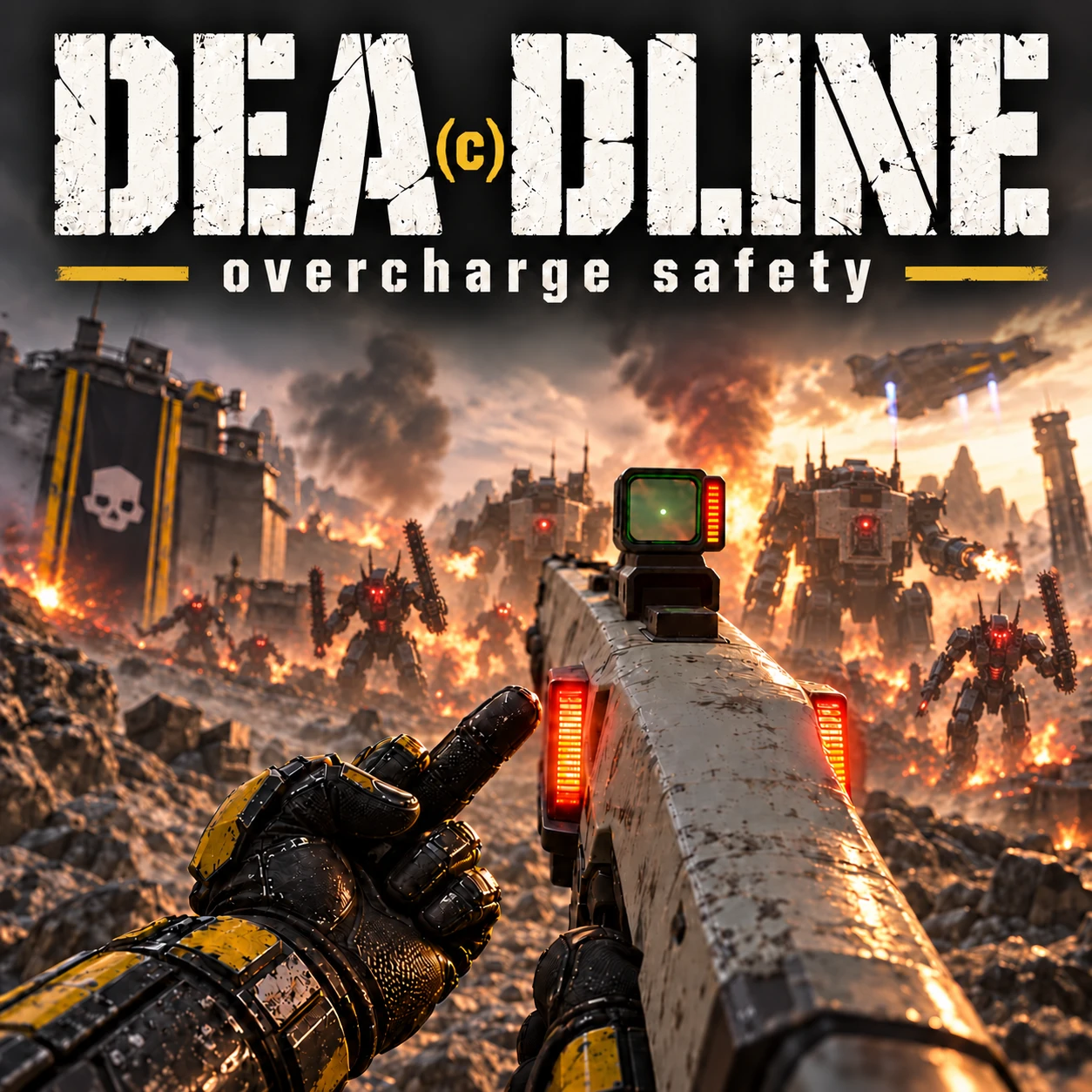
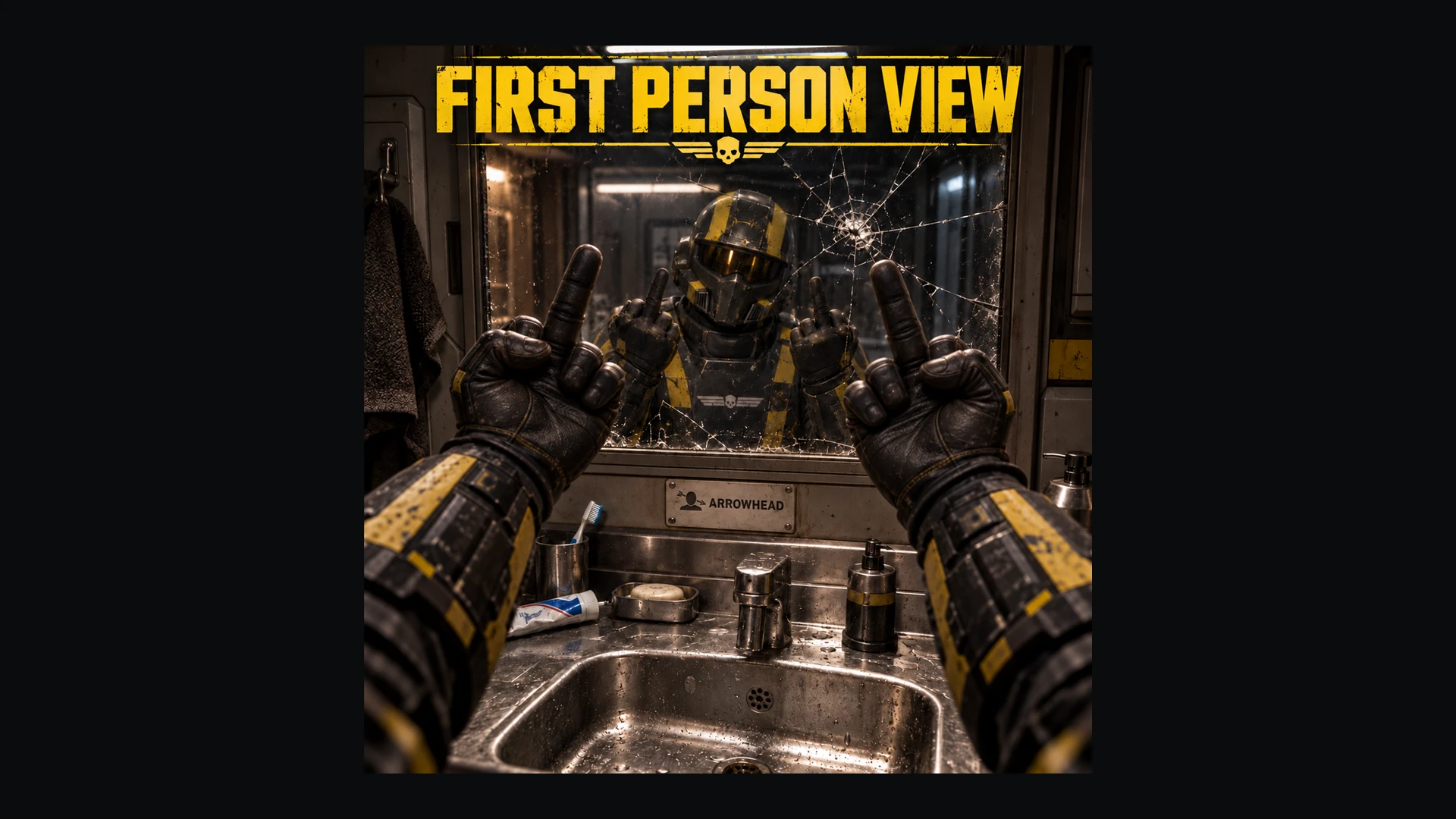
Worse than others.FPV brings an adjustable, head-following first-person perspective to Helldivers 2, with custom aiming, native sights and scopes, hit feedback, vehicle views and smoother camera transitions.
It is a first-person camera conversion built around the existing game. Expect some rough edges, particularly with unusual animations, very close targets and large weapon models.
Why a custom Reticule?
Base game tricks to make the first person aiming viewpoint simply aren't enough, and the reality for modders is - You're never going to get the live game aiming data - So what I did was build my own view & crosshair -using the games bore aiming data, along with manually calibrating it along the way. What started as an attempt with DCtimemod's script quickly became a realisation that native reticule aiming will never work accurately. So I did the next best thing. and spent a few weeks building my own crosshair system in-place of the games native reticule, with its own feedback shaders.
I could not stand the tilted-side shooting and blatant missing with generic FPV mods, so I made this instead, I don't guarantee 100% satisfaction that it will be accurate at all times, but if you calibrate your aim distance accordingly, especially between the 20m-50m control, you will be surprised by the authentic accuracy i've managed to produce using this custom system.
There still is a chance the oh-so-active aiming scriptwork I've spent time on jumps on you in especially busy aiming scenarios or the games own problematic body clean up system. without Cowboybingus's body clean up i'm afraid there's really not much I can do but hope (lol) Arrowhead (here's the funny part) fixes their despawning.
Anyways, I hope you enjoy this mod!
Rojo
Installation
Use HD2 Arsenal and the modified Chef loader supplied with this release.- Close the game.
- Import and enable ONE FPV package: With Textures or Without Textures.
- Import and enable the supplied modified Chef Shared Loader 1.5.4. Disable your previous Chef package and keep the supplied version last/highest priority.
- Purge, Deploy, then fully restart the game.
- Set Settings → HUD → Reticle Visibility → Visible.
- Open F9 → First Person View and keep First person, Custom reticle and Native hit feedback enabled.
Feedback starts automatically after approximately 10 seconds in a loaded ship or mission. No separate helper program is required.
Updating retains your saved settings and bindings.
Choose your version
With TexturesIncludes the revised EXO interiors, clearer FRV windshields and open framed canopies, plus the custom Hellpod cabin with windows, closing shutters, skull emblems and a subtle red lamp.
Mission Hellpod FPV defaults ON. Cosmetic replacements remain visible in third person.
Without Textures
Uses the game’s normal vehicle and Hellpod models while retaining FPV’s aiming, feedback, settings and controls.
Mission Hellpod FPV defaults OFF. This does not disable ship walking or the first-person ship-pod entry sequence; those follow First person on ship independently.
These are fresh-profile defaults. Existing saved choices take priority.
What the mod does
- First-person views: on foot, in supported vehicles, during Hellpod drops, on the ship and at recognised mission consoles.
- Moving custom reticle: follows the available aiming information, with adjustable size, hip-fire visibility and reload hiding.
- Native hit feedback: presents hit and armour-deflection cues around the custom reticle, with customisable colours, symbols and armour-icon placement.
- Native sights and scopes: retain the game’s sight views, with additional saved zoom presets and adjustable zoom transitions.
- Camera controls: separate general and normal-aiming FOV, camera positioning and smoothing.
- Visibility options: supported stowed support-weapon hiding and close-clipping reduction.
- Optional third-person reload view: a timed camera pullback for players who prefer it.
- Live switching: smooth FPV/third-person transitions with native third-person HUD restoration.
Aiming and range profiles
The custom reticle estimates where your shots should go from the changed viewpoint. It uses an approximate enemy-distance estimate when usable information is available; otherwise, it uses your selected fallback range.Available profiles: 5, 20, 50, 100, 150, 200 and 300 metres.
50 m is the default general-purpose option. Lower profiles suit close-range scenery and targets; higher profiles suit longer shots. Selecting a profile changes the reticle’s correction, not weapon ballistics.
The small HUD beneath the compass shows your selected fallback range and zoom preset. It is not a live rangefinder.
What it does not do
FPV does not change weapon damage, penetration, enemy behaviour or hit registration. Its reticle is not a perfect impact predictor, and it cannot automatically measure every wall, piece of cover or terrain surface.Very close enemies, falling bodies and animation changes can still cause reticle disagreement or occasional jumps. Side-prone aiming and large equipped support weapons remain particular clipping limitations.
Stowed-weapon hiding does not hide your equipped weapon, cape or arbitrary backpack. Tank driver FPV is supported, but tank interiors have not been modelled. Unrecognised consoles use the native camera.
Hellpod shutters are designed to conceal the buried landing view, though unusual landings can still expose clipping. Performance varies by system and mission; full Linux/Proton hit-feedback compatibility remains unconfirmed.
Default controls
| Input | Action |
|---|---|
| F6 | Switch FPV / third person |
| F9 | Open settings |
| Right Mouse | Hold Aim |
| Middle Mouse while aiming | Toggle native sights |
| Wheel Up / Down | Longer / shorter fallback range |
| Wheel Up / Down while aiming through native sights | Zoom in / out |
| F7 | Toggle optional third-person reload mode |
Thanks
A huge thank-you to Jangonett for the vehicle and mech modelling and material work, and Chef for the shared loader, settings and drawing foundation.Thanks also to everyone who tested builds and reported the awkward weapons, animations and camera transitions that helped shape this release.
My in-game HUD settings
These are my personal settings, shared as an optional starting point. Keep Reticle Visibility set to Visible for FPV 1.2’s hit feedback; the remaining choices are personal preference.Find these under Settings → HUD.
| Setting | My value |
|---|---|
| HUD Curve | 0.0 |
| HUD Scale | 0.90 |
| HUD Edge Offset | 0.00 |
| HUD Background Opacity | High |
| Primary Objective Visibility | Dynamic |
| Secondary Objective Visibility | Dynamic |
| Mission Info Visibility | Dynamic |
| Stratagem Visibility | Header Hidden |
| Health Visibility | Dynamic |
| Weapon Status Visibility | Dynamic |
| Hint Visibility | Hidden |
| Tooltip Visibility | Hidden |
| Stamina Visibility | Dynamic |
| Stamina Width | Short |
| Reticle Visibility | Visible |
| Interaction Visibility | Visible |
| Nameplate Visibility | Visible |
| Info Feed Visibility | Dynamic |
| Sample Count Visibility | Dynamic |
| Player Marker Visibility | Visible |
| Compass Visibility | Visible |
| Compass Width | Short |
| Compass Small Notches | Visible |
| Compass Ordinal Directions | Hidden |
| Compass Angle Range | Wide |
| Map Navigation Mode | Hybrid |