
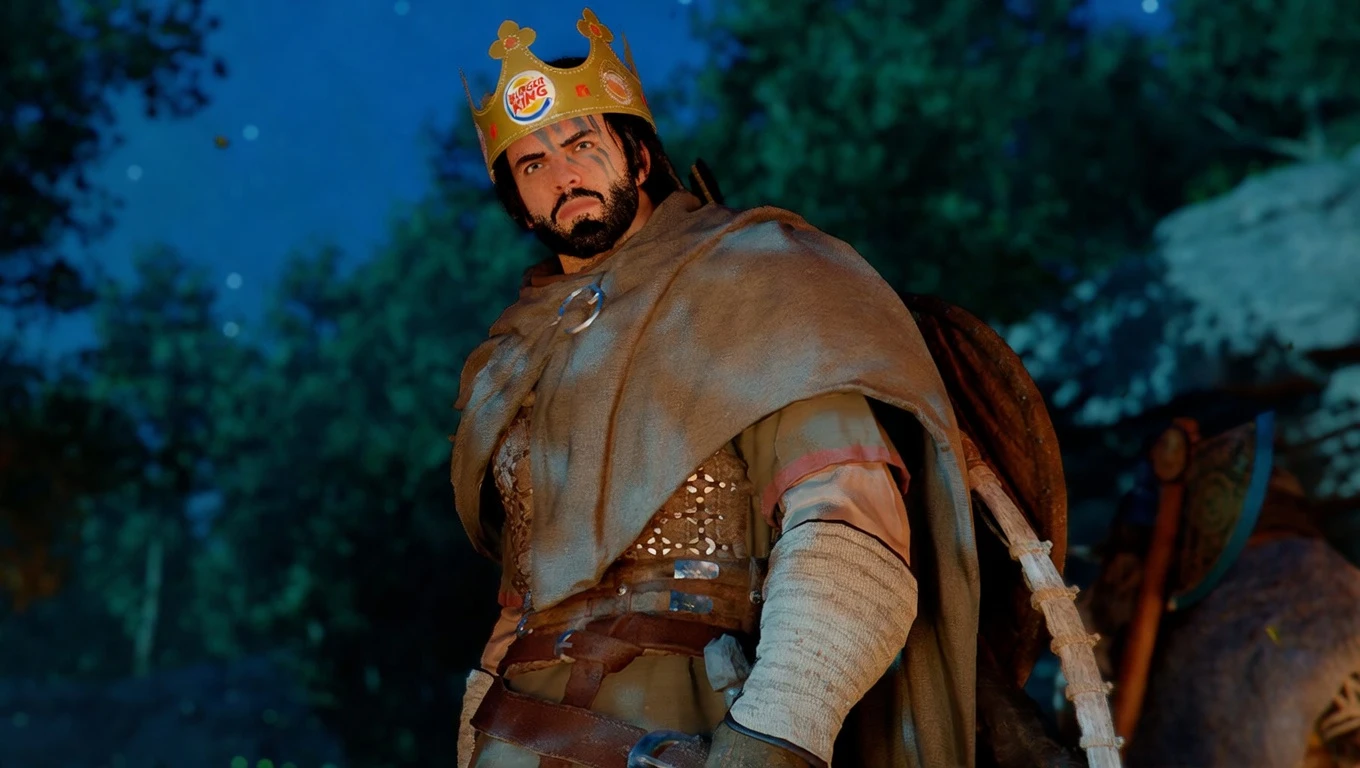
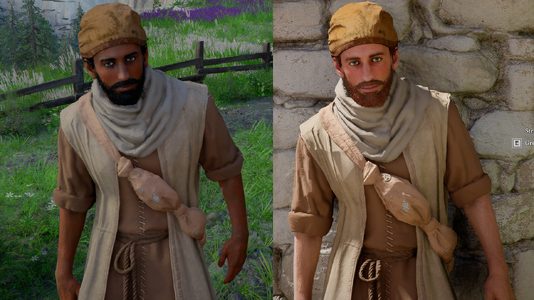
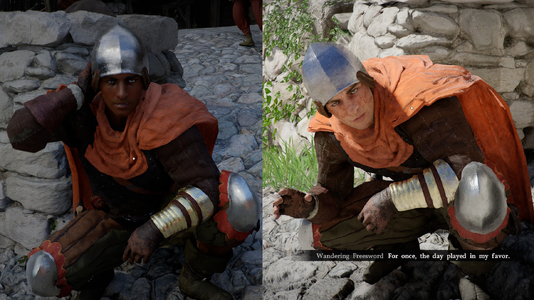
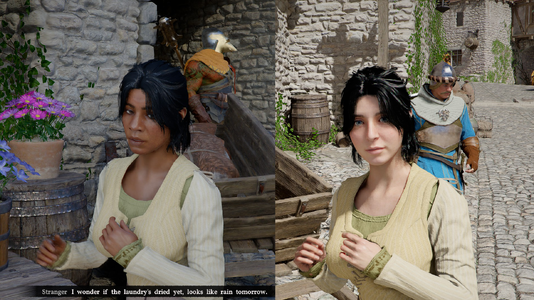
For v1.3 and beyond, requires JSON Mod Manager for installation. Refer to their page for support using this tool.
Issues launching modded game after 1.03?
If your game appears to not be launching with mods enabled, but it says Running in Steam, simply wait ~5-10 minutes. This is a one-time thing, and launches normally afterward. If you have any other issues, you can try the steps below, but it may still take 5 minutes to launch after.
JSON Mod Manager Installation Instructions
Issues launching modded game after 1.03?
If your game appears to not be launching with mods enabled, but it says Running in Steam, simply wait ~5-10 minutes. This is a one-time thing, and launches normally afterward. If you have any other issues, you can try the steps below, but it may still take 5 minutes to launch after.
- Uninstall mods via JMM
- Close JMM
- Delete Crimson Desert\_jmm_backups folder
- Optionally verify files on steam to make sure JMM isnt using old papgt
- Open JMM
- Apply mods
JSON Mod Manager Installation Instructions
- Download white_desert_v1_3.zip somewhere, and drag it into JSON Mod Manager.
- Click the green arrow to move White Desert to the ACTIVE mods section.
- Click APPLY MODS.
- Enjoy your medieval fantasy themed medieval fantasy game!
