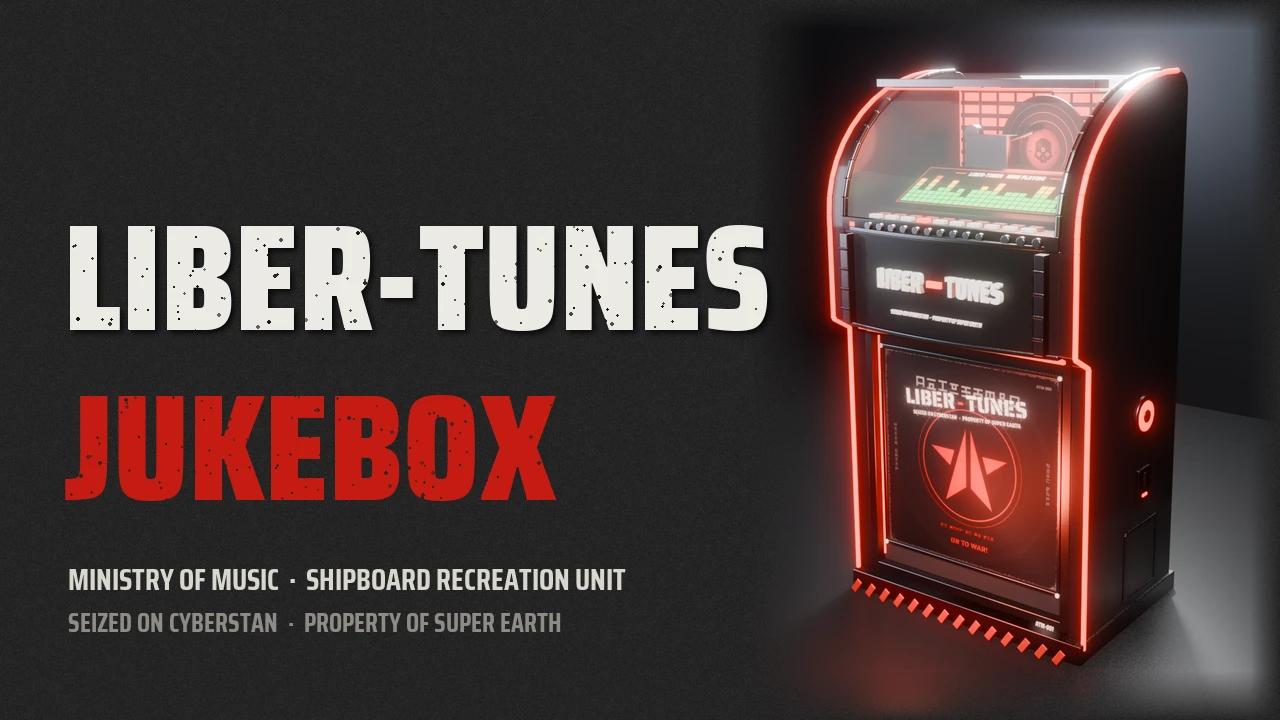

"Ministry of Music presents: a jukebox for every Super Destroyer."
Morale is a munition. Play it loud.
Morale is a munition. Play it loud.
CLASSIFIED REPORT // MINISTRY OF MUSIC
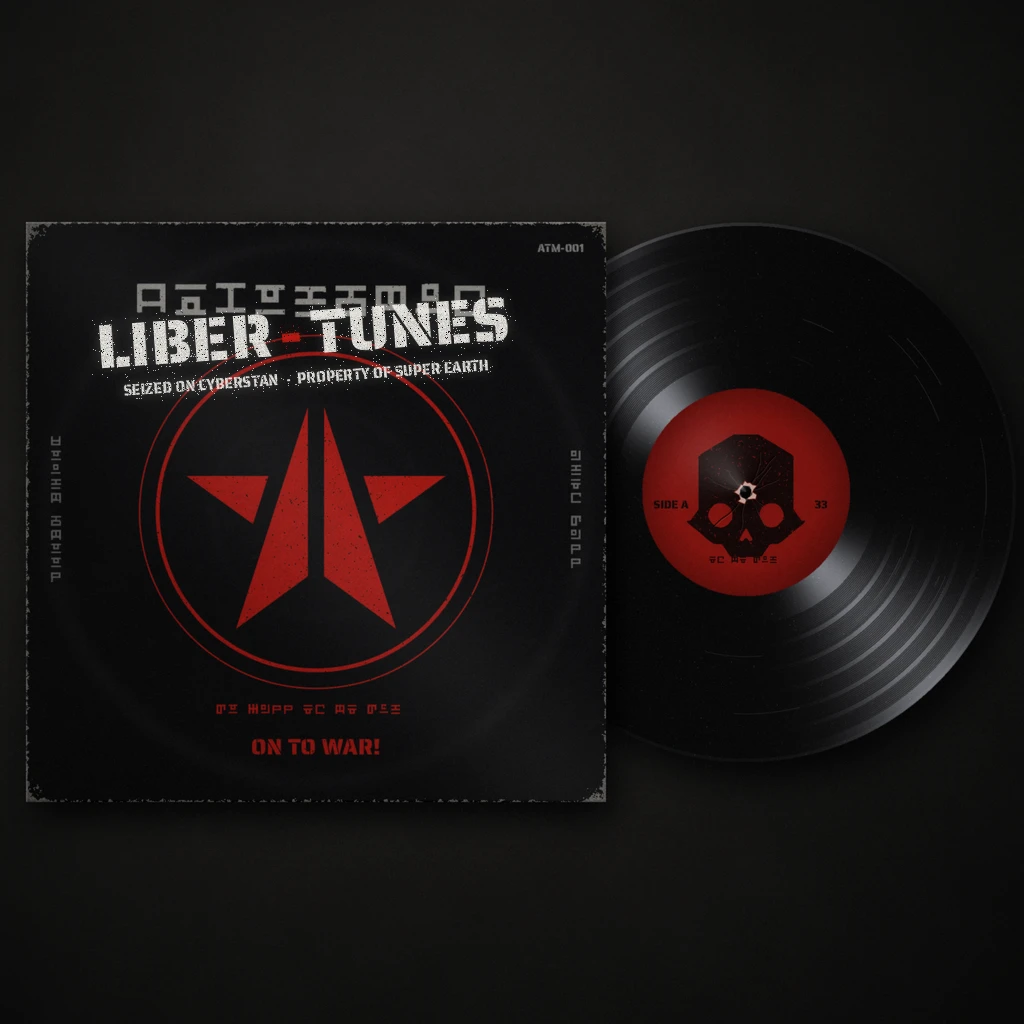
When the Helldivers raided Cyberstan's propaganda station, the master record was not the only thing they carried out. In the back of the broadcast hall stood the machine that played it: an Automaton jukebox, unit ATM-001, still humming the bots' marching songs. The Ministry of Music had it stripped, repainted, fitted with Super Earth neon and loaded with every Liber-Tunes record. It now stands in the hangar of your Super Destroyer.
The Liber-Tunes Jukebox is a working jukebox on your ship. Walk up to it, press E and play any Liber-Tunes song right there in the hangar, or pick which songs Liber-Tunes plays in your missions. Its own 3D model, a spinning skull record, an equalizer screen and neon in 8 colours: this is the companion piece Liber-Tunes always deserved.
SEIZED ON CYBERSTAN · PROPERTY OF SUPER EARTH


- A real jukebox, built for this mod: its own model, made from scratch in Blender: black cabinet, glass hood, chrome trim, the Liber-Tunes sleeve in the window and the record on its turntable.
- The skull record spins: at 33⅓ rpm while a song plays, and stops when you pause.
- The label follows the music: Super Destroyer, Helldrop, Automaton, Terminid or Illuminate front, by the section of the song that plays.
- An equalizer screen: under the glass, the LIBER-TUNES SELECTIONS card. Press play and it turns into a moving equalizer.
- Neon in 8 colours: the lights pulse while a song plays and cycle through red, orange, yellow, green, cyan, blue, purple and pink. With nothing playing they glow and change slowly.
- Now playing: walk up to it and the prompt shows the song and its section, with a music note.
- Its own place on the ship: it stands at the back of the hangar by the passage to the bridge.


- Your playlist, your rules: ON / OFF beside each song is Liber-Tunes' own switch. Songs you turn OFF are not played in your missions.
- Keyboard or controller: DualSense or Xbox. The hints at the bottom follow what you use, with the keys picked out in white.
- No accidents: while the player is open the game ignores your input, so you won't walk off or call a stratagem by mistake.

- Open: E (controller: Cross or Square) standing in front of the jukebox and looking at it
- Select: Up / Down · D-pad or right stick
- Play / pause: Space · Cross
- Previous / next (hold: 15 s back / forward): Left / Right · L2 / R2
- Section: Page Up / Page Down · L1 / R1
- On / off in missions: F · Triangle
- Stop: X · R3
- Back: Backspace · Circle
- Leave: E / Esc · Square, or just walk away


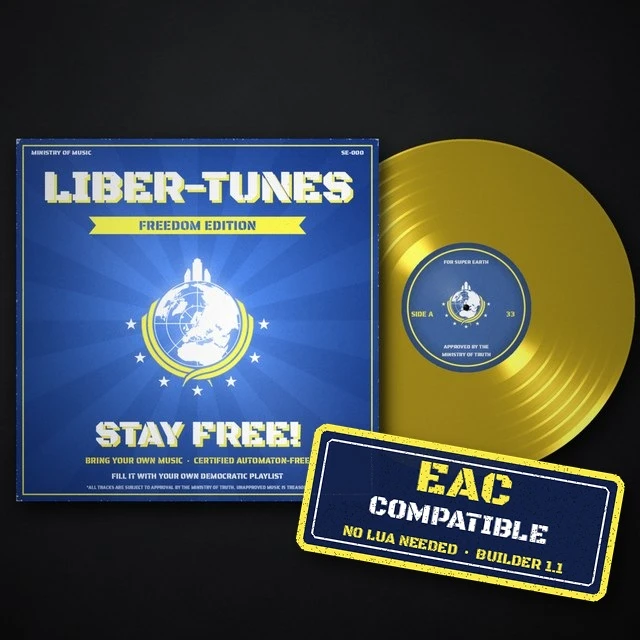
- Download the optional file Liber-Tunes Jukebox - Freedom Edition look from the Files tab on Nexus Mods.
- Use it instead of the main file, not together: both put the jukebox on the same spot of your ship.
- The jukebox plays the songs from your Freedom Edition folders (song titles = file names) and can switch them off, like with Liber-Tunes.


- Bingus Shared Loader v18 or newer, last in the load order.
- Liber-Tunes 1.3 or newer, option "Music + volume sliders", for the sound. Without it the jukebox still stands there and lists the songs, but plays nothing.
- Or Liber-Tunes - Freedom Edition instead, if you play with your own music (best with the Freedom Edition look above).

- Import the ZIP in HD2 Arsenal (or HD2 Mod Manager) and enable it.
- Keep Bingus Shared Loader last in the load order.
- Purge, then Deploy. Board your Super Destroyer and look for the neon at the back of the hangar.

- Only you see and hear it. Your own game puts the jukebox on your ship. Squadmates need nothing, nothing goes over the network, and no gameplay changes.
- The model replaces an unused ship model, so nothing else on your ship looks different. It has no collision, so it never blocks your way.
- Esc closes the player and also opens the game's menu, as in the game's own screens.
- Made for Steam build 25480438. Problems? Send Jukebox.log and STATUS.txt from %LOCALAPPDATA%\CowboyBingus\Helldivers2\LiberTunesJukebox.

- Liber-Tunes (my music mod): the songs, their sections and the API the jukebox plays them through.
- CowboyBingus: Bingus Shared Loader and Bingus Shared Runtime.
- HD2SDK Community Edition and Blender: the jukebox model.
- MrChengl11: HD2 Lua Mod Skill (archive tools).
- And you, Helldiver. Endorse the mod if it brightened up your ship, and post a screenshot of your jukebox in the comments.
Pick a record, crank the neon, and spread Managed Democracy one song at a time. For Super Earth!
Developed with AI assistance (Claude).