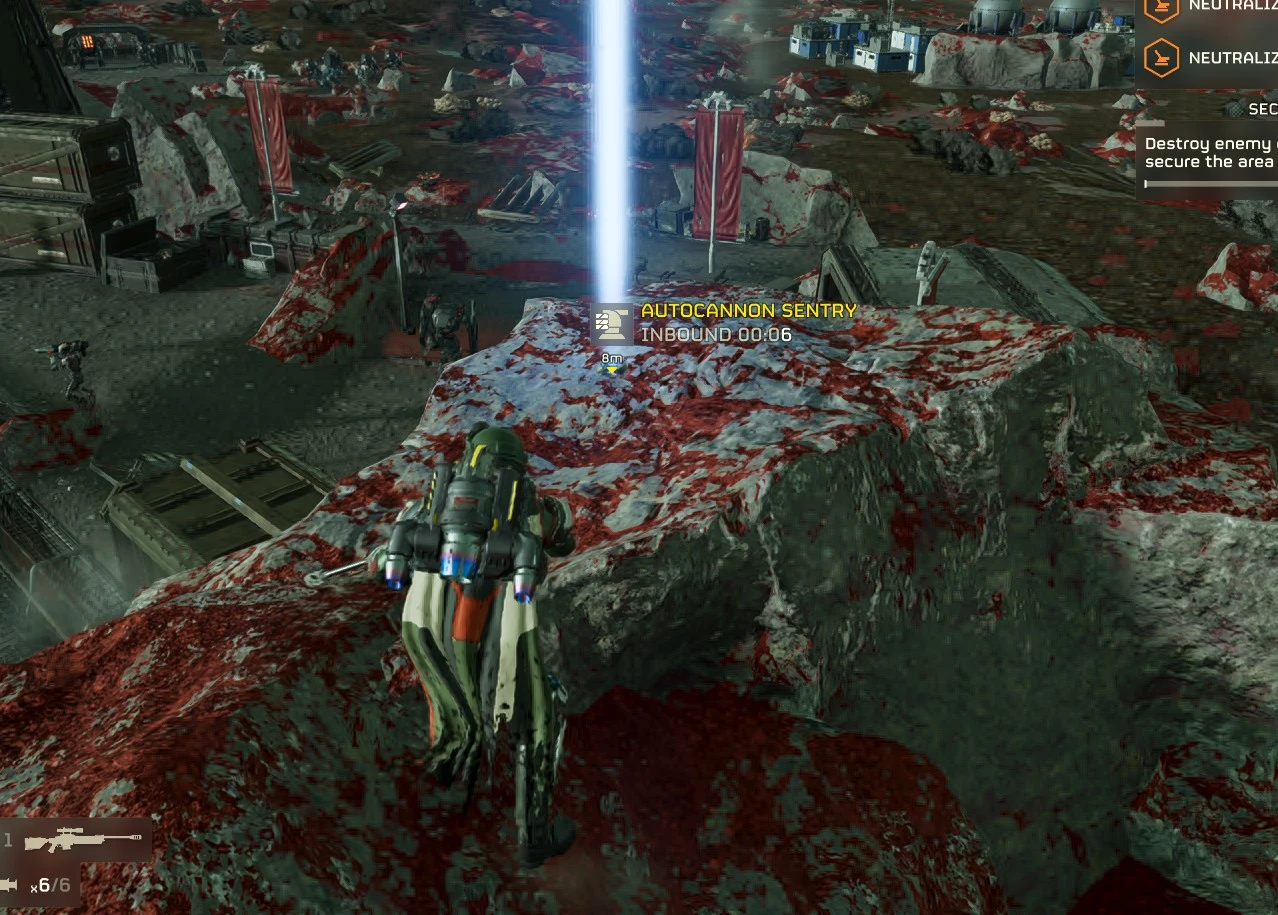
Stratagem balls stay where they land instead of rolling off high ground. Works after the EAC update.
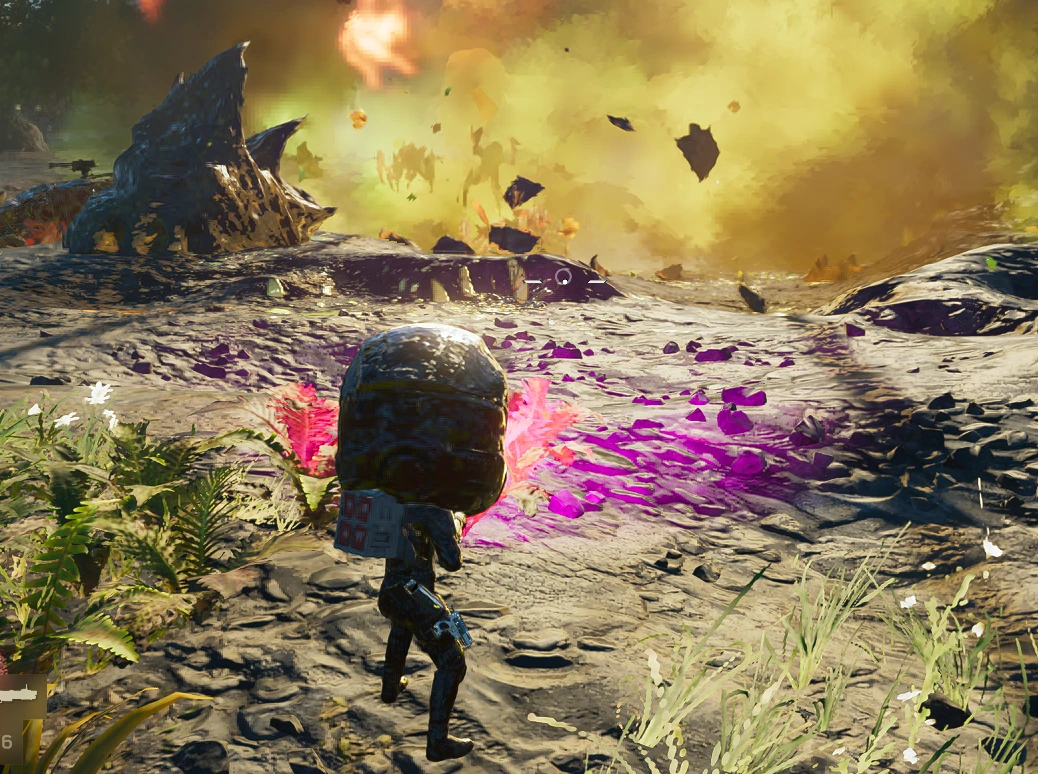
Stock, a stratagem ball thrown onto a rooftop, a rock or a ledge often slides off and lands somewhere else, because the game only lets it settle on walkable ground. This mod removes that rule, so the ball stays where it lands.
It makes the same change as CowboyBingus' Better Stratagem Bounce from the Vanilla Plus Megapack. That version needed the Bingus Shared Loader, which stopped working with the October 20 update. This one changes the game's stratagem settings file instead, so it needs no loader - only the mod manager.
What changes
Install (HD2 Mod Manager or HD2 Arsenal)
Uninstall
How it works
The mod replaces the game's boot script, which is empty in the stock game. On exit, that script backs up data/game/generated_stratagem_settings.dl_bin and swaps in the modded copy carried in the mod. It refuses to write over a file it doesn't recognise, for example after a game update or with another mod that changed the same file, and then it does nothing. A log is written to StratagemBallsStayPut.log in the game folder.
Requirements and compatibility
Credits
If you found this mod helpful or useful, you can consider tipping here on Ko-fi.
Stock, a stratagem ball thrown onto a rooftop, a rock or a ledge often slides off and lands somewhere else, because the game only lets it settle on walkable ground. This mod removes that rule, so the ball stays where it lands.
It makes the same change as CowboyBingus' Better Stratagem Bounce from the Vanilla Plus Megapack. That version needed the Bingus Shared Loader, which stopped working with the October 20 update. This one changes the game's stratagem settings file instead, so it needs no loader - only the mod manager.
What changes
- 105 stratagems lose their "settle on walkable ground only" flag: support weapons, backpacks, sentries, emplacements, orbitals, Eagles, vehicles and mission stratagems.
- Nothing else. Cooldowns, payloads and call-in times are stock.
Install (HD2 Mod Manager or HD2 Arsenal)
- Add the zip to the mod manager. Both options start ticked - leave them.
- Deploy.
- Launch the game, wait for the main menu, then exit the game normally. The file is swapped on exit.
- Launch again. The mod is now active.
Uninstall
- Untick Stratagem Balls Stay Put, keep Uninstall helper ticked, and deploy.
- Launch the game and exit normally. The original file is put back.
- Disable or remove the mod.
How it works
The mod replaces the game's boot script, which is empty in the stock game. On exit, that script backs up data/game/generated_stratagem_settings.dl_bin and swaps in the modded copy carried in the mod. It refuses to write over a file it doesn't recognise, for example after a game update or with another mod that changed the same file, and then it does nothing. A log is written to StratagemBallsStayPut.log in the game folder.
Requirements and compatibility
- A mod manager (HD2 Mod Manager or HD2 Arsenal).
- Made for the current game version (October 22 hotfix, build 26088801; also recognises the October 20 build). After a game update it changes nothing until this mod is updated.
- Tested solo and in multiplayer.
- Doesn't work together with other mods that replace the game's boot script or the stratagem settings file.
Credits
- CowboyBingus, for the original Better Stratagem Bounce (Vanilla Plus Megapack, 0BSD).
- Me... Duh.
If you found this mod helpful or useful, you can consider tipping here on Ko-fi.


Pinned comment