• Important Notice: Please review our guidelines regarding cheating, game balancing, and mods for Helldivers 2. Read the full notice here before downloading or uploading mods.

MA5C Assault Rifle (MA5B Conversion) v1.0.0

A Mod for Helldivers 2
MA5C Assault Rifle (MA5B Conversion) akl_mod_preview_image
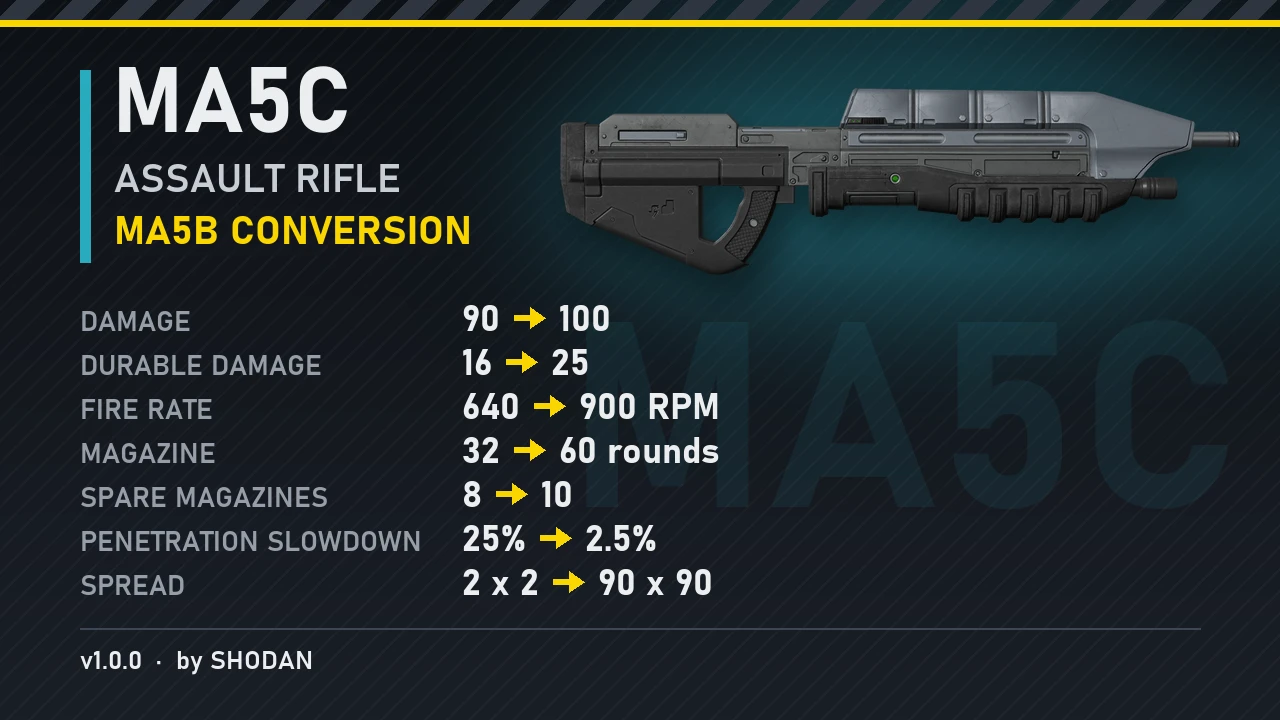
This mod turns the MA5C into a lore-accurate MA5B. It fires harder-hitting rounds from a 60-round magazine at 900 RPM, and they punch through crowds. The trade-off is the MA5B's famously wide spread.

- Damage increased from 90 to 100
- Durable damage increased from 16 to 25
- Fire rate increased from 640 to 900 RPM
- Magazine capacity increased from 32 to 60 rounds
- Spare magazines increased from 8 to 10 (you start with 8)
- Penetration slowdown reduced from 25% to 2.5%: bullets keep going through enemies
- Spread increased from 2/2 to 90/90

It now holds a total combat load of 660 rounds.

Made with great help from my friend Claude.

(Requires Bingus Shared Loader v15+)
266.2 KB
Log in or sign up to download
Uploaded by
Shodan
Downloads
364
Comments
17
Views
1,206
First release
Last update
Platform
PC 
Version
v1.0.0
Total Size
266.2 KB
Rating
5.00 star(s) 2 ratings

Uploaded by

  • 364
  • 1,206

Ratings

5.00 star(s) 2 ratings

Tags

There are no tags available.

More mods from Shodan

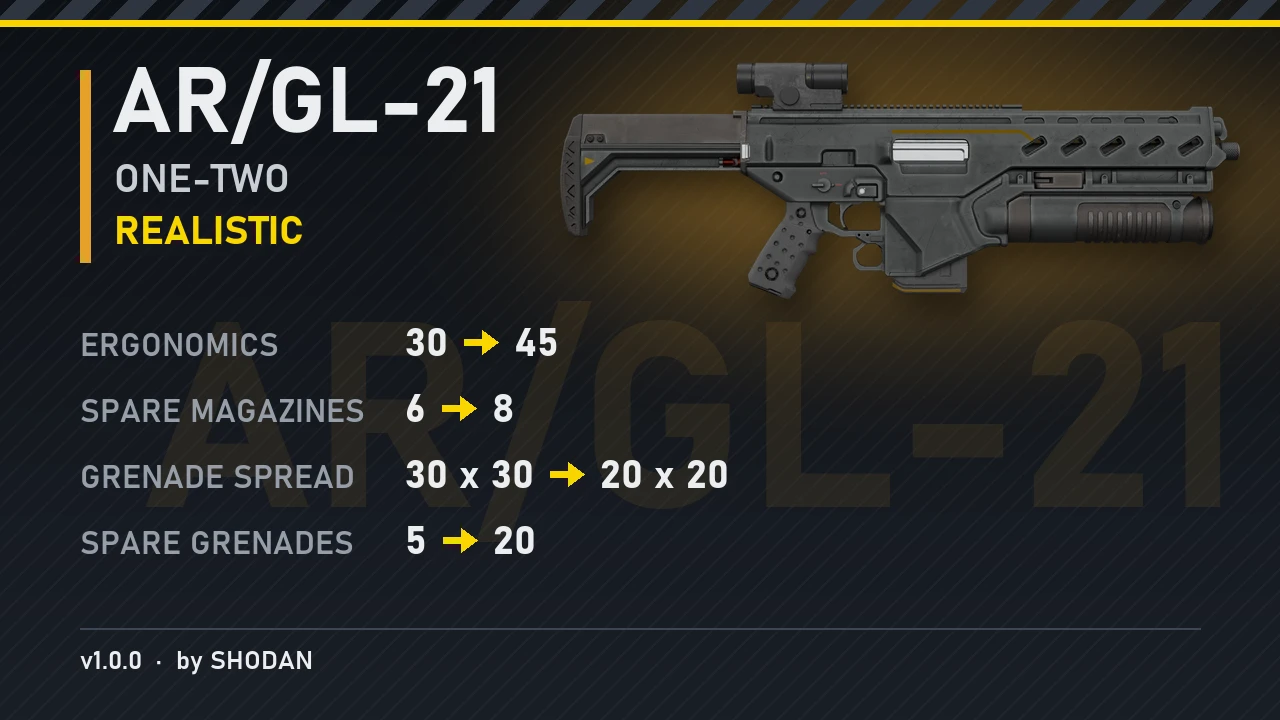
  • PC AR/GL-21 One-Two (Realistic)

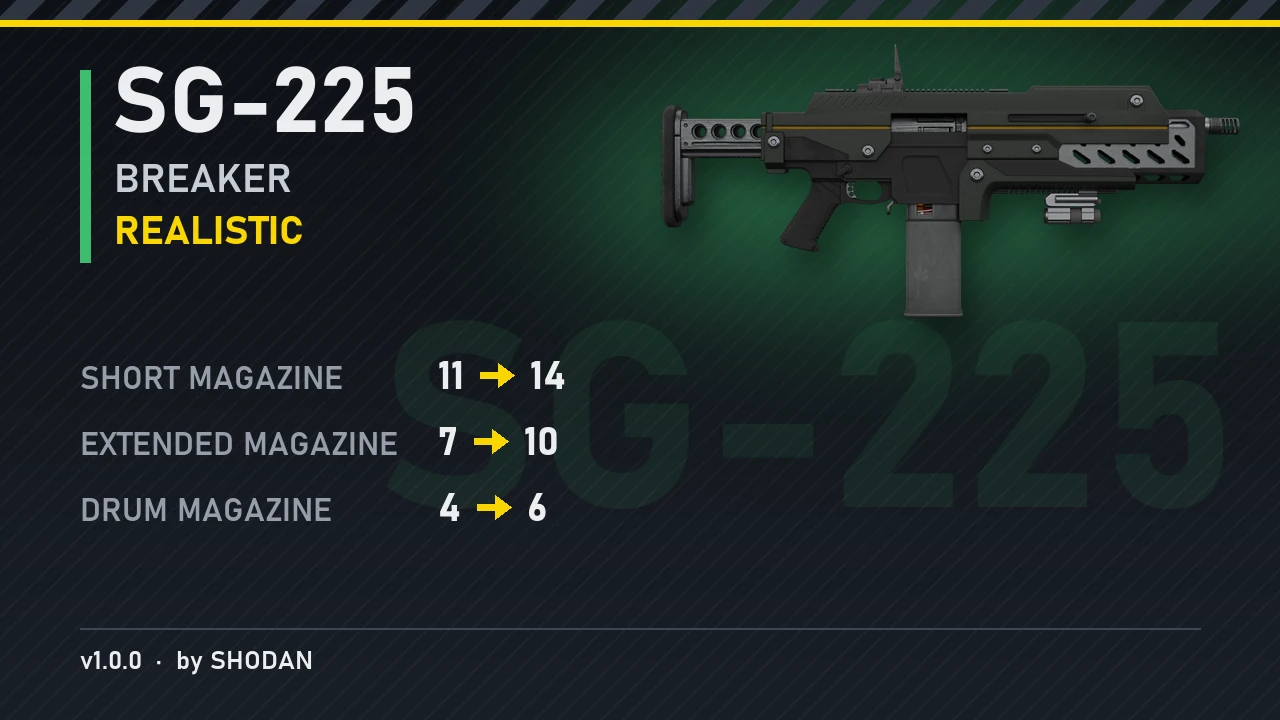
  • PC SG-225 Breaker (Realistic)

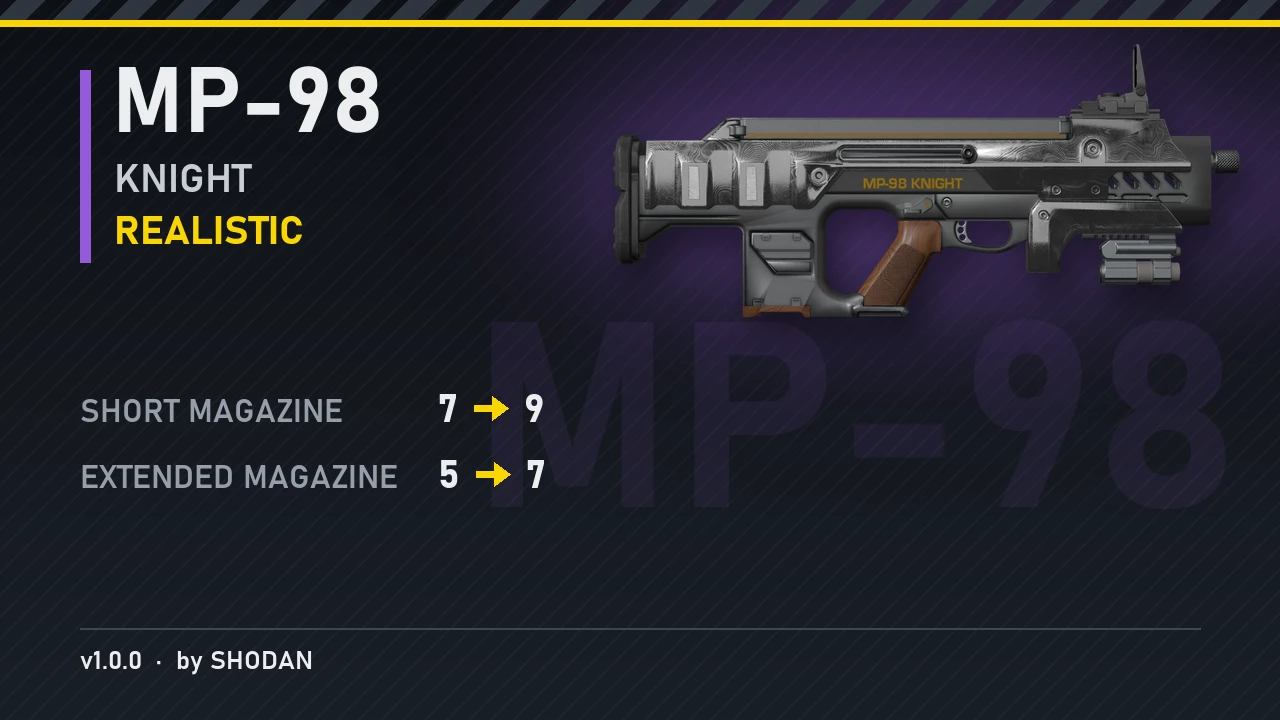
  • PC MP-98 Knight (Realistic)

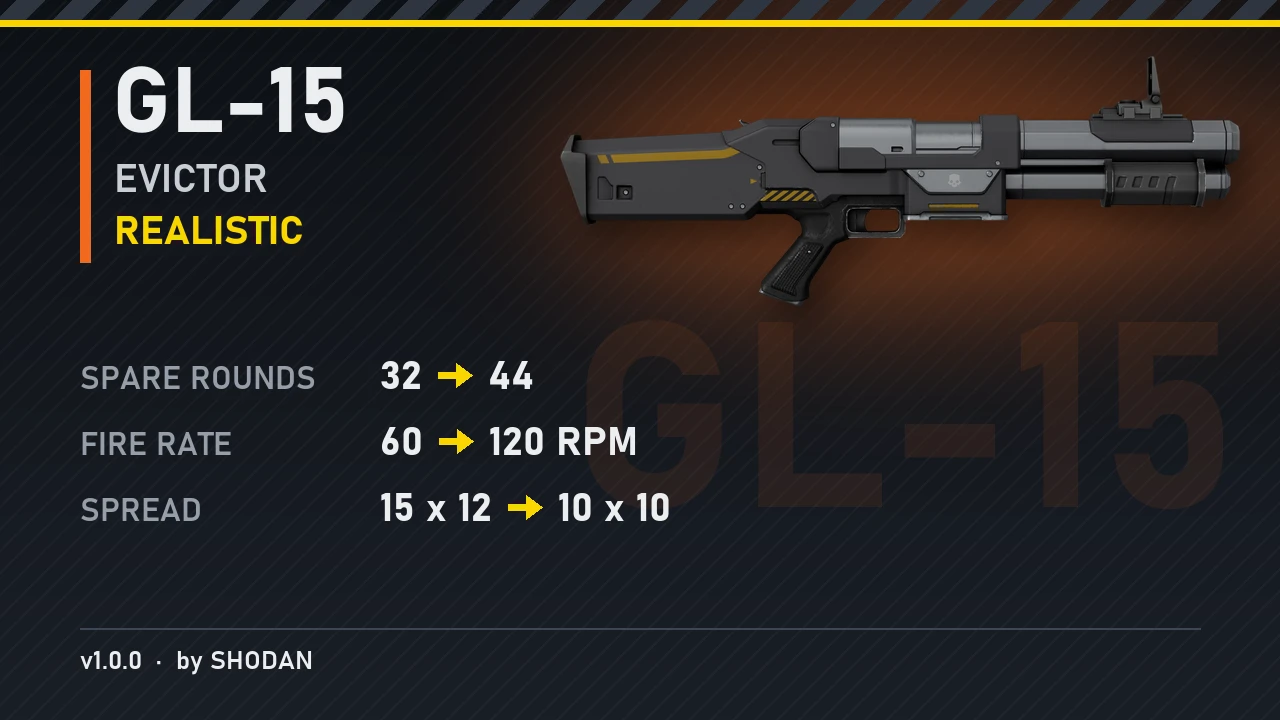
  • PC GL-15 Evictor (Realistic)

  • PC BR-14 Adjudicator (Realistic)

Thisguyhereagain

Members
Members
Sep 19, 2026
27
12
See my comment over yours? Just do the following changes instead :

Line 53 and 54 :
{ offset = 84, kind = 'f32', value = 90.0, max = 1000 },
{ offset = 88, kind = 'f32', value = 90.0, max = 1000 },

change the 90 to what you want, 2 is the original :
{ offset = 84, kind = 'f32', value = 2.00, max = 1000 },
{ offset = 88, kind = 'f32', value = 2.00, max = 1000 },
Yes two "0" after the dot because the script expect the same amount of characters. I tested it and it works.
I did see it but when I tried to edit with notepad++ and it didn't work.
Do I need a particular program to edit patch_0 files?

Also I suppose I could ask for future reference; does this work to change armor pen too? Can I ask what would that look like? And would I be able to just add it? Or would that require rebuilding the mod because armor pen wasn't a part of the original template? I've been trying to change the m90a to heavy pen to feel more like the Halo version too but the only mod here is just for medium lol

Thanks in advance! :)
 
Last edited:

sales762556

Members
Members
Sep 21, 2026
57
12
poderia ter um "megapack" de todas as armas que voce ja modificou para termos um unico arquivo para usarmos e baixarmos Shodan?
 

Kota454

Members
Members
Sep 22, 2026
5
1
See my comment over yours? Just do the following changes instead :

Line 53 and 54 :
{ offset = 84, kind = 'f32', value = 90.0, max = 1000 },
{ offset = 88, kind = 'f32', value = 90.0, max = 1000 },

change the 90 to what you want, 2 is the original :
{ offset = 84, kind = 'f32', value = 2.00, max = 1000 },
{ offset = 88, kind = 'f32', value = 2.00, max = 1000 },
Yes two "0" after the dot because the script expect the same amount of characters. I tested it and it works.
seems to crash when you edit it
 

Miker

Members
Members
Sep 22, 2026
10
6
I did see it but when I tried to edit with notepad++ and it didn't work.
Do I need a particular program to edit patch_0 files?

Also I suppose I could ask for future reference; does this work to change armor pen too? Can I ask what would that look like? And would I be able to just add it? Or would that require rebuilding the mod because armor pen wasn't a part of the original template? I've been trying to change the m90a to heavy pen to feel more like the Halo version too but the only mod here is just for medium lol

Thanks in advance! :)
To edit it, you need to extract it first from the zip file. After you edit it, you need to put it back in the zip before importing it again with your mod manager.
To add something like armor pen, if the mod doesn't touch it, you should ask AI to make it for you, I use Astra 6 GPT. If you give it a similar mod, it can do it for a different weapon :)
 
Last edited:

Thisguyhereagain

Members
Members
Sep 19, 2026
27
12
To edit it, you need to extract it first from the zip file. After you edit it, you need to put it back in the zip before importing it again with your mod manager.
To add something like armor pen, if the mod doesn't touch it, you should ask AI to make it for you, I use Astra 6 GPT. If you give it a similar mod, it can do it for a different weapon :)
Okay, I think I figured out what I was doing wrong- I was compressing the top folder into a zip instead of the contents- that extra layer of folder may have been the issue.
Still no idea how to use an AI for any of the stuff you said but got the Np++ method to work at least. Thanks for the help.
 

Thanos5

Members
Members
Sep 16, 2026
40
8
Okay, I think I figured out what I was doing wrong- I was compressing the top folder into a zip instead of the contents- that extra layer of folder may have been the issue.
Still no idea how to use an AI for any of the stuff you said but got the Np++ method to work at least. Thanks for the help.
can you go through the process, i extract it and then edit the file within the folder then i put the edited file within the original pre extracted file but when i run the game it crashes and a window pops up saying i modified the game files
 

Kota454

Members
Members
Sep 22, 2026
5
1
can you go through the process, i extract it and then edit the file within the folder then i put the edited file within the original pre extracted file but when i run the game it crashes and a window pops up saying i modified the game files
yea im having issues as well