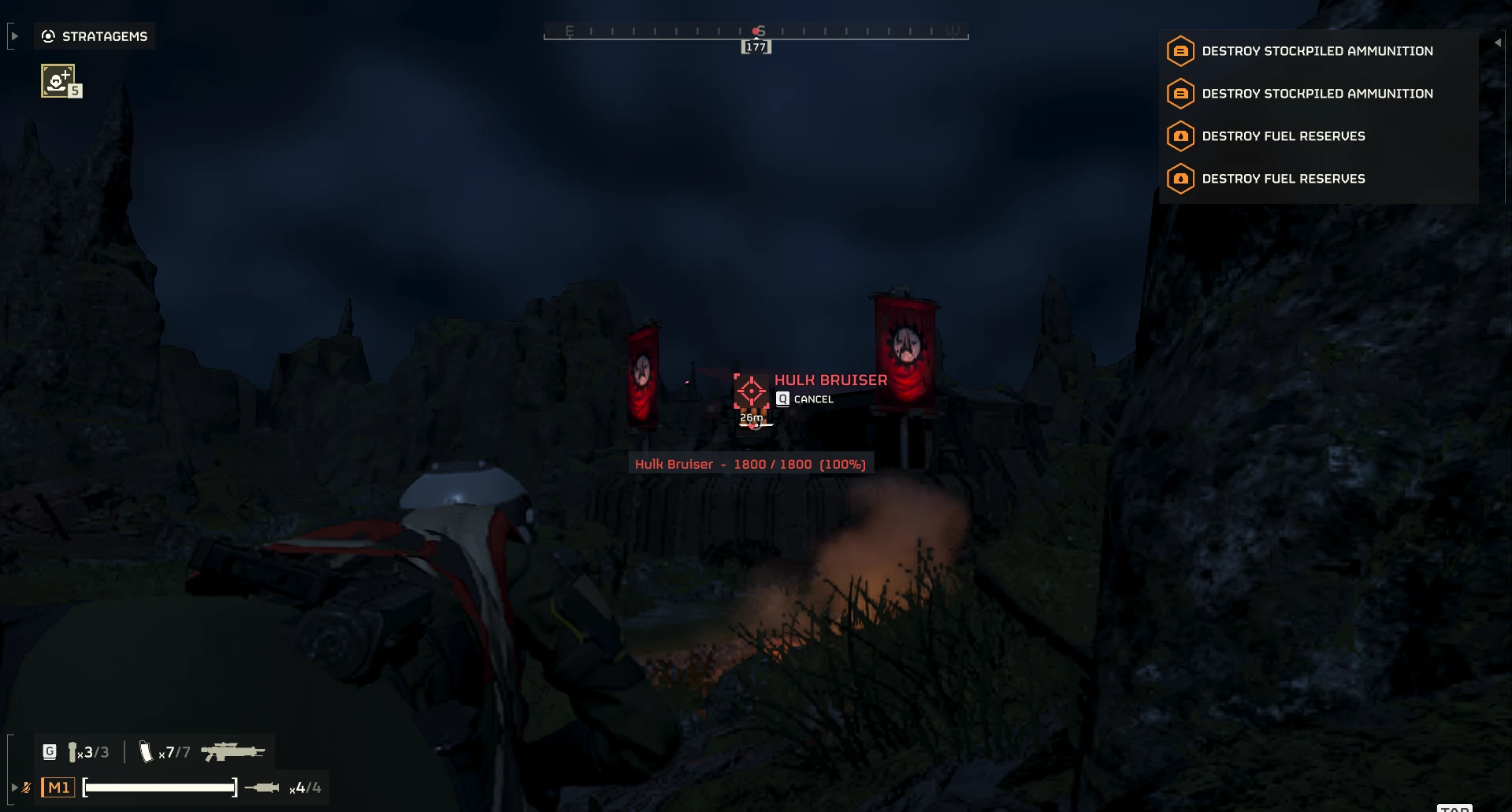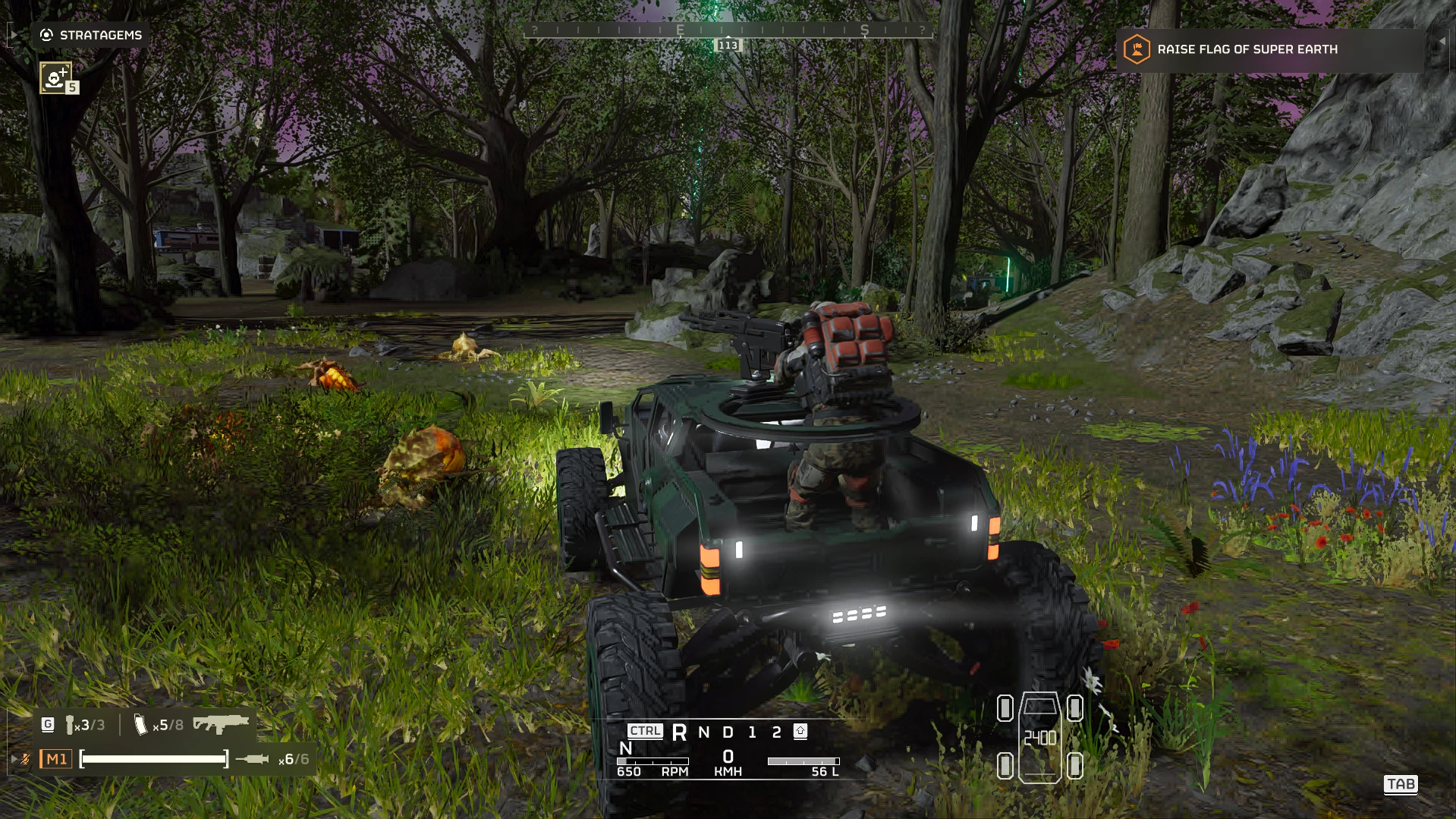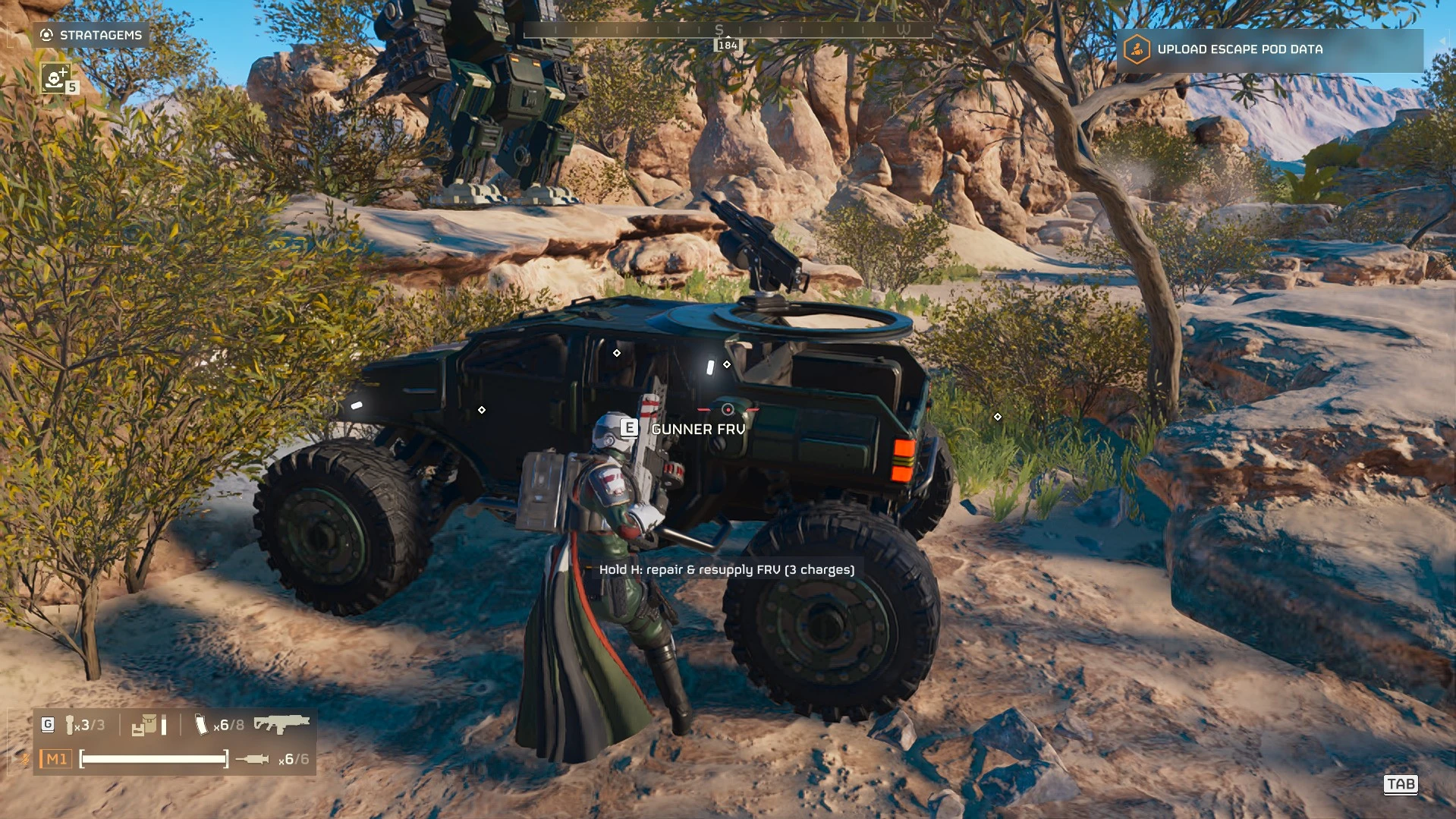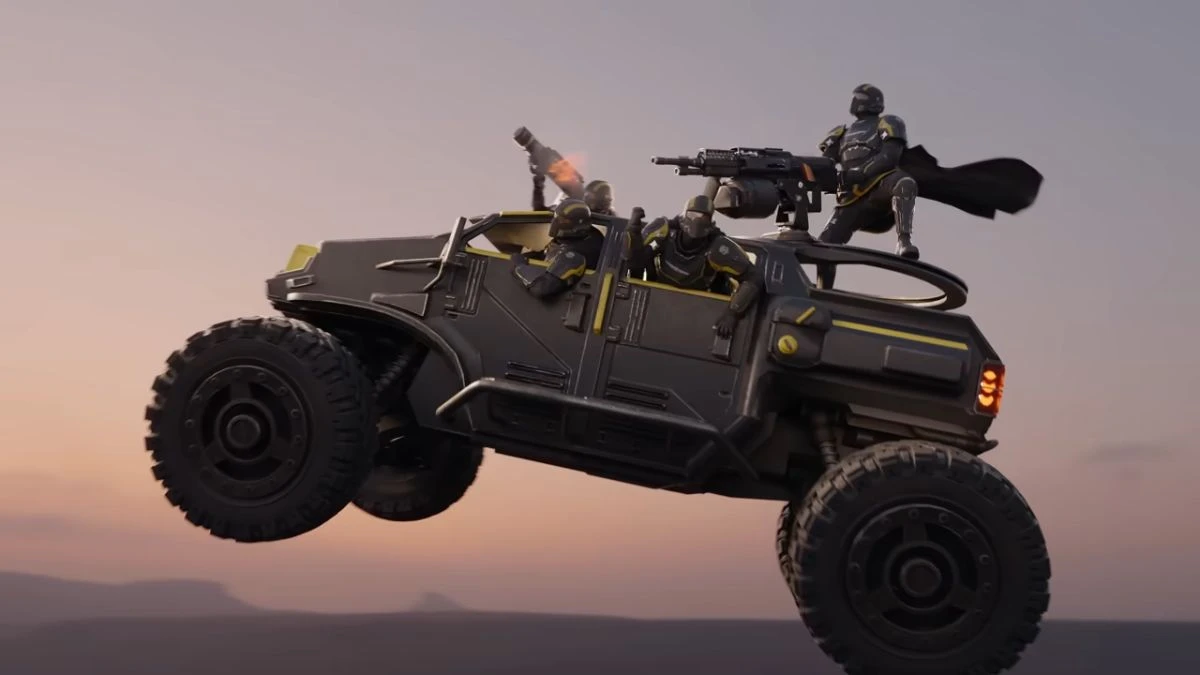
Note - This does not stop the FRV from rolling over if you drive like a clown. Plants, bug planet flower thingies, fire hydrants are unaffected and you'll still get sent to space if you drive over them.
The M-102 FRV and the M-103 Supply FRV stop rolling over, and now you can tune them yourself.
Stock, the FRV flips on almost anything: a rock at speed, a hard turn, landing a jump nose-first. This mod retunes its physics so it stays on its wheels, while still driving like the FRV.
New in 2.0: every value is adjustable. Out of the box it drives exactly like 1.1; change what you like, in game or in a settings file.
Settings (default = Anti-Flip)
In game: install Mod Options Menu (needs Bingus Shared Loader v18), press Esc, open the MODS tab and pick FRV HANDLING. Move the sliders and press APPLY.
Settings file: %LOCALAPPDATA%\Hd2FrvHandling\frv_handling.cfg (created on first start, every setting explained). Values set in the menu win over the file.
Camera re-centring while driving is the game's own setting (vehicle camera centring), not part of this mod.
Install
Requirements
How it works
1.x replaced the FRV physics files. 2.0 finds the FRVs' physics data in memory when a mission loads and writes your values into it. Every block is checked against the stock layout first; if anything does not match, nothing is written and the log says so. It searches only briefly after a level loads (about a second), never on the ship. It only changes how your FRVs drive: the driver's game decides how a car handles, and nothing is sent to other players.
Log: %LOCALAPPDATA%\Hd2FrvHandling\FrvHandling.log
Changelog
Credits
If you found this mod helpful or useful, you can consider tipping here on Ko-fi.
The M-102 FRV and the M-103 Supply FRV stop rolling over, and now you can tune them yourself.
Stock, the FRV flips on almost anything: a rock at speed, a hard turn, landing a jump nose-first. This mod retunes its physics so it stays on its wheels, while still driving like the FRV.
New in 2.0: every value is adjustable. Out of the box it drives exactly like 1.1; change what you like, in game or in a settings file.
Settings (default = Anti-Flip)
- Mass: 50 - 300 % of stock (default 133 %). Heavier = steadier but slower to accelerate. Want stock acceleration? Set it to 100 %; the other fixes do most of the work.
- Centre of mass height: -1.2 - 0 (stock -0.375, default -0.6). Lower = harder to tip.
- Tyre grip front / rear: 0.5 - 3 (stock 1.0 / 0.9, default 1.2 / 1.1).
- Wheel radius: 0.45 - 0.8 (stock 0.55, default 0.62).
- Springs front / rear: 5 - 60 (stock and default 15 / 18).
- Damping front / rear: 0.2 - 5 (stock 0.75 / 1.25, default 1.25 / 1.25). The front damping is the big fix: stock, the nose is much softer than the rear, so it bounces and pitches the car over.
- Suspension travel front / rear: 1 - 15 (stock 4.0 / 6.5, default 5.5 / 7.5).
- Include M-104 Incinerator FRV: off by default (untested, I don't own it).
In game: install Mod Options Menu (needs Bingus Shared Loader v18), press Esc, open the MODS tab and pick FRV HANDLING. Move the sliders and press APPLY.
Settings file: %LOCALAPPDATA%\Hd2FrvHandling\frv_handling.cfg (created on first start, every setting explained). Values set in the menu win over the file.
Camera re-centring while driving is the game's own setting (vehicle camera centring), not part of this mod.
Install
- Install and enable Bingus Shared Loader.
- Add the zip in HD2 Mod Manager or Arsenal and enable it. It replaces 1.x (same mod); remove the old one if your manager shows both.
- Deploy, and launch.
Requirements
- Bingus Shared Loader v15 or newer (2.0 is a Lua addon; 1.x did not need it).
- Optional: Mod Options Menu for the in-game sliders.
- A mod manager (HD2 Mod Manager or Arsenal).
How it works
1.x replaced the FRV physics files. 2.0 finds the FRVs' physics data in memory when a mission loads and writes your values into it. Every block is checked against the stock layout first; if anything does not match, nothing is written and the log says so. It searches only briefly after a level loads (about a second), never on the ship. It only changes how your FRVs drive: the driver's game decides how a car handles, and nothing is sent to other players.
Log: %LOCALAPPDATA%\Hd2FrvHandling\FrvHandling.log
Changelog
- 2.0.3 - Much lighter search: no search on the ship, never touches paged-out memory, finds the FRVs in about a second (2.0.2 could cost over 100 ms/s in Mod Lag Watchdog).
- 2.0.2 - Packaging fix: same zip layout as 1.x, so updating from 1.1 keeps the mod enabled.
- 2.0.1 - Lua version with adjustable settings (settings file or Mod Options Menu). Same defaults as 1.1.
- 1.1 - Added the M-103 Supply FRV. The M-102 part is unchanged.
- 1.0 - M-102 FRV.
Credits
- Me... Duh.
- HD2SDK (Blender addon), Darctor/Helldivers2_RawData and xypwn/filediver, for the physics layout research.
- CowboyBingus, for Bingus Shared Loader and Mod Options Menu.
If you found this mod helpful or useful, you can consider tipping here on Ko-fi.