Support Weapon Quad-Drop
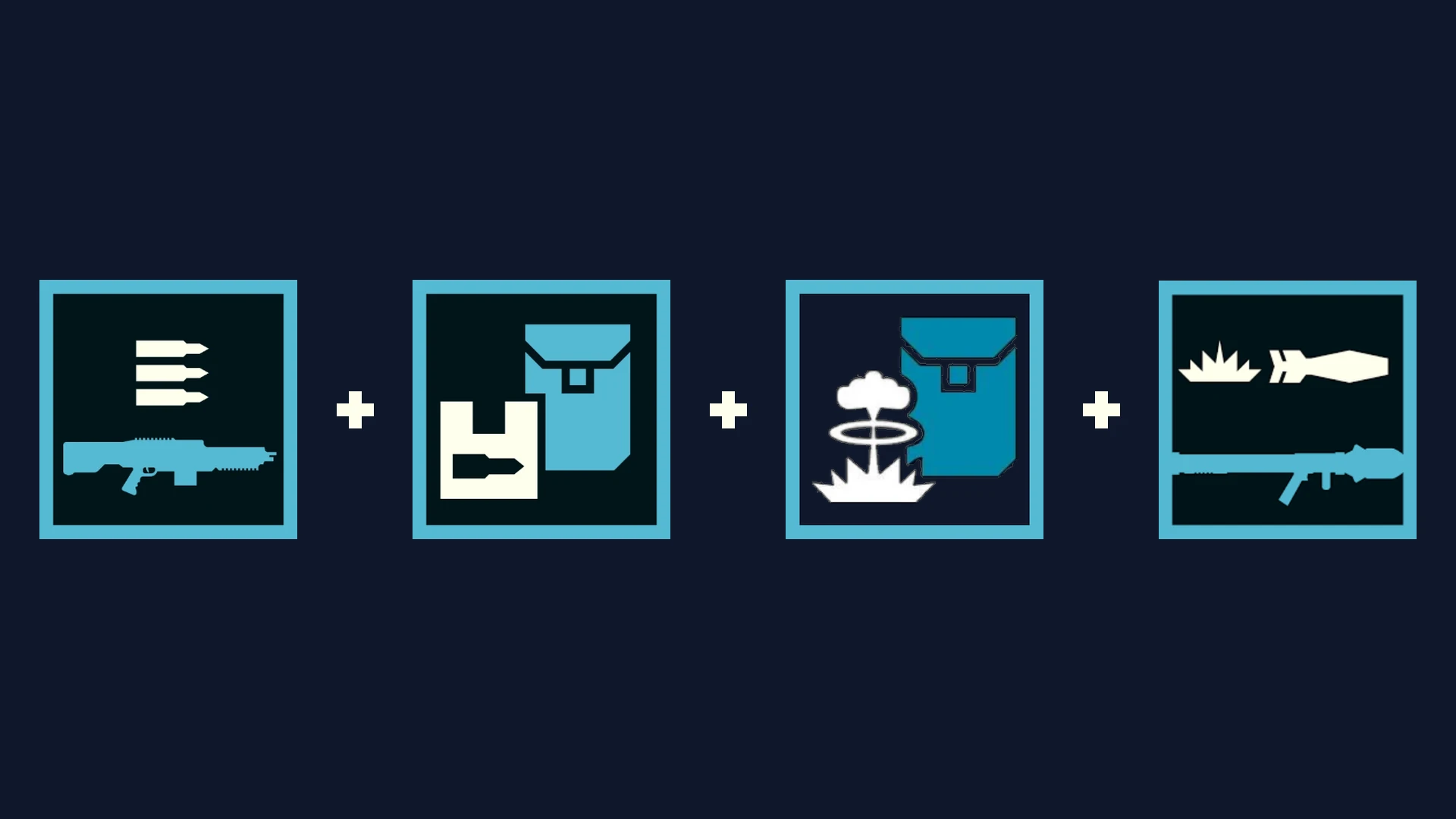
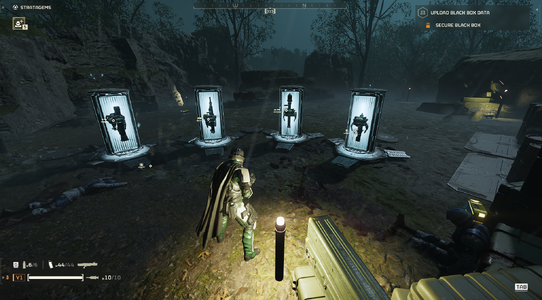
Support Weapon Quad-Drop expands your support weapon Hellpods with 3 bonus equipment slots. A single stratagem call-in drops up to 4 items simultaneously: your primary support weapon, a secondary weapon or payload, and two backpacks/utility items from the same hellpod.
• v0.5.0 (In-Game HUD) (currently fixing backpack weapons)
- Press F10 anywhere (Ship or In-Mission) to open Esc to close.
- Customize all 29 support weapons individually.
- Live search bar, mouse wheel scrolling, and 1-click loadout profiles.
- Zero Mod Menu Tabs used (leaves all 8 tabs open for other mods).
• v0.4.5 (Pause Menu)
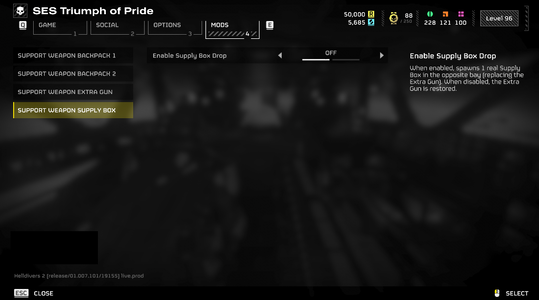
- Configured via Options → MODS → Support Weapon.
- Universal 3-slot setup across all weapons.
- Compact 3-tab layout.
Hellpod Layout
- Slot 1: Primary Weapon (Native call-in)
- Bay 2: Auto / Secondary Weapon / Backpack / Supply Box
- Bay 3: Left Rack (Any Backpack / Weapon / Supply Box)
- Bay 4: Right Rack (Any Backpack / Weapon / Supply Box)
Quick Tips - Sync / Refresh: If drops ever feel out of sync after joining a mission or updating mods, open F10 and click your profile card or [RELOAD] to re-arm all pods instantly.
- Load Order: Give this mod and Bingus Shared Loader high priority in your mod manager.
- Multiplayer: All squad members should install the mod to interact with extra dropped items without placeholder icons.
(v0.4.5 only; v0.5.0 should have no problem with those mods, though not fully tested yet)
- D-Glitch's Energy-based and Support Weapon overhaul
- D-Glitch's Marksman rifles overhaul
- D-Glitch's Secondaries overhaul
mwta0043's VTOL Pelican Air Support
- Bingus Shared Loader — v18 or newer.
- HD2Runtime — v0.28.1 or newer.
- CowboyBingus’ Mod Options Menu.
Installation
- Close Helldivers 2.
- Install and enable the dependencies in your mod manager (Arsenal, Echelon, or Vortex).
- Import your chosen version zip archive (HD2-Support-Weapon-Quad-Drop-0.5.0.zip or 0.4.5) and enable it.
- Deploy mods and launch the game.
- In-game:
- For v0.5.0: Press F10 to open the HUD, select your weapons and payloads, or click a profile.
- For v0.4.5: Open Options -> MODS, configure your slots, and press Apply.
Multiplayer
requirement: All players must install this mod and its required dependencies. Players without it may see a purple question mark instead of the added backpack and be unable to interact with it. Additional testing is still needed to verify if 2 players using this mod will still see the purple question mark or not.
Credits
- birdzlittlehelper — Creator and author of the original 0.2.0 version
- Clover886 — Creator of the original Quasar + Shield Pack Care Package.
- CowboyBingus — Creator of Bingus Shared Loader and the Mod Options Menu.
- SkyeShade — Creator of HD2Runtime.
- UI Inspiration:
- Shodan / Armory Mod — Inspiration for the in-game tactical overlay concept.
Permissions
Anyone is welcome to use, modify, improve, redistribute, or build upon this mod. Please retain credit to all contributors.
