Pick your Bots/Bugs/Squids 1.8.2

A Mod for Helldivers 2
Pick your Bots/Bugs/Squids akl_mod_preview_image
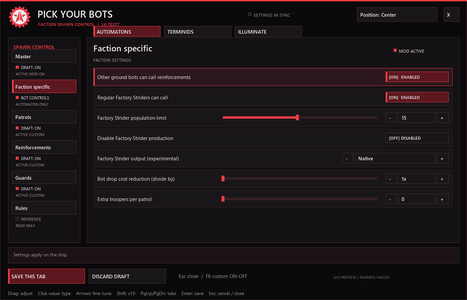
  • 02-Automaton-Settings.png
    02-Automaton-Settings.png
    83.8 KB · Views: 1,199
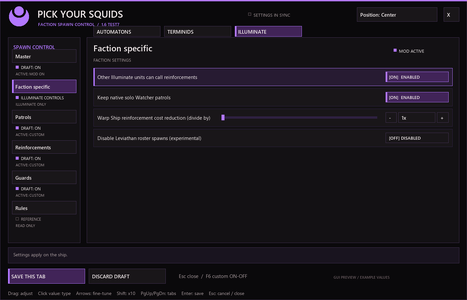
  • 04-Illuminate-Settings.png
    04-Illuminate-Settings.png
    76.7 KB · Views: 991
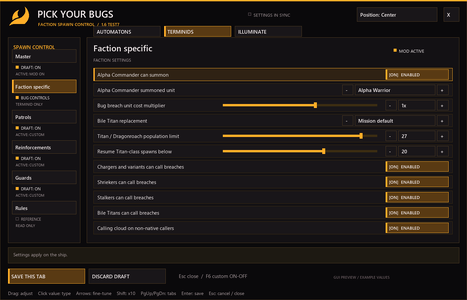
  • 03-Terminid-Settings.png
    03-Terminid-Settings.png
    96.1 KB · Views: 836
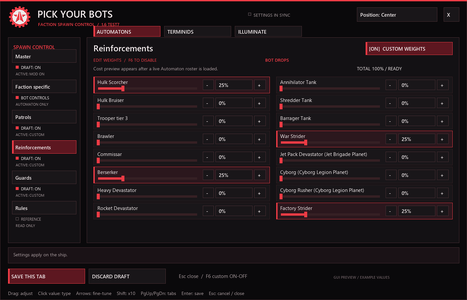
  • 05-Automaton-Drops.png
    05-Automaton-Drops.png
    99.3 KB · Views: 726
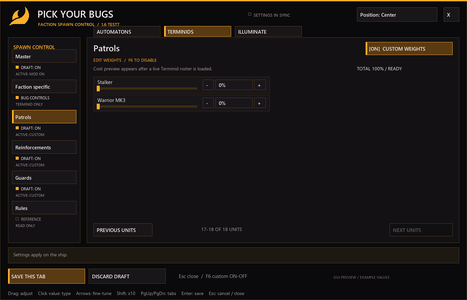
  • 07-Terminid-Patrols-More-Units.png
    07-Terminid-Patrols-More-Units.png
    73.9 KB · Views: 579
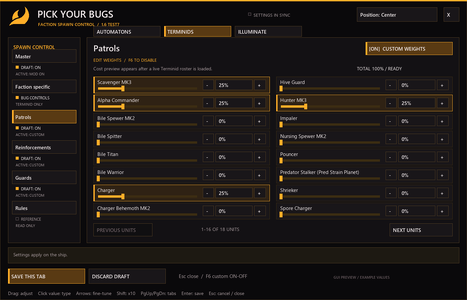
  • 06-Terminid-Patrols.png
    06-Terminid-Patrols.png
    98.1 KB · Views: 504
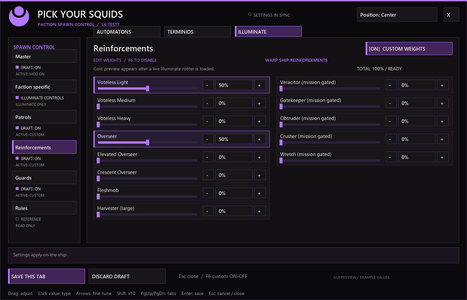
  • 08-Illuminate-Reinforcements.png
    08-Illuminate-Reinforcements.png
    98.1 KB · Views: 833

Pick Your Bots / Bugs — Test 23​

Customize the enemies you fight, with separate Automaton and Terminid mixes for patrols, reinforcements, guards, and POIs/outposts.

Set a key to it first in mouse and keyboard, theres no default key assigned at first install
Do not use on SEAF cities, can crash.

Some units may not spawn in bugs due to them being not available (if you see ? marks, use operation reroller to get an eligible mission with that seed, for ex pouncers cant spawn on a bile seed mission, but other bugs (like hunters/stalkers/alpha commanders which are common) will replace the bile seed ( in this example)
Read the rules in the rules tab in the mod.

Build your own enemy mix​

Set individual unit percentages for each spawn category. Faction weights save separately, so changing your Terminid mix won’t change your Automaton setup.

Shared Master controls​

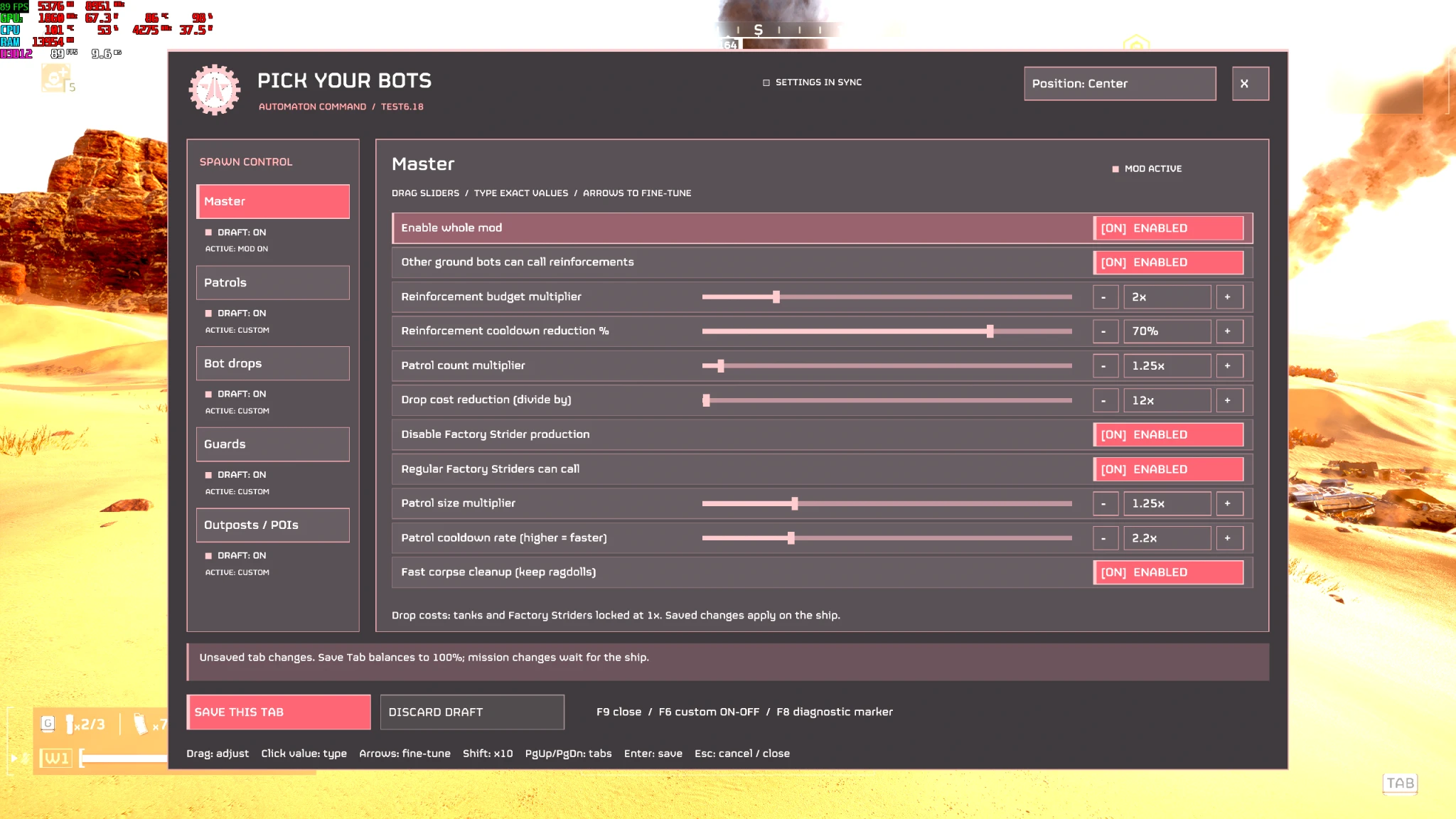
Adjust reinforcement budgets and cooldowns, patrol counts, patrol sizes, patrol frequency, and corpse cleanup across factions.

Automaton controls​

  • Additional reinforcement callers.
  • Factory Strider reinforcement calls.
  • Adjustable Factory Strider population limit.
  • Disable Factory Strider production or select its output.
  • Bot drop cost adjustments and extra patrol troopers.

Terminid controls​

  • Enable or disable Alpha Commander summons.
  • Choose from 11 summon options, or randomize the choice per mission.
  • Adjust bug breach costs.
  • Allow Chargers, Stalkers, and Bile Titans to call breaches, with the small caller-cloud effect.
  • Adjustable Titan/Dragonroach population cap and resume threshold, without stopping other bugs.
  • Bug holes use your Guards selection subject to the hole’s supported spawning behavior.
  • Selected nest guards use equalized affordable prices.
  • Guards set the poi and nest guards and bug hole production choices

Do not use it with any other spawn multiplier or surge mod, they all can change the same settings and crash.​

329.4 KB
Log in or sign up to download
Uploaded by
Feroz77
Downloads
1,999
Comments
178
Views
16,032
First release
Last update
Platform
PC 
Version
1.8.2
Total Size
329.4 KB
Rating
4.40 star(s) 10 ratings

Uploaded by

  • 1,999
  • 16,032

Ratings

4.40 star(s) 10 ratings

More mods from Feroz77

  • PC Hell Dead Redemption

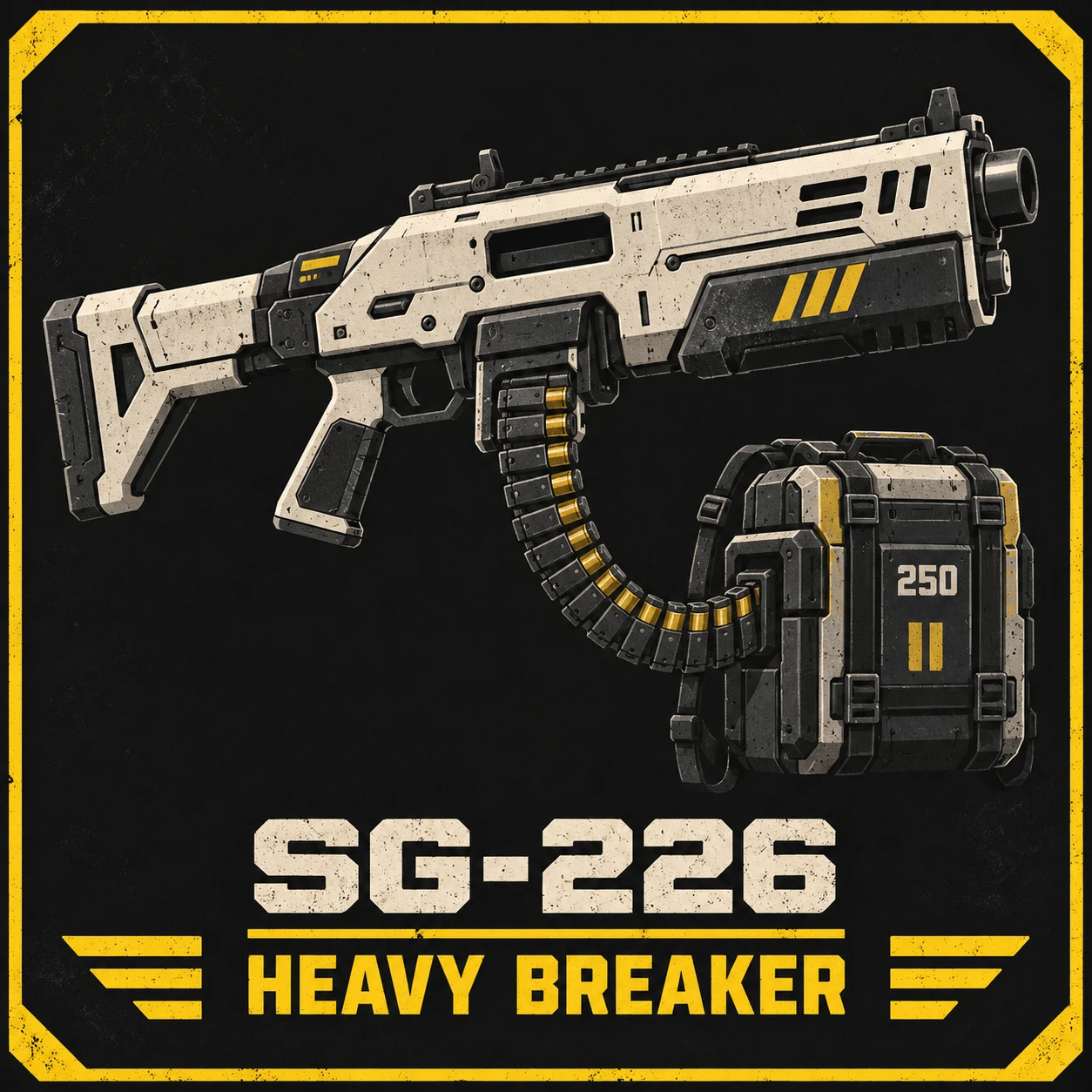
  • PC SG-226 Heavy Breaker

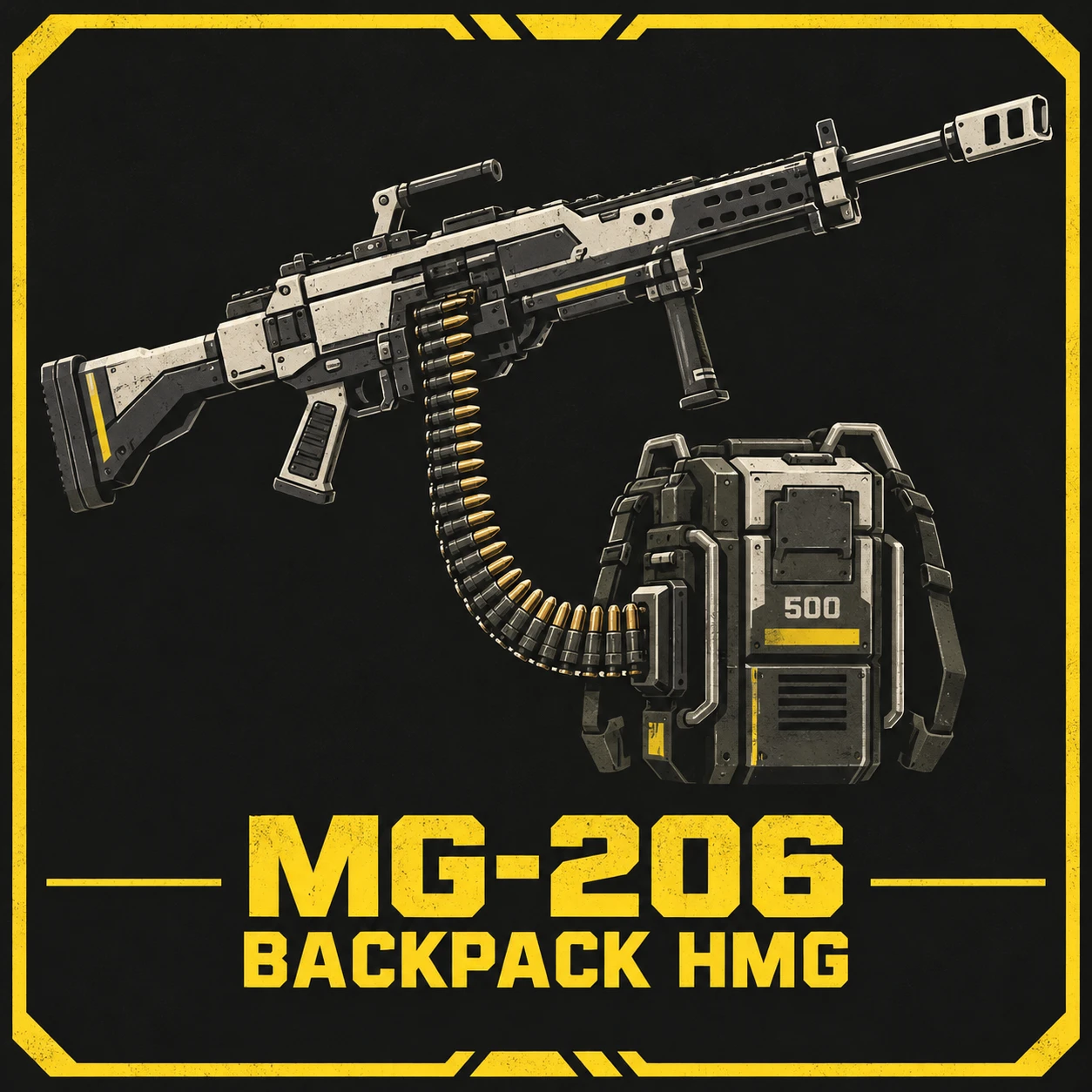
  • PC MG-206 Belt fed Heavy Machine Gun

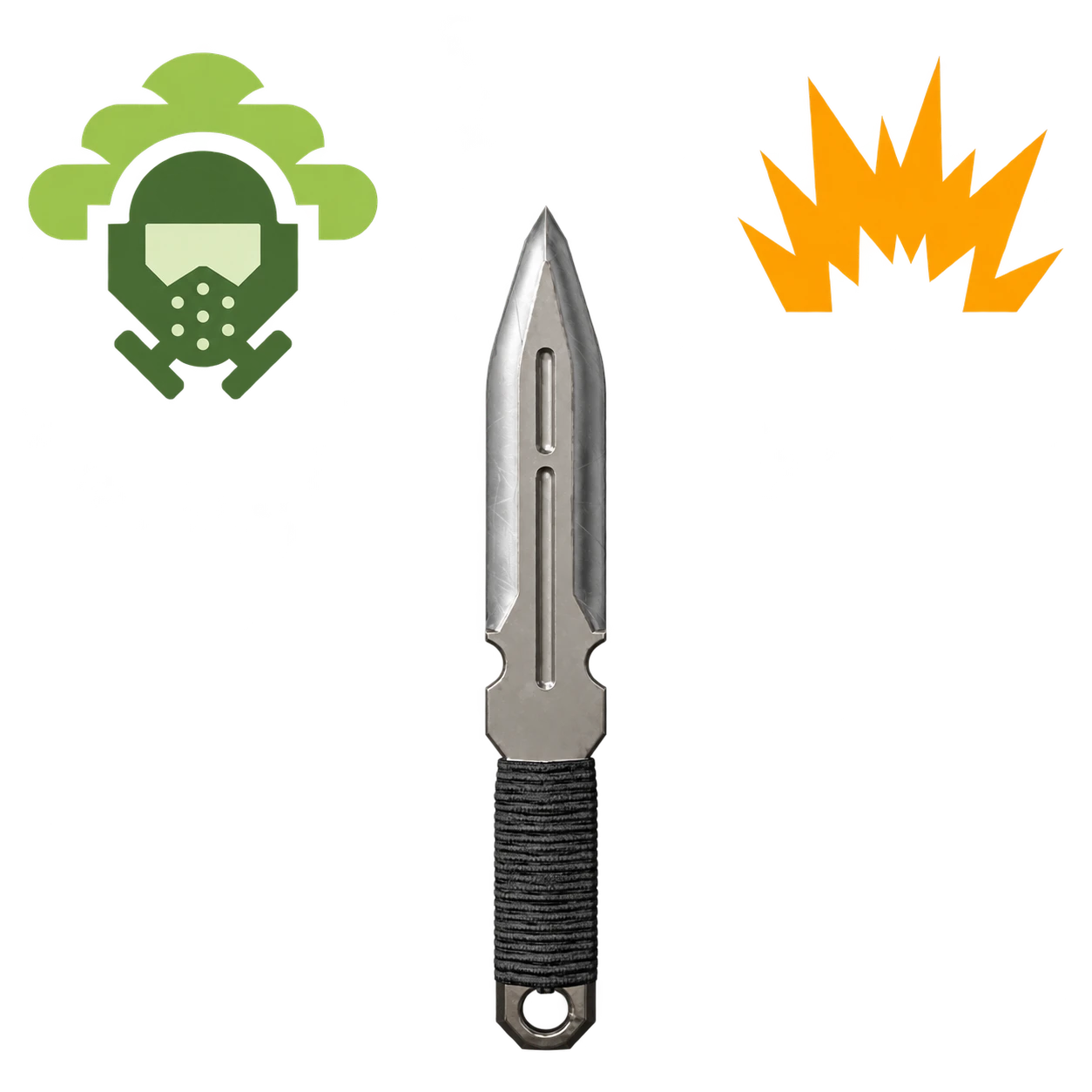
  • PC Knife Tips - Explosive & Gas

  • PC Super Jericho Missile

Latest updates

  1. Bug fix

    Fixed a bug where disabling the mod still allowed Illuminate and Terminid mixes to apply
  2. Hotfix for crashes

    An experimental feature accidentally made it through to the public release
  3. Guard Mix Fix & Restored Spawn Scalers

    Improves Terminid guard balancing by accounting for mission and difficulty eligibility. Refines...

Feroz77

Modder
Modder
Members
Sep 28, 2026
106
15
love the mod, but unfortunatly i keep crashing even on low spawn multiplier settings, i on;y tested vs mindless masses, if anyone have any solutions plz help
Illuminate crashes a lot, havent fixed it yet, the overseers should work fine
 

JonnySparta

Members
Members
Sep 29, 2026
13
3
Awesome mod, really well done! Thank you very much for all your efforts <3


Trying to troubleshoot some issues on my end right now. Disabling Commander spawning seems to be causing ctd (when they try to call) and I think I'm struggling to revert increases i applied to alpha commonder spawning as guards and partols.. like almost everything is alphas now and changes I'm making in the bug faction patrol, reinforce, and guards arn't saving despite hitting the button.

Just reporting so you know, probably my own fault.
are you saving on the ship or in a mission?

It's been happening on the ship and i had it happening a sec ago but trying it again now I can't seem to replicate it and the per faction partol draft seems to be accepting changes just fine. But idk before i was moving the slider and saving and it would just say 'something something.. nothing saved" and my only ways to get rid of my (unstable) adjustments was to just toggle the custom weights off again.

Anyway if I can nail down what I was doing wrong I'll update.

Again really appreciate you, I needed this mod so bad for like the last year at least <3
 

JonnySparta

Members
Members
Sep 29, 2026
13
3
Ok so just ran a mission. After reloading the game changes to my partol, reinforce, and guards drafts returned to my previous (unstable values)

Launching the mission with all custom weight draft disabled still resulted in values being applied to the respective sections. It does say "draft: off" but also " Active - custom"

For clarity im just trying to get changes to these sections to apply reliably.

Thanks for any tips about what I may be doing wrong on my end!

Edit: additional notes - no additional spawn multiplier mods installed
- On ship currently, changing a unit slider from 100% to anything but zero and saving causes the slider to just retrn to 100%
-- changing value to 0% and saving says "partols total 0%. Select at least on unit before saving. Nothing saved.
- unistalling mod from manager and reinstalling retains settings. I guess its making an ini file somewhere other than the mod folder.
 
Last edited:

Feroz77

Modder
Modder
Members
Sep 28, 2026
106
15
Ok so just ran a mission. After reloading the game changes to my partol, reinforce, and guards drafts returned to my previous (unstable values)

Launching the mission with all custom weight draft disabled still resulted in values being applied to the respective sections. It does say "draft: off" but also " Active - custom"

For clarity im just trying to get changes to these sections to apply reliably.

Thanks for any tips about what I may be doing wrong on my end!

Edit: additional notes - no additional spawn multiplier mods installed
- On ship currently, changing a unit slider from 100% to anything but zero and saving causes the slider to just retrn to 100%
-- changing value to 0% and saving says "partols total 0%. Select at least on unit before saving. Nothing saved.
- unistalling mod from manager and reinstalling retains settings. I guess its making an ini file somewhere other than the mod folder.
if total is less than 100, it will automatically balance 100 between the units with more than 0, if u want vanilla patrols just turn off the tab at the top right and click save this tab
 

JonnySparta

Members
Members
Sep 29, 2026
13
3
if total is less than 100, it will automatically balance 100 between the units with more than 0, if u want vanilla patrols just turn off the tab at the top right and click save this tab
Yea it was totally my fault. Didn't realize I had to save after that on/off toggle and ofc the patrol drafts need to add up to 100%.

Really apprecaite your help. Me and the boys had an awesome session today with your mod :)

Tiny suggestion but maybe a lot of work i don't know: adding to the rules section the info on which seeds / difficulties don't support what enemies. Like after difficulty 8<?> chargers are either behemoths or spore would probably help people avoid crashes as they learn what works.
 

Hanzo790

Members
Members
Sep 26, 2026
5
3
just read the description, unless reading is hard for you, I didnt set a default keybind because a lot of people use F9, u can just set whatever key u want just get the bingus mod settings mod in the vanilla modpack, I can give you all the instructions if you still cant follow them I am sorry thats just a major skill issue on your part.
I've tried:
  1. Putting it after CowboyBingus Vanilla Pack (Last mod high prior).
  2. Using only your mod and CowboyBingus mods.
  3. Updating all CowboyBingus mods to the latest versions (V.19 Loader and V.41 Vanilla Pack).
  4. And obviously, downloading the latest version of this mod.
Before you get mad at me, at least check your mod's functionality. I know how CowboyBingus works, and I know there's also a mod options menu for it and keybind mod for it.

"Set a key to it first in Mouse and Keyboard. There's no default key assigned on first install."

And this instruction is basically false information, since the mod actually HAS a default key assigned to it (F9), BUT DOESN'T HAVE AN OPTION TO CHANGE THE KEY.
 

Jekotia

Members
Members
Oct 2, 2026
5
0
Something is wrong with the latest version. I joined someone elses' game, with the mod set to disabled & saved. We were fighting Mindless Masses, and there was an obscene number of Cresent Overseer spawns. Mid-mission, the host disconnected and I became host. After that, only Crescent Overseers spawned.