SUPER EARTH DIGITAL ARCHIVE 1.0
The Helldivers Wiki inside your Super Destroyer
"An informed Helldiver is a free Helldiver." — Ministry of Truth
The Helldivers Wiki inside your Super Destroyer
"An informed Helldiver is a free Helldiver." — Ministry of Truth
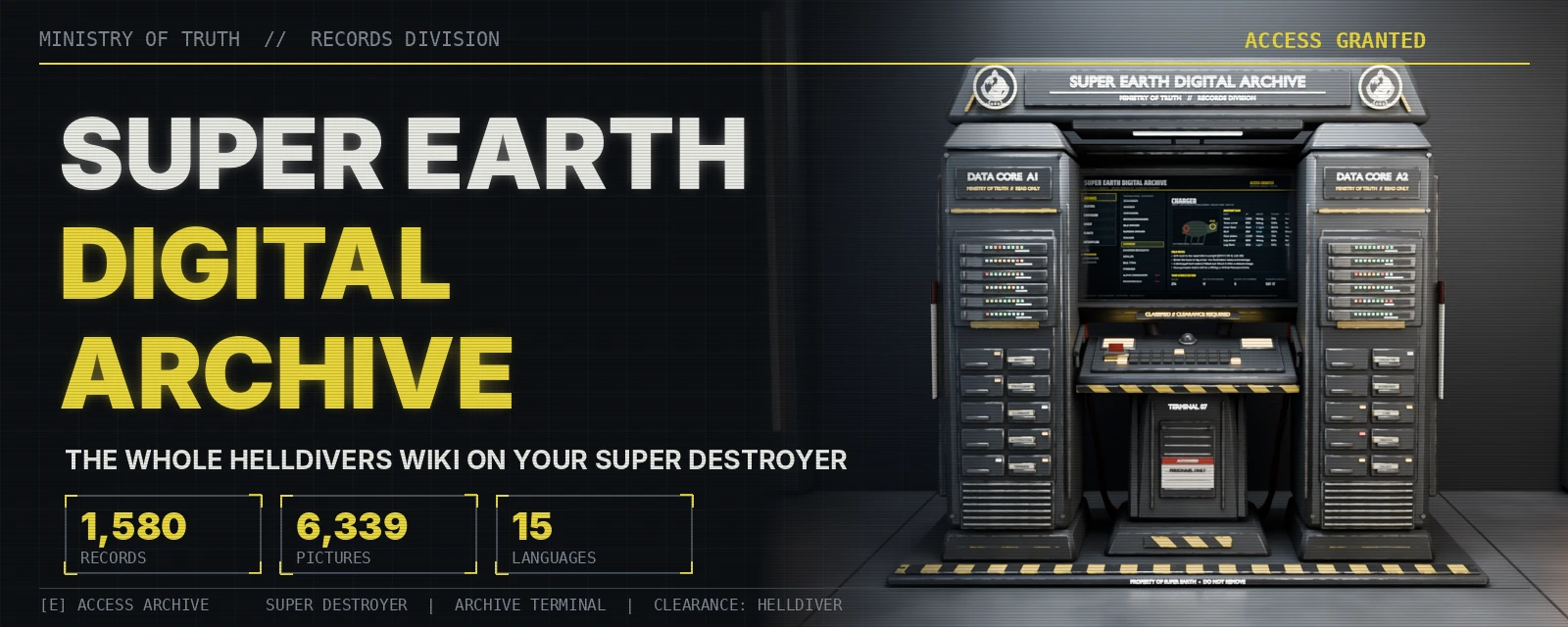
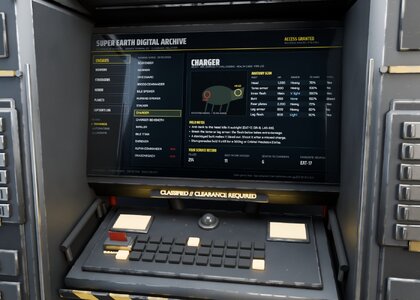
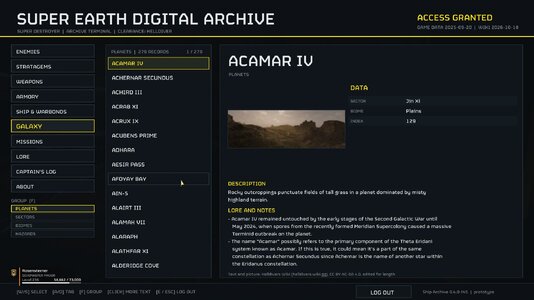
Still alt-tabbing to the wiki between drops? Not anymore. Remember the archive in Helldivers 1? Super Earth Digital Archive brings it back: a station in the hangar of your Super Destroyer with the whole Helldivers Wiki inside. Walk up to it, open it and read every enemy, stratagem, weapon, armor set, planet, mission and lore record in a full-screen terminal in the game's own font, with the wiki's tables and 6,339 wiki pictures.
FEATURES
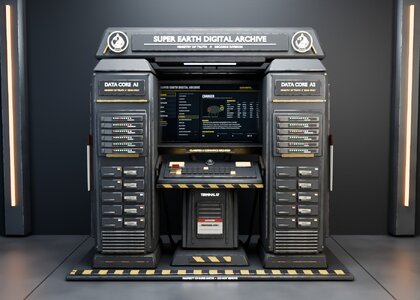
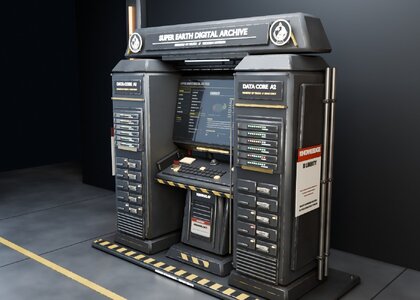
- The station: its own model at the back of the hangar, solid.
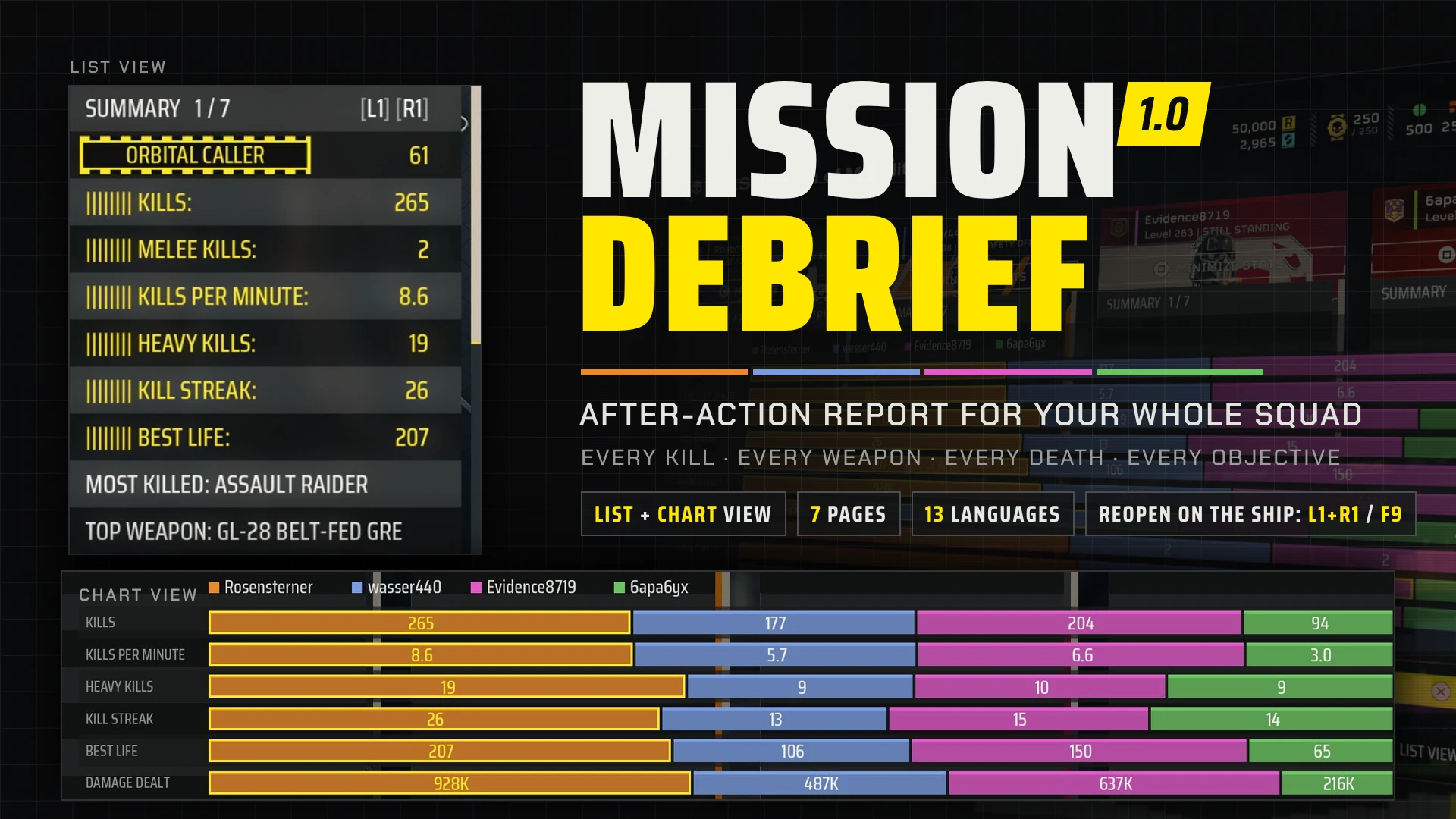
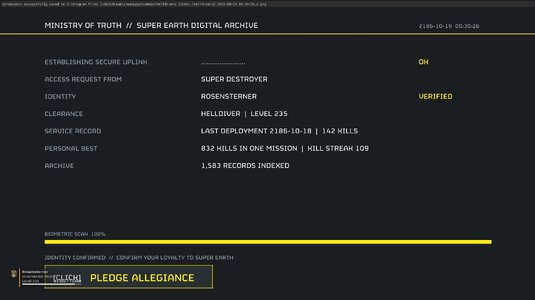
- Sign-in screen: your name, level, last deployment and personal best (from Mission Debrief, if installed), ship name and title. Then pledge allegiance and the archive opens.
- About 1,580 records from 1,539 wiki articles in ten tabs: ENEMIES, STRATAGEMS, WEAPONS, ARMORY, SHIP & WARBONDS, GALAXY, MISSIONS, LORE, CAPTAIN'S LOG and ABOUT.
- Enemy anatomy with health, armor value, durability, fatal parts and a picture of each body part.
- Every infobox field, the trivia and the change history of each page; tables drawn as tables; picture pages with galleries, media, maps, loadouts and biomes.
- GAME DATA numbers from the game's own data where it has the enemy or stratagem.
- English and 14 other languages for the terminal's texts, from your Steam language or language.txt, plus a languages folder to fix translations or add your own. The wiki's records stay in English.
- Keyboard, mouse and controller (DualSense or Xbox-compatible).
CONTROLS
- Open: E in front of the station (controller: Square / Cross)
- Select: W / S, Up / Down, PgUp / PgDn (controller: D-pad up / down)
- Tab: A / D, Left / Right, Tab (controller: D-pad left / right moves between tabs and records)
- Group: F (Triangle). More text: Space or a click (Cross)
- Log out: E / Esc (Circle)
SHIP NAME AND TITLE
The game keeps them where the mod can't read them, so write them yourself in player.txt in %LOCALAPPDATA%\CowboyBingus\Helldivers2\SuperEarthDigitalArchive (made the first time you open the archive). Remove the # and fill in ship= and title=, then reopen the archive.
REQUIREMENTS & INSTALL
- Bingus Shared Loader, kept last in the load order.
- Import the ZIP in HD2 Arsenal, enable, Purge, then Deploy. HD2 Arsenal keeps the whole ZIP, so the archive finds its pictures by itself.
- Other mod managers: if the archive shows no pictures, copy the three files from the ZIP's Pictures folder into %LOCALAPPDATA%\CowboyBingus\Helldivers2\SuperEarthDigitalArchive.
GOOD TO KNOW
- Light: the pictures are read only when a page that shows them opens.
- Safe: made for Steam build 25480438; after a game update the terminal stays off until the mod is updated. Only your keyboard bindings are taken out while the archive is open, and put back when you log out.
- Only you see it. Nothing goes over the network, no gameplay changes.
- Wiki export of 2026-10-18; 158 wiki pictures could not be downloaded.
- Bugs: please send SuperEarthDigitalArchive.log and STATUS.txt from the folder above.
CREDITS AND LICENCE
Text and pictures: Helldivers Wiki, licensed CC BY-NC-SA 4.0, edited for length. Every article and picture is listed in wiki_credits.txt in the download. The wiki content in this mod is shared under the same licence, for non-commercial use only. Thanks to all the wiki's editors.
Bingus Shared Loader and Runtime: CowboyBingus. GAME DATA: shalzuth/HelldiversData. Also on Nexus Mods: Super Earth Digital Archive
Made with AI assistance (Claude).
Helldivers 2 and its names, art and pictures belong to Arrowhead Game Studios and Sony Interactive Entertainment. Super Earth Digital Archive is a free fan mod, not affiliated with them or with the Helldivers Wiki.