Stratagem Balls Stay Put - Works After the EAC Update 1.0.2

A Mod for Helldivers 2
Stratagem Balls Stay Put - Works After the EAC Update akl_mod_preview_image
  • stratagem-balls-stay-put.jpg
    stratagem-balls-stay-put.jpg
    285.8 KB · Views: 21
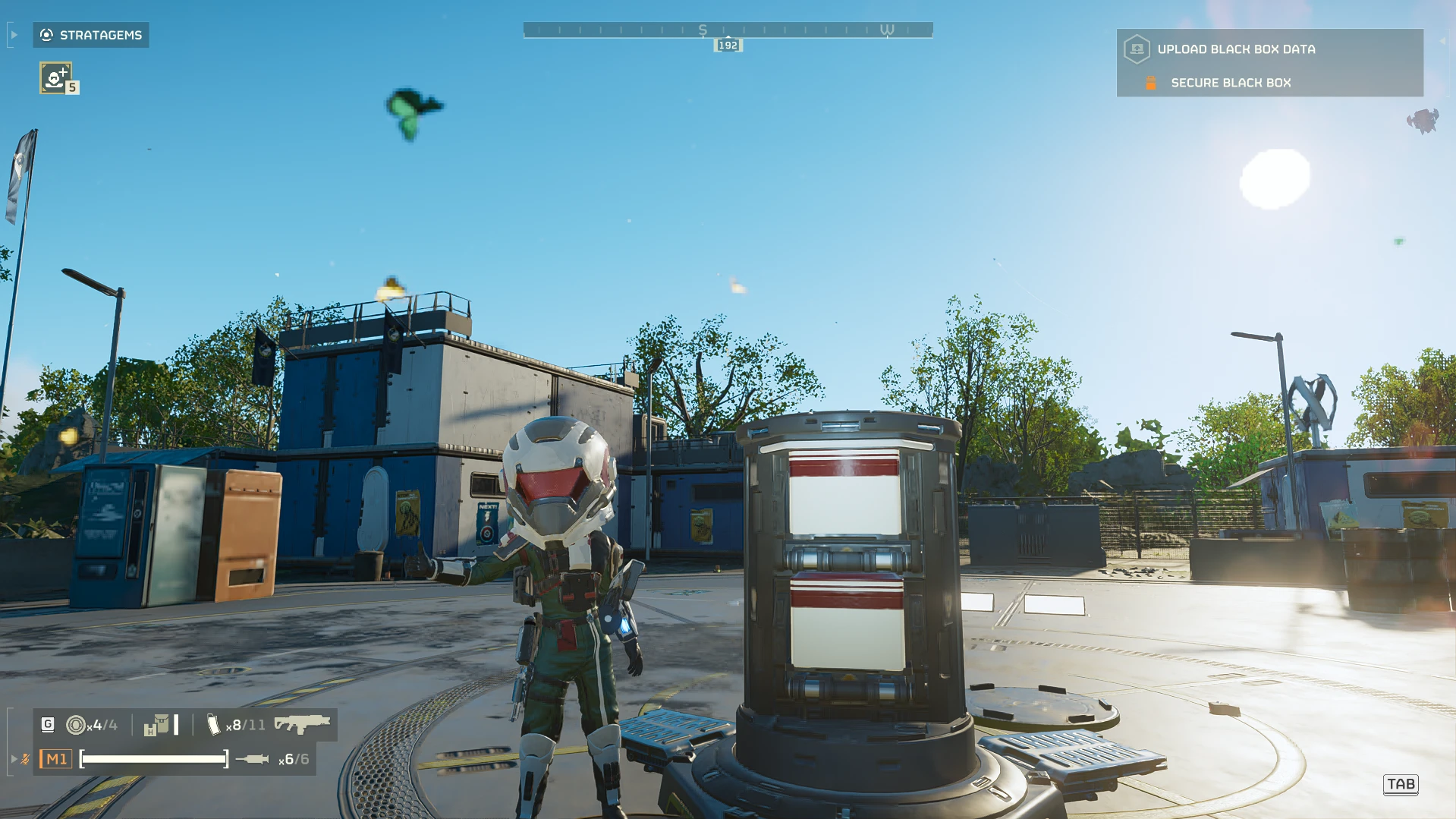
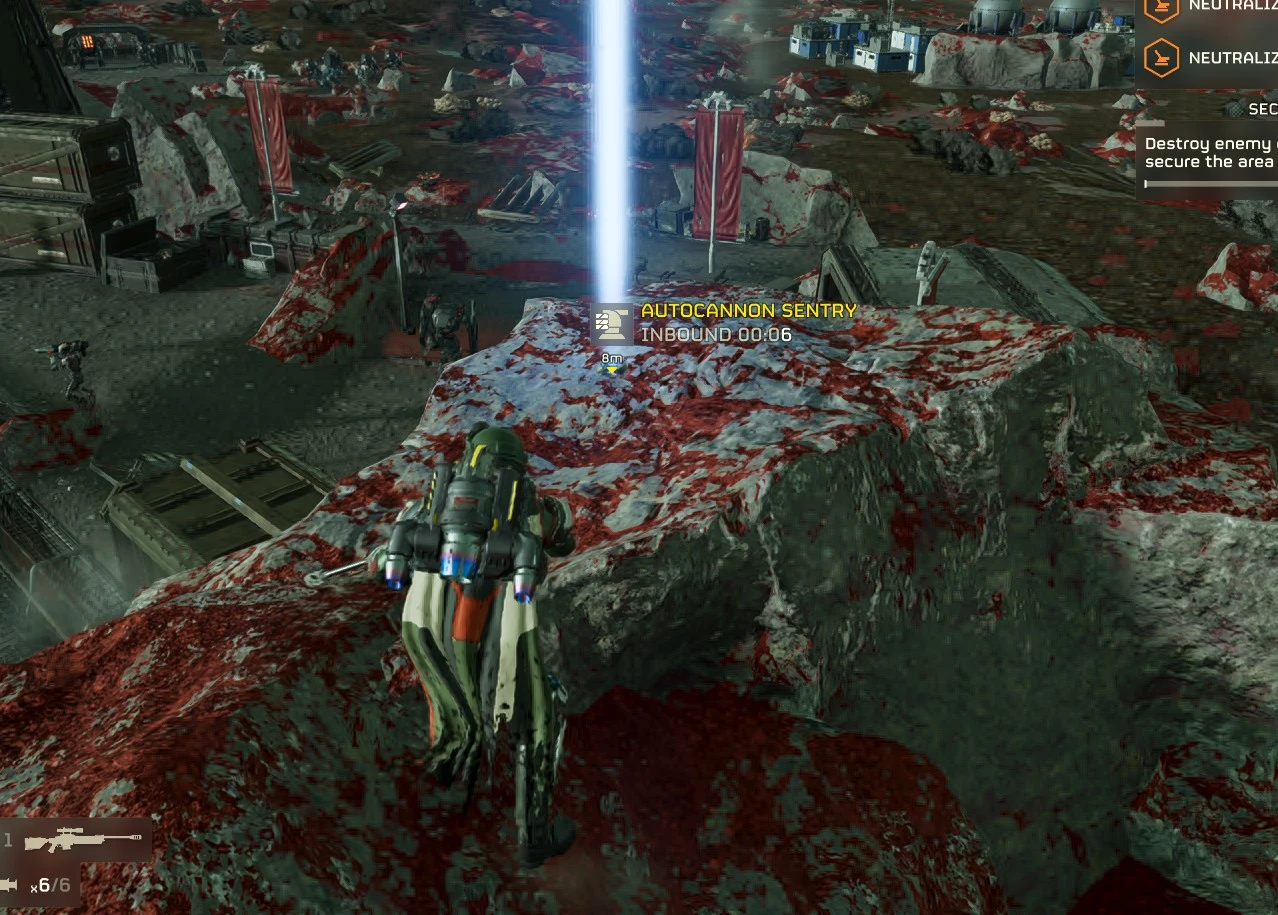
Stratagem balls stay where they land instead of rolling off high ground. Works after the EAC update.

Stock, a stratagem ball thrown onto a rooftop, a rock or a ledge often slides off and lands somewhere else, because the game only lets it settle on walkable ground. This mod removes that rule, so the ball stays where it lands.

It makes the same change as CowboyBingus' Better Stratagem Bounce from the Vanilla Plus Megapack. That version needed the Bingus Shared Loader, which stopped working with the October 20 update. This one changes the game's stratagem settings file instead, so it needs no loader - only the mod manager.

What changes
  • 105 stratagems lose their "settle on walkable ground only" flag: support weapons, backpacks, sentries, emplacements, orbitals, Eagles, vehicles and mission stratagems.
  • Nothing else. Cooldowns, payloads and call-in times are stock.

Install (HD2 Mod Manager or HD2 Arsenal)
  1. Add the zip to the mod manager. Both options start ticked - leave them.
  2. Deploy.
  3. Launch the game, wait for the main menu, then exit the game normally. The file is swapped on exit.
  4. Launch again. The mod is now active.

Uninstall
  1. Untick Stratagem Balls Stay Put, keep Uninstall helper ticked, and deploy.
  2. Launch the game and exit normally. The original file is put back.
  3. Disable or remove the mod.
If you removed the mod without doing this, use Steam > Properties > Installed Files > Verify integrity of game files.

How it works
The mod replaces the game's boot script, which is empty in the stock game. On exit, that script backs up data/game/generated_stratagem_settings.dl_bin and swaps in the modded copy carried in the mod. It refuses to write over a file it doesn't recognise, for example after a game update or with another mod that changed the same file, and then it does nothing. A log is written to StratagemBallsStayPut.log in the game folder.

Requirements and compatibility
  • A mod manager (HD2 Mod Manager or HD2 Arsenal).
  • Made for the current game version (October 22 hotfix, build 26088801; also recognises the October 20 build). After a game update it changes nothing until this mod is updated.
  • Tested solo and in multiplayer.
  • Doesn't work together with other mods that replace the game's boot script or the stratagem settings file.

Credits
  • CowboyBingus, for the original Better Stratagem Bounce (Vanilla Plus Megapack, 0BSD).
  • Me... Duh.

If you found this mod helpful or useful, you can consider tipping here on Ko-fi.
170.9 KB
Log in or sign up to download
Uploaded by
Medic3038
Downloads
1,017
Comments
64
Views
4,844
First release
Last update
Platform
PC 
Version
1.0.2
Total Size
170.9 KB
Rating
0.00 star(s) 0 ratings

Uploaded by

  • 1,017
  • 4,844

Ratings

0.00 star(s) 0 ratings

Tags

There are no tags available.

More mods from Medic3038

  • PC FRV Stops flipping over air.

  • PC Medic Divers - Health Pack Rack - Medic Backpack - Walking Smoke Barrage

  • PC Twirl Toggle - Keep the Revolver Ammo-Check Twirl Going

  • PC Goofdiver - Visible Helmet and FRV Lights - Body and Head Size

  • PC Media Kit

Latest updates

  1. 1.0.2 - Arsenal fix, installs with both options ticked

    1.0.2 Fixed "payload not found" (log: ERR payload not found) with HD2 Arsenal and large mod...
  2. 1.0.1 - works on the October 22 hotfix

    Works on the October 22 hotfix. The hotfix re-encrypted the stratagem file without changing it...

Pinned comment

Pinned by the author.

Medic3038

Members
Members
Sep 19, 2026
86
28
ok so technically you can make the change permanent if you just install the mod following the correct steps and the just disable it on your modlist without taking the "uninstall" steps?
So the steps are this way, 1. You tick the mod, then the install options and deploy and launch. 2. You exit the game manually through the menu and boot the game again. The mod is now permanent. 3. To uninstall you gotta turn on both the install and uninstall options and launch. 4. You exit the game manually and the mod should be removed the next time you launch.
Ik this is kinda complicated but this is what we have for now.
 

yixia

Members
Members
Sep 20, 2026
13
1
According to my own testing, the mod didn't run successfully, but it's not your fault. I also installed another mod from site A called 'AMW-20 Apex Rebalance,' which has higher priority than yours, and since both of your mods are used in the same way, his took effect while yours didn't. Now I have a question: can only one mod like this take effect at a time, or is it possible to make them compatible?
 

BigamusMaximus

Members
Members
Sep 28, 2026
6
2
Wanted to clarify on the steps to get this to work with Treasure Hunter, You install, launch game, quit, then you can just uncheck this and check Treasure Hunter, launch game again, correct? No need to purge before launching with Treasure hunter correct? That will let both mods work in tandem.
Thanks!
 

Medic3038

Members
Members
Sep 19, 2026
86
28
According to my own testing, the mod didn't run successfully, but it's not your fault. I also installed another mod from site A called 'AMW-20 Apex Rebalance,' which has higher priority than yours, and since both of your mods are used in the same way, his took effect while yours didn't. Now I have a question: can only one mod like this take effect at a time, or is it possible to make them compatible?
Wanted to clarify on the steps to get this to work with Treasure Hunter, You install, launch game, quit, then you can just uncheck this and check Treasure Hunter, launch game again, correct? No need to purge before launching with Treasure hunter correct? That will let both mods work in tandem.
Thanks!
You can have multiple mods on, like maximus mentions, you tick the install, untick the uninstall, launch the game and quit using the main menu, then uncheck this mod(dont purge) and run the other mods by ticking and launching with them.
 

BigamusMaximus

Members
Members
Sep 28, 2026
6
2
You can have multiple mods on, like maximus mentions, you tick the install, untick the uninstall, launch the game and quit using the main menu, then uncheck this mod(dont purge) and run the other mods by ticking and launching with them.
Sweet!! I was hoping I read that right, freakin a You a god among men sir! Does this work with Arsenal yet or just HD2 Mod Manager?
 

UknPownXiJPisSB

Members
Members
Sep 21, 2026
5
1
Can you recreate the entire Bingus's Vanilla Megapack in this format? Would that work? Or at least try to revive more QoL functions from the Megapack. Really needed this, thank you.
 

nediarex1

Members
Members
Aug 28, 2026
14
6
have you tried to see if it works with echelon mod manager yet? currently testing if your recent changes applied there too.
 

SpoodahDB

Members
Members
Sep 30, 2026
16
1
Well not all the mods that are coming out now use the same entry, most of the hooks into the files were blocked so a loader wouldnt really serve people much until someone finds a solid hook.
Dang, are there any other Bingus Megapack mods that you can get working or is it just this one?