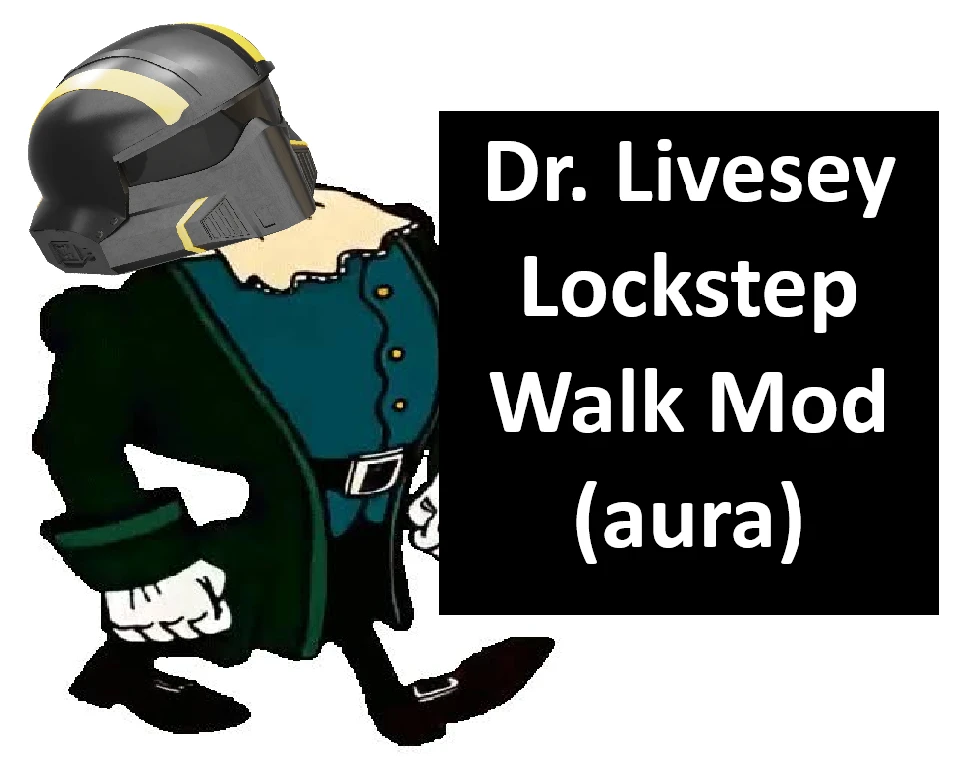
Dr Livesey Walk Lockstep Emote
Walk with confidence. Gives the Lockstep emote the Dr Livesey walk, with configurable animation choices:
Standalone installation
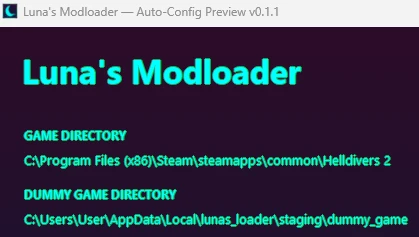
Luna’s Modloader installation
Walk with confidence. Gives the Lockstep emote the Dr Livesey walk, with configurable animation choices:
- Always Livesey: Get the walk every time.
- Custom chance: Choose a 0–100% chance, adjustable in 10% increments, each time you activate Lockstep. 0% keeps normal Lockstep; 100% is Always Livesey. Random results can repeat!
Standalone installation
- Close the game and remove any previous Livesey version.
- Extract the entire ZIP, keeping the Configurator folder beside the EXE.
- Run Dr Livesey Walk Lockstep Emote v1.3.0.exe and select your Helldivers 2 folder.
- Choose Always Livesey or Custom chance, set your percentage, then click Install / update.
Luna’s Modloader installation
- Close the game, remove the previous Livesey entry, and Purge its deployment.
- Add the whole ZIP to Luna and click Configure.
- Choose your mode and percentage, then click Configure for Luna.
- Once the configuration window closes, click Deploy in Luna.