AyakaNTEBypasser - NTE Signature Bypass 1.1.1a

A Mod for Neverness to Everness
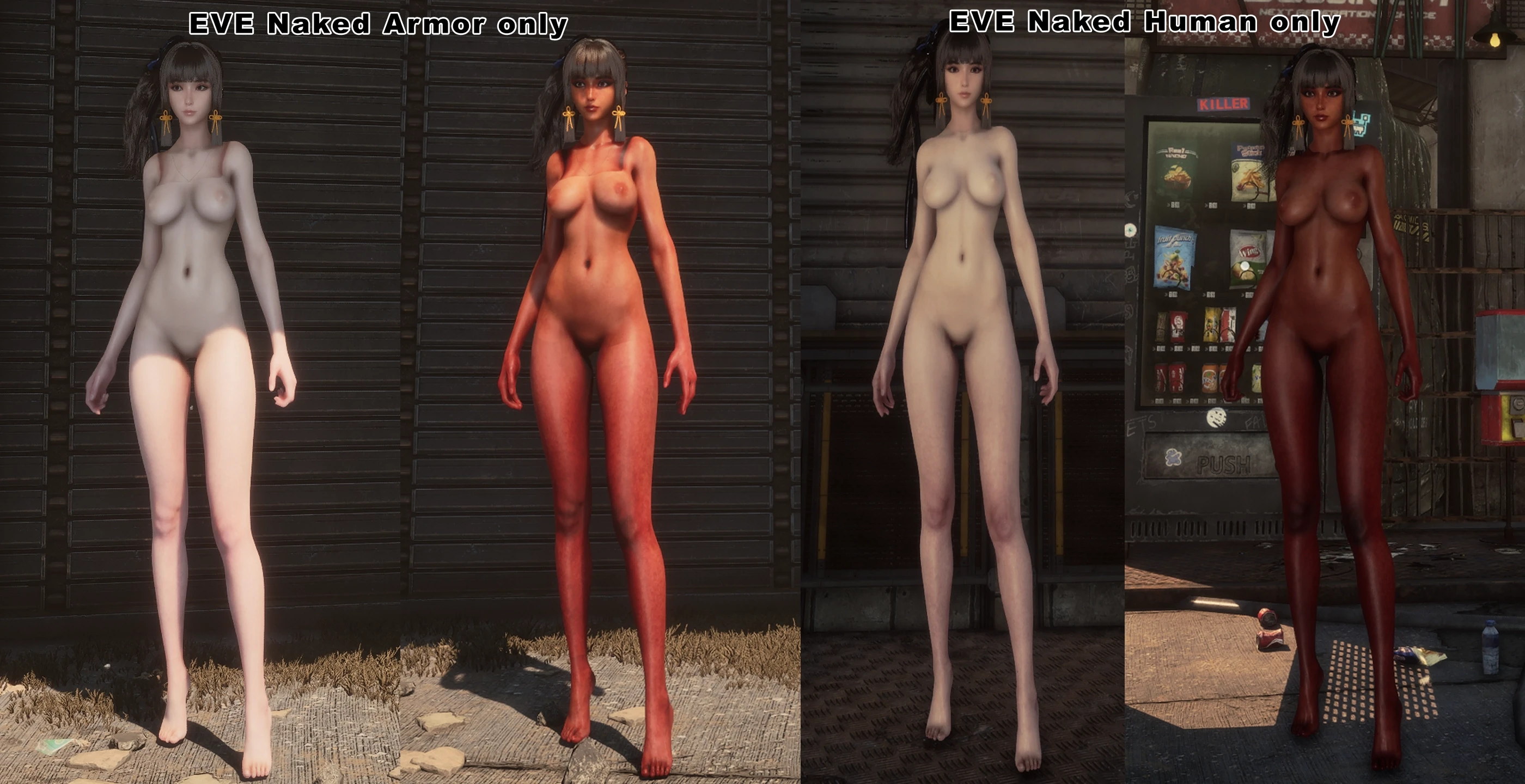
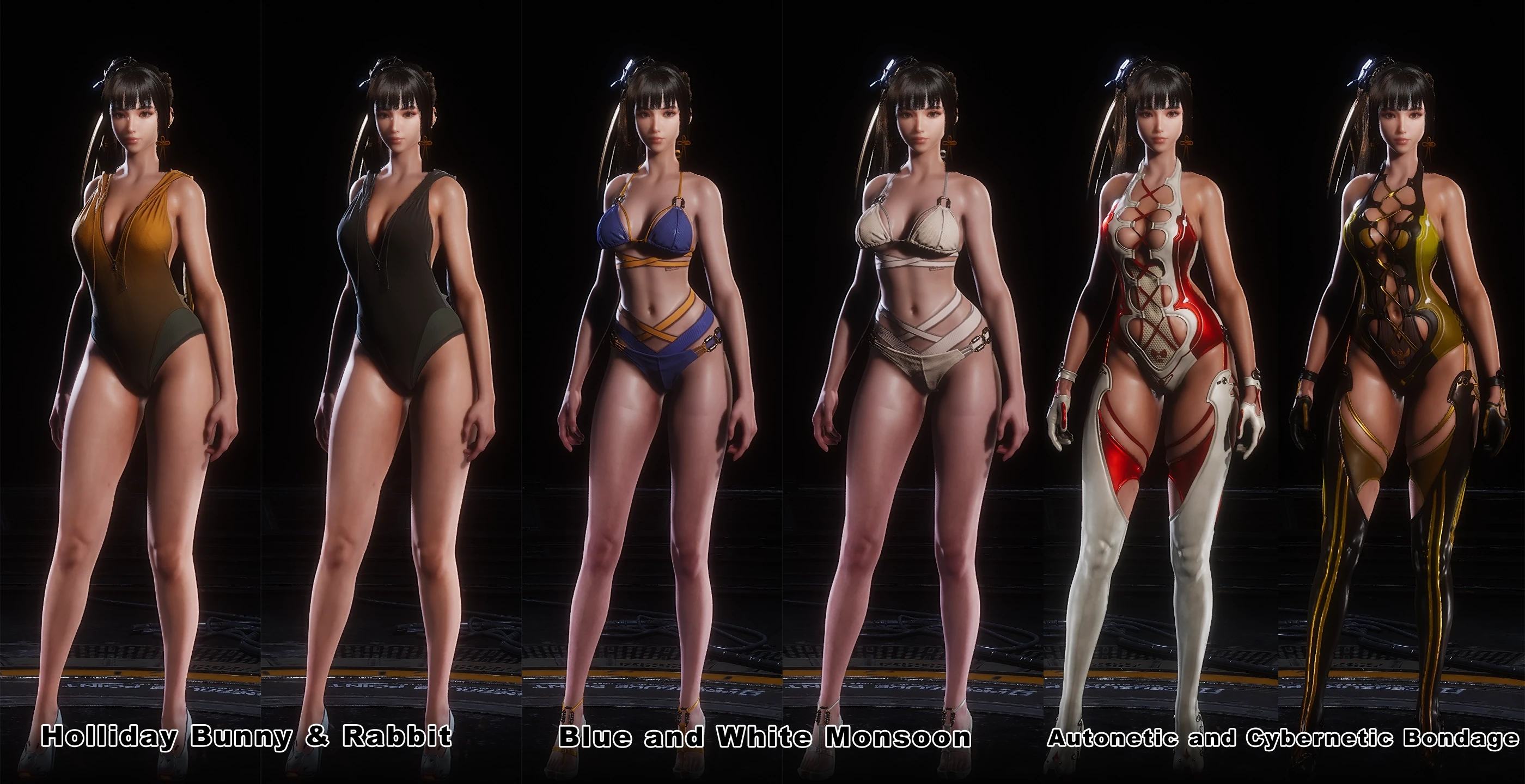
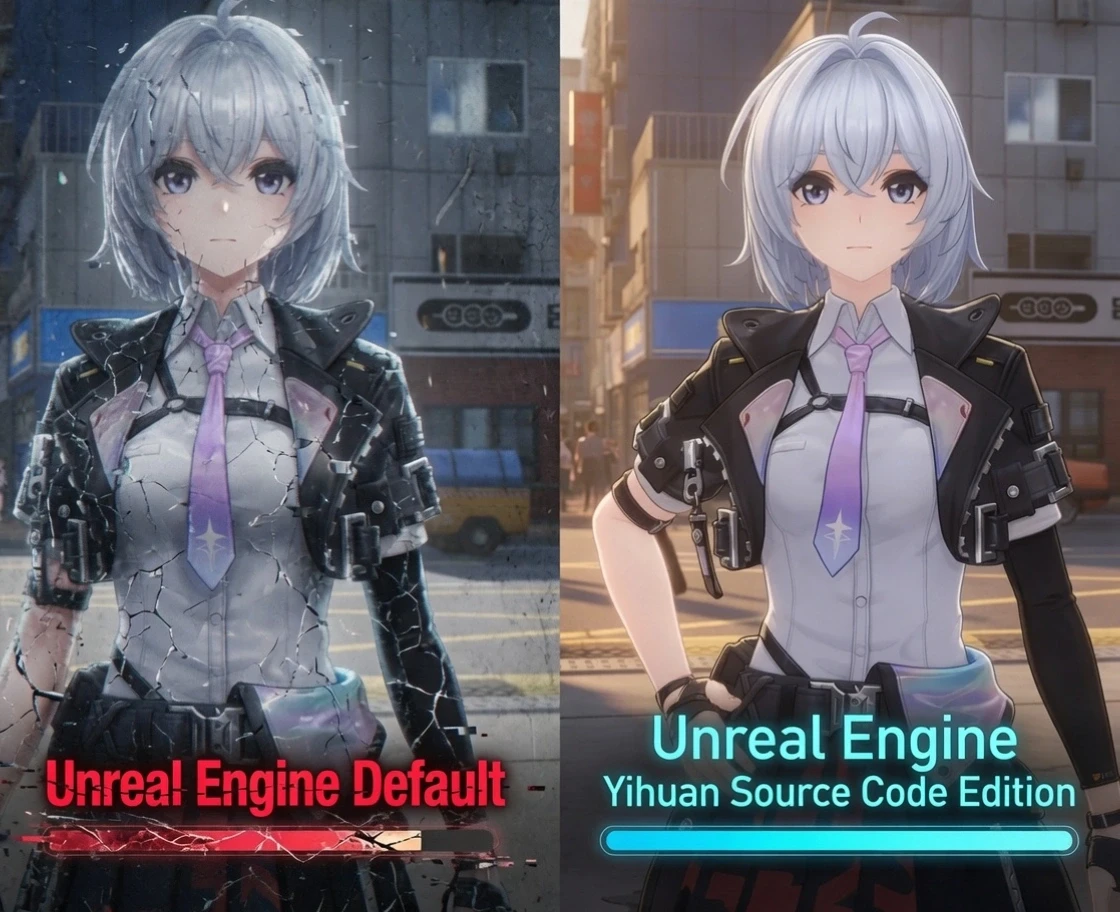
AyakaNTEBypasser - NTE Signature Bypass Mod Preview Image

AyakaNTEBypasser
NTE Signature Bypass · Made by AyakaMods & Senku Aoki


> Join NTE Modding Discord Server <

https://discord.gg/ZE3DAAWu85


What is this?

AyakaNTEBypasser is a lightweight runtime patcher for Neverness to Everness that neutralises the game's built-in signature verification check. Without this bypass, the game detects modified or injected assets and refuses to load them. This tool patches a single function in HTGame.exe At startup, no game files are modified on disk.


How it works:

The bypass is injected as a .asi DLL via any standard ASI loader. On attach it:

  1. Checks the host process name, exits silently if it is notHTGame.exe, leaving crash reporters and launchers completely untouched
  2. Scans the loaded module for one of six known byte patterns that identify the signature verification function across game versions
  3. Follows the relative jump from the matched pattern to the actual check routine
  4. Writes a three-byte patch (MOV AL, 1 / RET) that forces the check to always return success

The entire operation completes in under one second and leaves no permanent changes to the game installation.


Stealth features:
  • PEB unlink: the module is removed from all three Windows loader lists (InLoadOrder, InMemoryOrder, InInitializationOrder) so module enumeration tools cannot see it
  • The header erases: the PE/MZ header page, which is zeroed in memory after injection, removing the on-disk signature from any memory scan
  • Compile-time string encryption: all sensitive strings (process name, log filename) are XOR-encrypted at compile time via a constexpr template and only decrypted at runtime
  • No debug symbols: Release builds ship with no PDB and no debug information


Multi-version pattern support:

The patcher carries six independent byte patterns covering different builds and updates of NTE. If the game updates and shifts the function, it will automatically fall through to the next pattern. When a match is found, the pattern number and resolved address are written to the log so you can verify it is working.


Installation:
  1. The Bypasser must be installed in the following folder C:\Program Files\Neverness To Everness\Client\WindowsNoEditor\HT\Binaries\Win64\
  2. The mod installed here: C:\Program Files\Neverness To Everness\Client\WindowsNoEditor\HT\Content\Paks\
  3. Create a ~mods folder and put it in the mod files.


Trouble with ASI deleted by antivirus?
1779965081534.png


Upload Permission:
  • You are strictly forbidden from uploading this file to any other website.


Changelog:
  • Updated installation for beginners to understand. Thanks to @Gnaman77 for making installation better!

Credits by me (Senku Aoki)


AyakaNTEBypasser is provided for modding and preservation purposes.
This tool does not interact with any online services or other players.
31.1 MB
Log in or sign up to download
Uploaded by
Senku Aoki
Downloads
6,391
Views
63,954
First release
Last update
Platform
PC 
Version
1.1.1a
Total Size
31.1 MB
Rating
5.00 star(s) 11 ratings

Uploaded by

  • 6,391
  • 63,954

Ratings

5.00 star(s) 11 ratings

Tags

There are no tags available.

More mods from Senku Aoki

  • PC Yihuan Source Code Edition NTE Modified Engine

  • PC Ayaka NTE Decensored

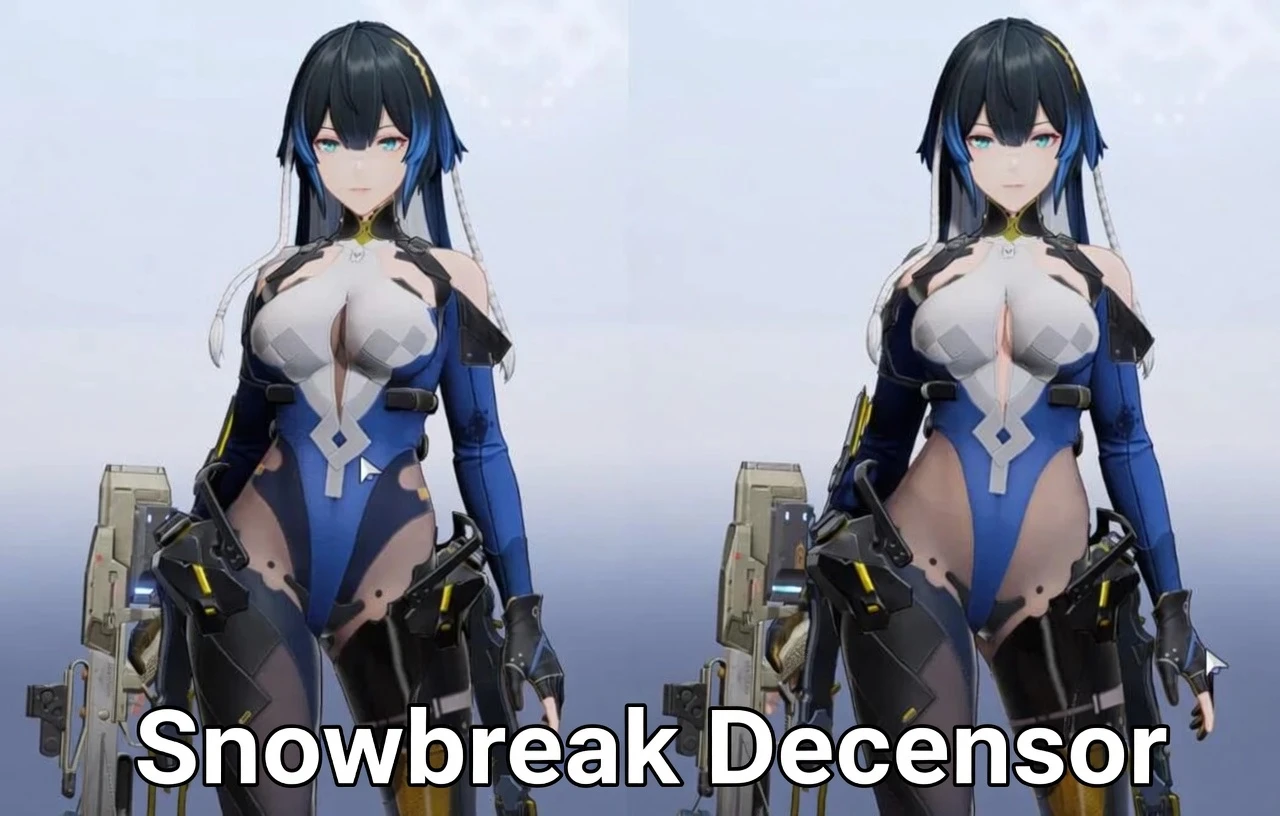
  • PC Snowbreak Decensor

  • PC Mint Swimsuit Jacket Removal (+ Brown Skin Variant)

  • PC Mint Regular Outfit Replaced with Swimsuit (+ Brown Skin Variant)

Latest updates

  1. v1.1.1a - README.md the installation updated

    The installation of README.md has been updated and corrected.
  2. v1.1.1 - False Positive Fix + Improved Detection Dialog

    Fixed: Fixed game closing silently with no pop-up for users running applications such as the...
  3. v1.1.0

    Fixed: Fixed startup crash when certain background processes were present. Fixed Security...

chewy8

Members
Members
May 10, 2026
0
1
Assuming you did what you see in the above image...
And assuming you have "C:\VideoGames\Neverness To Everness\Client\WindowsNoEditor\HT\Content\Paks\~mods" or where ever your game is installed set up...

If its not working, make sure your antivirus isn't removing anything.

Are you running at Linux? What is your operating system and what's give you a error when you tried to launch game? Could you take the screenshot and show me the example?

Hi, thanks for your answers,

Yes I am running CachyOS, which is a Linux distro. There are no errors, and no logs from the modloader whatsoever (that should supposedly drop in the version.dll file's directory, but I've looked everywhere inside the game installation.)
It's like the game does not even acknowledge the modloader.
 

zoey66

Members
Members
May 19, 2026
0
0
same downloaded 1.1.1a and windows defender said it has a virus, didn't happen on 1.0.0a
Same thing happened to me. It worked file yesterday but today when I launched the game I got a trojan warning. Put the zip file in virustotal and now I'm worried about my PC :/ does anyone know more? Is this a false alarm?
 

Cursed Sprite

Members
Members
May 7, 2026
0
0
Is interesting, I got a virus warning too, but I still have been using the previous version, used it fine with it just randomely popping up recently, I restored it an it still works fine.
 

Lazuras5580

Members
Members
May 21, 2026
0
1
Same thing happened to me. It worked file yesterday but today when I launched the game I got a trojan warning. Put the zip file in virustotal and now I'm worried about my PC :/ does anyone know more? Is this a false alarm?
put it through virusTotal also and got many red flags! i've only downloaded the latest version.
 

GentleLight8758

AppealingBasedGames
Members
Jun 2, 2025
0
2
That's weird. When I download version 1.1.1, it triggers a virus warning. Is anyone else experiencing this?

same downloaded 1.1.1a and windows defender said it has a virus, didn't happen on 1.0.0a

Same thing happened to me. It worked file yesterday but today when I launched the game I got a trojan warning. Put the zip file in virustotal and now I'm worried about my PC :/ does anyone know more? Is this a false alarm?

Is interesting, I got a virus warning too, but I still have been using the previous version, used it fine with it just randomely popping up recently, I restored it an it still works fine.

put it through virusTotal also and got many red flags! i've only downloaded the latest version.

I recommend reading the earlier post from the admin/modder.
 

Genzide

Members
Members
May 23, 2026
0
0
Every time i launch the game, it deletes the .asi. I'll put it back in the /Win64 folder but it just disappears after i launch