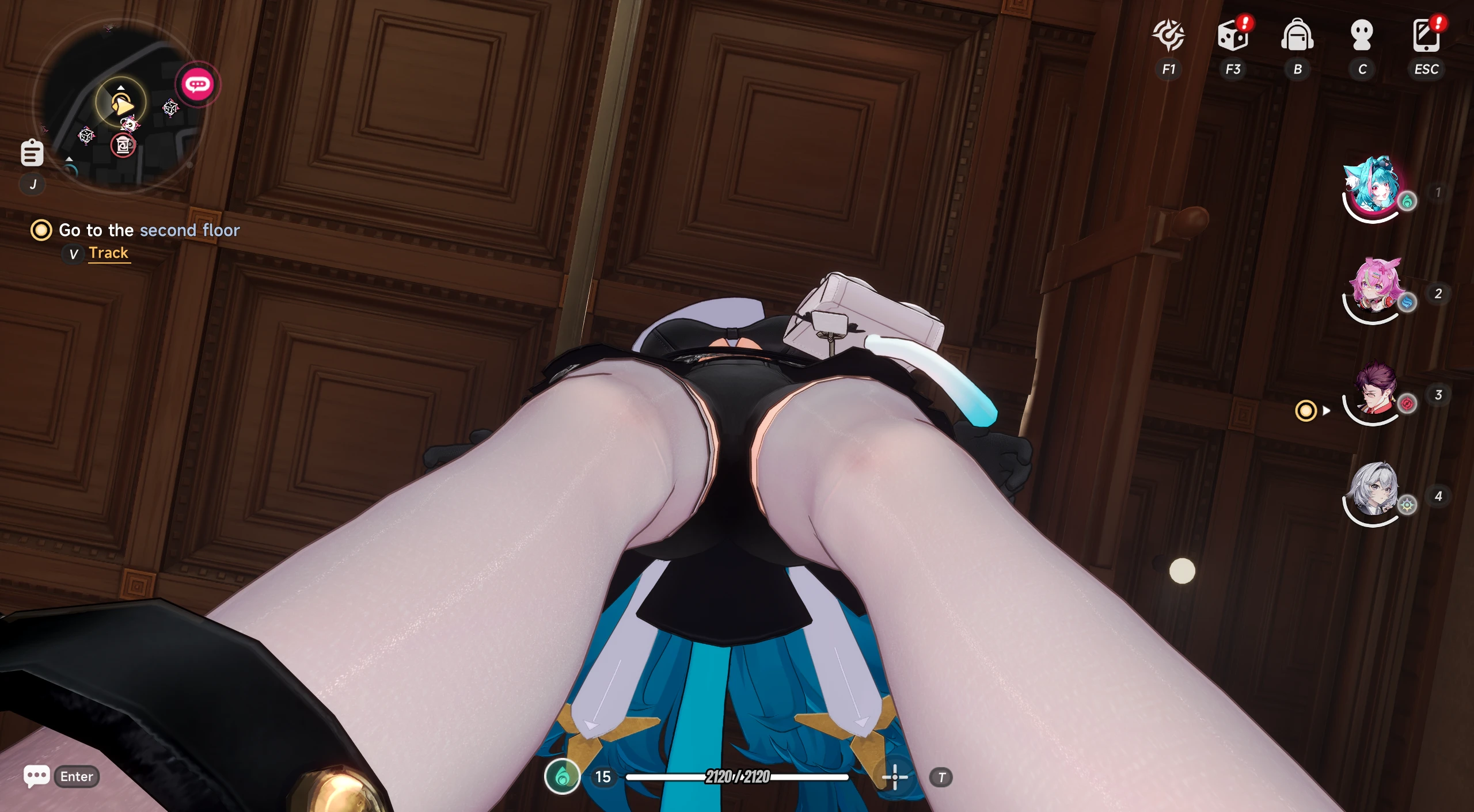
Ayaka NTE Decensored
Remove Transparency Fade & Camera Cull - Neverness to Everness
Remove Transparency Fade & Camera Cull - Neverness to Everness
Overview:
This mod removes the dither/transparency fade censorship system that NTE applies to characters when they are close to the camera or viewed from certain pitch angles. By default, the game fades characters into a stencil-based dither overlay, this mod disables that system entirely, keeping all characters fully visible at all times.
What does this mod do?:
- Removes proximity fade characters that no longer become transparent when near the camera
- Removes pitch fade characters that no longer fade when the camera looks up or down at steep angles
- Nullifies the Actor Fade Curve used for the transparency effect
- Affects your character and all party members (slots 1–4)
- Applied at runtime, no permanent file changes to the game
Installation:
- Extract UE4SS into your NTE binaries folder:
HT\Binaries\win64\ - Launch the game the mod activates automatically on world load
Uninstallation/Disable:
Set
AyakaNTEDecensor : 0 in mods.txt or delete the AyakaNTEDecensor folder from the Mods directory.Password: ayakamods.com
Upload Permission:
- You are strictly forbidden from uploading this file to any other website.
Credits:
- Author: Senku Aoki / AyakaMods
- Researched and developed using Dumper-7, IDA Pro, FModel, UAssetGUI, UE4SS
If you enjoy this mod, leave a rating and share it with your community!