AyakaNTEBypasser - NTE Signature Bypass 1.1.1a

A Mod for Neverness to Everness
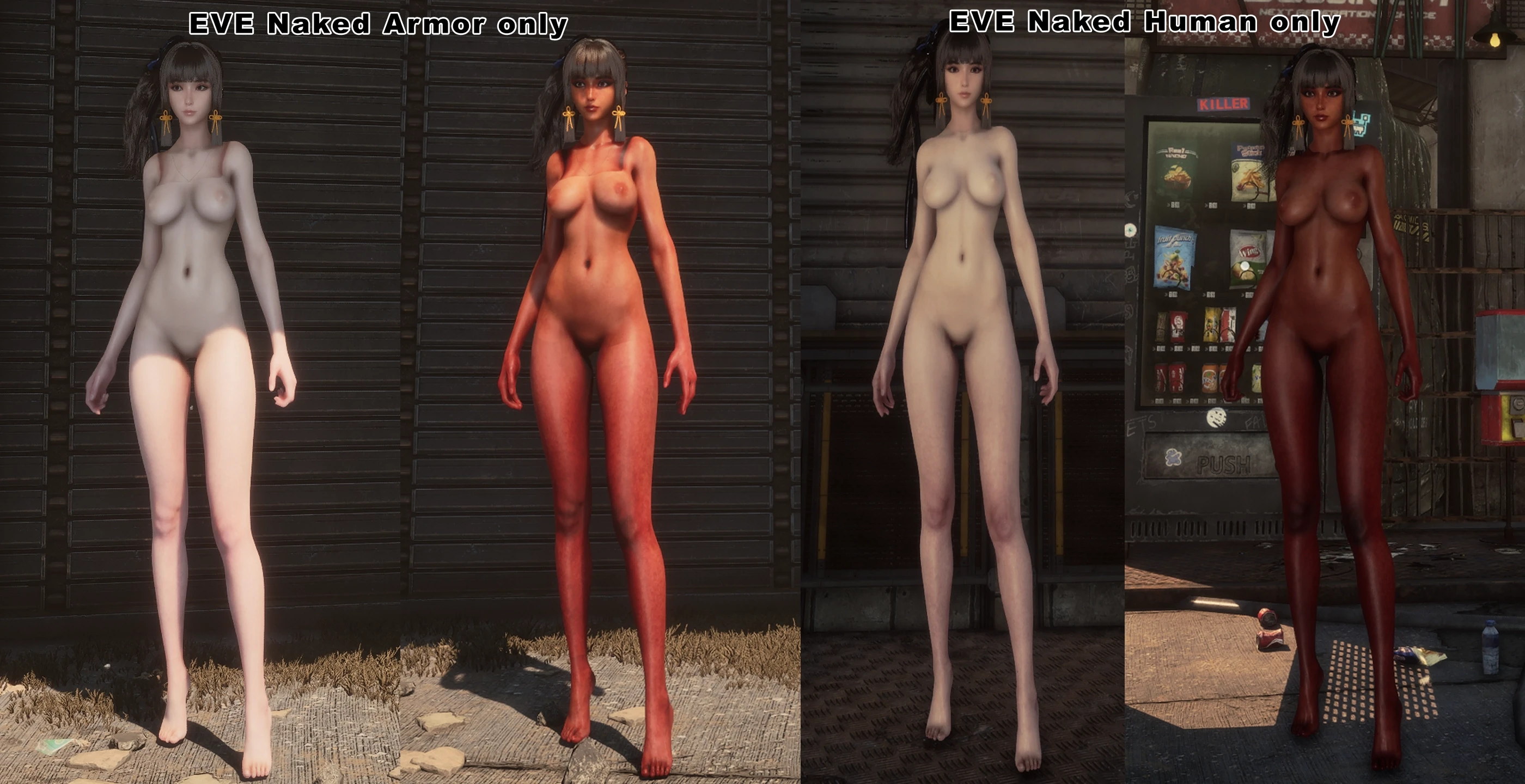
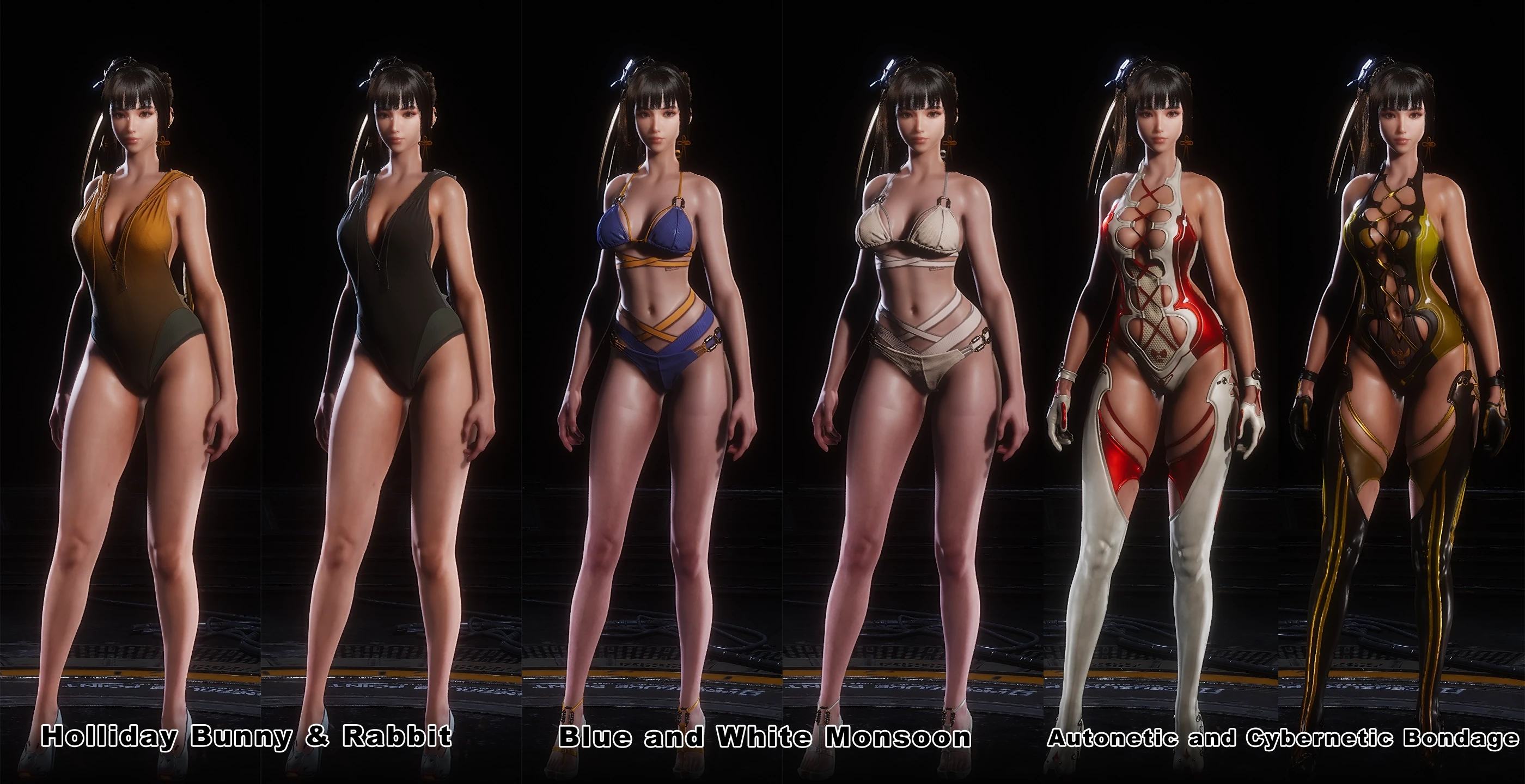
AyakaNTEBypasser - NTE Signature Bypass Mod Preview Image

AyakaNTEBypasser
NTE Signature Bypass · Made by AyakaMods & Senku Aoki


> Join NTE Modding Discord Server <

https://discord.gg/ZE3DAAWu85


What is this?

AyakaNTEBypasser is a lightweight runtime patcher for Neverness to Everness that neutralises the game's built-in signature verification check. Without this bypass, the game detects modified or injected assets and refuses to load them. This tool patches a single function in HTGame.exe At startup, no game files are modified on disk.


How it works:

The bypass is injected as a .asi DLL via any standard ASI loader. On attach it:

  1. Checks the host process name, exits silently if it is notHTGame.exe, leaving crash reporters and launchers completely untouched
  2. Scans the loaded module for one of six known byte patterns that identify the signature verification function across game versions
  3. Follows the relative jump from the matched pattern to the actual check routine
  4. Writes a three-byte patch (MOV AL, 1 / RET) that forces the check to always return success

The entire operation completes in under one second and leaves no permanent changes to the game installation.


Stealth features:
  • PEB unlink: the module is removed from all three Windows loader lists (InLoadOrder, InMemoryOrder, InInitializationOrder) so module enumeration tools cannot see it
  • The header erases: the PE/MZ header page, which is zeroed in memory after injection, removing the on-disk signature from any memory scan
  • Compile-time string encryption: all sensitive strings (process name, log filename) are XOR-encrypted at compile time via a constexpr template and only decrypted at runtime
  • No debug symbols: Release builds ship with no PDB and no debug information


Multi-version pattern support:

The patcher carries six independent byte patterns covering different builds and updates of NTE. If the game updates and shifts the function, it will automatically fall through to the next pattern. When a match is found, the pattern number and resolved address are written to the log so you can verify it is working.


Installation:
  1. The Bypasser must be installed in the following folder C:\Program Files\Neverness To Everness\Client\WindowsNoEditor\HT\Binaries\Win64\
  2. The mod installed here: C:\Program Files\Neverness To Everness\Client\WindowsNoEditor\HT\Content\Paks\
  3. Create a ~mods folder and put it in the mod files.


Requirements:
  • Neverness to Everness (PC, HTGame.exe)
  • An ASI loader compatible with the game executable
  • Windows 10 / 11 x64
  • Visual C++ Redistributable 2026 (x64)


Upload Permission:
  • You are strictly forbidden from uploading this file to any other website.


Changelog:
  • Updated installation for beginners to understand. Thanks to @Gnaman77 for making installation better!

Credits by me (Senku Aoki)


AyakaNTEBypasser is provided for modding and preservation purposes.
This tool does not interact with any online services or other players.
31.1 MB
Log in or sign up to download
Uploaded by
Senku Aoki
Downloads
4,535
Views
43,290
First release
Last update
Platform
PC 
Version
1.1.1a
Total Size
31.1 MB
Rating
5.00 star(s) 8 ratings

Uploaded by

  • 4,535
  • 43,290

Ratings

5.00 star(s) 8 ratings

Tags

There are no tags available.

More mods from Senku Aoki

  • PC Snowbreak Decensor

  • PC No Camera Fade & No Transparency Cull (Beta)

  • PC Mint Swimsuit Jacket Removal (+ Brown Skin Variant)

  • PC Mint Regular Outfit Replaced with Swimsuit (+ Brown Skin Variant)

  • PC Neverness to Everness - HT INI Config File Decryptor

Latest updates

  1. v1.1.1a - README.md the installation updated

    The installation of README.md has been updated and corrected.
  2. v1.1.1 - False Positive Fix + Improved Detection Dialog

    Fixed: Fixed game closing silently with no pop-up for users running applications such as the...
  3. v1.1.0

    Fixed: Fixed startup crash when certain background processes were present. Fixed Security...

lxx55

Members
Members
Jun 25, 2025
0
5
I've come up with a few solutions that might help you:

1. Continue using "AyakaNTEBypasser - NTE Signature Bypass", delete `version.dll` and use `dinput8.dll` instead (you can find `dinput8.dll` at the following link: https://github.com/ThirteenAG/Ultimate-ASI-Loader/releases/tag/v9.7.1). By replacing `version.dll`, the game will no longer detect `version.dll`, but you may encounter the following issue on CN servers: after clicking "Start Game" in the game launcher, the game process may not appear and you won't be able to start the game.

2. Use "Neverness to Everness Mod Loader" (https://ayakamods.com/mods/neverness-to-everness-mod-loader.2344/). Be sure to keep your game folder clean, meaning remove any extra files added to the game root directory. Follow the steps in the author's YouTube video. Specifically, run `Game start.exe` as administrator, select `NTELauncher.exe` in the "Game Path", and finally click Start.

Both methods require creating a `~mods` folder inside the `paks` folder, and adding the mods into it.
Thank you so much! I tested it again, and although it still failed, I found some issues. First, the”AyakaNTEBypasser“ and the mods definitely loaded correctly, because I found the Mod Manager's log file in (Neverness To Everness\Client\WindowsNoEditor\HT\Binaries\Win64\AyakaNTEModLoader.log). Here's an excerpt:


╔═══════════════════════════════════════════════════════════════════════════════════╗

║ AyakaNTE Mod Loader ║

║ NTE Bypass Activated Successfully! ║

║ Made by AyakaMods & Senku Aoki ║
╚═══════════════════ ════════════════════ ════════════════════ ═══════════════════╝

Session started: 2026-05-15 00:30:57.306331100

2026-05-15 00:30:57.307073200 [INFO] <Loader:23>: Attached to HTGame.exe
2026-05-15 00:30:57.307311700 [INFO] <Loader:27>: Stealth applied — module unlinked from PEB
2026-05-15 00:30:57.498296500 [INFO] <Patcher:70>: Pattern #2 matched at 0x141275710
2026-05-15 00:30:57.498758100 [INFO] <Loader:36>: Patch written at 0x1415729a0
2026-05-15 00:30:57.498931900 [INFO] <Loader:40>: NTE bypass complete


This proves the steps were correct, but the problem is that if any ”version.dll“ file exists in the game directory, the game will directly report an error, crash, and refuse entry. I guess this anti-cheat logic is the difference between Chinese and international servers. If this cheat detection cannot be bypassed, even if the mod manager is loaded, it will still prevent entry.

”Although Neverness to Everness Mod Loader“ shows that the mod environment is mounted and the game can start normally, it cannot load any mods correctly, and they have no effect in the game.
 
Last edited:

lxx55

Members
Members
Jun 25, 2025
0
5
I've come up with a few solutions that might help you:

1. Continue using "AyakaNTEBypasser - NTE Signature Bypass", delete `version.dll` and use `dinput8.dll` instead (you can find `dinput8.dll` at the following link: https://github.com/ThirteenAG/Ultimate-ASI-Loader/releases/tag/v9.7.1). By replacing `version.dll`, the game will no longer detect `version.dll`, but you may encounter the following issue on CN servers: after clicking "Start Game" in the game launcher, the game process may not appear and you won't be able to start the game.

2. Use "Neverness to Everness Mod Loader" (https://ayakamods.com/mods/neverness-to-everness-mod-loader.2344/). Be sure to keep your game folder clean, meaning remove any extra files added to the game root directory. Follow the steps in the author's YouTube video. Specifically, run `Game start.exe` as administrator, select `NTELauncher.exe` in the "Game Path", and finally click Start.

Both methods require creating a `~mods` folder inside the `paks` folder, and adding the mods into it.
Oh my god, my problem is finally solved! I've been thinking about why everyone else's problem was solved while mine wasn't. The file manager had loaded successfully, and then while searching through the files, I found remnants of the 3DM format DX11 mod's log files in the game's root directory. I gritted my teeth, wiped all the game data, downloaded all the data files again in a new directory, and restarted my computer. and... it worked! The problem that had been bothering me for over ten days is finally solved! Thank you all so much for the ideas and help; otherwise, I might have given up. I can only say that when you encounter a problem you can't solve, restarting your computer or reinstalling the system can solve 99% of the problems, hahaha! Anyway, thank you all again and again!!!
 

lxx55

Members
Members
Jun 25, 2025
0
5
Lamento no haberte podido ayudar, hermano; espero que encuentres una solución pronto.
Oh my god, my problem is finally solved! I've been thinking about why everyone else's problem was solved while mine wasn't. The file manager had loaded successfully, and then while searching through the files, I found remnants of the 3DM format DX11 mod's log files in the game's root directory. I gritted my teeth, wiped all the game data, downloaded all the data files again in a new directory, and restarted my computer. and... it worked! The problem that had been bothering me for over ten days is finally solved! Thank you all so much for the ideas and help; otherwise, I might have given up. I can only say that when you encounter a problem you can't solve, restarting your computer or reinstalling the system can solve 99% of the problems, hahaha! Anyway, thank you all again and again!!!
 

lxx55

Members
Members
Jun 25, 2025
0
5
Problem Summary:

Hopefully this helps those who can't load mods.

1. Ensure the game file environment is completely clean. If a 100% clean installation cannot be guaranteed, try reinstalling the game in a different installation path, and then restart your computer. (Very important)

2. Choose a suitable mod manager based on your server.(Bypassing cheat detection)

International Server(NTEGlobalLauncher): AyakaNTEBypasser - NTE Signature Bypass
Link:https://ayakamods.com/mods/ayakantebypasser-nte-signature-bypass.2325/
Chinese Server(NTELauncher): Neverness to Everness Mod Loader
Link:https://ayakamods.com/mods/neverness-to-everness-mod-loader.2344/

3. Strictly follow the installation path required by the mod manager.

4.Place the mod in the following path:
Neverness To Everness\Client\WindowsNoEditor\HT\Content\Paks\~mods (create a new folder named ~mods)

5. Enter the game and switch to the corresponding outfit modified by the mod to see the actual effect.

Acknowledgments: Thank you to everyone who helped me; sincere gratitude goes out to you all!
 
Last edited:

angrywater

Members
Members
May 15, 2026
0
1
Is it possible not to check "devenv.exe"? I am just loading my own Visual Studio project, and this kick me out of the game. thanks.
 

lxx55

Members
Members
Jun 25, 2025
0
5
Is it possible not to check "devenv.exe"? I am just loading my own Visual Studio project, and this kick me out of the game. thanks.
First, confirm your game server region and version, then install using the mod manager recommended above, while also paying attention to other precautions.
 

angrywater

Members
Members
May 15, 2026
0
1
First, confirm your game server region and version, then install using the mod manager recommended above, while also paying attention to other precautions.
Americas server, mod loaded and works, but it always check devnev.exe, I can not launch game or would exit game during playing if Visual Studio executing background or I launch Visual Studio.
 

lxx55

Members
Members
Jun 25, 2025
0
5
Americas server, mod loaded and works, but it always check devnev.exe, I can not launch game or would exit game during playing if Visual Studio executing background or I launch Visual Studio.
I'm very sorry, I'm not quite sure about this issue either. I've only dealt with modules related to changing skins so far. You can wait and see if a professional can answer your question.
 

Senku Aoki

Admin
Staff member
Admin
Uploaders
Modder
Members
Mar 10, 2018
6,600
30,068
Americas server, mod loaded and works, but it always check devnev.exe, I can not launch game or would exit game during playing if Visual Studio executing background or I launch Visual Studio.
You will need to close Visual Studio Community so you can launch the game with the mod loader.